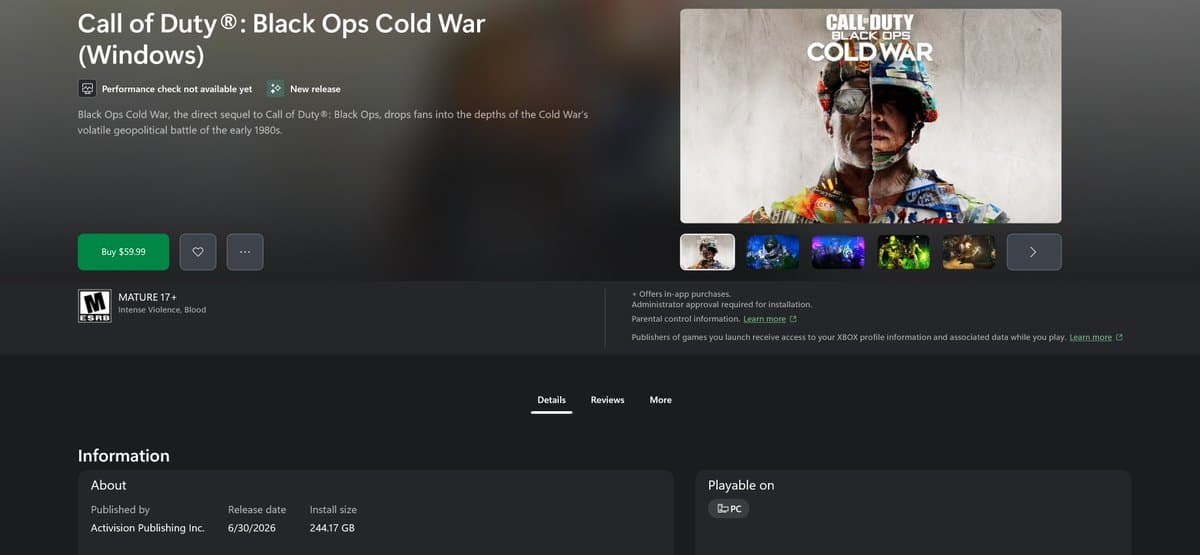
Enable TPM 2.0 and Secure Boot to Play Black Ops 7, Warzone
Enable TPM 2.0 and Secure Boot or update BIOS and Windows to play Black Ops 7 and Warzone. Activision's Ricochet and Remote Attestation enforce this PC security baseline.
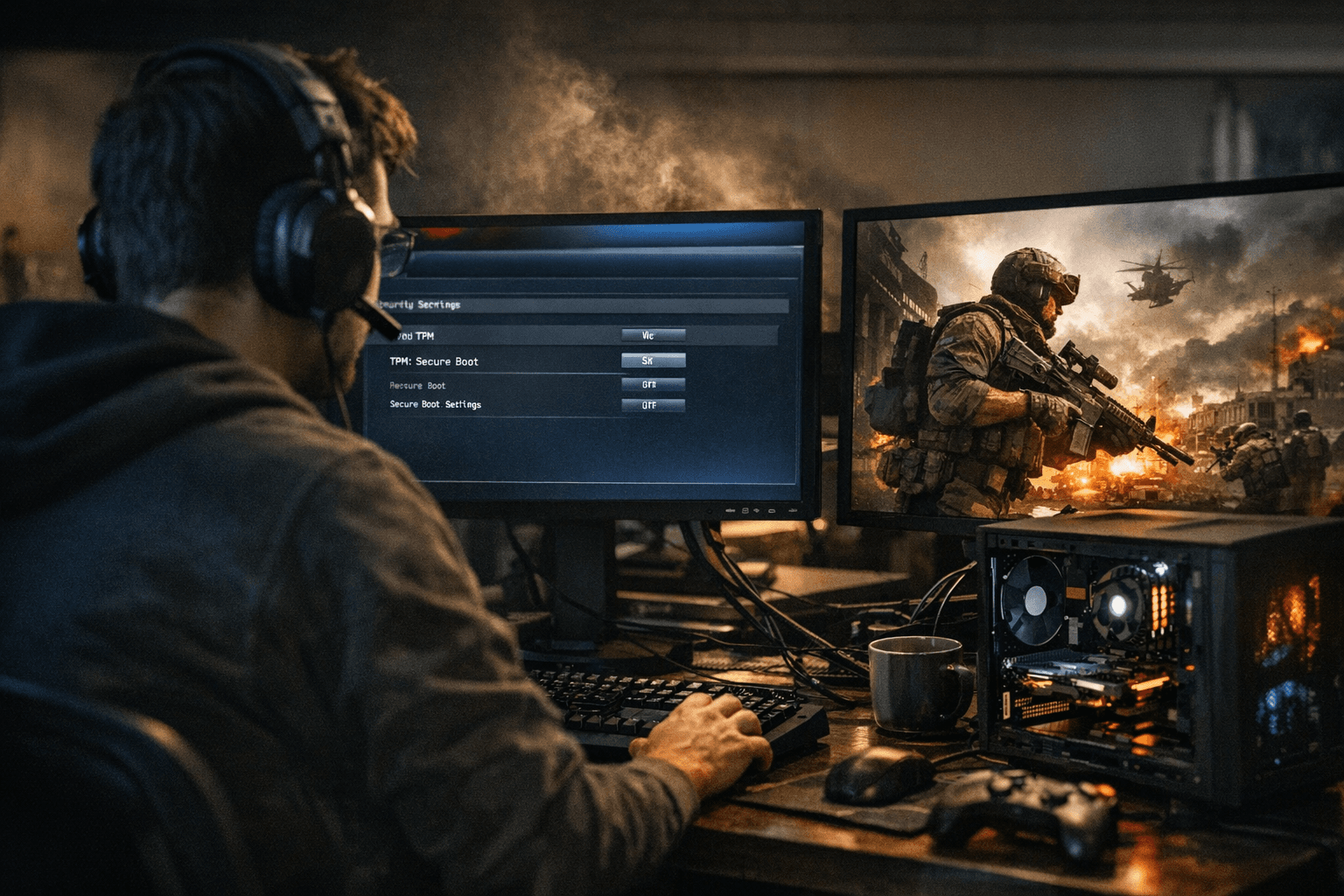
PC players trying to jump into Black Ops 7 or Warzone now face a hard requirement: TPM 2.0 and Secure Boot must be active for the game's anti-cheat attestation to complete. Activision's Ricochet kernel anti-cheat and Remote Attestation rely on those platform features to detect low-level tampering, so machines that lack TPM support or run Legacy BIOS without Secure Boot will be blocked until they meet the security baseline.
Start by confirming your Windows build. Ensure Windows 10 22H2 or newer, or Windows 11. Check TPM status by pressing Windows+R and running tpm.msc; if TPM is present and version 2.0 the console will show "The TPM is ready for use." If TPM is present but disabled, reboot into UEFI/BIOS and enable Intel PTT on Intel systems or AMD fTPM on AMD systems, or enable a discrete TPM module if your board has one.
Next, set the BIOS Boot Mode to UEFI and enable Secure Boot. Many PCs shipped with Legacy or MBR partitioning will need disk conversion to GPT to allow UEFI with Secure Boot; back up your drive before converting. If Secure Boot or TPM options are greyed out, download and install the latest motherboard BIOS or firmware from the manufacturer support page. After firmware updates, recheck Windows System Information by running msinfo32; Secure Boot State should read as enabled when the platform is compliant.
During the game's initial attestation sequence you may see a UAC prompt for enrollaik.exe. Accept that prompt once to register the TPM with the game's validation system; the enrollaik.exe prompt appears only during attestation. If you encounter repeated UAC prompts, an AMD firmware and BIOS mismatch is a common culprit - update the motherboard BIOS and vendor firmware, then retry the attestation flow.
This enforcement matters because it raises the technical bar for kernel and low-level cheat injection. Following vendor instructions for enabling Intel PTT or AMD fTPM, switching to UEFI, enabling Secure Boot, and applying BIOS updates avoids interruptions when you load the game. Back up before any disk partition changes and consult your motherboard maker's support pages for step-by-step firmware updates.
For players, the immediate takeaway is practical: verify Windows version, confirm TPM 2.0 with tpm.msc, switch BIOS to UEFI and enable Secure Boot, and apply vendor BIOS updates if options are unavailable or greyed out. Expect the attestation flow to prompt enrollaik.exe once; accept it to complete registration. Meeting these requirements keeps you in the lobby rather than in a troubleshooting queue, and it aligns your PC with the enforced anti-cheat baseline going forward.
This article was produced by Prism’s automated news system from verified source data, official records, and press releases, then run through automated quality and moderation checks before publishing. The system is built and supervised by the people who set the standards it runs under. Read our full AI policy.
Did this article answer your question?