How to Submit CrossFit Videos Correctly: Requirements, Tips, and Checklist
One camera angle cost Josh Bridges 50 reps on Open 16.4 — here's the exact checklist every athlete and affiliate needs before hitting record.
When Josh Bridges posted 330 reps on Open Workout 16.4, it stood as the highest score in the world. Then CrossFit's review team flagged questionable deadlift reps due to the camera angle, and a Major Penalty reduced his score by 15 percent to 280 reps. Fifty reps gone, not because of the movement itself, but because the footage couldn't definitively prove the standard was met. That one submission detail — where the camera was pointed — changed everything. It's a lesson every competitive CrossFit athlete needs to internalize before they press record.
The Most Common Disqualifying Mistakes
Before diving into the full process, know the errors that get videos flagged most often:
- Using the wrong video platform (Vimeo, Google Drive, Dropbox). YouTube is the only accepted platform, period.
- Editing, splicing, or speeding up footage. CrossFit explicitly forbids altered footage, and an edited video risks sanctions up to score invalidation.
- Skipping the required introduction. Missing athlete name, affiliate name, or on-camera equipment measurements is one of the most frequently cited grounds for rejection.
- Poor camera placement that obscures feet, hips, or bar path during lifts, making range of motion impossible to assess.
- Listing an unqualified judge. For certain competition stages, the judge must have completed the current Judges Course or hold an advanced credential.
If your video has any of these problems, CrossFit's review team will find it. Every penalized submission is reviewed by multiple judges, not just one.
Platform and Submission Requirements
YouTube is the only platform CrossFit accepts for video submissions. Set the video to Public or Unlisted within the YouTube settings; private videos will not work in the submission flow. Do not submit links from Vimeo, Google Drive, Dropbox, or any other hosting service regardless of how accessible those links seem.
Once your video is uploaded, paste the YouTube URL directly into the CrossFit Games submission flow. You will also be prompted to enter the judge's name as part of that submission. Keep this information accurate because discrepancies between the listed judge and the person visible on camera will draw scrutiny.
Judge Credential Requirements by Stage
Judge requirements are not uniform across the season. During the Open, a knowledgeable peer can serve as your judge in most cases, but Quarterfinals and beyond impose stricter standards. For advanced stages, CrossFit requires a judge who has completed the current Judges Course or holds a qualifying advanced credential.
One important credential note: the Advanced Judges Course is valid for three years. If your judge completed the Advanced Judges Course in 2025, they do not need to retake the 2026 Judges Course to remain qualified. Always cross-check the specific event rulebook or announcement before competition day, and keep a copy of your judge's course completion certificate in case CrossFit requests verification. If a judge does not meet the required criteria for a given stage, the athlete, not the judge, may receive the penalty.
What Your Video Must Show
CrossFit's Video Review Best Practices document is specific about coverage requirements. The camera must capture the athlete and judge for the entire set of repetitions, transitions, and rest periods. Nothing may be obscured at any point. The practical standard is this: if a reviewer cannot confirm a rep met the standard from your footage, they will assume it did not.
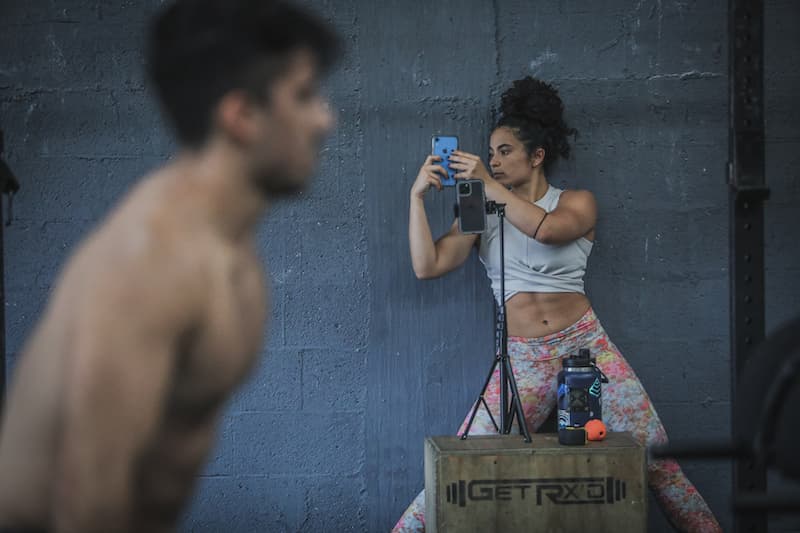
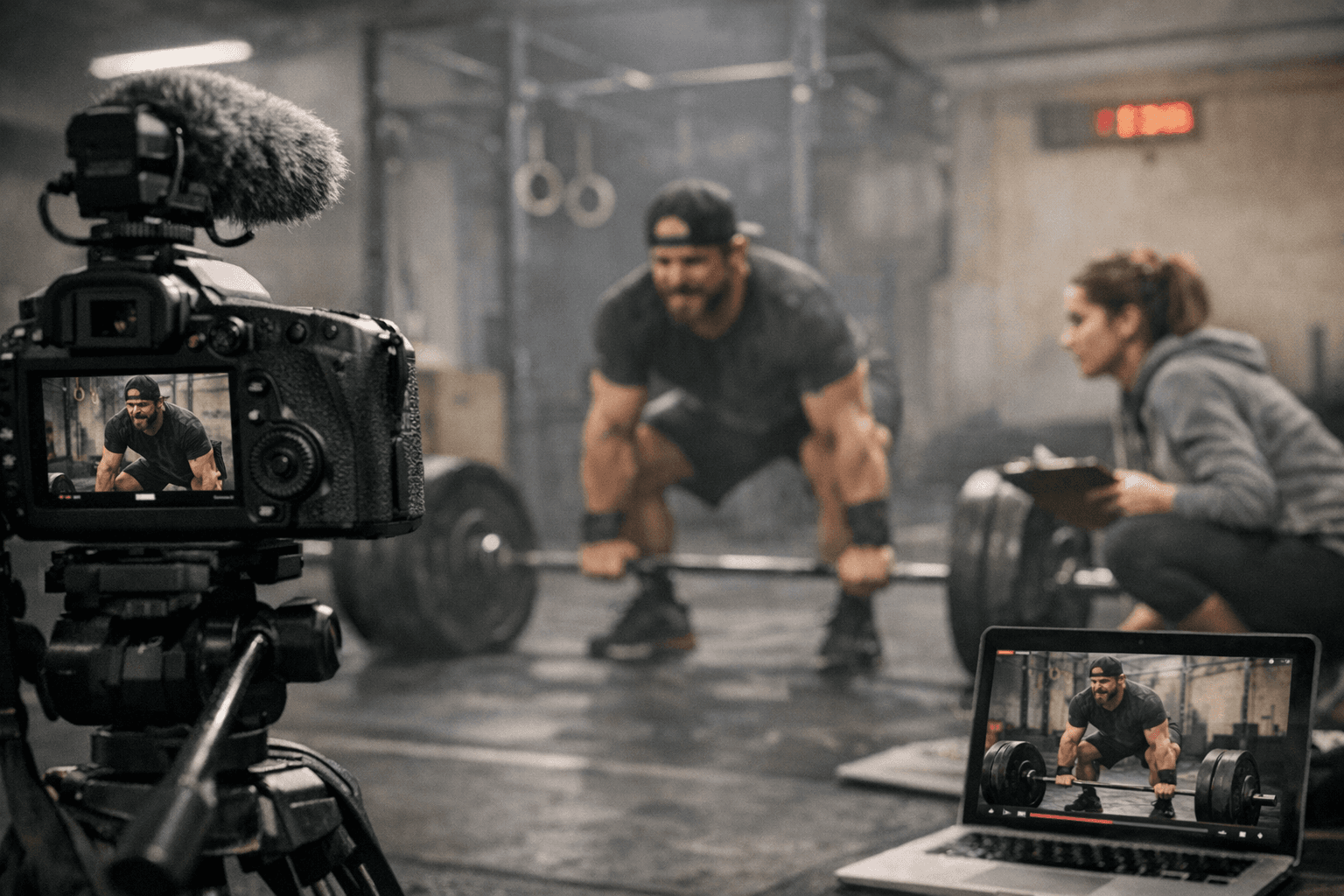
Dual camera angles are strongly recommended. Use one wide shot to capture full body and bar path throughout, and a second close angle for movements where depth or range of motion is the judging criteria, such as squat depth or lockout position. A single phone propped against a wall may not be enough for high-stakes performances.
The Required Introduction
Every video must begin with a filmed introduction before the workout starts. This introduction must include the athlete's name, affiliate name if applicable, the announced workout weights, and any required equipment measurements captured on camera. For workouts involving bars, plates, or rig setups, measure and display those on screen. Incomplete introductions are one of the leading causes of submission rejection. Film the measurements slowly and clearly so the numbers are readable on screen.
The Pre-Filming Checklist
Run through this sequence before every competition attempt:
1. Read the specific workout standards and video requirements fully before warming up. Do not rely on memory from a previous year.
2. Verify exact loads and measure bars, plates, and rig setups. Capture all of this on camera before the clock starts.
3. Confirm judge credential requirements for this specific stage of competition (Open, Quarterfinals, or Semifinals have different standards).
4. Set up two camera angles if possible: one wide for full body and bar path, one close for technical movement depth.
5. Film the complete required introduction: athlete name, date, judge name, and all equipment measurements.
6. Film the full workout unedited. Do not splice, cut, speed up, or apply filters to any portion of the footage.
7. At completion, have the judge announce the final score into the camera and sign a physical or digital scorecard if the event requires it.
8. Upload the finished video to YouTube as Public or Unlisted, then paste the URL and scorecard into the Games submission flow.
9. Save original raw files and preserve camera timestamps. These are your evidence if an appeal becomes necessary.
The Four Possible Review Outcomes
CrossFit's review process produces four distinct outcomes. A Good Video means the score stands as submitted, all reps confirmed. A Video With Penalty means reviewers identified no-reps or standard violations; the score is adjusted downward, with older rulebook language specifying at minimum a 15% reduction for major penalties. A Zero Score applies when an athlete clearly attempted the workout but violated standards egregiously, used wrong movements, or had incorrect loading; the score becomes zero but the athlete remains in competition. An Invalid Score is the most severe outcome, reserved for malicious or intentional rule violations. An invalid score results in full disqualification and removal of all scores from the competition, not just the affected workout.
Leaderboards, Appeals, and What Comes After Submission
Scores appear on the leaderboard as submitted, but that position is not guaranteed. CrossFit's review staff validates submissions based on score and placement, prioritizing those near the cutline or in prize money contention. For the 2026 Quarterfinals specifically, video submission is not required for every athlete; only those who place in the top five male or female individuals will be asked for a video, and that validation is specifically for prize money purposes.
If a score is adjusted or invalidated, the rulebook's appeals process is available. Raw video files, camera timestamps, and judge confirmation screenshots are the core evidence for any successful appeal. Do not delete original footage until the full competition window, including any possible appeals period, has closed.
Why Getting This Right Matters
For athletes who have put in months of training, a preventable submission error is the most frustrating way to lose a leaderboard position. At the Quarterfinals and Semifinals stages, where advancement to the next level of the season is on the line, a validation failure does not just cost a score; it can end a competitive year. Treating video submission with the same preparation as the workout itself is not overcaution. It is the standard the sport demands, and the checklist above is how you meet it.
Know something we missed? Have a correction or additional information?
Submit a Tip