How to Install ENBSeries and ReShade in GTA V Single-Player
Boris Vorontsov's ENBSeries v0.492 and ReShade can transform GTA V's visuals without touching Online — if you get the DLL chain right.
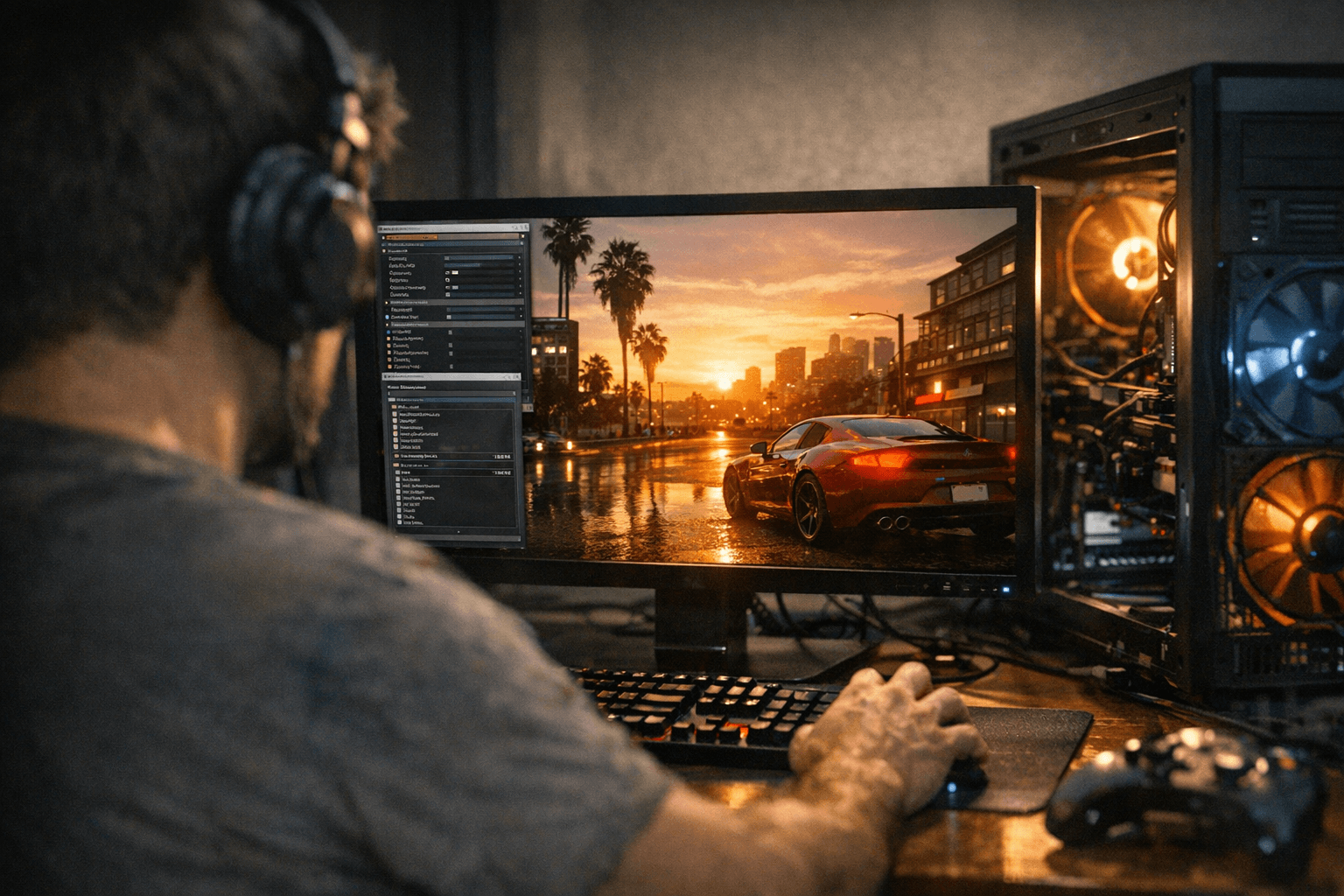
Boris Vorontsov's ENBSeries v0.492, distributed exclusively through enbdev.com, is the current standard for deep lighting and shader overhauls in GTA V single-player. ReShade, available from reshade.me, handles the post-process layer: color grading, ambient occlusion overlays, and community presets. Both tools work by injecting into the game's DirectX pipeline via replaced DLL files, which means a single misplaced binary can prevent GTA V from launching at all. That fragility is exactly why the install order and backup discipline covered below are not optional extras — they are the whole job.
Before You Touch a Single File
Three rules apply before any install begins, and none of them have exceptions.
First, copy your entire GTA V installation folder to a second location — a renamed duplicate like `GTAV_clean_backup` works fine. ENBSeries drops `d3d11.dll` and `d3dcompiler_46e.dll` directly into the game root; ReShade installs its own `dxgi.dll` or `d3d11.dll` depending on how you configure the installer. A corrupted or incompatible version of either file will stop the game from launching, and without a clean backup you are looking at a full Steam or Rockstar Games Launcher verification pass to recover.
Second, keep your modded installation completely separate from the copy you use for GTA Online. ENBSeries itself states the mod may not be compatible with multiplayer and was developed exclusively for single-player. Running a DLL injector in a live Online session is not a grey area: it risks detection, bans, or forced disconnections. Maintain a dedicated offline folder for all injector experiments and never let it near Rockstar's servers.
Third, confirm your in-game graphics API is set to DirectX 11 before installing anything. ENBSeries will not inject under DirectX 10 or any other mode, and the game will simply launch without any ENB effect applied — or crash outright. Set the API in GTA V's graphics settings menu and confirm the change sticks before moving on.
Installing ENBSeries v0.492
Download the wrapper version archive from enbdev.com. Inside the zip you will find two folders: `WrapperVersion` and `InjectorVersion`. For standard GTA V installs, use `WrapperVersion`. Copy the following files into the same directory as `GTA5.exe`:
- `d3d11.dll` (the core ENB hook)
- `d3dcompiler_46e.dll` (shader compiler dependency)
- `enblocal.ini` (hardware and proxy settings)
- `enbseries.ini` (visual parameters)
- `enblightsprite.fx` (lens flare and light sprite shader)
Launch the game once to confirm injection is working. A small ENB overlay message appears in the corner of the screen at startup when the hook is active. If the game launches clean with no overlay, the DLL is not attaching — double-check that the API is set to DX11 and that no other program is already occupying `d3d11.dll` in that directory.
Once baseline injection is confirmed, layer in community presets. ENBSeries v0.492 ships with a default preset that is intentionally sparse; the enbdev.com release notes describe it as "ugly unconfigured" out of the box. Community presets (dropped as replacement `.ini` and `.fx` files) assume a specific ENB version, so match the preset's stated ENB version to v0.492 or you risk shaders referencing parameters that do not exist in your binary. Start with one preset, verify it loads, and only then add additional shader files.
Installing ReShade
Run the official installer from reshade.me, point it at `GTA5.exe`, and select DirectX 11 when prompted for the rendering API. The installer handles shader compilation automatically and writes the correct runtime hook. After the installer finishes, copy any pre-configured preset's `.ini` file and associated shader folder into the GTA V root directory, then launch the game. ReShade's setup banner appears at the top of the screen on first launch; press `Home` to open the overlay and confirm your preset is loaded.
By default, ReShade installs as `dxgi.dll` for DX11 titles. That name matters because of what happens when ENBSeries is also present.
Running ENBSeries and ReShade Together: The Proxy Chain
This is where most combined installs fail. ENBSeries claims `d3d11.dll`; ReShade's default DX11 install claims `dxgi.dll`. These two occupy different hook points, but if either is misconfigured they will double-load or refuse to initialize. The working method:
1. Install ENBSeries normally (its `d3d11.dll` goes into the game root).
2. Install ReShade via the official installer, which writes `dxgi.dll` to the game root.
3. Open `enblocal.ini` in a text editor and locate the `[PROXY]` section. Set it to:
EnableProxyLibrary=true InitProxyFunctions=false ProxyLibrary=dxgi.dll
This tells ENBSeries to chain-load ReShade's `dxgi.dll` after its own hook initializes. Both overlays will appear at game startup when the configuration is correct. One important note from the ReShade community: do not set `InitProxyFunctions=true` with `dxgi.dll` as the proxy — that causes a startup crash because ReShade gets loaded twice.
Compatibility Matrix
Not every graphics mod plays cleanly with ENBSeries or ReShade. Here is the practical breakdown:
| Scenario | Outcome |
|---|---|
| DX11 mode + ENBSeries alone | Fully supported; confirmed working in v0.492 |
| DX10 mode + ENBSeries | ENB will not inject; no effect or crash |
| ReShade (dxgi.dll) + ENBSeries (d3d11.dll) | Compatible via proxy chain in enblocal.ini |
| ReShade and ENBSeries both set to d3d11.dll | Conflict; game will not launch |
| VisualV or NaturalVision Evolved (NVE) + ENBSeries | Potential conflict; both modify lighting and timecycle files. Load order matters and shader parameters can collide |
| Any other d3d11/dxgi injector (e.g., DXVK, FiveM overlays) | Treat as a conflict until tested; each additional DLL injector competes for the same hook point |
VisualV and NaturalVision Evolved both ship their own timecycle and visual settings files that overlap heavily with ENBSeries parameter territory. If you use either alongside ENBSeries, introduce them one at a time and test after each addition. Running them all simultaneously without careful load-order management is the single most common cause of visual glitches and crashes in modded GTA V installs.
Performance Sanity Test
After any new injector install, run this quick test before committing to the configuration:
1. Load a save in a low-density outdoor area (the Alamo Sea region or the Senora Desert work well) and let the game sit for 60 seconds. Watch for any GPU or CPU spike that should not be there relative to your baseline.
2. Drive into a dense urban area (downtown Los Santos, near the Maze Bank Tower) and monitor frame time. ENBSeries at high settings is expensive; a drop from a stable 60 fps to sub-30 in dense geometry usually points to ambient occlusion or shadow quality settings in `enbseries.ini` being set too high for the hardware.
3. Disable in-game MSAA entirely. ENBSeries uses its own anti-aliasing implementation, and leaving MSAA active in the game's settings corrupts the depth buffer that both ENBSeries and ReShade rely on for effects like depth of field and ambient occlusion. This single setting is responsible for a disproportionate share of broken-looking ENB installs.
4. Note the ENB version string displayed in the corner overlay. If it does not show v0.492, you have an older binary in the folder from a previous install.
Uninstall and Revert in Under Five Minutes
Getting back to a completely stock GTA V is straightforward if you kept the clean backup folder.
1. Close GTA V completely.
2. Delete the following files from the game root: `d3d11.dll`, `d3dcompiler_46e.dll`, `dxgi.dll`, `enblocal.ini`, `enbseries.ini`, `ReShade.ini`, the `reshade-shaders` folder, and any `.fx` files you added for ENB presets.
3. Copy the original `d3d11.dll` back from your clean backup folder if Windows or a previous install placed a system copy there (most GTA V installs do not ship with a root-level `d3d11.dll`, so deletion alone is usually enough).
4. If any doubt remains about file integrity, run a game file verification through Steam (Properties > Installed Files > Verify integrity) or through the Rockstar Games Launcher. This replaces any modified or missing binaries with Rockstar's originals without touching save files or settings.
5. Launch the game. No ENB overlay at startup confirms a clean state.
Because ENBSeries binaries are strictly prohibited from redistribution on Nexus Mods or similar sites per Vorontsov's terms, the only reliable source for a fresh copy of v0.492 is enbdev.com directly. Bookmark it; if something goes wrong you will want the canonical download, not a third-party mirror of uncertain provenance.
The injector ecosystem around GTA V has stayed remarkably stable given how many Rockstar updates the game has absorbed over the years, but the relationship between engine builds, DirectX hooks, and community preset versions requires active maintenance. Keeping a clean backup, validating the DLL chain before adding community presets, and never mixing these tools with Online are the three habits that separate a smooth install from hours of troubleshooting.
This article was produced by Prism’s automated news system from verified source data, official records, and press releases, then run through automated quality and moderation checks before publishing. The system is built and supervised by the people who set the standards it runs under. Read our full AI policy.
Did this article answer your question?


