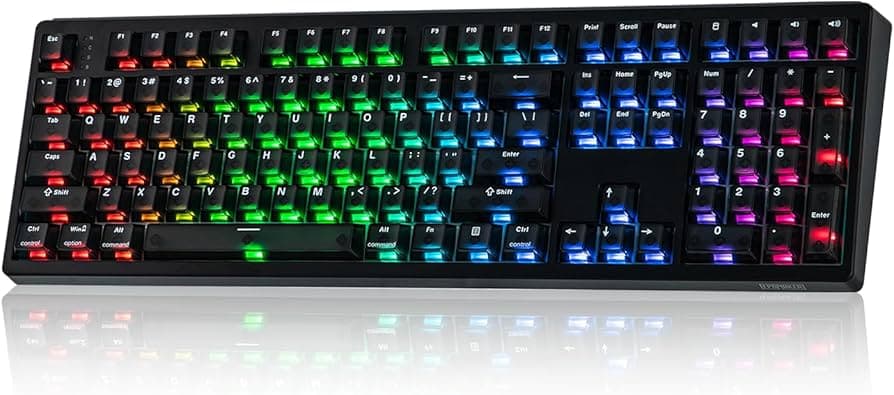
Akko firmware updates reportedly bricked some keyboards after Cloud Driver flashes
Several Akko keyboards became unresponsive after Cloud Driver firmware updates, prompting community workarounds and warnings about update risks. This matters for anyone with Akko boards who plans to flash firmware.
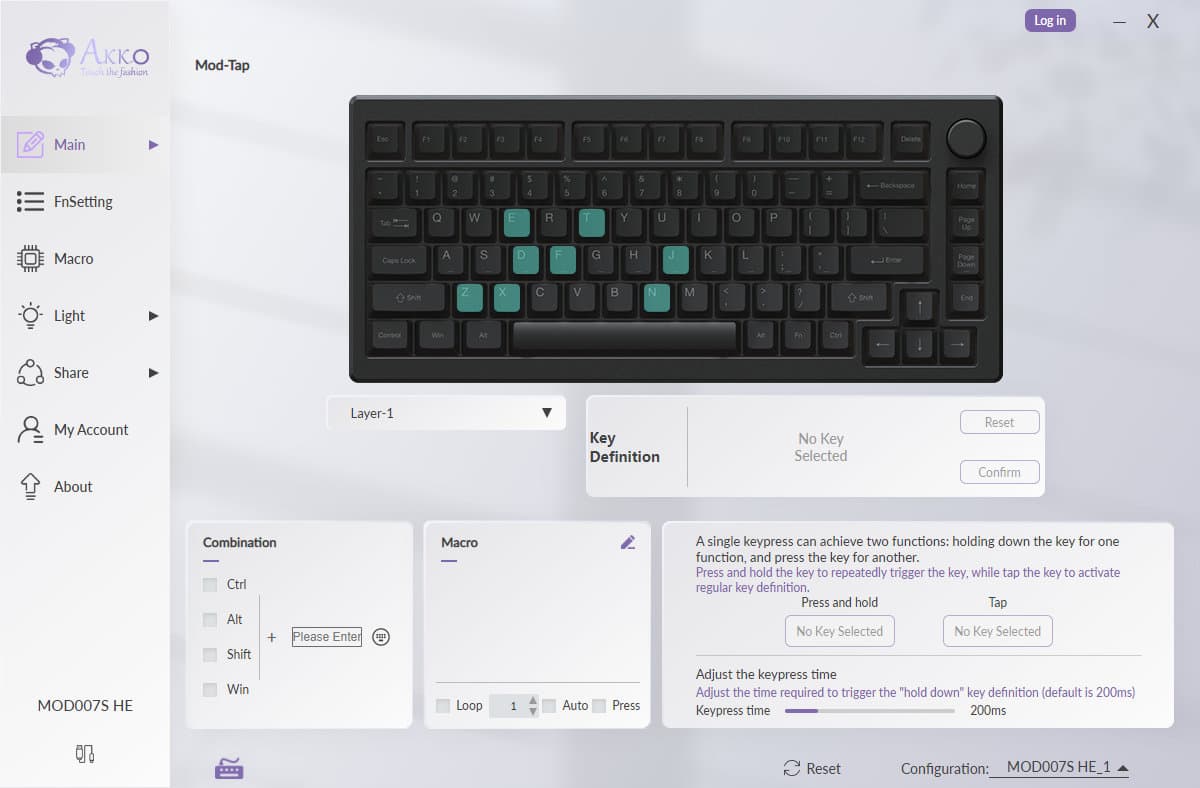
Several owners in Akko community channels reported that their keyboards became unresponsive or effectively "bricked" after applying firmware updates through Akko's Cloud Driver. The most visible account described an error during flashing on January 12, 2026; afterward the board showed ghosting, missing keys, and the Cloud Driver failed to detect the device. Other posts from January 12–13 described similar failures, and a few users said their keyboards no longer powered on after an update.
The problem appears tied to interrupted or erroneous firmware flashes. Community replies point to older guidance in Akko's FAQ and forum history that warns a failed flash can brick a keyboard and that users should contact support for recovery firmware. Owners report mixed experiences getting recovery help, and frustration over support turnaround times is a common thread. The incident has immediate consequences for owner trust, warranty and service workflows, and the practical advice people share when updating boards.
Practical troubleshooting and workarounds circulated quickly. Users recommended ensuring a stable wired connection rather than updating over wireless or an unstable link, using the website version of Akko's driver tools in addition to the app, and backing up keymap profiles before flashing. For models that support QMK, some reported success using QMK Toolbox for recovery or reflashing. Others suggested trying earlier driver versions or different USB cables and ports. Community discussion emphasized documenting the failure - serial, photos, and logs - before contacting support to help speed service responses.
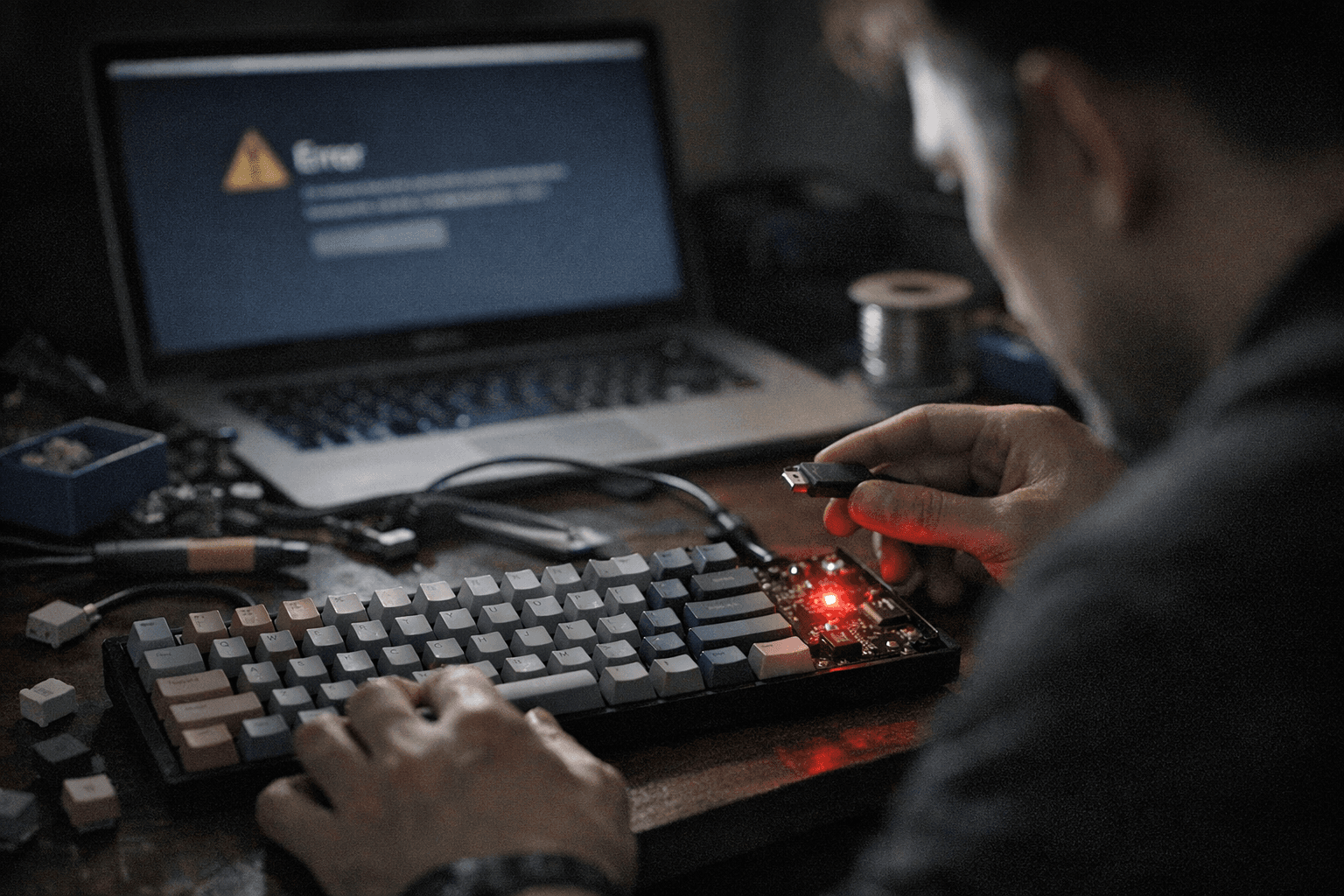
This matters because firmware flashes are a routine part of keyboard maintenance and customization. Bricking risk changes the calculus for whether to update immediately or wait, and it affects what advice you give to friends or when buying used gear. If you own an Akko HE or any Akko model that uses Cloud Driver updates, take the conservative route: avoid wireless updates, back up layouts and profiles, and run a wired flash on a known-good cable and port. If a flash fails, stop repeating risky attempts and contact support for recovery firmware rather than cycling through more flashes that could worsen the board's state.
Our two cents? Treat firmware flashes like surgery: prep the patient, use reliable tools, and call for professional help at the first sign of trouble. Back up your keymaps, pick a stable wired setup, and document everything before you contact support so you can speed recovery and avoid turning a simple update into a costly replacement.
This article was produced by Prism’s automated news system from verified source data, official records, and press releases, then run through automated quality and moderation checks before publishing. The system is built and supervised by the people who set the standards it runs under. Read our full AI policy.
Did this article answer your question?