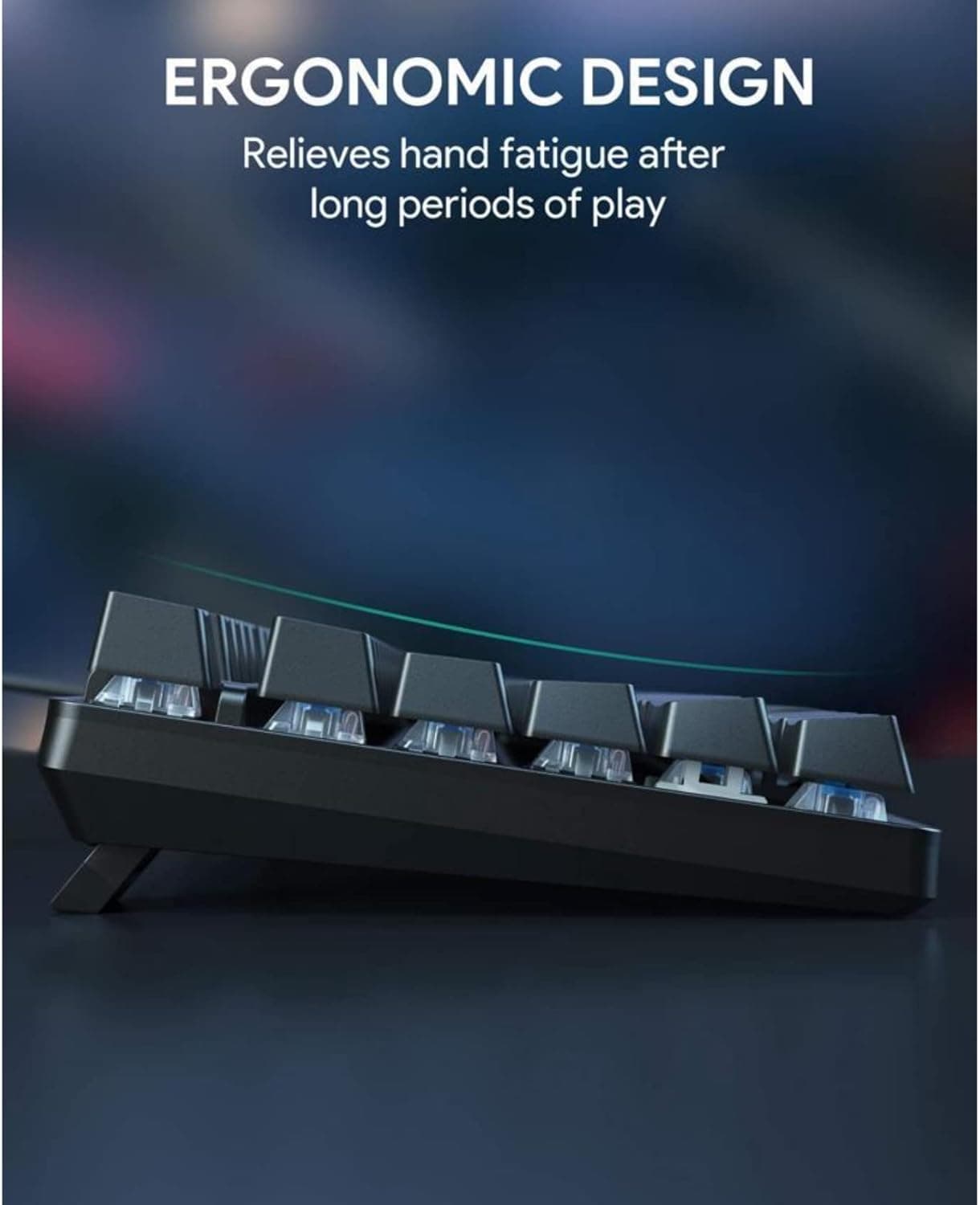
Choosing Mechanical Keyboard Switches: Linear, Tactile, and Clicky Explained
Switches are the single most important tactile decision you'll make for a mechanical keyboard - here's everything you need to know before buying.
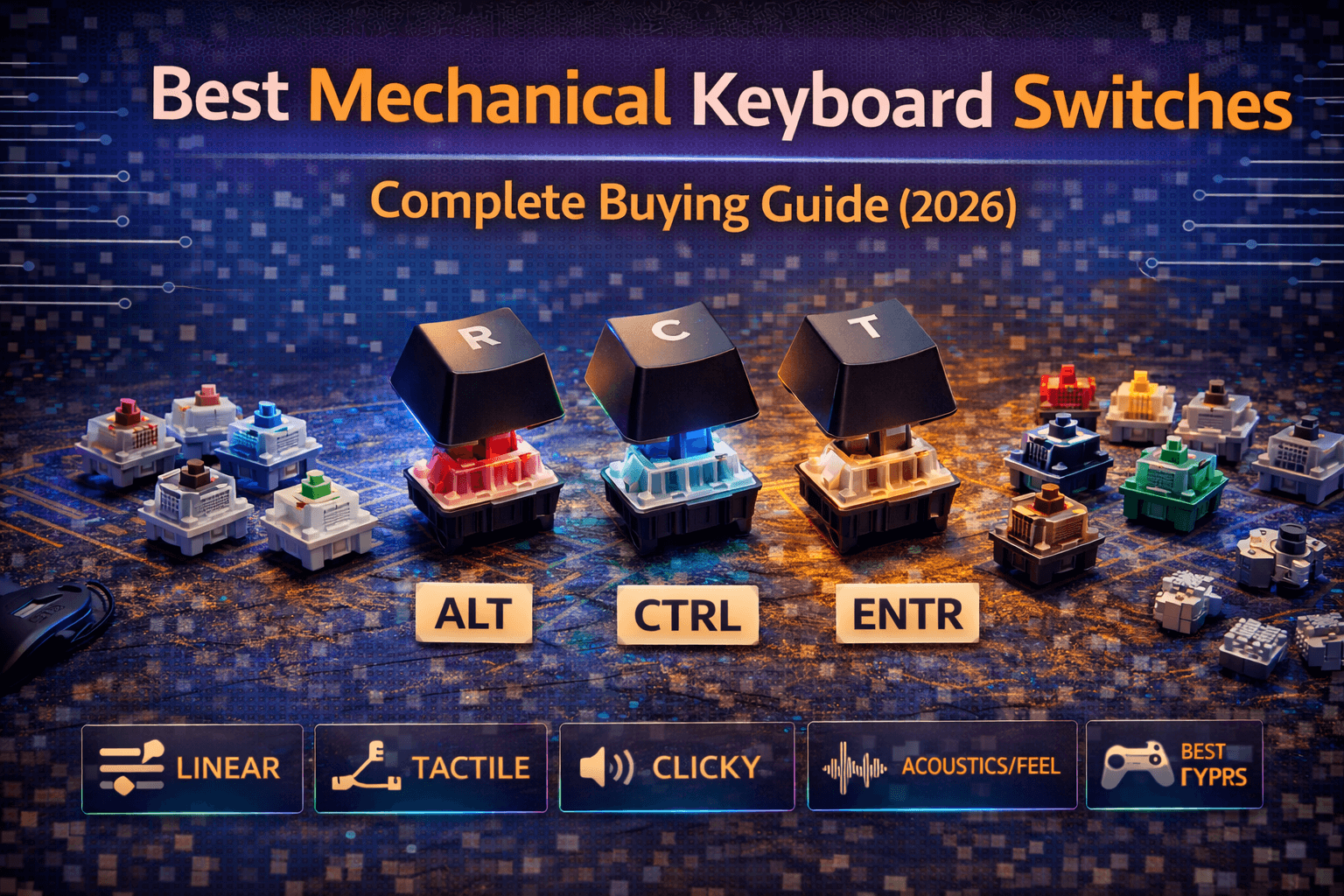
Choosing switches is the single most important tactile decision a mechanical keyboard buyer makes." That's not hyperbole - it's the practical reality that anyone who's spent time in this hobby will confirm. The switch sitting beneath each keycap shapes everything about how your board feels, sounds, and performs, which means getting this decision right matters far more than chasing a particular case material or RGB setup.
Why mechanical switches are different in the first place
Unlike membrane keyboards, which rely on pressure pads and conductive traces, mechanical keyboards activate with a physical switch mechanism. That fundamental difference makes them more reliable and, crucially, gives you the ability to choose from different types of switches that affect how the keyboard feels and sounds. It's that element of choice - not just the hardware itself - that draws gamers, writers, and tech enthusiasts to mechanical keyboards. The durability, customizability, and satisfying typing feel all follow from it.
"Switches are the heart of any mechanical keyboard," as Keebtalk puts it. "They determine the feel, actuation force, and sound profile of your keystrokes." Everything else on the board serves those switches.
The three core switch families
The vast majority of switches you'll encounter fall into three families: linear, tactile, and clicky. Understanding what separates them is the foundation of every switch conversation in this community.
Linear switches travel straight down with no interruption, no bump, no audible feedback along the way. The keystroke feels smooth from top to bottom, which is why they're popular with gamers who want consistent, fast actuation. Tactile switches introduce a deliberate bump partway through the travel, giving your finger physical confirmation that the key has registered without requiring you to bottom out. Typists who want feedback without noise tend to gravitate here. Clicky switches add an audible click to that tactile bump, producing the sharp, satisfying sound that probably comes to mind when someone pictures a classic mechanical keyboard. They're expressive and satisfying to type on, though your coworkers, family members, or teammates on voice chat may have opinions.
Some guides, including Mechanicalkeyboards, list a fourth mechanical category: silent switches. These are engineered to dampen the sound at both actuation and bottom-out, making them the practical choice for shared office spaces or late-night sessions where noise is a real constraint.
Beyond mechanical: Topre and Hall Effect
The switch conversation doesn't stop at linear, tactile, and clicky. Mechanicalkeyboards categorizes switch technology more broadly into three types: mechanical, Topre, and Hall Effect. Topre switches use a hybrid capacitive-spring mechanism with a distinctly smooth, rounded tactile feel that has its own devoted following. Hall Effect switches use magnets and sensors rather than physical contact points, which eliminates wear on the actuation mechanism entirely.
These aren't interchangeable with standard mechanical switches. The FAQ from Mechanicalkeyboards is explicit on this point: "You can mix different mechanical switches on a single keyboard, however, Topre and Hall Effect switches require a different PCB design so therefore those are not compatible with one another." If you're building or buying a board with these technologies in mind, compatibility starts at the PCB level, not the switch slot.
What's actually inside a switch
Cracking open a switch reveals three fundamental components: housing, stem, and spring. The housing is the outer shell that contains and guides everything. The stem is the moving part that determines the switch's feel profile - its shape dictates whether you get a linear travel, a tactile bump, or a click. The spring controls the resistance you feel and snaps the stem back to its resting position after each keystroke.
Two force measurements define how a switch behaves: actuation force, which is the effort needed to depress a key to the point of registration, and bottom-out force, the force required to press it fully down to the base. Understanding both matters because "the nuances of actuation force and bottom-out force can help you customize your typing experience to match your personal touch," as Mechanicalkeyboards notes. A lighter actuation force suits rapid keystrokes; a heavier one can reduce accidental presses during intense sessions.
Testing before you commit
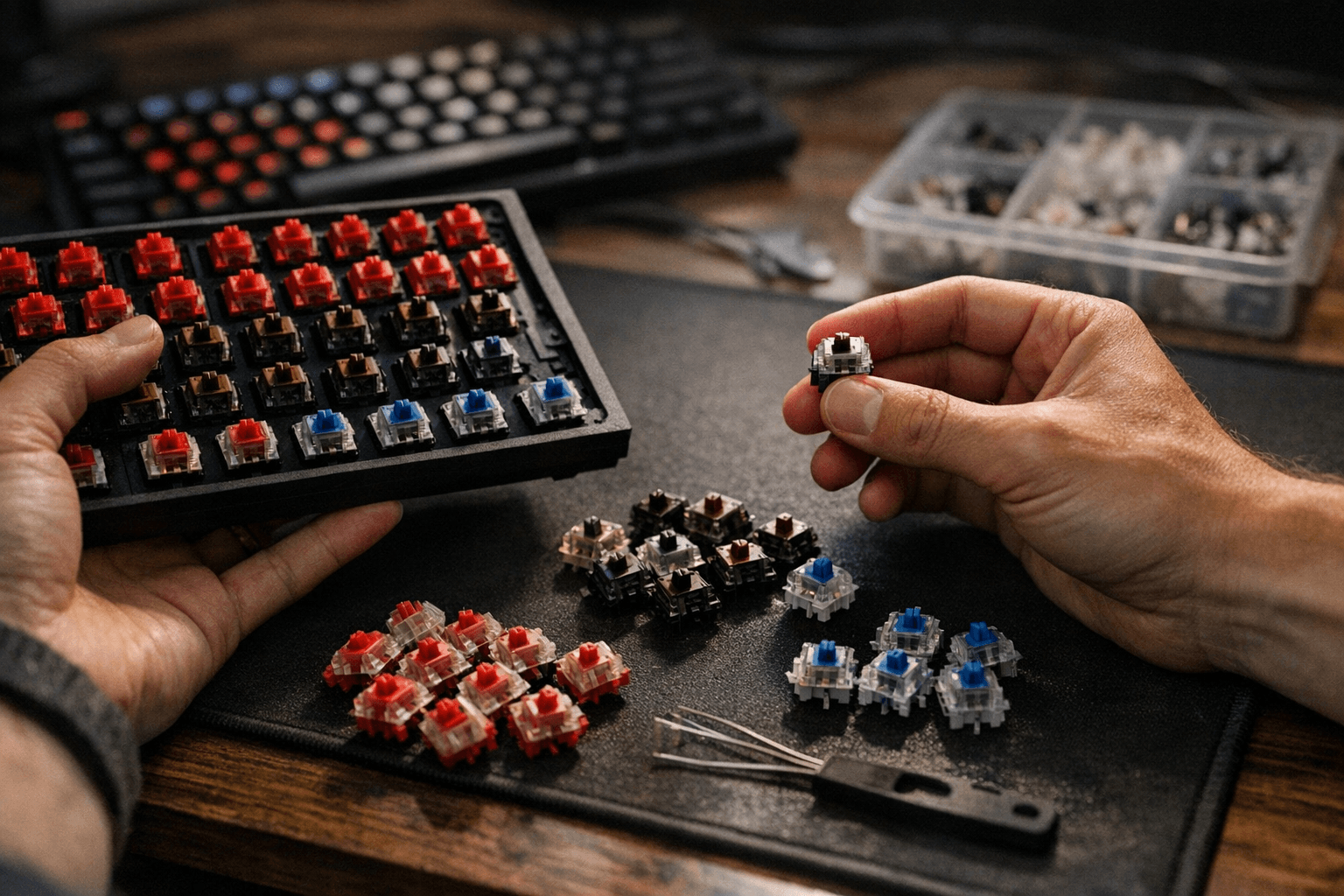
Each manufacturer has different variations on these families, which means two switches labeled "tactile" from different brands can feel substantially different in practice. The consistent advice across the community is straightforward: "it's always a good idea to test switches before buying a keyboard." Switch testers, samplers, and in-person store visits exist precisely for this reason. The factors to weigh when making your final call include noise levels and typing feel, both of which vary considerably even within a single switch category.
Hot-swap vs. soldered: a decision that shapes your future flexibility
One of the more consequential keyboard-level choices intersects directly with switches: whether your board is hot-swappable or soldered. Hot-swappable keyboards allow you to change switches without soldering, offering greater flexibility for customization. That means if you buy a board with linear switches and later decide you want tactile, you can swap them in minutes without touching a soldering iron. Soldered boards lock your switch choice in unless you're comfortable with desoldering, which is a more involved process. For newcomers still figuring out their preferences, hot-swap is a forgiving path.
Pre-built vs. custom builds
The switch you choose doesn't exist in isolation - it exists inside a keyboard, and how you get to that keyboard matters. Pre-built keyboards (plug and play) come ready to use and are the sensible starting point if you want to spend time typing rather than building. Custom keyboards are for enthusiasts who want total control over every variable in the feel, sound, and aesthetic.
If you're serious about going custom, here are the components you'll need:
- PCB: the circuit board that registers key presses
- Case: the outer shell of your keyboard
- Plate: holds the switches in place
- Switches: choose based on feel and sound preference
- Keycaps: determines aesthetics and comfort
- Stabilizers: improve larger key performance
- Foam (optional): can improve sound dampening
Each of these components interacts with your switches. A stiffer plate material like brass will make your switches feel firmer; a polycarbonate plate softens the experience. Foam under the PCB or between the plate and PCB layers reduces unwanted resonance. The switch is the starting point, but the build around it shapes the final result.
Navigating the marketplace: a note on group buys
If you venture into the custom side of the hobby, you'll encounter group buys - community pre-orders for switches, keycaps, and boards that often fund production runs. The key rules to understand before participating: estimated dates are subject to delays and can change, group buys are filled on a first-come, first-served basis, payment is processed immediately upon checkout, and they are non-refundable and cannot be cancelled. Any shipping address changes need to be communicated to the retailer prior to fulfillment. Group buys can be the only way to access certain limited switches, but they require patience and commitment.
Making the call
The right switch is ultimately the one that matches your specific use case, noise tolerance, and tactile preferences. Linears reward speed and consistency; tactiles reward accuracy and feedback; clickies reward the sheer joy of audible confirmation; silents reward everyone else in the room. Start by identifying which of those priorities matters most to you, test as many options as you can get your hands on, and consider a hot-swap board that lets you evolve your choice as your preferences sharpen. The switch decision isn't one you have to get perfect on the first try - but understanding what you're choosing between is where every good build begins.
This article was produced by Prism’s automated news system from verified source data, official records, and press releases, then run through automated quality and moderation checks before publishing. The system is built and supervised by the people who set the standards it runs under. Read our full AI policy.
Did this article answer your question?