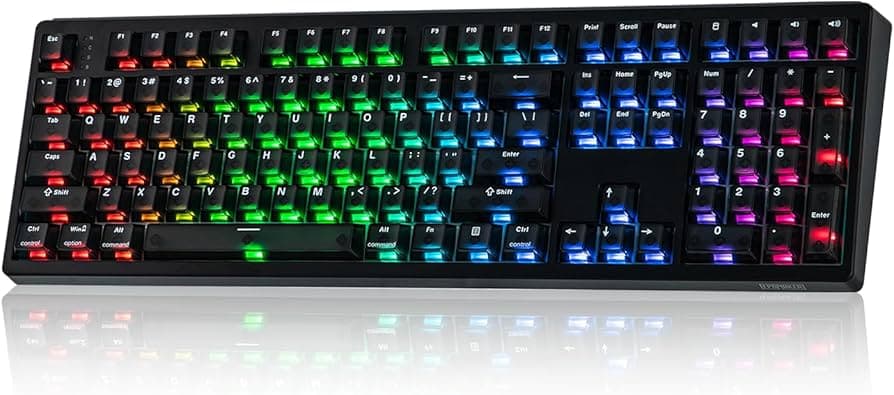
Epomaker's CES 2026 lineup: versatile keyboards, screens, sensing tech
See Epomaker’s CES 2026 keyboard lineup and what each model offers. Learn about layouts, detachable TFTs, Hall-effect and inductive options, and streamer-friendly features.
1. RT series (RT82 and RT75) overview
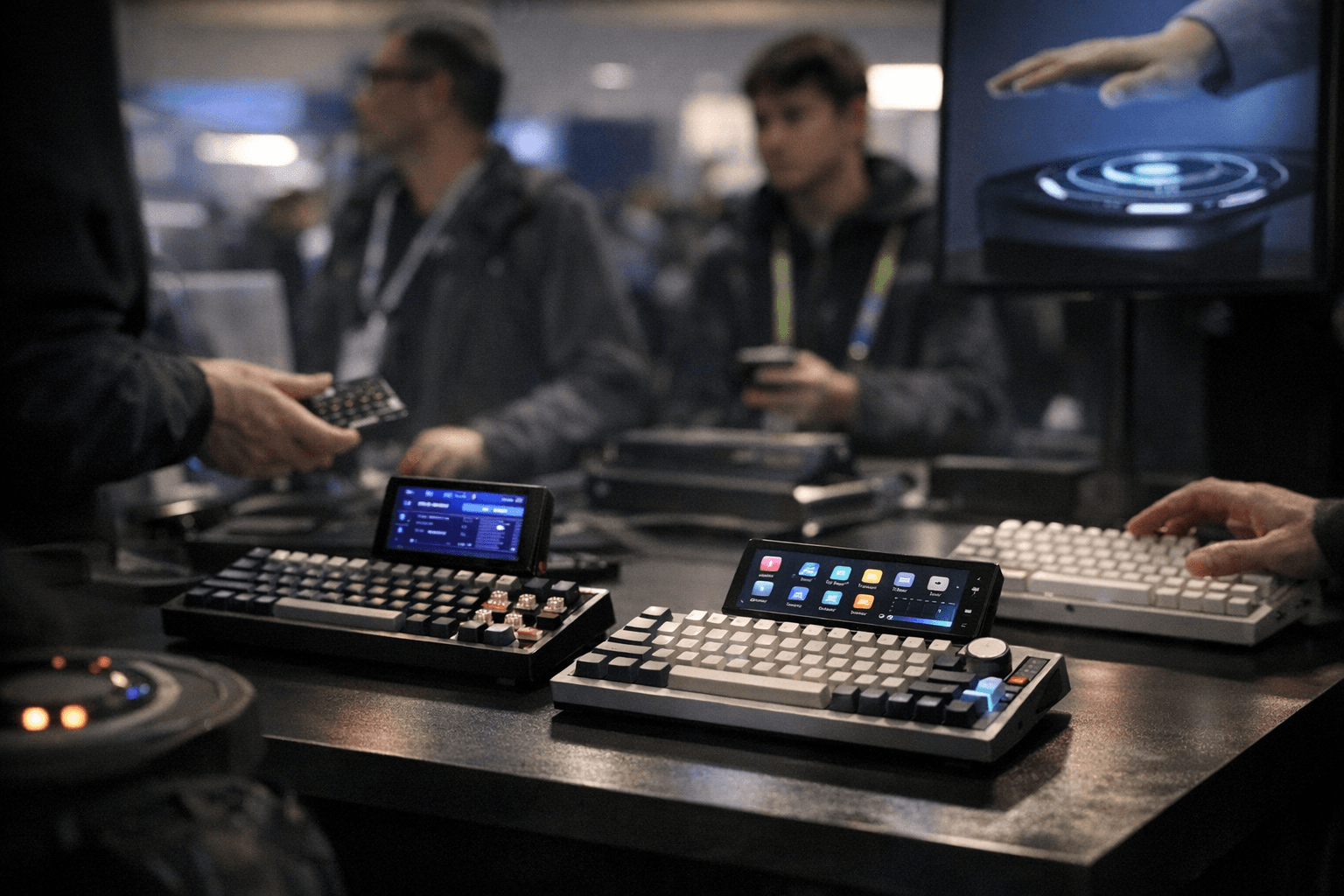
The RT series expands Epomaker’s retro-inspired 75% family, offering compact layouts that keep dedicated clusters without wasting desk real estate. These boards are built around modular ideas, some models ship with built-in screens, others with removable displays, so you’ll pick the form that best fits a productivity desk or a streaming setup. For anyone who values a tidy yet fully featured layout, the RT line is a practical middle ground between 60/65% portability and full-size capability.
2. RT82 with detachable TFT display
The RT82 is highlighted for its detachable TFT, a feature that makes on-board information and macro feedback moveable and reusable across setups. Detaching the screen lets you mount or store it separately, useful if you switch between multiple rigs or want the display visible to viewers while the board stays tucked in. This modular detail increases flexibility during streams, content creation, or multi-device workflows.
3. RT75 with multi-function mini-screen
The RT75 introduces a multi-function mini-screen that doubles as four programmable keys or can be swapped for a display module, an elegant nod to modular customization. That gives you a tiny control surface for macros, profile switching, or quick commands, and the option to upgrade to a full visual readout when you need it. For power users who like to tailor inputs to specific apps, that mini-screen reduces reliance on software overlays and keeps hotkeys at your fingertips.
4. RT98 southpaw variant optimized for right-handed mouse users
Epomaker showed a southpaw RT98 variant that’s explicitly optimized for right-handed mouse users, offering a layout tweak aimed at balancing keyboard real estate with a dominant mouse hand. That design choice recognizes a common community preference, keeping the keyboard’s bulk shifted left so your mouse arm has full desk room. If you use a large mousepad or prefer a shifted layout to improve ergonomics, this RT98 variant is targeted at that workflow.
5. TH108 Pro and TH99 Pro full-size workflow models
The TH108 Pro and TH99 Pro are Epomaker’s full-size offerings focused on workflow efficiency, both including TFT screens for quick adjustments without digging into software. Those displays let you tweak lighting, profiles, or see system info at a glance, speeding up repetitive tasks for creators and professionals. If your day involves spreadsheets, long-form writing, or heavy app switching, the extra keys plus on-board controls are designed to shave seconds off routine adjustments.
6. QK108 for ambient and streaming setups
The QK108 is positioned toward ambient and streaming use, with support for custom GIFs and lighting controls built in to boost on-screen personality. Having a keyboard that can display small animated content and control lighting directly reduces dependence on separate stream overlays and lets you synchronize visuals with in-game or on-stage moments. Streamers and content creators will appreciate the ability to add reactive or branded elements without extra hardware or software complexity.
7. G84 HE gaming-leaning model with Hall-effect sensing and Duskrise switches
The G84 HE leans into gaming with Hall-effect sensing technology paired with Duskrise switches, offering an alternative actuation system to conventional mechanical contacts. Hall-effect designs are prized in many circles for durability and consistent detection because they rely on magnetic sensing rather than physical contact points. If you’re chasing longevity and a different switch feel, or want a build that stands up to heavy use, the G84 HE is the sort of option the community likes to debate and mod.
8. Magcore65 Lite portable board with inductive-switch technology
The Magcore65 Lite targets portability and modern sensing with inductive-switch technology in a 65% footprint that’s travel-friendly. Inductive or magnetically influenced switches can offer a snappy, low-wear experience while keeping the board small enough for backpacks and LAN trips. For road warriors and compact-desk users, that combination means you don’t sacrifice sensing innovation for portability.
9. Variety of sensing technologies across the lineup
Across the lineup Epomaker lists Hall-effect, inductive, and Hall-effect-inspired magnetic options, showing an intentional spread of sensing technologies to suit different preferences. That variety matters because sensing choice affects longevity, feel, and mod friendliness; picking the right sensor type is as important as switch choice for long-term satisfaction. The lineup lets you prioritize durability, unique actuation behavior, or a hybrid magnetic experience depending on which model you pick.
10. Community-first features: compatibility, customization, and small but meaningful details
Epomaker frames the release as community-first by emphasizing compatibility, customization, and small feature details like detachable displays, hot-swap PCBs, and TF/TFT screens. Hot-swap capability lowers the barrier for switch experimentation and modding, while detachable or swappable screens give hobbyists the freedom to tailor hardware to streams and production setups. Those seemingly minor options are the sort of conveniences that keep community builds evolving and make shared group builds or group buys more appealing.
11. The takeaway?
If you want a compact, modular board with visual flexibility, look at the RT82 or RT75; if full-size workflow and quick on-board controls matter, target the TH108 Pro or TH99 Pro; streamers will like the QK108’s GIF and lighting features, gamers the G84 HE, and travelers the Magcore65 Lite. Pick sensing tech that matches your priorities, Hall-effect for longevity, inductive for portable magnetic feel, and favor hot-swap and modular displays if you plan to tinker. Our two cents? Match the board to how you use your desk day-to-day, then switch it up, literally, if you want to keep the setup fresh.
This article was produced by Prism’s automated news system from verified source data, official records, and press releases, then run through automated quality and moderation checks before publishing. The system is built and supervised by the people who set the standards it runs under. Read our full AI policy.
Did this article answer your question?