How to Choose Keycaps: Comparing Profiles, Materials, Sound, Compatibility
Learn how profiles, materials, sound and compatibility affect feel and longevity so you can pick keycaps that suit your typing style and build.

Here’s a practical, hands-on guide to picking keycaps that actually improve your board, covering profiles, materials, acoustics, compatibility and community-tested tips.
1. Profiles explained
Profiles shape the way your fingers travel across the rows and define the typing arc. Cherry is a low-to-medium sculpt favored for ergonomics and broad compatibility; it’s compact, comfortable for long sessions, and a safe default for most builds. OEM is slightly taller than Cherry and common on mass-market boards, expect a familiar, slightly more pronounced topography that’s easy to swap with many prebuilt boards. SA is tall with a spherical, deep dish and a retro look; it creates that coveted “thocky” sound but can feel fatiguing on heavy, long typing days for some people. DSA and XDA are uniform, rowless profiles that work excellently for ortholinear layouts and minimalist aesthetics, because every row is the same height, keycap rotation and layout changes are simpler. MT3 is tall and sculpted with a deep spherical dish designed to mimic vintage typewriter geometry; it’s prized when you want that tactile, nostalgic feel and a distinctive acoustic signature.
2. Materials
Material determines texture, wear, and a lot of the sound character of your keyboard. ABS tends to be smoother and can develop shine over time; doubleshot ABS preserves legends forever and often sounds slightly brighter or higher-pitched than PBT. ABS dye-sub or pad-printed ABS can offer vibrant legends but will eventually wear depending on coating and usage. PBT is more textured, resists shine, and generally holds legends well when dye-sublimated; its density and texture usually yield a fuller, more “thocky” or muted sound compared with thinner ABS. PBT double-shot is rare due to manufacturing limits, but where available it combines legend durability with PBT’s surface properties, expect a different feel and sound than ABS doubleshot caps.
3. Choosing keycaps: fit the profile to your setup
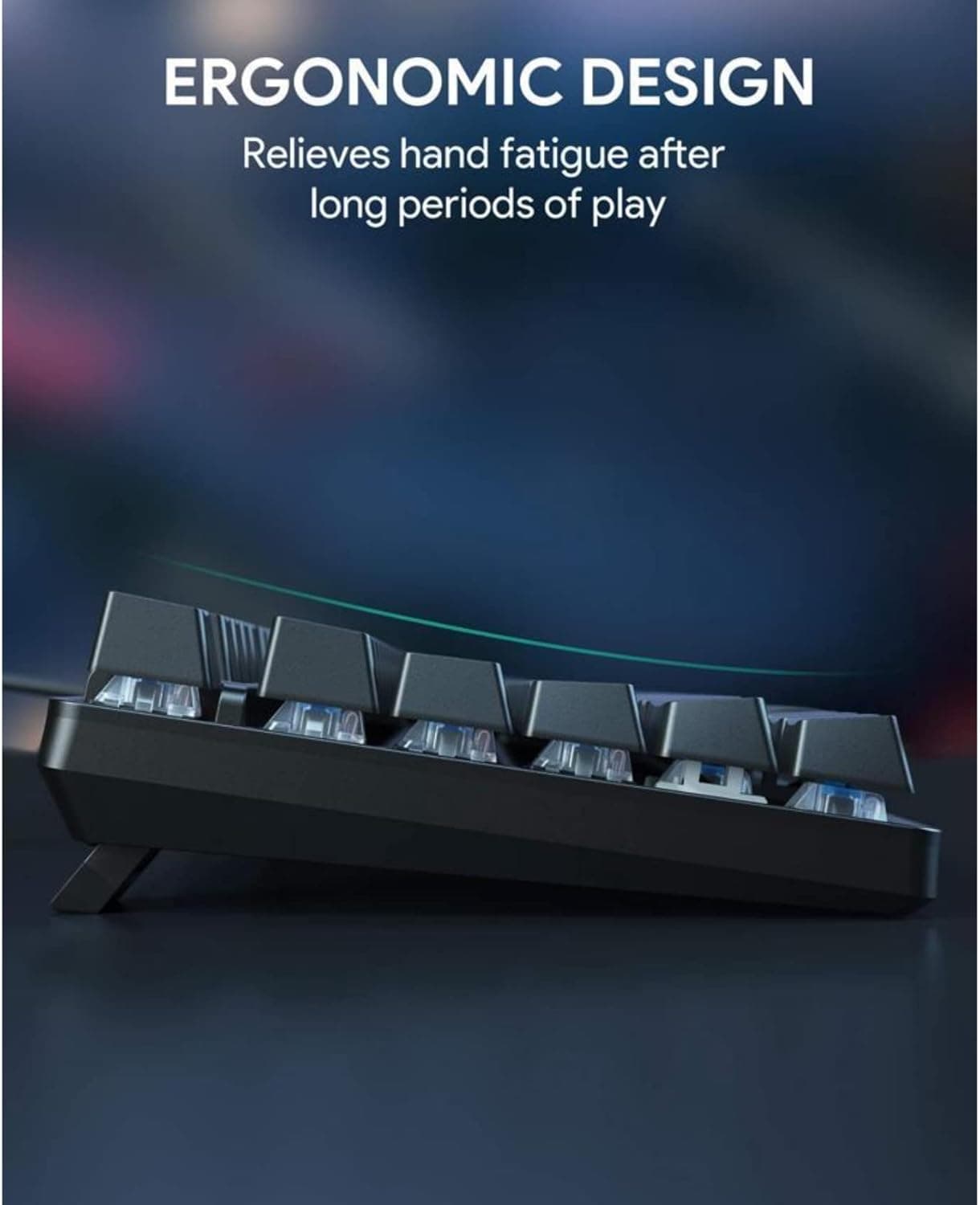
Match profile to hand posture and keyboard geometry so you don’t end up rehabbing your wrists after a week. Taller profiles create a pronounced arc that suits angled boards or setups without heavy wrist rests; low profiles like Cherry and many low-profile sets pair well with flat desks and wrist rests. Think about legend method for longevity, doubleshot (ABS) gives permanent legends, dye-sub (PBT/ABS) embeds dye into the cap for long life, and pad prints are cheaper but least durable. Always check compatibility: Cherry-compatible stems are the most common, but verify stabilized keys and row profiles for 40/60/65/75/80/100% layouts because key counts and row heights vary and some kits omit oddball keys.
4. Sound and feel: thickness, profile, and acoustic signature
Thickness and material are the primary levers for acoustics: keycap thicknesses commonly range from about 1.2mm to 1.5mm and above, and thicker caps usually produce a deeper, fuller sound. PBT typically sounds more muted or “thocky” compared to ABS, which can be brighter and slightly sharper, this varies with switch dampening, plate material, and case design. Profile also affects resonance: tall spherical profiles (SA, MT3) often boost low-frequency resonance and sustain, while low-profile caps like Cherry minimize travel angle and produce a quicker, less resonant response. If sound matters to you, test combinations (switch, plate, foam, and keycap) because the whole stack shapes the final acoustic fingerprint.
5. Practical tips and community-tested moves
Try caps before you buy when possible, meetups and local keyboards clubs are gold for that tactile trial-and-error. SA sets give a nostalgic, pronounced feel but can be tiring for marathon typing; reserve SA for boards you use for short sessions or for deskdom aesthetics. Artisan keys and novelty caps add personality and desk flair but can break uniformity of profile and travel, use them sparingly on non-essential positions. • Buy extra common keys (mods, spacebars) in the same batch to avoid color variance down the line. • Check thickness specs; vendor photos can mislead, look for explicit mm numbers. • Read kit lists carefully: manufacturer kits sometimes exclude specialty keys needed for 40% or 100% layouts.
6. Quick checklist before checkout
Use this compact checklist to prevent buyer’s remorse and ensure functional fit. • Layout compatibility: confirm kit includes the key sizes and row profiles for your 40/60/65/75/80/100% layout and stabilizer types. • Profile preference: pick a profile that matches your wrist setup and typing arc, low for flat setups, tall for angled comfort or retro feel. • Material & thickness: choose PBT for durability and texture, ABS doubleshot for permanent legends, and thicker caps (≥1.2–1.5mm) for deeper sound. • Legend longevity: doubleshot vs dye-sub vs pad print, prioritize doubleshot or dye-sub for heavy use. • Budget: customs and groupbuys deliver unique sets but cost more and take time; stock sets are cheaper and immediate.
Closing practical wisdom You can tweak sound and feel a surprising amount by swapping just the keycaps, think of them as the final EQ on your board. Start with profile and stem compatibility first, then lock in material and thickness based on how you type and how you want it to sound. Visit a meetup, borrow a keyset, or buy a small modifiers kit to test before committing to a full custom set; a few minutes of trial will save dollars and wrist soreness later.
This article was produced by Prism’s automated news system from verified source data, official records, and press releases, then run through automated quality and moderation checks before publishing. The system is built and supervised by the people who set the standards it runs under. Read our full AI policy.
Did this article answer your question?