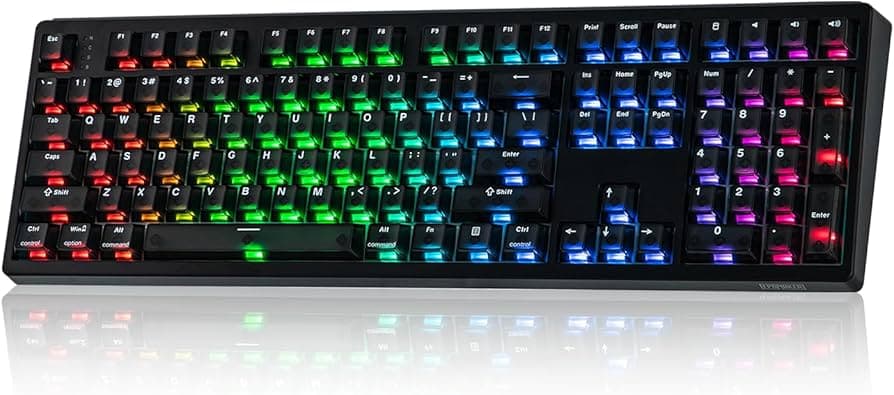
How to Choose Keycaps for Your Keyboard: Fit, Profile, Material Explained
Learn how to pick keycaps by matching stem fit, layout, profile, and material, and get practical swapping, sizing, and buying tips for your build.
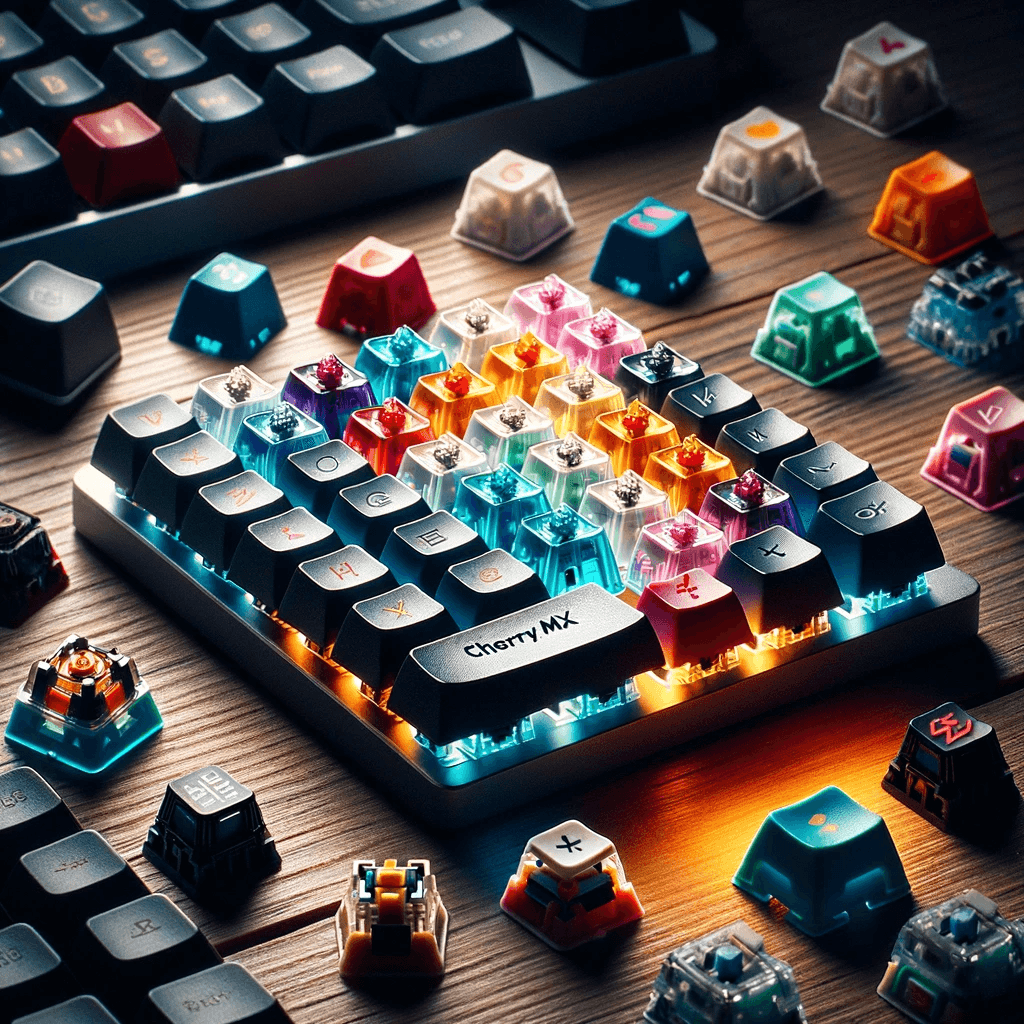
Why keycaps matter Keycaps change how your keyboard feels, sounds, and looks. Swap the wrong set and you’ll notice comfort or fit issues; pick the right one and your board becomes a personalized tool. Below I walk you through the practical decisions, fit, profile, and material, and include the steps, sizing notes, and community tips that actually matter on the desk and in the Discord channels.
- Check your switch top: if it looks like a "+" you’re usually safe; if you have Topre, Logitech Romer‑G, or other proprietary switches, aftermarket options are much more limited.
- Bottom row and modifiers: many sets assume a "standard" bottom row. Measure or check the vendor specs for modifier widths, small differences (1.25u vs 1.5u, split spacebars, etc.) will spoil a set. Vendor marketing sometimes lists spacebar sizes, Awekeys, for example, explicitly says "Our metal keycaps are compatible with most MX-style mechanical switches and come with spacebar options like 6.25u, 7u, and more", treat that as a vendor claim to confirm against your board.
1. Fit (stem compatibility, layout, and bottom-row sizing)
Fit starts with the stem and layout: if your keycaps don't physically match, nothing else matters. Wired puts it bluntly: "Make sure your keycaps fit your switches! Most modern keyboards use standard MX-style switches with a plus-shaped stem. These have become ubiquitous, and as a result, almost every keycap set offered today will be compatible with them." That plus-shaped stem is the Cherry MX cross and its many clones, most aftermarket sets assume it.
How to swap keycaps: it’s simple and satisfying. As Tom’s Hardware puts it, "Changing keycaps is easy! All you’ll need to get started is a keycap puller. There are no mechanical parts to a keycap and they attach with a simple friction-fit to the stem of each switch." To remove them, "you fit the wire loop of the keycap puller under each side of the keycap and pull. Putting the new keycap on is even more simple: line up the stem and press down. It’s that easy." Keep a puller and a small parts tray for stabilizers handy for larger keys.
- Sculpted vs uniform: sculpted profiles change row height and tilt (Cherry, SA, OEM); uniform profiles keep every key the same height (DSA, XDA, G20, ADA). Uniform sets let you move keys freely without breaking the row sculpt, while sculpted sets guide finger placement.
- Contact surfaces: Dygma highlights spherical tops as one contact type, "If you had a marble, you could basically place one on top of the keycap. This design goes way back to 1961 with the IBM typewriter." Modern spherical-style examples include MDA and SDA.
- Cherry: a lower-profile, comfortable sculpt with practical heights, Wired notes it as "the most standard height" with the highest point at 9.8 mm and the lowest at 7.3 mm, making it usable without a wrist rest for many people.
- OEM: slightly taller than Cherry and the default on many boards, familiar and easy to adapt to.
- SA: tall and sculpted; striking looks and pronounced angle changes, favored for retro aesthetics but can feel high for long typing sessions.
- DSA/XDA/G20: flat or uniform options that reduce travel differences between rows; G20 is often recommended for larger legends and a larger contact surface when accessibility is a concern.
- MDA/SDA and newer shapes: MDA combines spherical contact and sculpting; Dygma suggests MDA is often PBT and may be harder to find because it’s newer on the market.
2. Profile (shape, sculpt, and how it affects typing)
A keycap profile determines how the key feels under your fingers. Dygma defines it cleanly: "It's a combination of the shape of the contact surface, the shape of each row, and the height of a keycap." That combination is why profiles change ergonomics and aesthetics.
Common profiles and what they mean for you:
Pick a profile based on your hands and workflow: if you like finger-guiding sculpted rows, go Cherry/OEM/SA; if you mix caps across rows or want a consistent look and feel, choose DSA/XDA. Try a basic set first (see buying tips) to confirm what your fingers prefer.
- ABS: "Affordable and smooth, but prone to shine over time. Ideal for budget builds." ABS is cheaper and accepts complex legends well, but heavy use develops a glossy patina.
- PBT: "Durable, textured, and long-lasting. Great for everyday use or typing-focused setups." PBT resists shine and usually keeps texture longer; many high‑quality enthusiast sets use PBT for longevity and tactile grip.
- Metal: premium, weighty, and visually striking. Vendor marketing highlights metal’s aesthetics and compatibility, Awekeys advertises metal sets like "Hello Silver" and "Copper Eagle" and states support for common MX spacebar sizes, remember these are vendor claims and check fit and feel before committing.
3. Material (ABS, PBT, metal, tradeoffs for feel and longevity)
Material controls texture, longevity, and how legends age. The common choices are ABS, PBT, and metal, each has clear tradeoffs.
Material affects sound and feel: metal can change acoustics and feel heavy under your fingertips, PBT gives a more muted, textured hit, and ABS leans brighter and smoother. Consider long sessions and grip: Cerakey advises long-typists may prefer textured PBT for better control.
- Start simple: "Start with a Basic Set: If you’re new to mechanical keyboards, consider starting with a basic keycap set to get a feel for different materials and profiles." (Cerakey)
- Read community reviews: "Read Reviews: Before making a purchase, read reviews from other users to get an idea of the keycap’s quality, feel, and compatibility." (Cerakey) Community photos and posts, like the r/Awekeys snippet that says "r/Awekeys - Watch how the silver of Awekeys metal keycaps shines under the sun… so lovely! 😍 📸: chellekeebs", are great for inspiration but balance marketing with hands-on feedback.
- Experiment: "Experiment: Don’t be afraid to experiment with different keycap sets. Many enthusiasts enjoy mixing and matching keycaps to create a unique look and feel for their keyboard." (Cerakey) Mix-and-match lets you discover a favorite profile/material without a full investment.
Practical buying and testing tips (community-tested advice)
Price and availability notes: prices span from very cheap to more than the cost of a second keyboard, shop reviews and second-hand community drops if budgets are tight. Newer profiles (MDA, SDA) may be harder to find; vendor pages will show spacebar sizes and compatibility claims, double-check them against your board.
Accessibility and special cases If you need larger legends or a larger contact surface (visual impairment, specialized typing), consider flat profiles with big legends like G20 or an OEM set with large printing. Dygma highlights that profile choice can be driven by accessibility needs and recommends flat, large‑legend caps for those circumstances.
Final practical wisdom Measure before you buy: confirm your switch stem, the bottom-row modifier widths, and your preferred profile height. Start with a basic PBT or OEM set to learn what your fingers like, read reviews, and don’t be shy about swapping one key at a time. Fit, profile, and material together determine comfort more than hype, match them to your hands, your board, and how you use the keyboard, and your next cap swap will feel like an upgrade, not an experiment.
This article was produced by Prism’s automated news system from verified source data, official records, and press releases, then run through automated quality and moderation checks before publishing. The system is built and supervised by the people who set the standards it runs under. Read our full AI policy.
Did this article answer your question?