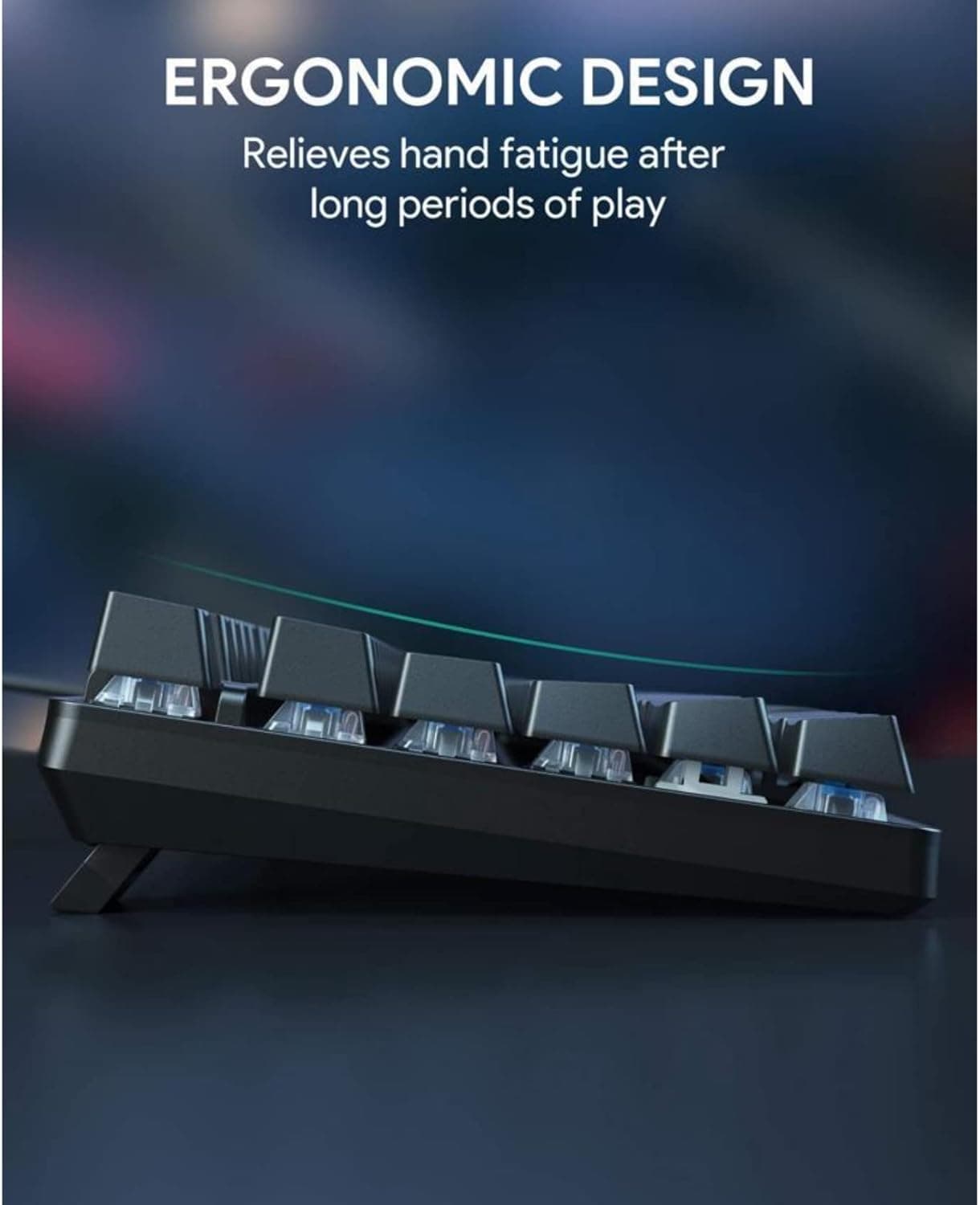
Keychron Q1 Ultra Wireless Mechanical Keyboard Reviewed at $229.99
The Q1 Ultra's ZMK firmware delivers up to 660 hours of battery life on one charge, roughly four months at five hours daily, if you keep the backlighting off.
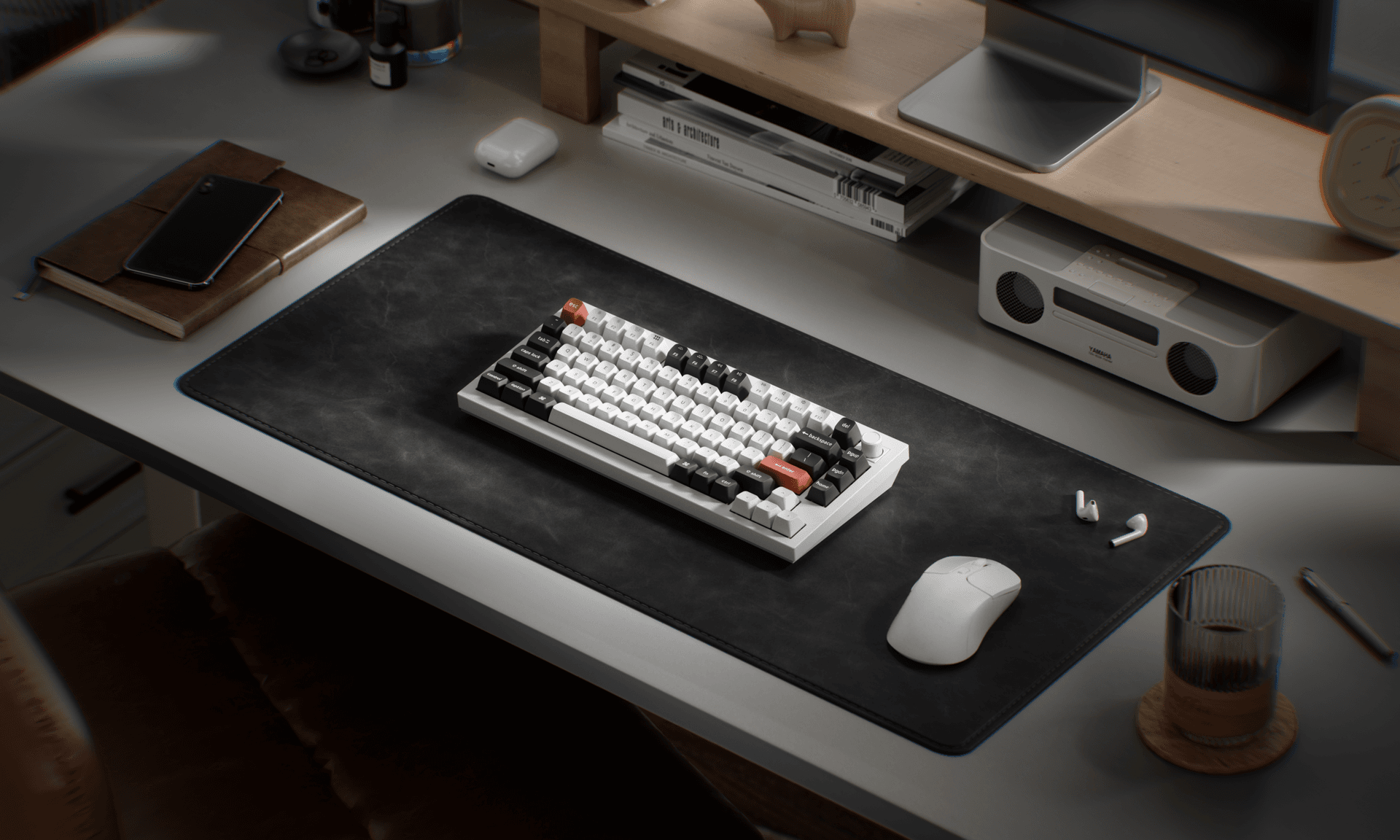
660 hours of battery life on a single charge is the number Keychron is hanging its hat on with the Q1 Ultra, and it's what makes this $229.99 75% aluminium keyboard worth a serious look from anyone tired of hunting for a USB-C cable every other week.
The figure is a direct result of Keychron's switch from QMK to ZMK firmware on the Q1 Ultra. ZMK was built from the ground up for wireless efficiency, and the math is straightforward: at five hours of daily use, 660 hours equates to roughly four months between charges. The constraint is real, though. You have to keep the backlighting off to hit that number.
Beyond the battery headline, the Q1 Ultra is the smallest board in Keychron's new Ultra lineup and ships with a feature set that reads well on paper and held up across real-world testing. The all-metal frame carries a double-gasket design, screw-in stabilizers, and acoustic layers that work together to produce what multiple reviewers described as excellent typing feel and sound. Notebookcheck characterized the overall experience as a "smooth, thocky typing experience," which will land exactly right for anyone who has spent time optimizing a custom build for that specific result.
The board's Silk POM switches come in three variants: Red linear, Brown tactile, and Banana tactile, all hot-swappable. The Banana tactile was the configuration in the reviewed unit. For users deciding between them, the Red linear suits competitive gamers who need fast actuation, the Banana works well for someone splitting time roughly evenly between office work and gaming, and the Brown tactile sits between those two cases. One consistent caveat across reviews is that the Silk POM switches can feel slightly mushy to users coming from Hall Effect or magnetic-switch boards, and the Q1 Ultra does not include a Hall Effect option.
Connectivity covers all three modes: Bluetooth, 2.4 GHz wireless via a USB receiver included in the box, and wired USB-C through the port on the back of the board. Physical switches on the back handle toggling between Mac and Windows profiles and between connection modes without requiring any software. ZMK is customizable and well-documented, though it represents a departure from the QMK ecosystem that many enthusiasts know well.
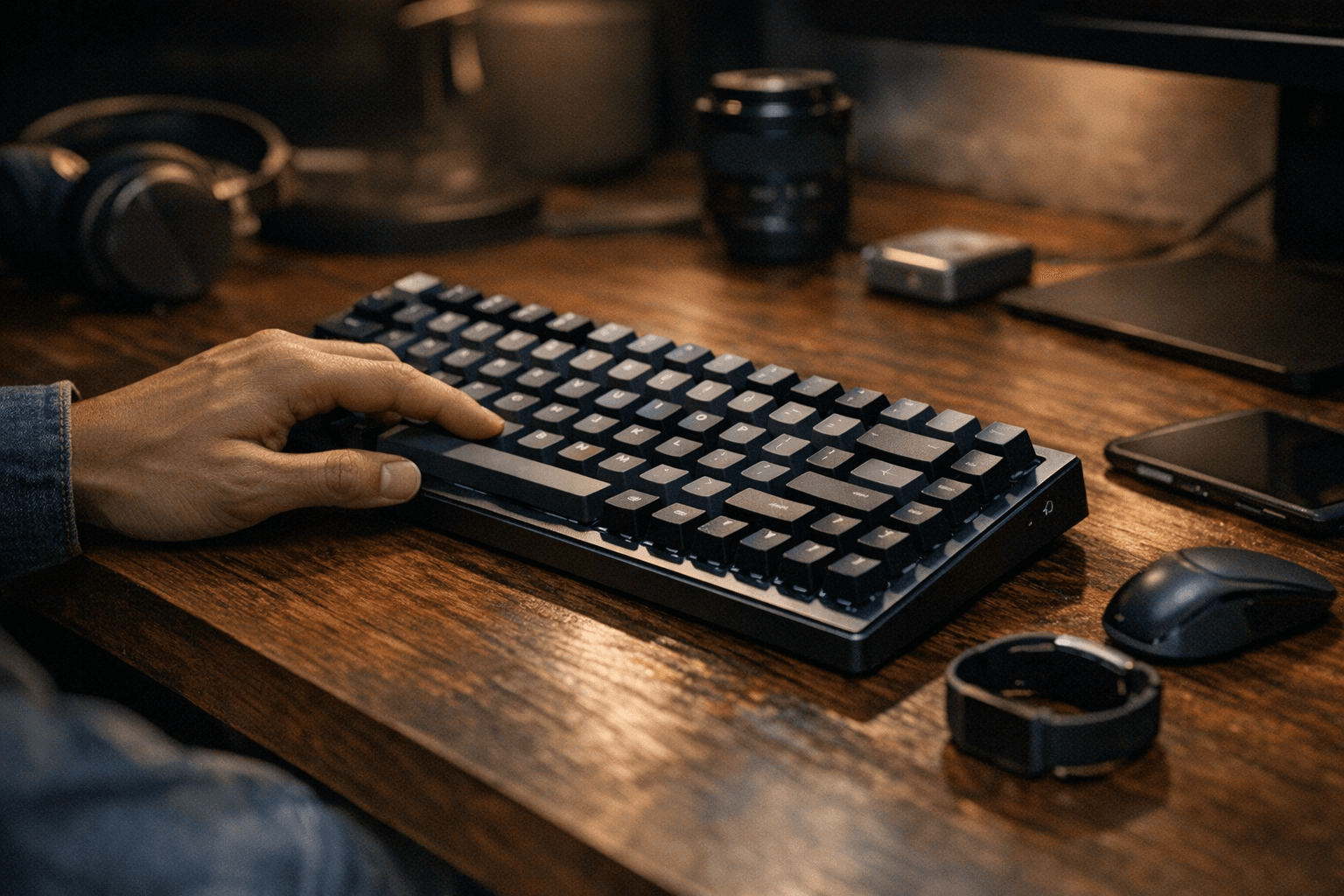
The design is 75% aluminium with blue accent keys and a bottom accent plate that add character without overwhelming the board's otherwise clean profile. The double-shot KSA profile keycaps resist the gradual shining that lower-quality PBT caps develop over time and carry what Notebookcheck described as a "pleasing retro aesthetic." The programmable knob rounds out the feature list as a useful addition for media control or any other mapped function.
One purchasing note: the Banana tactile switch variant is sold exclusively through Keychron's own online store. Amazon carries only the Red linear and Brown tactile configurations.
At $229.99, this is firmly premium territory. Notebookcheck acknowledged it is "definitely not cheap or even the best value," and GameRevolution, which scored the board an 8 out of 10, listed the price alongside slight switch mushiness as the two items preventing a higher rating. The consensus across reviewers is that the build quality, wireless reliability, and ZMK-powered battery life justify the cost for anyone prioritizing a premium pre-built that works equally well as a first mechanical keyboard or a daily driver replacement.
This article was produced by Prism’s automated news system from verified source data, official records, and press releases, then run through automated quality and moderation checks before publishing. The system is built and supervised by the people who set the standards it runs under. Read our full AI policy.
Did this article answer your question?