QMK powers custom keyboards with layers, macros and deep programmability
QMK turns compact boards into full input tools with layers, combos, Tap Dance and split-board support, all backed by a community that powers 3,000+ keyboards.
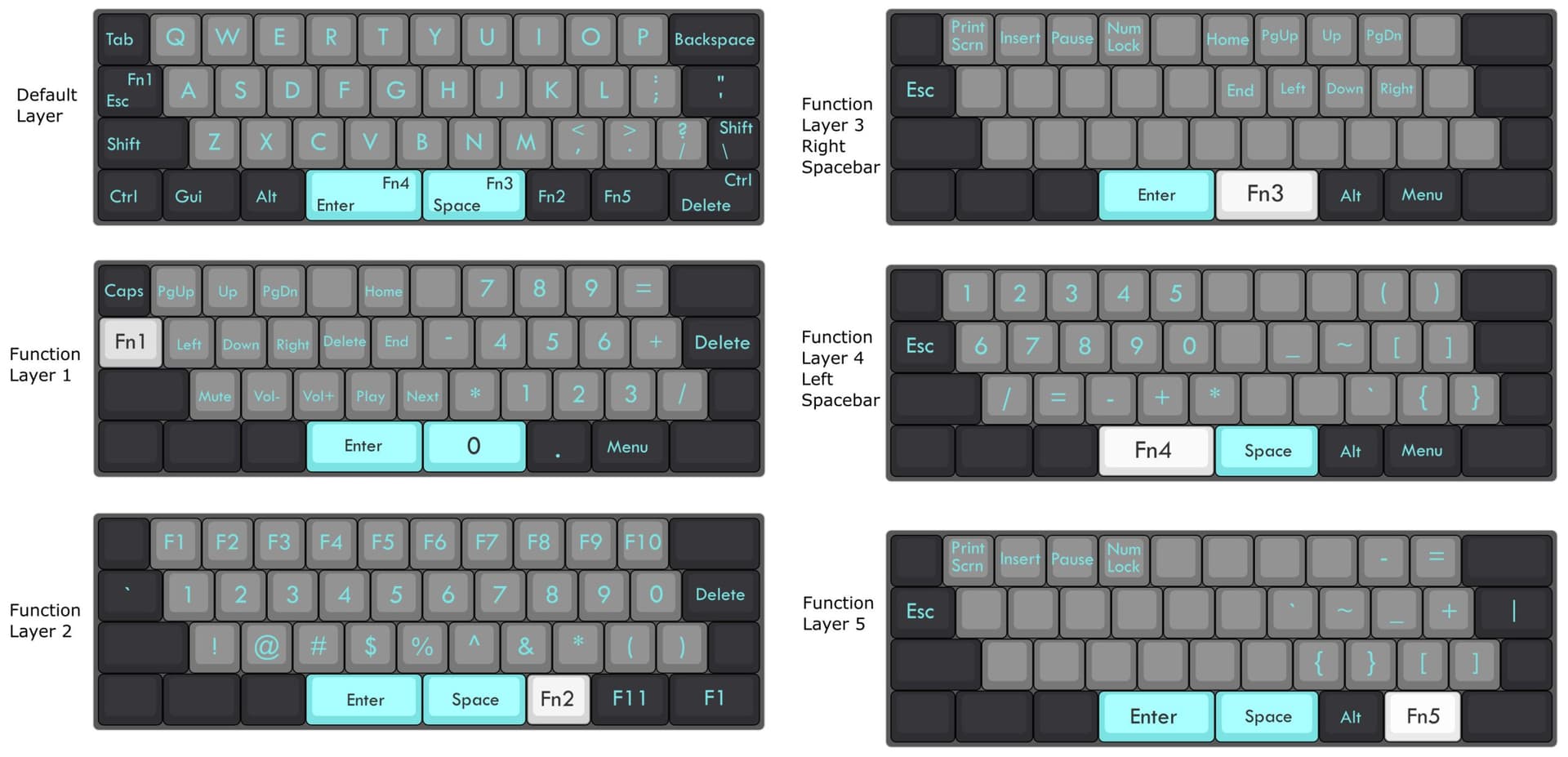
QMK supports more than 3,000 keyboards, making a 40 percent layout practical enough to handle arrows, symbols, media, shortcuts and alternate typing modes without turning into a compromise. With a community built around input devices, it has become one of the core software layers that makes custom boards practical every day.
Why QMK matters beyond switches and cases
QMK is open-source keyboard firmware for Atmel AVR and Arm USB families, but its scope is wider than keyboards alone. It is an open source community centered on computer input devices, including keyboards, mice and MIDI gear, and the project explicitly welcomes users with any software development experience.
Its breaking-changes history includes a 0.33.0 release on May 31, 2026 and a 0.32.0 release on February 22, 2026, showing the project is still actively maintained rather than frozen in place.
Layers are what make compact layouts usable
The most important QMK feature for small boards is the layer system. Layers are one of QMK’s most powerful and widely used features, and the basic idea is simple: one physical keyboard can behave like several different keyboards depending on state. A layer can act like a function-key layer, an alternative layout, a gaming mode or a symbol bank, and multiple layers can be active at once.
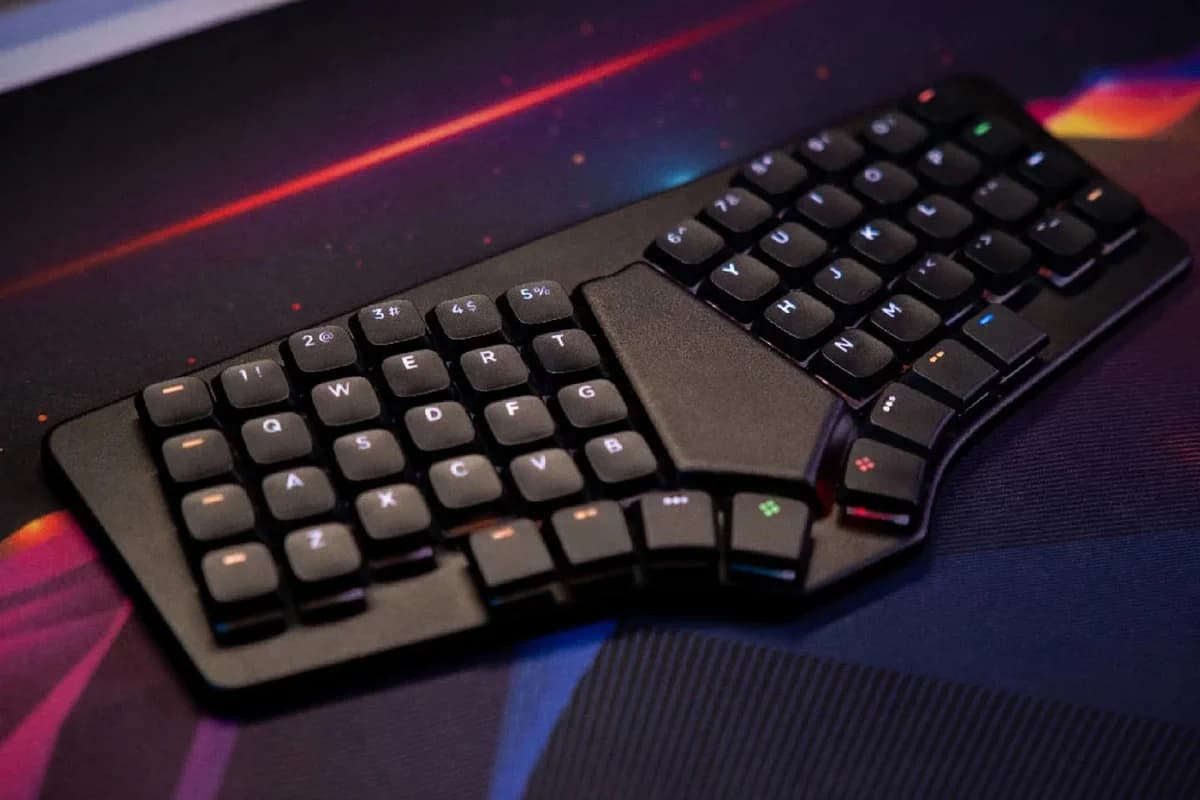
That is the practical trick behind boards that would otherwise run out of keys. A 40 percent board, an ortholinear board or a split ergonomic board can still offer punctuation, navigation and media controls because the same switch can mean different things in different layers. QMK’s transparent keys pass events through to lower layers, so you can build a stack where only the keys you change need to be redefined.
QMK also gives you different ways to move between those states. MO() creates a momentary layer, DF() changes the default layer, and PDF() sets a persistent default. TT() goes a step further with layer-tap-toggle behavior, defaulting to five taps but allowing that threshold to be changed with TAPPING_TOGGLE.
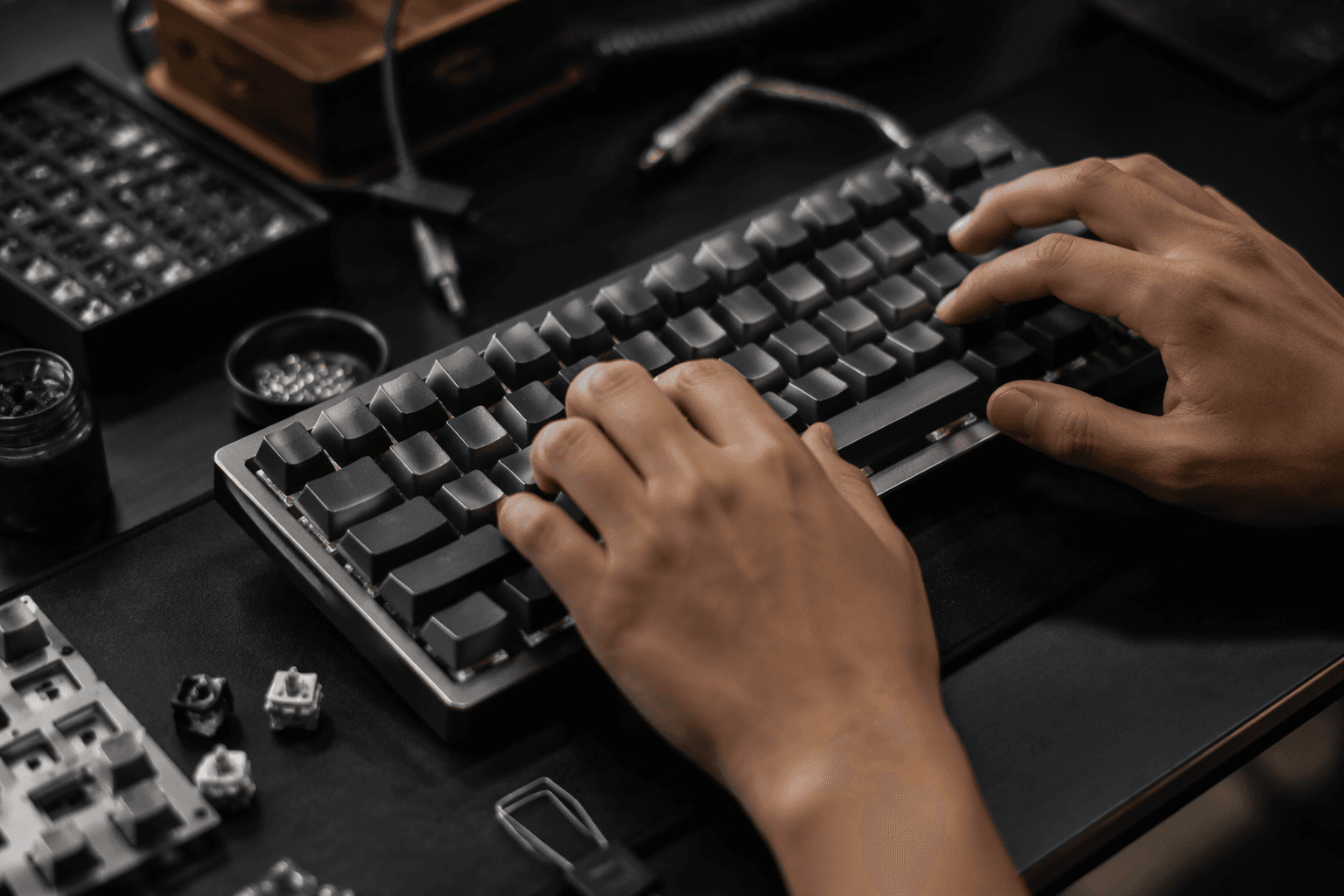
A practical example: one layer for typing, another for navigation and symbols, and a third for gaming or shortcuts. Switching from QWERTY to Dvorak, or from a writing setup to a game-focused setup, becomes a firmware choice instead of a hardware swap.
Combos and Tap Dance squeeze more out of fewer keys
Once layers solve the space problem, QMK’s advanced key behavior starts compressing it even further. Combos let two or more keys trigger a different action, so hitting A and B within the combo term can send Escape instead. That makes high-friction keys available without dedicating a whole switch to them, which is especially useful on layouts where every spot matters.
Tap Dance goes deeper. QMK’s Tap Dance feature was community-contributed and conceived and created by algernon in issue #451, and it lets a single key do one thing on the first tap, another on the second, and even different actions when held or extended. In the best setups, one physical key can cover punctuation, navigation or a shortcut cluster that would otherwise require several keys spread across a larger board.
Timing is what makes those behaviors feel predictable. The default tapping term is 200 milliseconds, and that window decides whether a dual-role key should count as a tap or a hold. QMK’s Tap Dance logic is separate from its tap-hold system, and it does not support advanced tap-hold options such as Permissive Hold or Chordal Hold, which keeps the behavior simpler even as it stays highly configurable.
Auto Shift adds comfort, not just convenience
Auto Shift addresses repetitive-strain concerns. Many people repeatedly stretch for Shift, especially with pinkies. Auto Shift lets a key output its normal character when tapped and its shifted version when held a little longer, cutting down on some of those repeated long reaches.
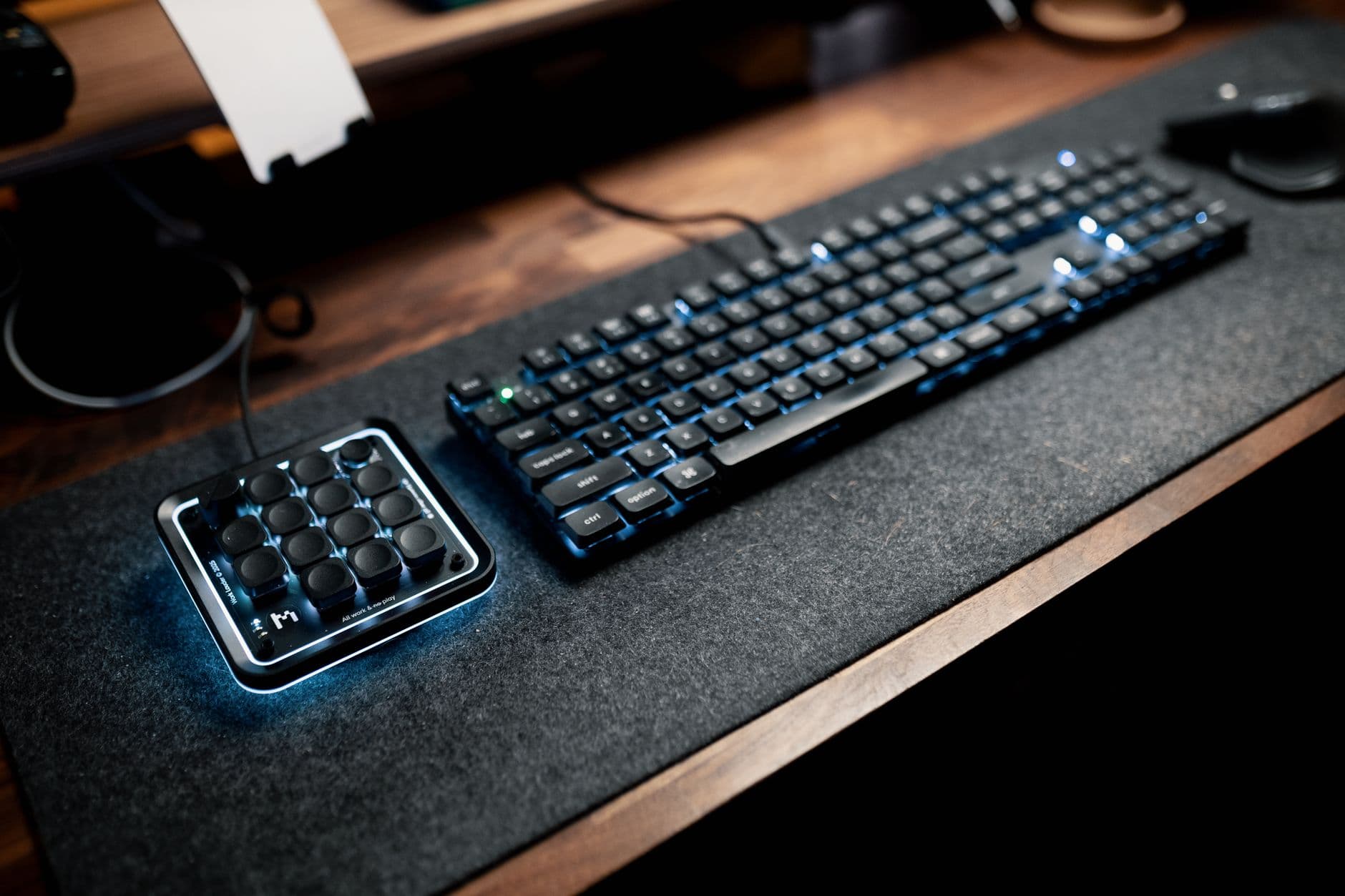
Split keyboards show how much the firmware does
QMK is also central to split keyboards. Many keyboards in the repository use that format. The typical split setup uses two controllers, with one side plugged into USB and the other communicating over serial or I2C through a TRRS cable or something similar. That kind of design makes the hardware physically different, but the firmware is what makes it behave as one device.
QMK provides a generic split implementation that any board can use. Split boards often need more setup than a standard monoblock layout.
Configurator and VIA make the ecosystem approachable
QMK is not only for people who want to hand-edit keymaps. QMK Configurator offers an online GUI that generates .hex or .bin firmware files, which lowers the barrier for anyone who wants to build a custom layout without diving straight into code. That makes it easier to get from idea to flashed board, especially for first-time builders.
VIA sits alongside that ecosystem and talks to QMK firmware over USB. VIA works with more than 1,400 keyboards.
This article was produced by Prism’s automated news system from verified source data, official records, and press releases, then run through automated quality and moderation checks before publishing. The system is built and supervised by the people who set the standards it runs under. Read our full AI policy.
Did this article answer your question?