Wooting adds app-based profile switching in Wootility 5.4 update
Wooting’s Wootility 5.4 now swaps profiles by app focus, with support for up to eight apps per profile and a 5.4.1 fix for the background service.
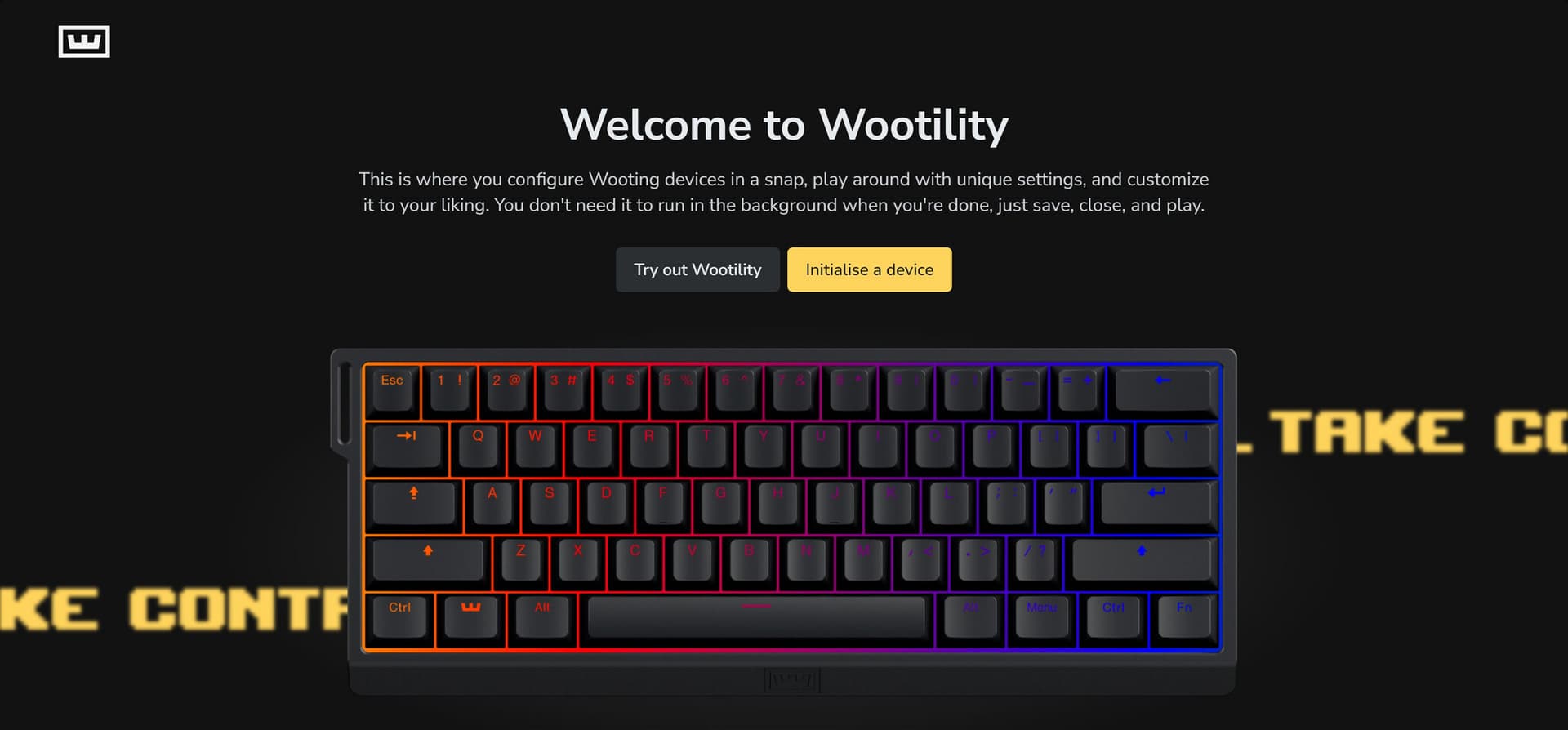
Wooting’s Wootility 5.4 update put app-aware profile switching at the center of the company’s Hall-effect software stack. Released on July 13, 2026, version 5.4.0 introduced App Linking, a feature that automatically changes a keyboard profile based on the app in focus.
The setup is built around the Wooting Background Service, which has to be running for App Linking to work. Wooting also requires firmware 2.14.0-beta.1 and the beta background service, but Wootility itself does not need to stay open once everything is configured. The company says users can link up to eight apps to a single profile, so a game, a chat app, a browser and a work suite can each pull up the behavior set they need without manual switching.

That shift matters most in everyday use. A player can leave one profile tuned for a game, then move to a different profile as soon as another app comes into focus. Creators and multi-app users get the same benefit when they bounce between editing software, communication tools and typing-heavy work. Wooting had already laid the groundwork earlier in the year, introducing the Background Service in January 2026 and previewing profile linking in April before the feature landed in the July stable release.
Wootility 5.4.0 did more than automate profiles. Wooting also redesigned the RGB Sleep Mode controls, letting users pick from preset shutdown timers or set RGB to Never, and added Guided Restore flow, Advanced Key presets and other small interface changes. Later beta notes added clearer App Linking selection and conflict warnings, along with more reliable firmware updates, tightening up the rough edges before the final release.
Wooting followed the main update with Wootility 5.4.1, a bugfix pass that specifically fixed Background Service updating. That kind of follow-up is the part enthusiasts notice after the launch noise fades: the feature that matters is not just that profiles can change on their own, but that the software layer keeps up when the keyboard wakes, sleeps and moves between apps without turning profile management into another chore.
This article was produced by Prism’s automated news system from verified source data, official records, and press releases, then run through automated quality and moderation checks before publishing. The system is built and supervised by the people who set the standards it runs under. Read our full AI policy.
Did this article answer your question?