Apple explains how to design mobile game controls that feel native
Apple’s latest game-design guidance says native-feeling controls start with the player’s thumb, not a copied console layout. The test is simple: if the UI stays clear, the input feels obvious, and the game still works one-handed, it belongs on mobile.
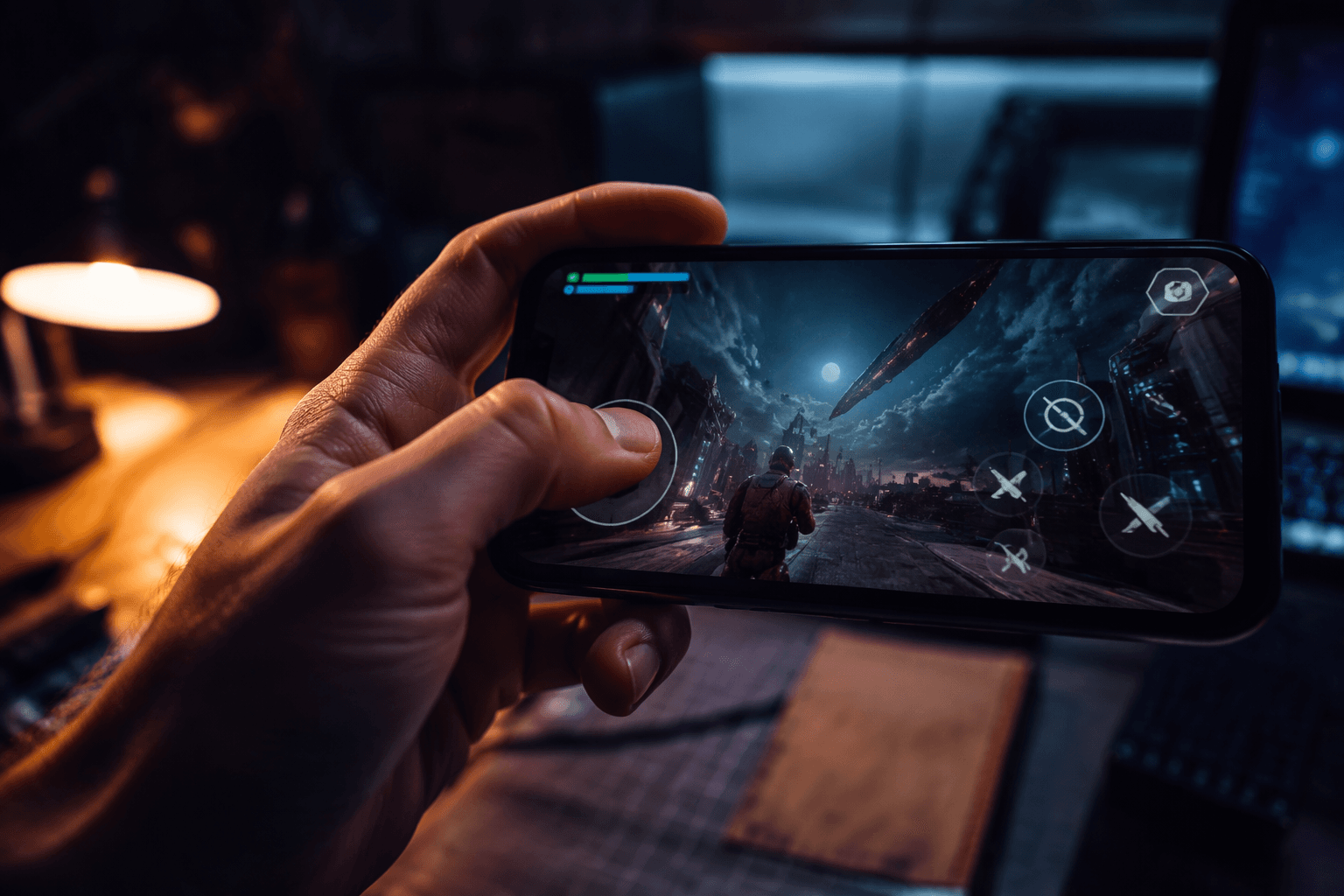
Apple published its 2024 WWDC Games guide and WWDC24 Design guide on June 10, 2024, with the same message: great games are designed for Apple devices, not squeezed onto them. Good mobile controls do not feel like a tiny console pad pasted onto glass. You can tell a game was built for iPhone or iPad when your thumb never has to cover the fight, the menu never hides under the HUD, and the input makes sense the moment you touch it.
The thumb test is the first real quality check
Apple’s Human Interface Guidelines treat game input as a design problem, not just an engineering one. In a mobile-first hit, the action sits where the hand can reach it, the most important buttons stay visible, and the player never has to fight the interface to keep up with the game. In a console-to-phone port, by contrast, the controls often arrive as a transplant: fixed buttons crowd the screen, thumbs cover the playfield, and the layout feels borrowed from another device.
Apple’s Games Pathway draws the same line. A native touch game keeps the interface readable, reachable, and responsive on a phone-sized display.
Why console layouts break down on touchscreens
In the Apple Developer video “Design great interfaces for handheld games,” Apple Design team member Dylan Edwards gets specific. His guidance for adapting console and PC interfaces to iPhone and iPad centers on flexible layouts, maximizing the full screen, maintaining legibility, and designing intuitive, responsive touch controls. That list is basically a teardown of why so many ports feel awkward: the layout is rigid, the screen is overbooked, and the player is left guessing whether a swipe, tap, or hold is actually supposed to do the job.
The clearest warning sign is UI overlap. If your left thumb blocks a health bar, a minimap, or incoming enemies, the game is asking the player to trade visibility for movement. If every interaction sits in the same corner, one-handed play starts to collapse because the player cannot reach the full control set without shifting grip or re-centering the phone. Mobile-first designs solve this by placing essential actions where the thumb naturally rests, then letting less urgent information move outward.
Pick the input pattern that fits the genre
Input and controls need to feel intuitive on each device, as Apple’s WWDC24 session “Design advanced games for Apple platforms” makes clear. That sounds simple, but the practical version is genre-specific. Direct touch works best when the finger is supposed to act on the world, like dragging pieces, tracing routes, or selecting targets precisely. Virtual joysticks make more sense when movement is the core language of the game, but they also eat into screen real estate, so they need to earn their place.
Gesture-based input can be brilliant or miserable depending on how readable it is. A swipe-to-aim system can feel fast and natural in one game, then turn ambiguous in another if the player cannot tell whether the game wants a flick, a drag, or a hold. The same mechanic may need different assumptions on iPhone, iPad, and Mac.
A Bluetooth controller option can still be the right call, but it works best as an extension of a solid touch design, not a repair job for a bad one. If the game demands precision, has long play sessions, or also lives comfortably on larger screens, controller support gives players another route in. It should not be a substitute for making the touch version clear, legible, and fully playable.
Haptics help touch feel intentional
Apple’s Human Interface Guidelines include a dedicated section for playing haptics because mobile lacks the physical snap of real buttons. A well-timed vibration can confirm a tap, mark a combo window, or reinforce a menu selection without forcing the player to stare at the UI for proof. When the action is happening fast, haptics can bridge the gap between what the thumb did and what the eye can keep track of.
That feedback becomes especially useful when touch input is doing more than one job at once. If a tap means attack in one moment and confirm in another, haptics can help the player distinguish those states without cluttering the screen with extra prompts.
Accessibility is part of control design, not a separate lane
Apple’s Human Interface Guidelines also have dedicated sections for game controls and accessibility, and Apple’s accessibility documentation includes Voice Control, which can navigate a device using voice commands to tap, swipe, type, and more. A touch layout that only works for one hand size, one motion range, or one input style is a narrow layout, not a finished one. Bigger tap targets, clear contrast, adjustable text, and remappable controls all help turn a control scheme from fragile to usable.
HoloVista appears on Apple’s 2021 Design Awards winners page with accessibility features including motion control, text sizes, text contrast, sound, and visual effect intensity. Apple’s 2022 Apple Design Awards coverage continued that accessibility focus.
The platform signal is hard to miss
In the 2024 WWDC Games guide and WWDC24 Design guide, Apple says it provides the tools to create the next generation of games and distribute across a unified gaming platform to reach millions of players worldwide.
This article was produced by Prism’s automated news system from verified source data, official records, and press releases, then run through automated quality and moderation checks before publishing. The system is built and supervised by the people who set the standards it runs under. Read our full AI policy.
Did this article answer your question?