Google's March Android Updates Bring Wi-Fi Sync, Game Trials, and Play Store Upgrades
Google Play services v26.10 lets your saved Wi-Fi networks follow you across every device automatically, no password re-entry needed.

Every Android device linked to your Google account now has access to your saved Wi-Fi networks without you typing a single password. That's the headline feature from Google's March 2026 Play System update, which landed on March 16 via Google Play services v26.10 and brought a collection of changes spanning phones, tablets, PCs, Chromebooks, and Wear OS watches.
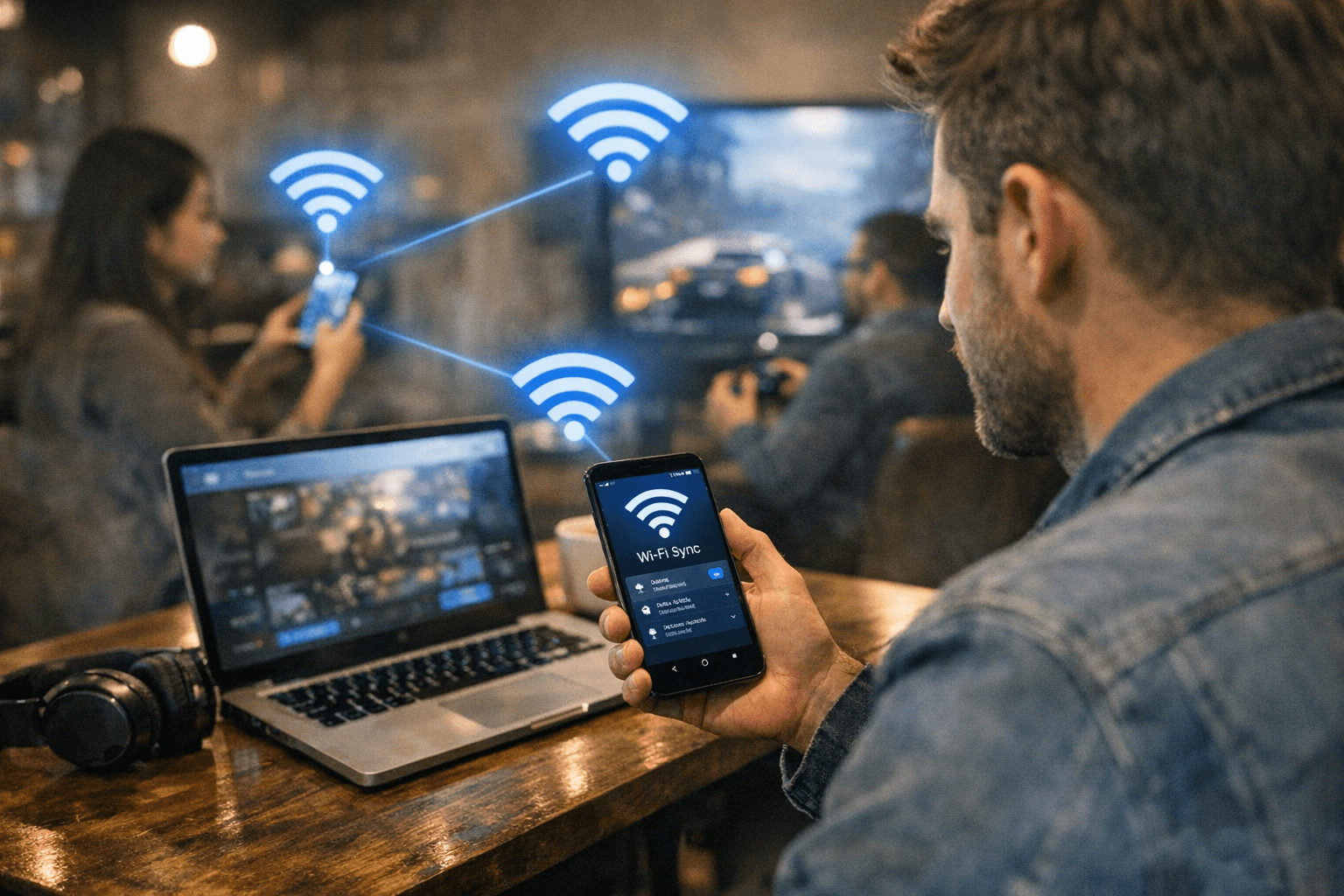
The new Wi-Fi Sync feature automatically shares and syncs known, trusted Wi-Fi networks across a user's entire personal device ecosystem. As the official changelog puts it, the goal is ensuring "that wherever connectivity is available, it's quickly and easily accessible." In practical terms, as Android Authority's Edgar Cervantes noted, "you won't need to repeatedly enter passwords when switching between devices, and your saved networks should just follow you." On ChromeOS devices and Android phones alike, any Wi-Fi connection you've already established will appear ready to use without manual entry.
The Play Store got a notable gaming upgrade in the same March 16 wave. Play Store v50.6 introduced the ability to try select premium games for a limited time before committing to a purchase, a feature that could meaningfully change how players evaluate paid titles. Wear OS users also picked up animated placeholders on the Browse page while content loads, a small but polished quality-of-life touch.
A week earlier, on March 9, Google had already pushed Play services v26.09 and Play Store v50.5 with their own round of improvements. Version 26.09 added the ability to control screen brightness within WebViews, and it brought a fix that many users will appreciate without realizing it: Autofill with Google and Credential Manager now coordinate to prevent simultaneous dialogs, so you won't get two competing password prompts stacked on each other during sign-in. Find Hub also received additional security options in the same build.
Play Store v50.5 packed in substantial gaming-specific features. The revamped wishlist now sends price-change notifications on saved games. PC Games on Play lets users discover and launch their mobile games directly on a PC. Gamer Profile updates, including Streak tracking, now refresh faster after game activity. Select games bought once unlock access across phone, tablet, and PC simultaneously. Portrait-format videos landed in the "Latest official videos" section on app detail pages, and media recommendations expanded to include movies and TV shows with poster images.
SammyGuru's Binay Konwar, writing March 18, flagged additional changes from the broader update: Wear OS devices can now complete store payments without opening the Wallet app first, digital credential support in Wallet improved, and developers received new tools for building Digital Wallet and Payments features into their apps. System management tweaks also contributed to improved device stability across the board.
Samsung-focused coverage noted some further interface changes reported for this update cycle, including Quick Settings reverting Wi-Fi and mobile data to separate toggle buttons after a period where they were combined, an app lock feature supporting PIN, pattern, or fingerprint protection for individual apps, and the ability to convert apps into movable floating bubbles that can be dismissed with a long-press. These items have not been confirmed against the official Google changelog and should be treated with some caution until verified.
Eligible Samsung Galaxy devices are expected to begin receiving the Play System update in the coming weeks, per SammyGuru. On Pixel devices, you can check your current status by opening Settings, tapping your name at the top for Google services, navigating to the All services tab, then Privacy and security, and finally System services. Worth knowing before you go hunting: a feature appearing in a Play System changelog doesn't guarantee it's live on your device yet, and some capabilities can take months to reach full rollout.
This article was produced by Prism’s automated news system from verified source data, official records, and press releases, then run through automated quality and moderation checks before publishing. The system is built and supervised by the people who set the standards it runs under. Read our full AI policy.
Did this article answer your question?


