NBA 2K26 File Explorer gives PC modders direct control over game files
Looyh’s NBA 2K26 File Explorer turns PC file handling into a faster modding workflow, with search, export, and a new VCUIELEMENT viewer.

NBA 2K26 File Explorer is the kind of utility that changes how PC modding actually feels. Instead of forcing you to guess where a roster edit, cyberface, court texture, or uniform asset lives, it lets you browse, search, and export the game’s resource files directly. For creators who spend their time building realism mods, that means less blind digging and more time making changes that stick.
The big shift here is control. NBA 2K26 mod support on PC is not only about downloading finished files and dropping them into place. It is also about understanding the game’s internal structure well enough to build, audit, and refine your own work. That is why this File Explorer matters: it sits underneath the flashy public-facing mods and speeds up the day-to-day jobs that keep the whole scene moving.
Why this tool matters for real modding work
For roster makers, the payoff is immediate. When player movement changes, likeness updates land, or season-specific details need to be adjusted, a file explorer makes it easier to find the exact files that matter and compare them against what you already have. Instead of wasting time on trial and error, you can inspect the archive structure, identify the right assets, and move faster from one version to the next.
That matters just as much for visual creators. If you are building or updating custom courts, uniforms, cyberfaces, or other presentation pieces, the File Explorer helps reduce the friction between idea and export. It is built for the part of modding most people never see, the part where asset names, folder structure, and file organization either save you hours or cost you a full evening.
What it does and who made it
Looyh released the NBA 2K26 File Explorer, a name longtime NBA 2K PC modders already know well. Community hubs described the release as excellent news for the NBA 2K26 modding community because it gives creators a direct way to browse and export assets from NBA 2K archives.
The tool’s core job is simple but powerful: browse, search, and export NBA 2K26 resource files. That makes it especially useful for anyone working across multiple categories at once, because the utility is not tied to one narrow workflow. It is infrastructure. It helps creators get to the file they need, inspect what is inside, and move it into a usable form with less hassle.
How to use it without fighting the software
The setup is straightforward, which is part of the appeal. The tool only works with NBA 2K26, but the executable itself can be placed anywhere on your PC. On first launch, you need to select or drag the game directory or the game EXE into the software before you start browsing.
Once the file structure is loaded, exporting is just as direct. You can right-click selected files to export them, which makes the process feel much closer to a normal file-management task than a complicated modding ritual. That matters in a community where speed and repeatability are a big deal, especially when you are testing variations and rebuilding assets over and over.
A practical workflow looks like this:
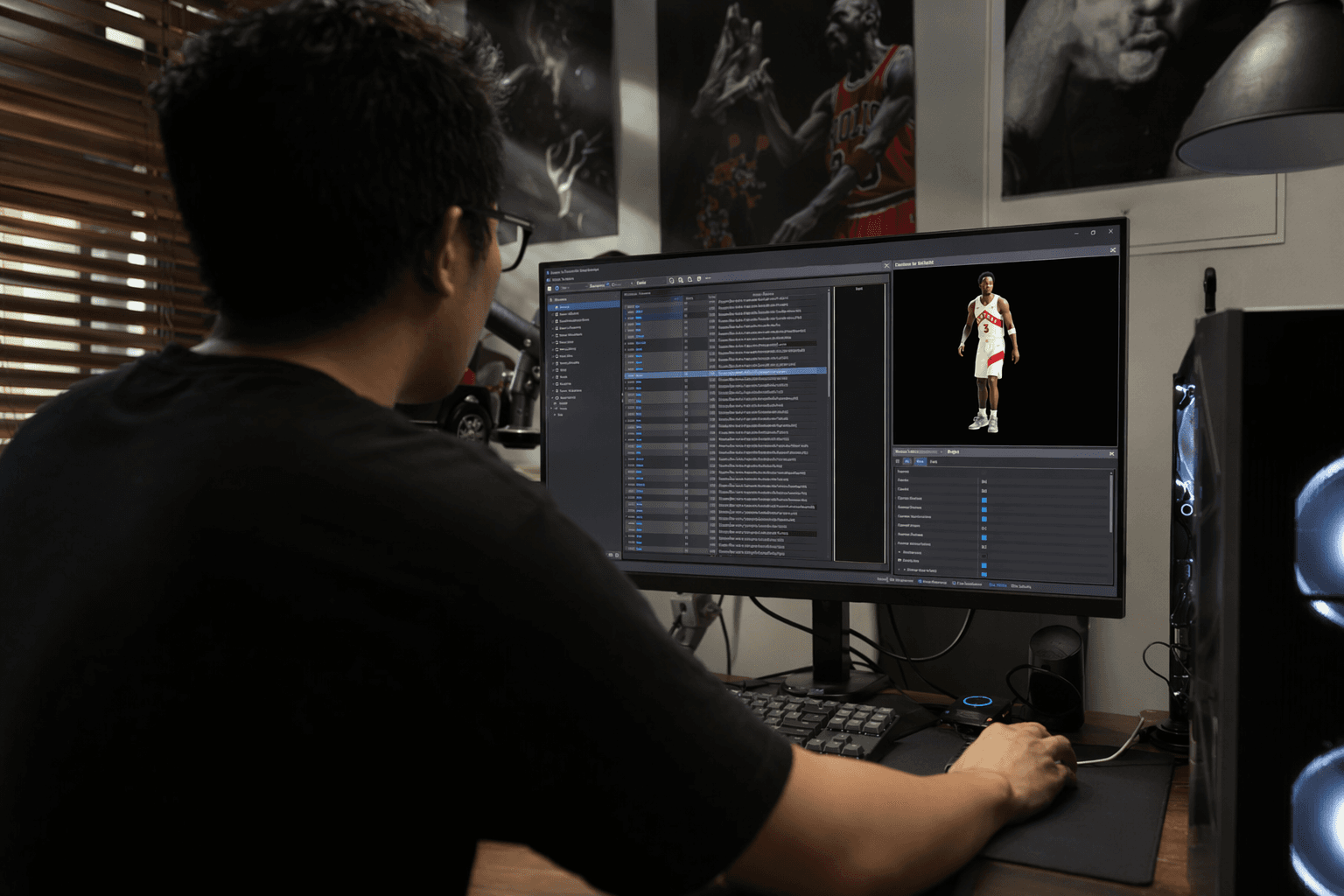
- Open the File Explorer and point it at the NBA 2K26 game directory or EXE.
- Search for the resource you want instead of hunting manually.
- Inspect the internal structure to confirm you have the right asset.
- Right-click to export selected files.
- Reuse that export for your next round of edits or comparisons.
What changed in version 2.0
The current V2.0 listing adds a few meaningful improvements over the NBA 2K25 File Explorer. One of the standout additions is a VCUIELEMENT viewer, along with support for directly exporting fully decoded VCUIELEMENT files. For modders who work with interface-related or presentation-related content, that is a real workflow upgrade because it makes those assets easier to inspect and handle.
The update also improves export reliability. The listing says some .iff files may now be decoded and exported more reliably after fixes for format variation issues, which is exactly the kind of behind-the-scenes improvement that saves time when a project starts behaving inconsistently. The same listing notes fixes and workflow upgrades across the board, so the tool is not just preserving last year’s functionality, it is smoothing out the rough edges.
Why .iff files matter and why 7-Zip still helps
One of the most useful bits of background for PC modders is that exported .iff files are ZIP-encoded internally. That means they can be opened with archive tools like 7-Zip, which gives you another layer of access when you need to inspect what the game is packing inside.
That detail matters because it reinforces the whole point of the File Explorer. You are not stuck treating the game’s files as opaque objects. You can browse them, export them, and in many cases inspect them with familiar archive tools afterward. For creators who like to verify what changed before they push a mod live, that is a major advantage.
Where this fits in the wider 2K PC scene
The release fits into a larger PC modding ecosystem that is still active and productive. Tutorials and mod release hubs continue to publish guides for extracting files and installing mods, which shows that this utility is not a novelty sitting on its own. It belongs to a living workflow where creators need fast access, accurate exports, and enough visibility into the game files to keep improving their projects.
That is also why the File Explorer has been treated as essential by community hubs like NLSC. The download entry was added on September 14, 2025, and the messaging around it was clear: this is good news for NBA 2K26 modding because it gives people direct access to the archives they need to work on. For PC modders, that is the difference between spending time searching and spending time creating.
In practical terms, NBA 2K26 File Explorer makes modding more efficient at every step that usually slows a project down. It helps you find assets faster, confirm file structure, export with less friction, and keep iterating without turning every update into a scavenger hunt. For anyone building the visual identity of NBA 2K26 on PC, that is not a side tool. It is part of the core workflow.
This article was produced by Prism’s automated news system from verified source data, official records, and press releases, then run through automated quality and moderation checks before publishing. The system is built and supervised by the people who set the standards it runs under. Read our full AI policy.
Did this article answer your question?