Capture One and DaVinci Resolve add native Affinity file support
Affinity files now open natively in Capture One and DaVinci Resolve, cutting out export hops for photographers who move between stills, layouts and video.
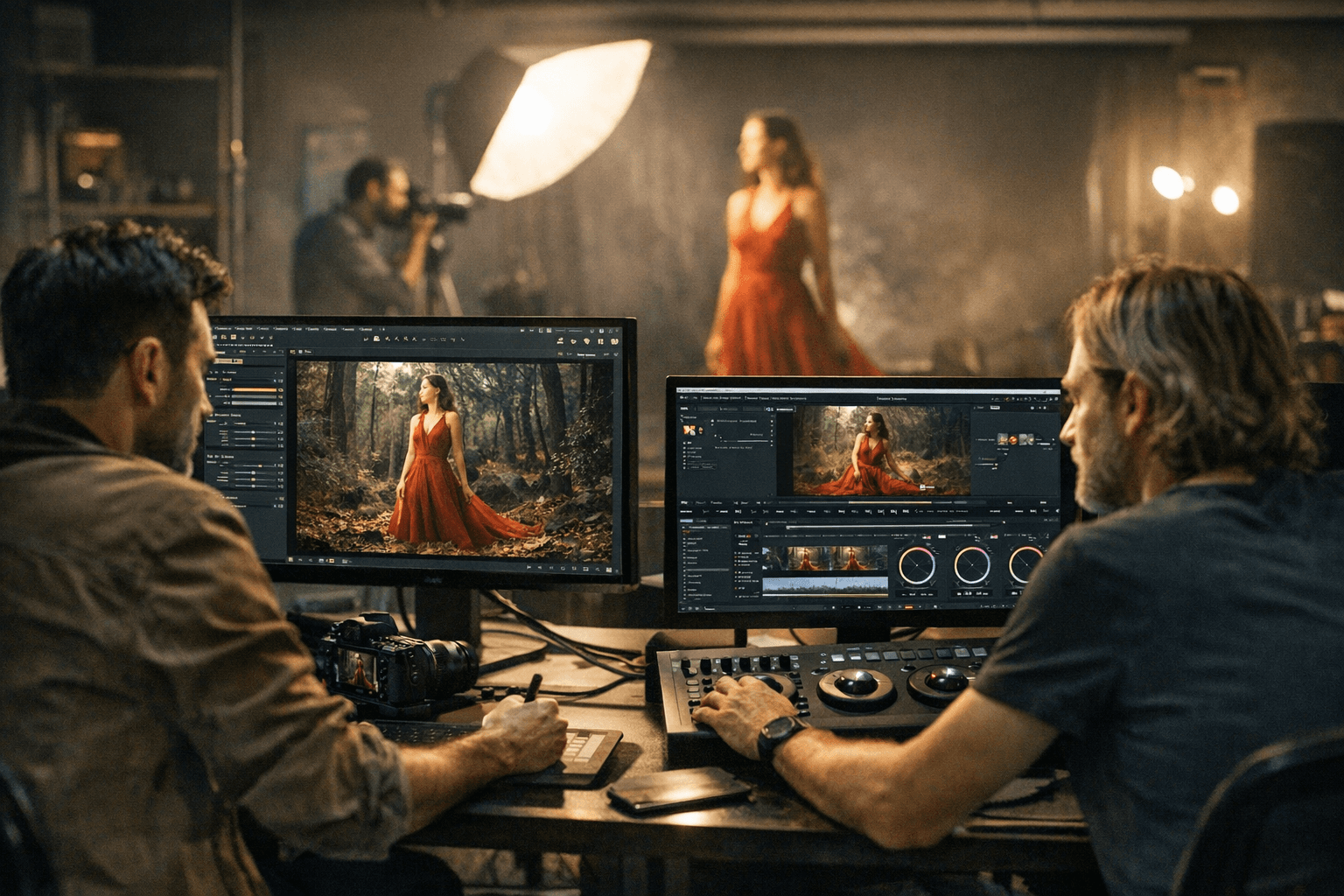
A finished Affinity layout can now move straight into Capture One or DaVinci Resolve without a detour through a flattened export, and that is the kind of change that saves real time in mixed stills and video work. For photographers who build graphics in Affinity, then need to color, catalog, batch export or finish the piece in a separate app, the new native .af support removes one of the most annoying handoff points in the workflow.
Capture One said Affinity file support arrived in Capture One 16.7.7, with files able to be imported for cataloging, delivery or batch export. That makes the app more practical for hybrid creators who want to keep a project live instead of baking it down into a TIFF or PSD just to get it into the next stage. In a studio workflow, that means less relinking, fewer versioning headaches and less time spent translating the same project from one program to another.
DaVinci Resolve picked up the same advantage inside the Resolve 21 era, extending a toolset that already has a stronger claim on photo-adjacent work than most editors. The big payoff is that if an Affinity .af file is edited and saved, Resolve can refresh it automatically. That keeps graphics current inside a timeline and reduces the risk of stale references, which matters when a still image, title card or social cutdown is still changing while the edit is already underway.
The timing also matters because Canva has been pushing Affinity into a much broader ecosystem. Canva relaunched Affinity on October 29, 2025 as a single professional design app combining photo editing, vector design and page layout, and said it was now free for everyone. Canva also said it had more than 28 million paying customers and $3.5 billion in annualized revenue, underscoring why it could afford to widen access. Canva’s help center says everyone, including Canva Free users, can use Affinity, while paid plans unlock AI tools such as Generative Fill, Generative Expand and Generate Image/Vector.
For photographers who also design assets, prep social versions or hand work off to editors, this is the point where Affinity starts looking less like a sidecar app and more like a serious Photoshop alternative with a cleaner path into the rest of the production chain. The software still has to win on editing depth and day-to-day feel, but native support in Capture One and DaVinci Resolve gives it something alternatives live or die on: less friction where creative work actually moves.
This article was produced by Prism’s automated news system from verified source data, official records, and press releases, then run through automated quality and moderation checks before publishing. The system is built and supervised by the people who set the standards it runs under. Read our full AI policy.
Did this article answer your question?


