f8 Develop brings HDR film scans to Mac photographers
f8 Develop turned camera-scanned negatives into HDR HEICs on Mac, aiming to cut manual correction with Apple Silicon speed, base reading, and batch tools.
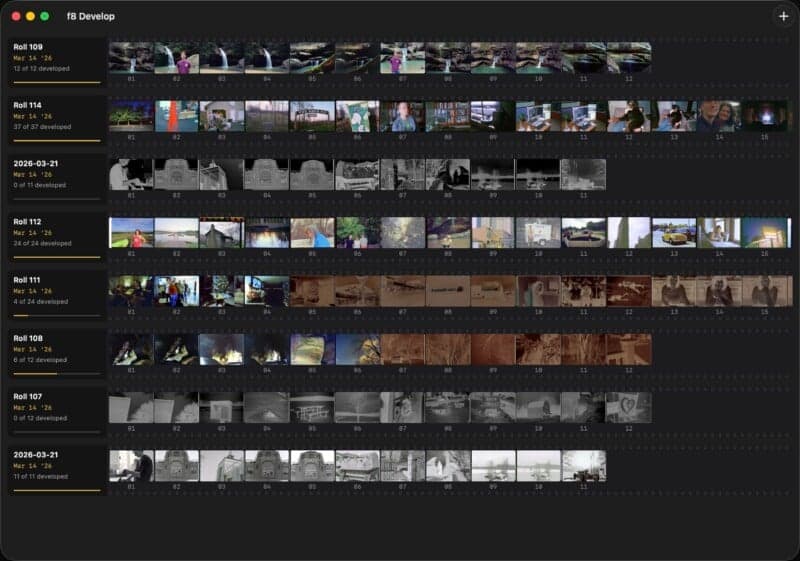
Film photographers who scanned at home with a mirrorless or DSLR got a new Mac option on June 8: f8 Develop, a film inversion app built by indie developer and film photographer Chris Stoll. The pitch was not just faster negative-to-positive conversion, but a cleaner end-to-end workflow that used Apple’s Adaptive Gain Map and could export HDR HEIC files instead of forcing another round of manual fixes.
Stoll built f8 Develop as part of a broader suite of macOS applications for film photographers, and the app leaned hard into Apple’s hardware and software stack. It was described as GPU-accelerated on Apple silicon and designed to run entirely on-device, which gave it a clear edge for Mac users who wanted a stable, film-specific tool rather than a chain of generic editors and plug-ins. The app also offered batch processing with per-frame overrides, session management, and export options that included HEIC, TIFF, and JPEG.
The most distinctive part of the workflow was how it handled the film base. Instead of treating every frame as a blind inversion job, f8 Develop read the visible rebate area on the scan to measure the base and correct for it, a method Stoll said was inspired by the behavior that made Pakon scanners so well regarded. That emphasis mattered because most digital camera scanning workflows live or die on how much color and density cleanup still needs to happen after capture. The app also wrote metadata such as camera, lens, film stock, and copyright directly into the file, a practical detail for photographers building searchable archives.

Apple’s own developer documentation made the technical appeal clearer. The HDR gain map used in this workflow was described as an 8-bit, single-channel luminance map stored as auxiliary image data, and Apple said its gain-map approach had been proposed for ISO standardization as ISO/NP 21496-1. Apple also documented support for saving HDR gain-map data to JPEG or HEIF, which helped explain why an HDR HEIC output path made sense for a film scanner app aimed at Mac photographers.
f8 Develop entered a small but competitive corner of the market. FilmLab already covered macOS, Windows, iOS, and Android, starting as a mobile app before adding desktop support for files from digital cameras or scanners, and its newer releases leaned on modern GPUs for faster conversions and more film-stock and backlight profiles. Negative Lab Pro continued to frame DSLR and mirrorless scanning as a workflow that could be frustrating or rewarding depending on setup, while also touting RAW capture, faster capture times, and sharpness that could rival expensive drum scanners.
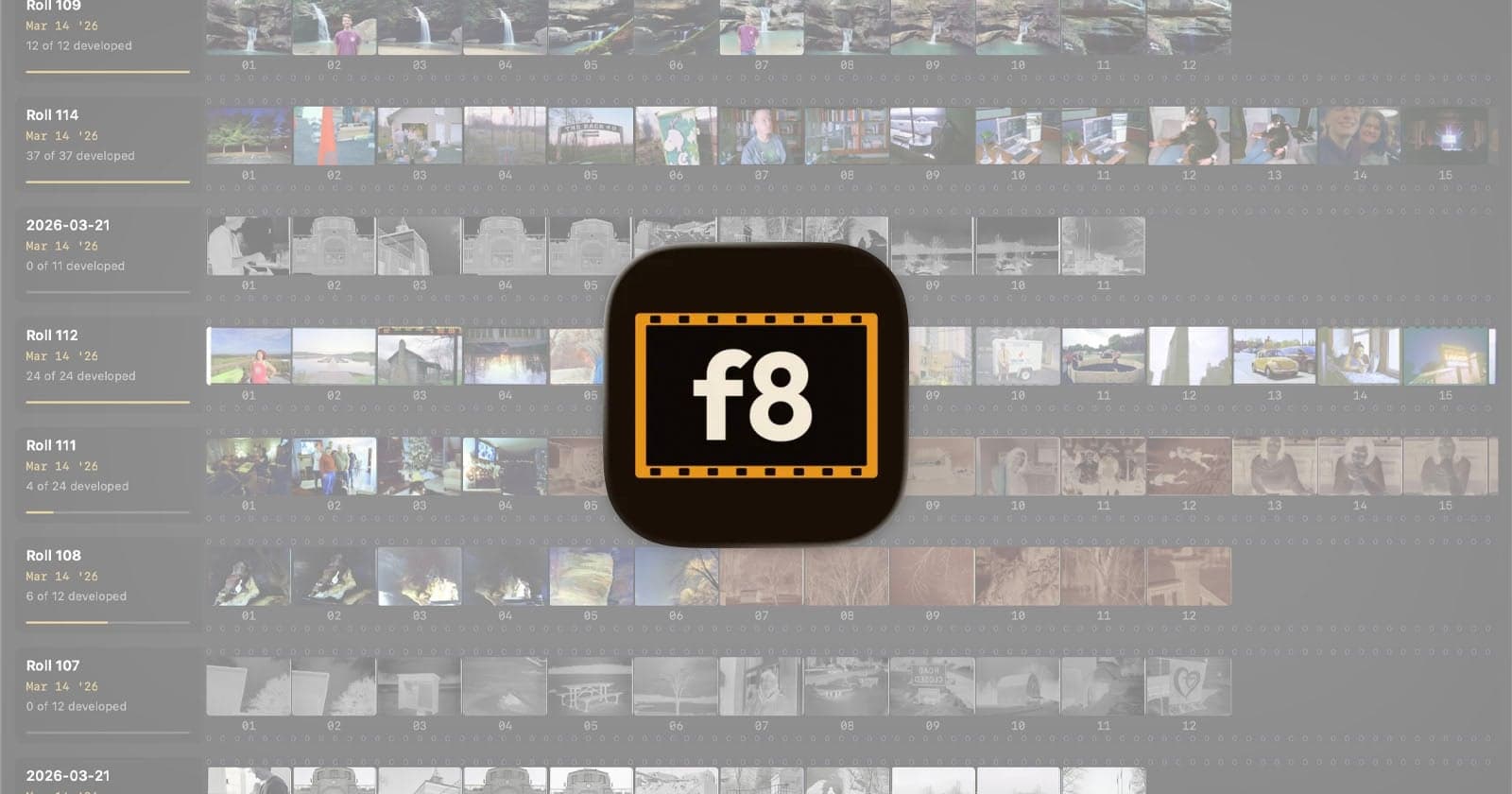
That is where f8 Develop tried to stand apart: not as another all-purpose editor, but as a purpose-built inversion tool for people who wanted fewer slider sessions and more finished scans. For home film scanners chasing speed, consistency, and less manual correction, the question it answered was simple: can the software do enough of the hard work to make the rest of the workflow feel like scanning in the first place?
This article was produced by Prism’s automated news system from verified source data, official records, and press releases, then run through automated quality and moderation checks before publishing. The system is built and supervised by the people who set the standards it runs under. Read our full AI policy.
Know something we missed? Have a correction or additional information?
Submit a Tip