Luminar update speeds portrait retouching with smarter skin, bokeh tools
Portrait cleanup gets faster and more believable: Luminar Neo 1.27 splits skin controls, widens bokeh to objects, and streamlines the phone-to-desktop handoff.
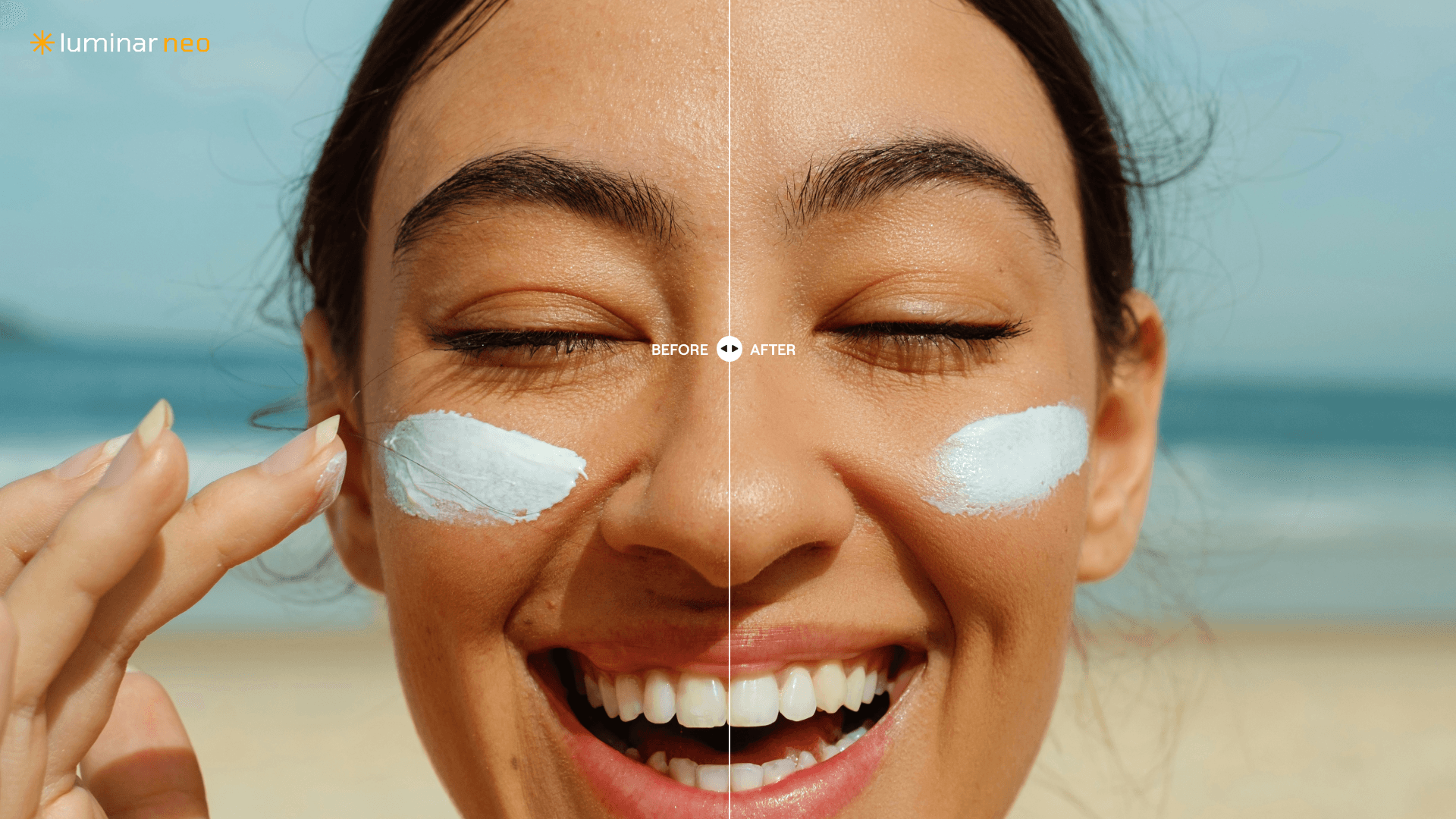
Portrait cleanup gets a lot less fussy in Luminar Neo 1.27. The April 14 update separates skin and face retouching, turns blemish cleanup into a slider, and pushes Bokeh AI beyond people so you can fake shallow depth of field around almost any subject without falling into a traditional editing maze.
What gets easier now
This is the kind of update that changes the first 10 minutes of an edit, not just the last polish pass. Skylum is pitching version 1.27 as a faster, more natural portrait toolkit for hobby photographers and semi-professionals, and that goal shows up in the details: fewer blunt on-off controls, more fine-tuning, and a stronger push toward edits that look like they came from the camera, not a filter stack.
The biggest shift is that Luminar Neo is trying to save you from overworking a face. Instead of one broad retouching control doing too much at once, Skin AI now separates skin and face adjustments so you can treat texture and facial features differently. That matters when you want to keep a portrait looking like a real person, not a smooth digital mannequin.
Skin, faces, and masks finally move at different speeds
The small-looking change that may end up mattering most is the Blemish Removal slider. Replacing a previous checkbox means the tool is no longer just yes or no. You can ease it in and keep more natural detail, which is exactly what you want when the file is heading to a family album, a profile picture, or a social post where people still need to recognize themselves.
Face AI also now includes dark-circle removal under the eyes, which makes the quick cleanup pass more complete without forcing you into a separate retouching workflow. Add in Mask Feather, a new option that softens mask edges, and the software is clearly trying to solve one of the biggest giveaways in casual portrait editing: hard transitions that make local edits look pasted on. For portraits, that softer edge is often the difference between a believable correction and one that screams software.
Bokeh AI grows up
The headline feature is Bokeh AI, and this is where the update stops feeling like a tidy maintenance release and starts feeling like a real workflow shortcut. Skylum now describes it as universal, meaning it can blur backgrounds behind both people and objects, not just classic head-and-shoulders portraits. The company says it uses multi-stage depth-map prediction to understand scene geometry and subject separation more accurately.
In plain English, Luminar is trying to recreate the look of a fast portrait lens or a shallow depth-of-field setup even when the original file came from a phone, a kit zoom, or a lens that never gave you that kind of separation in the first place. That makes the tool useful beyond the usual portrait demo shot. A child on a couch, a pet on the kitchen floor, a flower vase on a table, or a casual street portrait all become fair game.
That promise is familiar if you have followed Luminar’s portrait tools before. Skylum already positioned its Portrait Bokeh AI as working on most portrait images regardless of lens or lighting conditions, and 1.27 expands that idea instead of replacing it. The new version just makes the blur more flexible and more broadly usable, which is the kind of upgrade that actually saves time in a real photo library.
Where the time savings show up
For casual portraits, the win is speed. You can make a believable face cleanup pass, soften under-eye shadows, and add background separation without bouncing through a pile of manual masks and layered fixes.
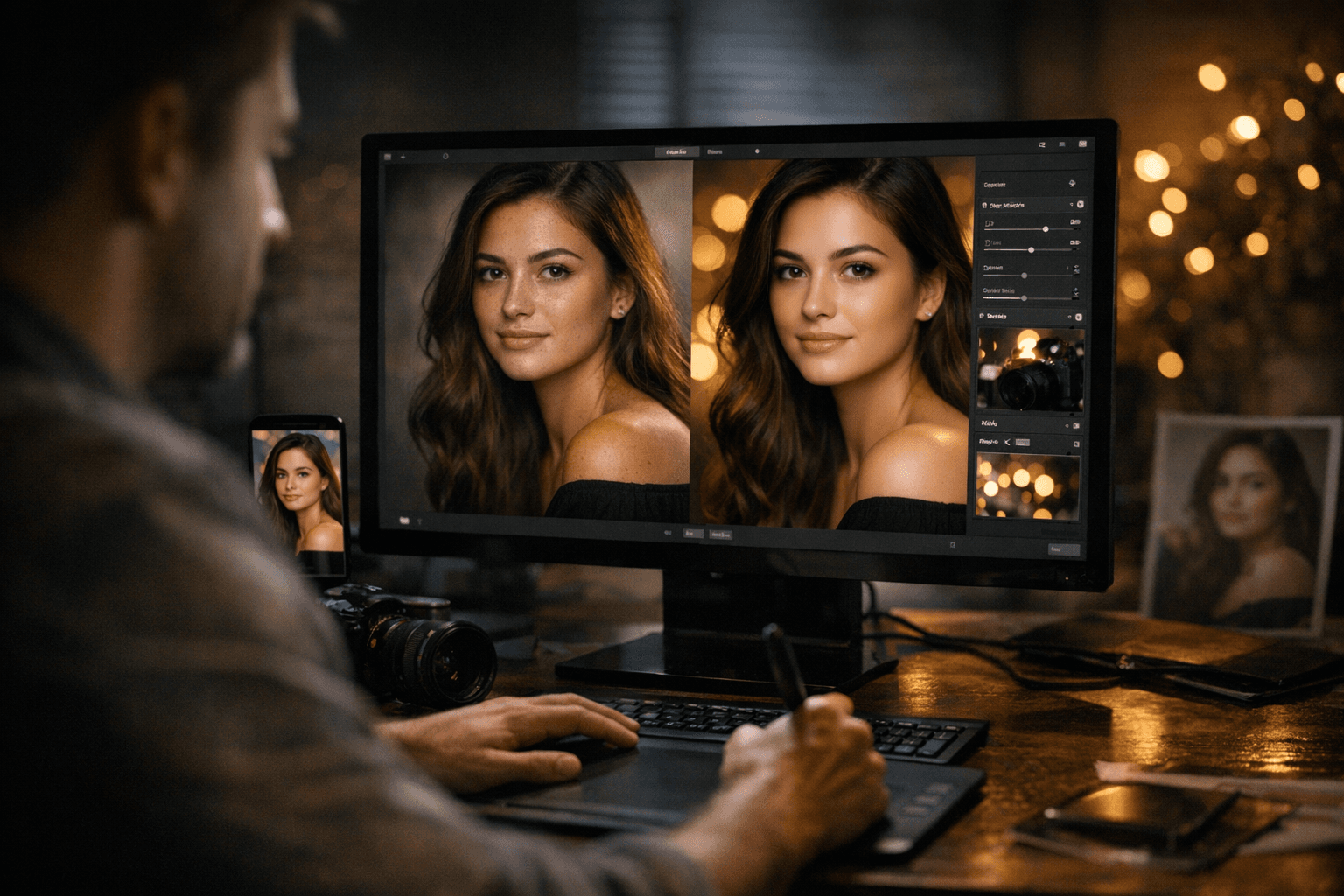
For family photos, the payoff is consistency. Group shots usually need tiny corrections in several places, not one heroic edit, and the new slider-based controls make it easier to stop before everyone starts looking overprocessed.
For social-ready edits, the value is trust. The tools are clearly aimed at getting you to a finished image faster, but the separate skin controls, feathered masks, and depth-map bokeh all suggest Skylum knows the result still has to look like a photograph people will believe.
- Faster retouching means less time polishing small imperfections one by one.
- Softer masks reduce the harsh outlines that give away local edits.
- Universal Bokeh AI lets you add subject separation to more than just portraits.
A connected workflow instead of a one-device trap
Luminar Neo’s bigger story is not just what the tools do, but where they live. Skylum’s cross-device perpetual license includes the desktop app plus Luminar Mobile on iOS, Android, and ChromeOS, and the desktop license can be activated on two computers. The company also markets Luminar Neo as a connected ecosystem where you can start on your phone or tablet and finish on desktop with your work staying synced.
That matters because portrait editing rarely happens in one sitting anymore. You might cull on mobile, make a quick crop and skin pass on the couch, then finish the file at a desk later. Skylum is betting that a smoother handoff will feel more modern than locking a portrait workflow to a single laptop. The mobile side also has credibility on its own, with a 4.8 out of 5 rating in both major app stores, which helps explain why this is being treated as a serious part of the product rather than an accessory.
Luminar Neo also keeps the broader editing basics in place. It supports raw files, layers, masking, and plugin use with Lightroom Classic and Photoshop, so the portrait tools are meant to slot into an existing workflow rather than replace every other app you already use.
Why this update feels like part of a bigger pattern
This release also fits a pretty active pace from Skylum. Luminar Neo 1.26.0 landed on December 23, 2025 and introduced AI Assistant in both the Presets and Edit tabs, so 1.27 is not arriving as a one-off surprise. It looks like another step in a feature-led run that keeps pushing Luminar toward more guided editing and less manual friction.
That is why the update has drawn attention from photo coverage focused on editing tools. Fstoppers described 1.27 as leaning hard into AI-based portrait tools and masking improvements, which lines up with the way the release is being framed across the broader photography conversation. The throughline is clear: Skylum wants Luminar Neo to feel like the simpler, more approachable answer for people who want polished portraits without wrestling with heavier desktop software.
What gets easier now is not just retouching one face or faking one blurred background. It is the whole habit of finishing portraits quickly enough to actually use them, while still trusting that the result looks natural. That is the kind of upgrade that earns a permanent place in a portrait workflow.
This article was produced by Prism’s automated news system from verified source data, official records, and press releases, then run through automated quality and moderation checks before publishing. The system is built and supervised by the people who set the standards it runs under. Read our full AI policy.
Did this article answer your question?


