Resolve 21 adds Photo page, challenging Lightroom with pro color tools
Resolve 21’s new Photo page lets photographers grade RAW files with nodes, tether Sony and Canon bodies, and try it free before the $295 Studio upgrade.
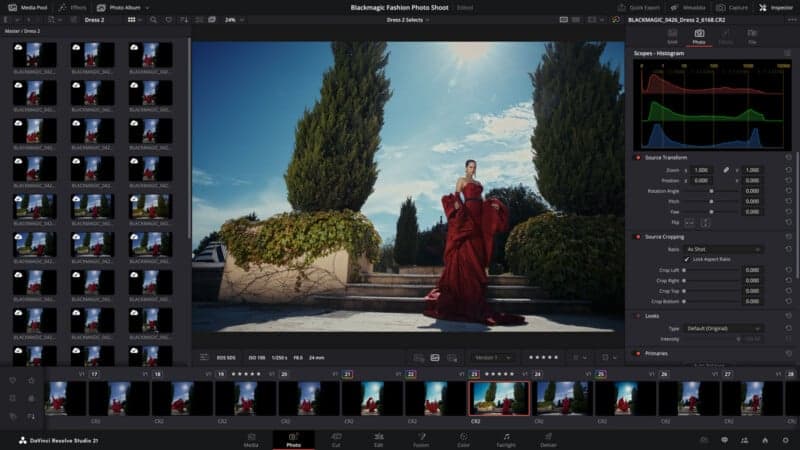
Blackmagic Design has put a real Lightroom challenge inside DaVinci Resolve 21, and the payoff is obvious for hybrid shooters: one app can now handle video, stills, and finishing without forcing you to jump between catalogs and color tools. The public beta is available now, while the Studio upgrade sits at $295, making this a low-friction way to test whether a Resolve-first workflow can replace part of a Lightroom habit.
The headline feature is the new Photo page, announced April 13 at NAB 2026 in Las Vegas. Grant Petty said the page brings “Hollywood’s most advanced color tools” to still photography for the first time, and that is the right framing for what Blackmagic is trying to do. This is not a slider-first photo editor. It is Resolve’s node-based color workflow, repackaged for RAW images, LUTs, Resolve FX, OpenFX plugins, and non-destructive adjustments.
That matters because the Photo page is built for the kind of targeted control photographers normally reach for in Photoshop or Lightroom after the first pass. Blackmagic says users can stack nodes in series or parallel, correct different parts of an image at the same time, and reuse shared nodes to apply one look across an entire album. It also supports reframing and cropping while preserving original resolution and aspect ratio, with every adjustment kept at full file quality.
Resolve 21 also goes after practical daily tasks. The new page includes AI Magic Mask for one-click subject or object selection, AI UltraSharpen for low-resolution files, LightBox browsing, star-rating and flag filtering, Lightroom catalog import, and tethered live capture from Sony and Canon cameras with live control over ISO, exposure, and white balance. Blackmagic says albums can be organized by shoot day, camera model, or other criteria, and those albums show up as timelines on the Color, Cut, and Edit pages.
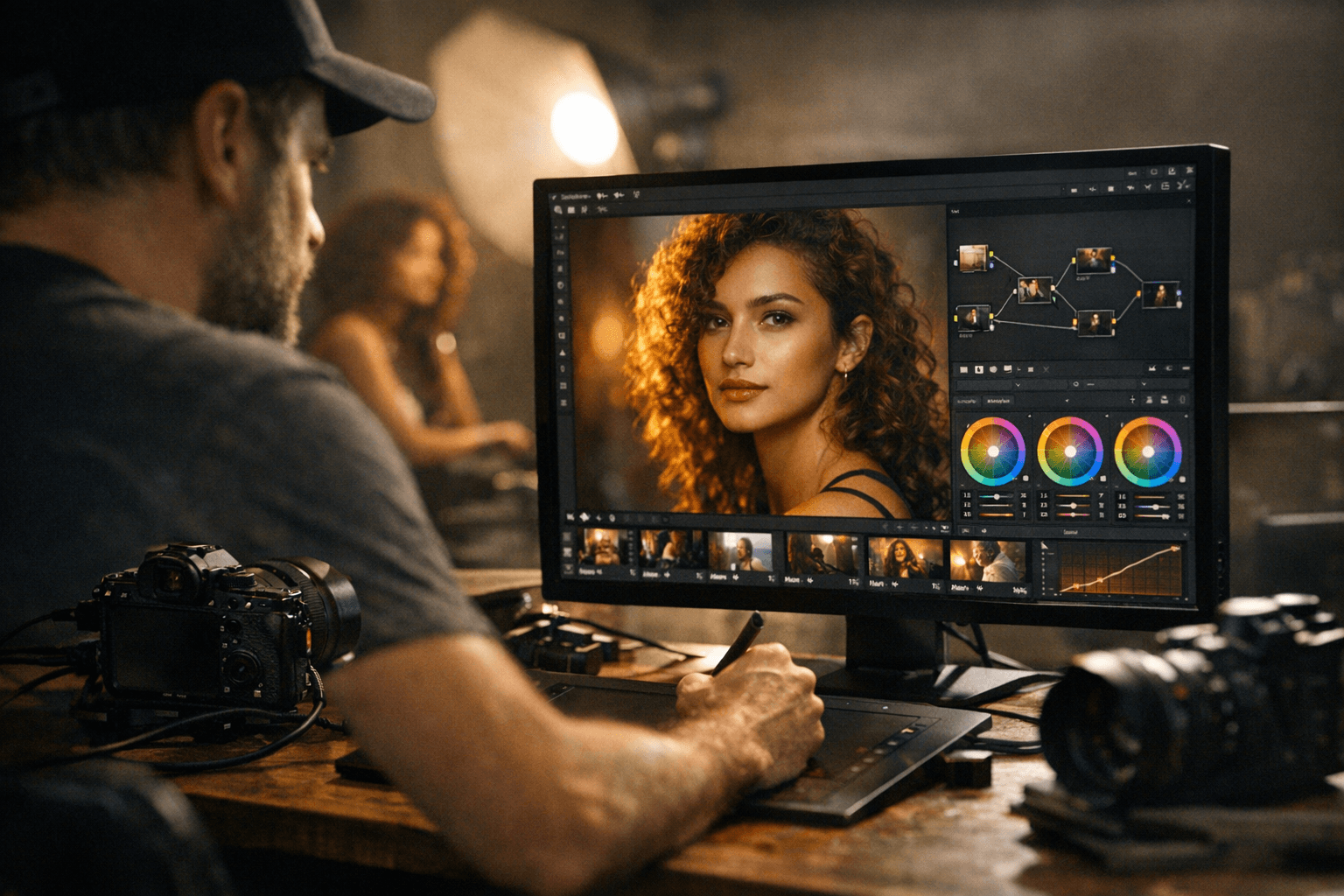
That cross-page handling is the clearest sign that Blackmagic wants Resolve to become more than a video suite. The company already describes DaVinci Resolve as an all-in-one tool for editing, color correction, visual effects, motion graphics, and audio post production, and Resolve 21 extends that pitch into still photography with new AI tools such as IntelliSearch, CineFocus, de-aging, and blemish removal.
For photographers who already live in Resolve for video, the smartest move is to test it now, not rip out Lightroom overnight. If your work leans on raw color control, tethering, and shared looks across mixed stills-and-motion jobs, Resolve 21 finally makes one-app consolidation realistic.
This article was produced by Prism’s automated news system from verified source data, official records, and press releases, then run through automated quality and moderation checks before publishing. The system is built and supervised by the people who set the standards it runs under. Read our full AI policy.
Did this article answer your question?


