Pupdate Automates Analogue Pocket Core and Asset Updates for openFPGA Users
Pupdate, maintained by mattpannella, keeps your Analogue Pocket's openFPGA cores and firmware current automatically across Windows, macOS, and Linux with a single executable.
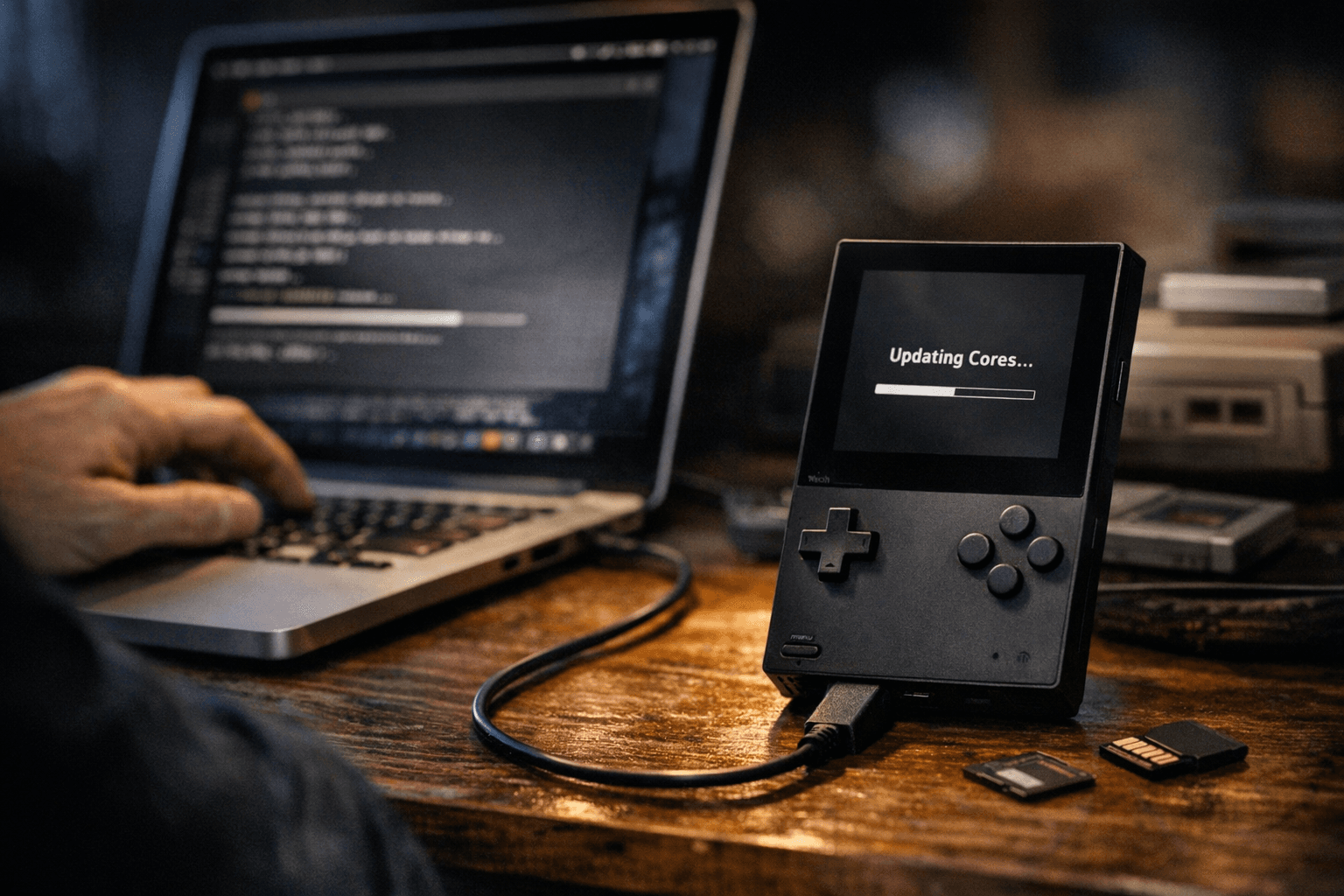
Pupdate is a free utility for updating the openFPGA cores, firmware, and a bunch of other stuff on your Analogue Pocket. Maintained by mattpannella on GitHub, it runs on Windows, macOS, and Linux, making it one of the few cross-platform options in the Pocket updater ecosystem, and the go-to choice for anyone stepping away from a Windows-only workflow.
Getting started is deliberately low-friction. If you just want to use the utility, don't clone the source repository. Just download the latest release, unzip it, put the executable file for your platform in the root of your SD card, and run the program. From there, run Settings at the main menu to have it walk through the available settings for you. The maintainer is unambiguous about version discipline: "I can't (and don't want to) support old versions, so please make sure you download the latest release before submitting any issues."
Two features worth highlighting sit inside the Settings menu. The first is Pocket Setup's Super GameBoy Aspect Ratio option. Pupdate contains new platforms that combine multiple cores into a single one, helping reduce the number of items you see in your openFPGA menu and leveraging the 'Change Core' functionality. Within Super GameBoy cores specifically, applying the 8:7 aspect ratio gives you a more "full screen" look and feel on the Pocket, and you can reset any of those cores back to the original 4:3 at any time. The second is Pocket Maintenance's Reinstall or Uninstall Cores option, which erases and reinstalls all core-specific files and assets without touching your ROMs or save files. That last point matters: a full core reinstall is non-destructive to your game data.
The Update All function installs and updates all of your cores plus a range of other assets; it can basically be used as the "do everything I want" option. Pupdate also ships with two pre-configured asset archives. The default one is hosted on archive.org, and if you go into the Settings menu you can switch to using the custom archive, which is hosted by RetroDriven.
The project credits make clear how collaborative the openFPGA tooling scene actually is. Pupdate is a port built on top of work originally done by neil-morrison44. From there, Michael Hallett contributed heavily to the project; RetroDriven maintains the arcade ROM archive; dyreschlock hosts the updated platform files for Jotego's cores; and espiox maintains the game & watch ROM archive. Jotego's arcade cores alone represent a substantial chunk of the Pocket's most compelling FPGA content, so dyreschlock's platform file work underpins a lot of what Pupdate delivers.
The updater ecosystem has experienced some turbulence worth knowing about. One user on Reddit's Updater Tools thread reported hitting a support QR code in openFPGA after updating the system and copying new files to the Pocket's SD card while using RetroDriven's Pocket Updater, a separate Windows GUI application. The user found an open issue on that project's GitHub page asking whether it was still being supported, with no response visible. The observation that "there haven't been many updates to these tools in the last year or so" tracks with the broader pause in firmware activity from Analogue itself. That same user landed on pupdate as their path forward, noting the platform switch away from Windows as the deciding factor.
RetroDriven's Pocket Updater is a free Windows application for updating openFPGA cores, Pocket firmware, required BIOS files, and arcade ROMs, and can also organize cores and download asset image packs. It remains listed on the pupdate GitHub page as an option for users who want a GUI, but pupdate's cross-platform command-line approach is what keeps it relevant as the community's baseline recommendation.
If you want to contribute a core to the ecosystem, submissions go through the openfpga-cores-inventory repository on GitHub. The full list of supported cores lives at the same inventory, giving you a clear picture of what pupdate can manage before you ever run the executable.
This article was produced by Prism’s automated news system from verified source data, official records, and press releases, then run through automated quality and moderation checks before publishing. The system is built and supervised by the people who set the standards it runs under. Read our full AI policy.
Did this article answer your question?

