Retro Handhelds Shows How to Turn the R36 Ultra into a Linux PC
Ubuntu turns the $35.69 R36 Ultra into a pocket Linux box for tinkering, not a daily driver. The payoff is real for terminal work and curiosity, but the setup is deliberately hands-on.
Retro Handhelds shows how to turn the R36 Ultra into a Linux PC
The R36 Ultra already costs less than a new game release, but Retro Handhelds is showing a more interesting way to think about it: as a tiny Linux PC that also happens to play retro games. That shift matters because Ubuntu on this handheld does more than change the menu system. It opens the door to terminal work, light productivity, and general desktop tinkering on a sub-$40 device that many people would otherwise treat as an emulation-only box.
The appeal is strongest if you already live in the custom firmware world. The R36 Ultra sits in the crowded R36S-style RK3326 clone scene, where hardware alone is rarely enough to stand out. Retro Handhelds’ April 21 review, by Nick, pegged it as another RK3326 clone and showed AliExpress pricing at $35.69, which makes the Ubuntu experiment feel even stranger and more impressive. For a handheld at that price, getting a usable Linux desktop out of it is the kind of mod that gets passed around in Discords and group chats for weeks.
What Ubuntu actually unlocks
The big story here is not emulation performance. It is what happens when a budget handheld stops pretending to be only a console and starts acting like a small computer. Ubuntu gives the R36 Ultra a familiar desktop environment, a command line, and the basic shape of a portable Linux machine. That means the device can be used for quick terminal tasks, file handling, package testing, or just proving that a low-cost handheld can be pushed far beyond stock firmware.
That said, this is not a practical replacement for a laptop, and the guide does not try to sell it that way. Retro Handhelds frames the project as fun first and everyday useful second, which is the right lens for a device like this. If your goal is to squeeze more life out of a cheap handheld and explore what the community can coax out of Rockchip hardware, Ubuntu has a real use case. If you want something polished and friction-free, the stock emulation setup is still the safer bet.
The install is intentionally hands-on
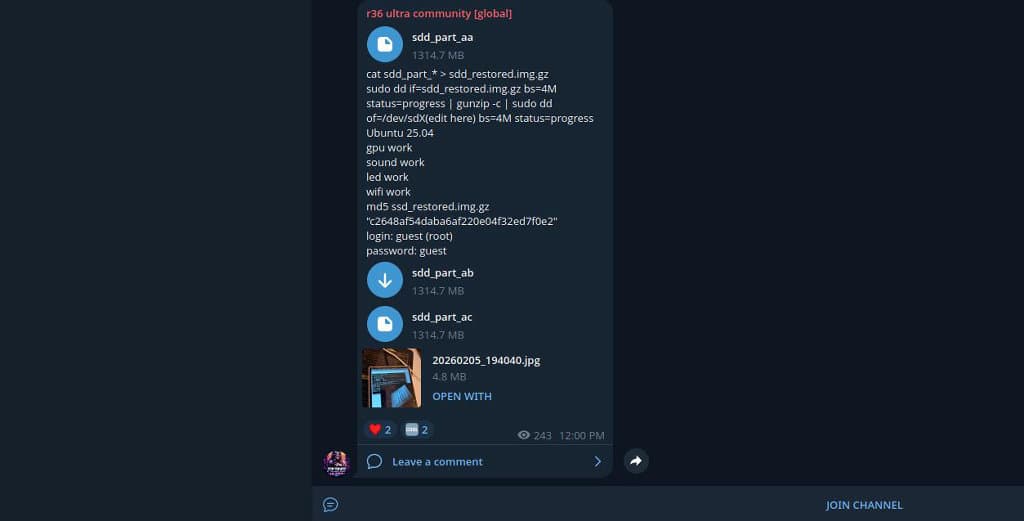
This is not a one-click download-and-flash story. The Ubuntu image files are hosted through Telegram, and users have to collect three split archives named sdd_part_aa, sdd_part_ab, and sdd_part_ac before reassembling them into a single image. From there, the guide walks through stitching the parts together in Windows PowerShell or a Linux terminal, extracting the .img.xz file, and flashing it to a microSD card with a tool such as Balena Etcher or USB Image Writer.
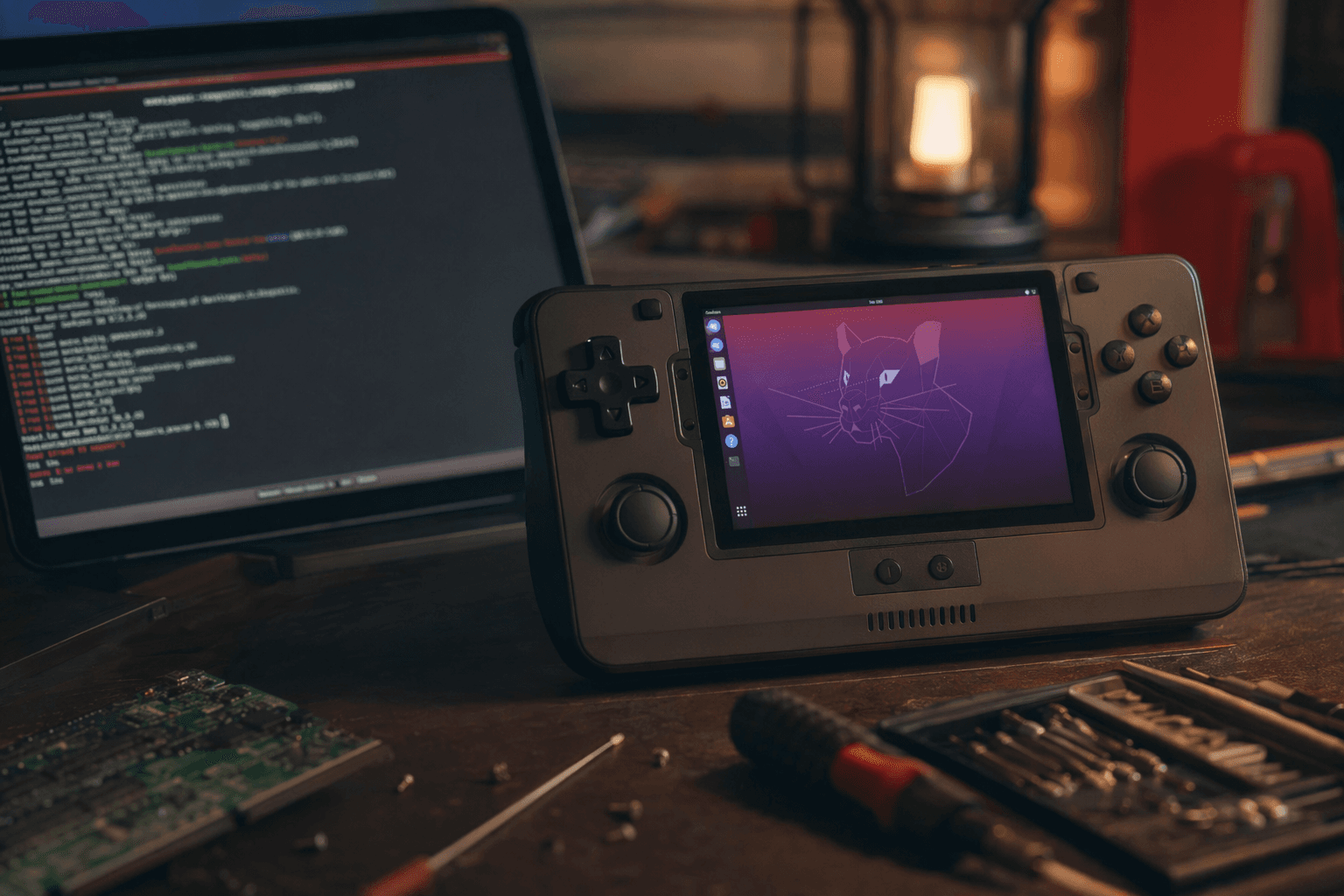
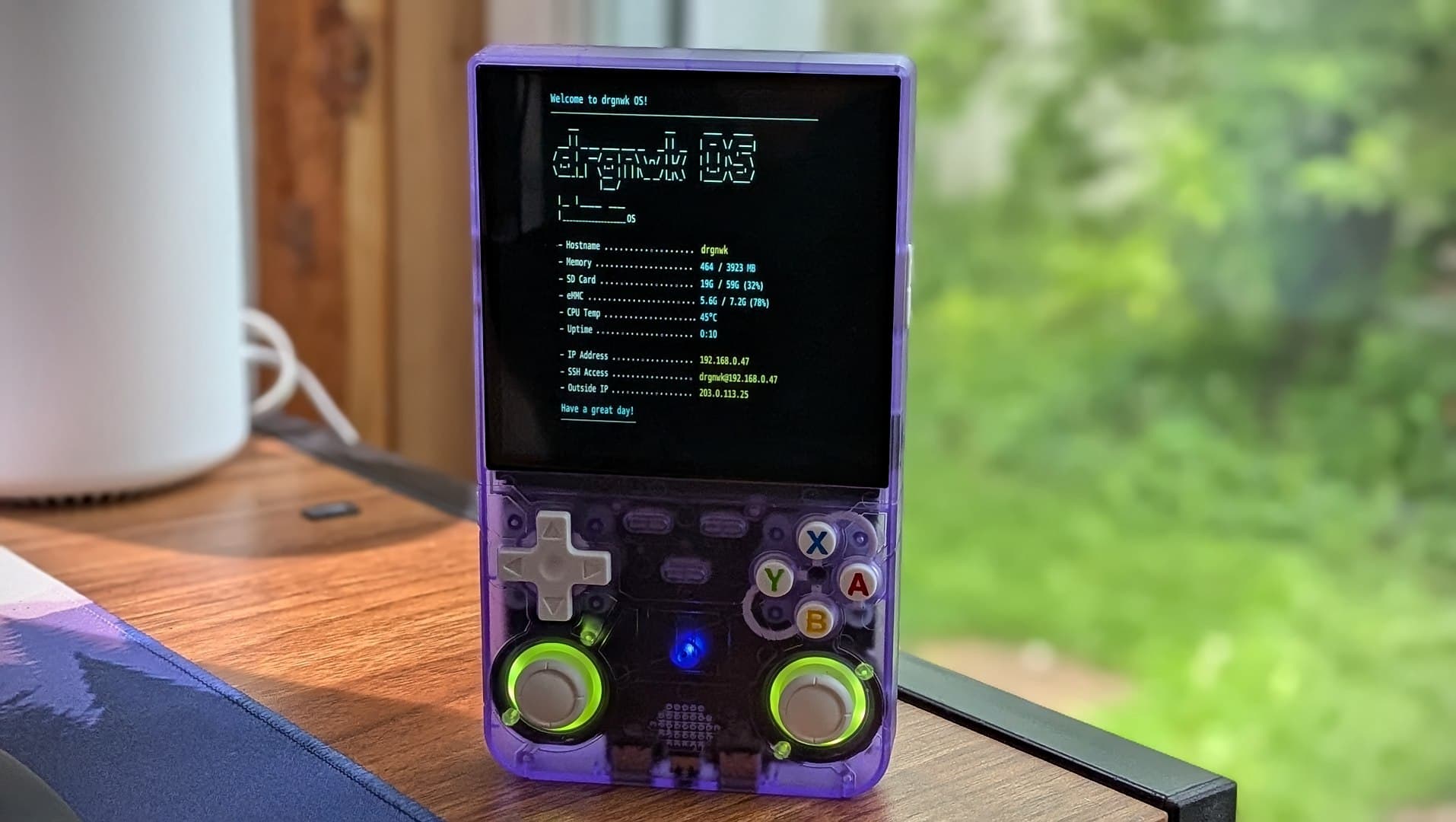
That workflow tells you a lot about the project. This is community tinkering, not consumer software. The first boot reportedly lands on a drgnwrkOS splash screen, which is a nice confirmation that the image is alive and moving through the boot process. It also reinforces the idea that what you are dealing with here is closer to a small community distro build than a polished handheld feature.
What makes the setup feel niche, and why that matters
The friction points are part of the story. You need to find the split files, rebuild them correctly, unpack the image, and write it cleanly to a card. None of that is impossible, but none of it is casual either. For anyone used to traditional firmware releases on handhelds, this is a noticeably more involved path, and that makes it best suited to people who already enjoy swapping SD cards, testing boot images, and recovering from the occasional failed flash.
That complexity is also why the guide feels useful to the retro handheld scene at large. It shows how much of this hobby depends on small, persistent community-maintained efforts. Retro Handhelds has been covering related projects in its guides section, including SpruceOS, ArkOS, and dArkOS, which gives the Ubuntu piece a broader context: clone handhelds are no longer just devices to be played, they are platforms to be remixed.
Why Rockchip Linux ports keep showing up
The R36 Ultra mod does not exist in a vacuum. Joshua Riek’s ubuntu-rockchip project is a community effort to port Ubuntu to Rockchip hardware, and the repository was archived on April 29, 2026. That archived status is a reminder of how fast this corner of the scene moves, and how much it relies on volunteer-maintained work that can disappear or freeze overnight. Even so, the project’s existence shows that Ubuntu-on-Rockchip is a real and longstanding thread in the handheld modding world.
Retro Handhelds’ earlier dArkOS coverage also helps explain why this sort of thing keeps happening. The project was described as bringing Debian Linux builds, including Ubuntu, LMDE, and Kali, to supported handhelds, with access to more than 64,000 packages. That is the key idea behind all of these experiments: once a handheld can boot a mainstream Linux stack, it stops being limited to emulators and becomes a tiny general-purpose machine. The R36 Ultra Ubuntu guide is just the latest expression of that same impulse.
The R36 Ultra-specific angle
There is also a device-specific layer here that makes the mod more compelling than a generic Linux port. A separate GitHub project, ZyoungInc/r36ultra-linux, describes custom Linux system development for the R36 Ultra, including modified DTBs and flashing tools, along with tutorials. That suggests the device has already attracted enough interest to justify dedicated Linux work instead of only broad Rockchip experimentation.
For the reader deciding whether this is worth the trouble, that matters a lot. If a handheld has both a cheap entry price and a growing pool of software experiments around it, it becomes more than a disposable emulation unit. It becomes a testbed. The R36 Ultra may not be the most powerful clone in the market, but the combination of price, attention, and community software makes it one of the more interesting ones to tinker with.
Who should try this mod
This is the right project if you already enjoy custom firmware, know your way around microSD flashing, and want to see how far a bargain handheld can be stretched. It is also a good fit if you are curious about Linux-on-Rockchip development and want a hands-on way to explore a device that costs little enough to experiment on without much fear.
It is not the right move if you expect a smooth, polished desktop experience or want a handheld that can replace a normal everyday computer. The real value is narrower and better defined: you get a portable Linux environment, a deeper appreciation of what community firmware can do, and a fresh reason to look at a sub-$40 handheld as more than an emulation toy. For the retro crowd, that kind of upside is exactly why these experiments keep spreading.
This article was produced by Prism’s automated news system from verified source data, official records, and press releases, then run through automated quality and moderation checks before publishing. The system is built and supervised by the people who set the standards it runs under. Read our full AI policy.
Did this article answer your question?
