RetroNAS turns Raspberry Pi devices into storage hubs for retro PCs and consoles
RetroNAS turns a Raspberry Pi into a shared file hub for retro PCs, cutting the pain of floppy images, drivers, and scattered game installs.
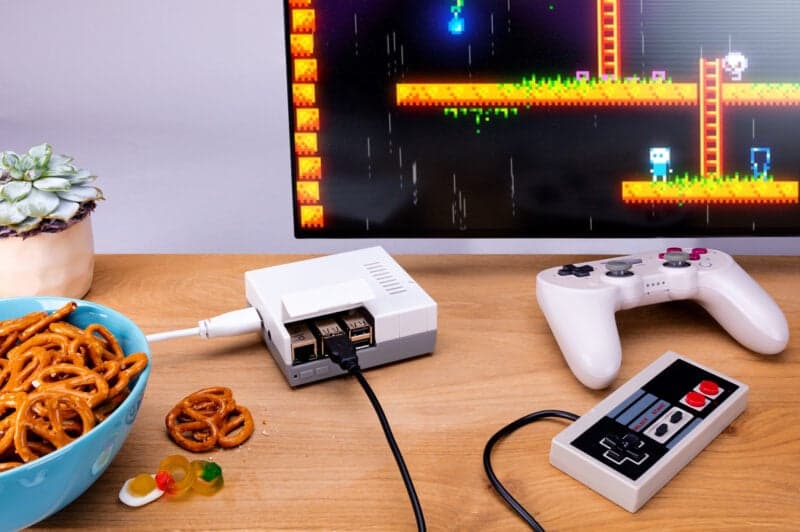
A storage hub that fixes the boring part of retro computing
RetroNAS is the kind of project that quietly changes the whole rhythm of a retro setup. Instead of hunting through USB sticks, copying the same driver archive to three different machines, or wondering where the newest disk image ended up, you point your vintage PCs, consoles, or emulation boxes at one central share and keep moving.
That is the real appeal here. RetroNAS is not trying to make your games run faster. It is trying to make the daily chaos of retro file management disappear.
What RetroNAS actually does
At its core, RetroNAS is a suite of tools that turns a low-cost Raspberry Pi, an old computer, or even a virtual machine into network storage for retro computers and consoles. The project is built around a simple idea: use modern convenience to support old hardware without changing the machines themselves.
The main repository shows a steady open-source life around the project, with about 1.3k stars, 57 forks, and more than 1,200 commits. That matters because it suggests RetroNAS is not a one-off script that happened to get attention. It is something people keep using, testing, and extending.
RetroRGB described it as free, open source software that can bridge retro PCs and the network, and that is the cleanest way to think about it. RetroNAS sits in the background while your real hardware, emulators, and related tools pull from one shared place.
Who actually needs it
RetroNAS makes the most sense if your hobby spills across more than one machine. That includes DOS and early Windows rigs, where the pain of juggling floppy images, driver archives, utility disks, patches, machine images, and game installs can get old fast. It also fits anyone who is maintaining a permanent archive and wants that archive to be reachable from real hardware, emulators, or other tools.
If you only ever boot one machine and keep everything local, RetroNAS may feel like overkill. But if your setup looks anything like a lot of retro fans’ setups, with a MiSTer box here, a retro PC there, and maybe an emulator rig on a modern desktop, the value clicks immediately. One shared storage layer is easier to maintain than three separate piles of files.
That is why the project feels less like “preservation praise” and more like infrastructure. It removes friction from the parts of the hobby that usually eat time.
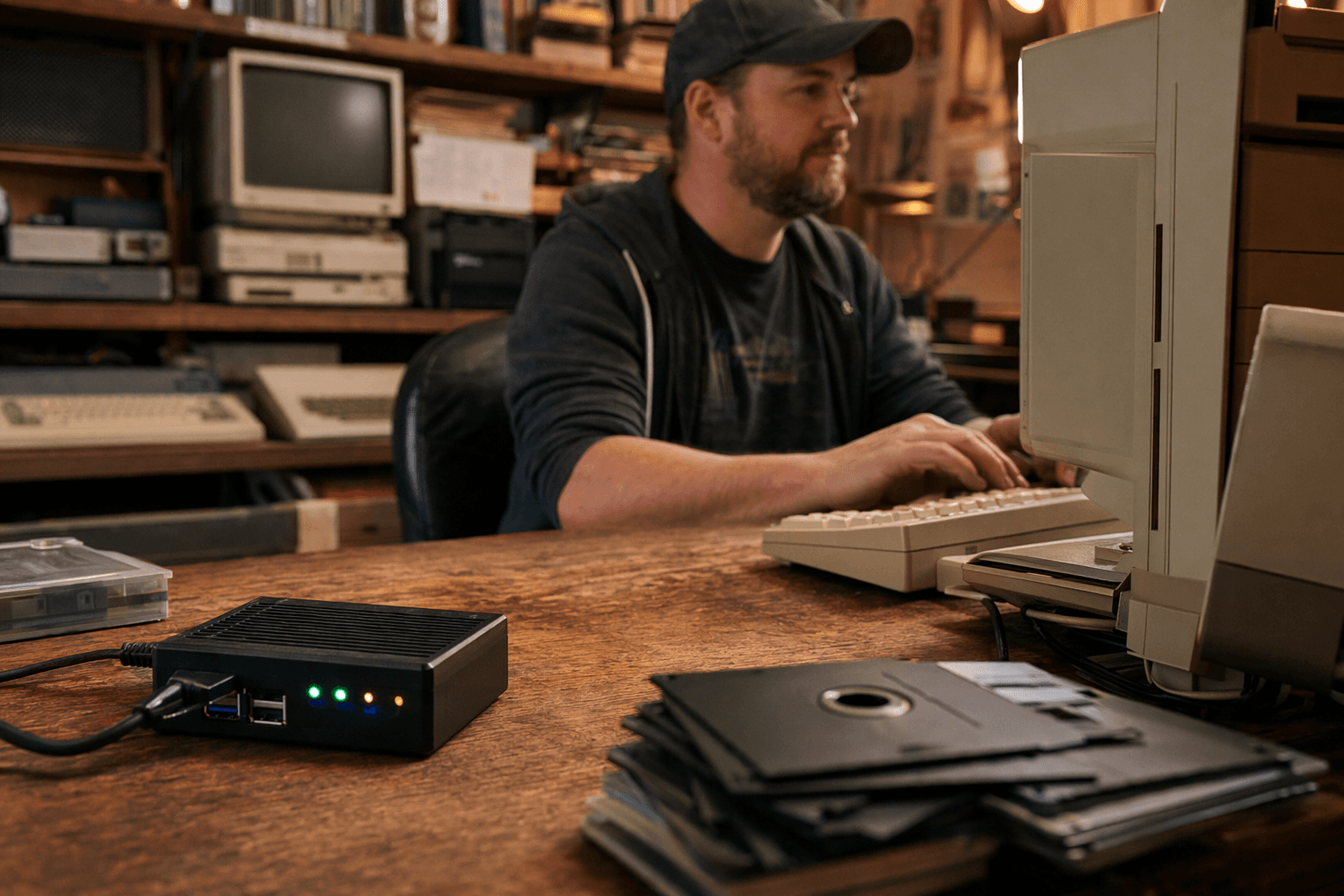
The headache it removes in practice
Here is the before-and-after that makes RetroNAS easy to understand.
Before: you have a DOS machine that needs a sound driver, a Windows 98 box that wants a utility disk, and an emulator setup that keeps its own library on another machine. You find yourself copying the same image files from one drive to another, keeping duplicate folders for patches and installers, and trying to remember which version of a file lives where. Every time you change something, the risk of drift grows.
After: those machines all reach for one central network share. The floppy images, installers, patches, machine images, and game files live in one place. You update once, then every client can see the same library.
That is the whole win. RetroNAS is about making the file-transfer side of the hobby sane.
Why the Raspberry Pi angle matters
The Raspberry Pi part of RetroNAS is important because it lowers the barrier to entry. You do not need a giant server rack or a dedicated modern NAS appliance to build a practical storage hub. RetroRGB’s coverage also makes clear that the project can run on a low-cost Raspberry Pi, an old computer, or a virtual machine, so the hardware choice is flexible.
The distribution side is just as useful. RetroNAS ISOs are available for both i386 and amd64, and the package is designed to work on real hardware or in a virtual machine. That broad support makes it easier to fit RetroNAS into an existing setup instead of forcing your setup to conform to the tool.
For a lot of people, that flexibility is the difference between “interesting project” and “actually installed.”
The compatibility story is also the warning label
RetroNAS deliberately enables numerous legacy protocols so old systems can talk to it. That compatibility is the magic trick, but the documentation also makes something else very clear: many of those protocols are highly insecure by design.
That warning is not a footnote. It is part of the product’s identity. RetroNAS is built to serve vintage clients that were never designed for modern network expectations, so convenience and security do not always line up neatly. If you place a RetroNAS box on a modern network, isolation and careful configuration matter.
The tradeoff is understandable: the same old protocols that make a DOS machine happy are the ones that can make a modern network engineer nervous. RetroNAS exists because retro hardware is stubborn, and that stubbornness is part of the hobby.
Why people keep talking about it
RetroNAS has attracted more than just install docs. Community coverage and guides exist beyond the core repository, including discussions and third-party videos focused on DOS, Windows, PlayStation 2, and MiSTer use cases. That spread tells you where the project lands in the hobby: not just on one niche island, but across several overlapping retro scenes.
RetroRGB’s public introduction on January 30, 2022 helped give the project a clearer audience, and the surrounding material has only expanded the sense that this is a useful layer for anyone running mixed retro hardware. The community is treating it like infrastructure, not novelty.
That is also why names like Bob, Dan, and sairuk keep showing up in the orbit around RetroNAS coverage and discussion. Projects like this tend to grow through practical explanation, not hype, and those names help turn a tool into something the community can actually adopt.
The part that makes RetroNAS worth remembering
RetroNAS does not replace emulation, and it does not pretend to. What it does is remove one of the most annoying parts of keeping old machines alive: file handling.
If your hobby includes retro PCs, consoles, MiSTer, or emulation boxes that all need the same disks, installs, and archives in different places, RetroNAS gives you a cleaner center of gravity. It is the kind of setup upgrade that does not look flashy from the outside, but changes your routine every time you sit down at the desk. Once you have one shared hub for the whole mess of legacy files, the rest of the hobby gets a lot easier to enjoy.
This article was produced by Prism’s automated news system from verified source data, official records, and press releases, then run through automated quality and moderation checks before publishing. The system is built and supervised by the people who set the standards it runs under. Read our full AI policy.
Did this article answer your question?

