ShaderGlass 1.3 Brings CRT Shader Overlays, Improved Linux and Wine Support
ShaderGlass 1.3 now defaults to full framerate and brings Linux/Wine capture via PipeWire, putting CRT shaders on top of any emulator with no installation needed.
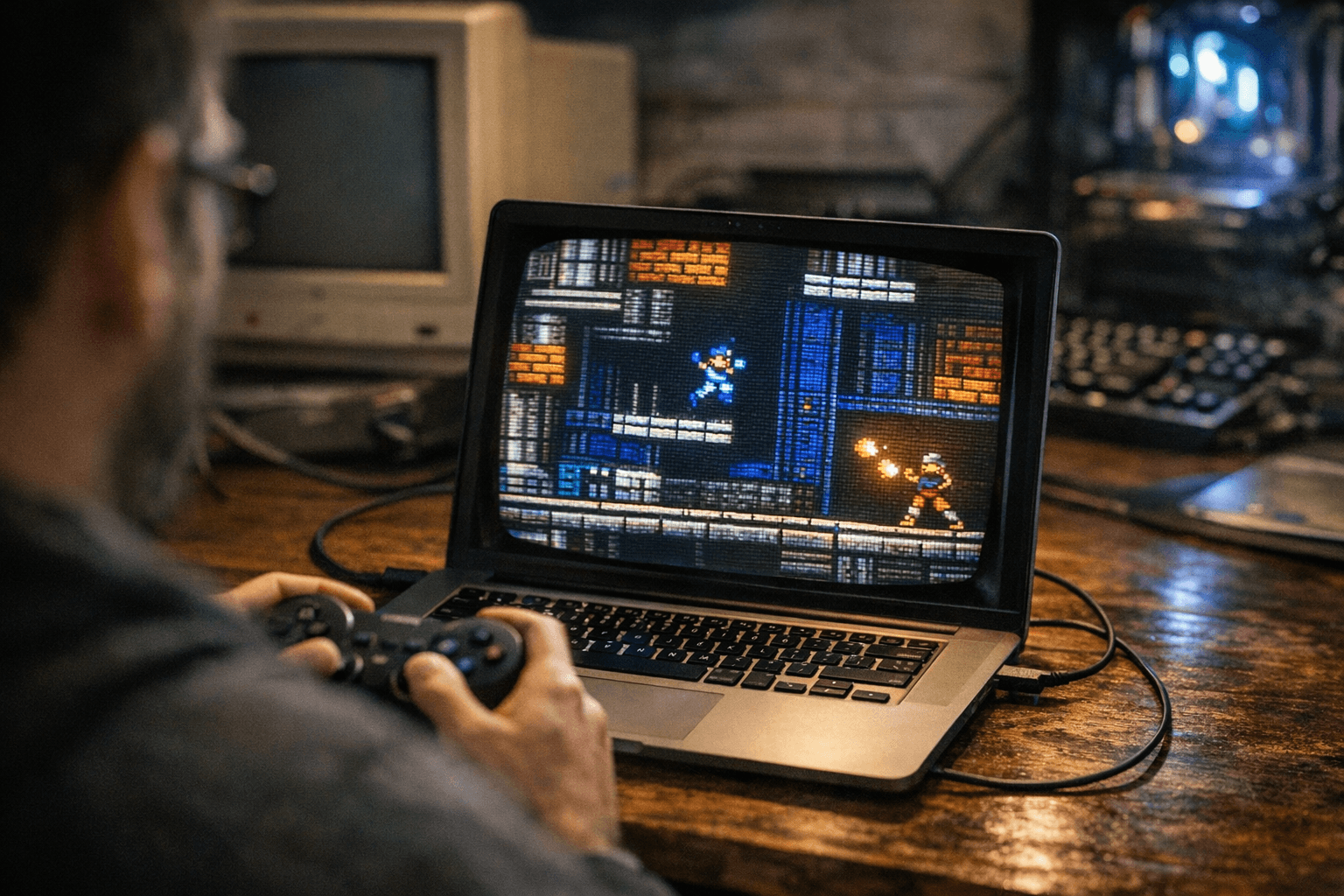
Running CRT shaders used to mean committing to one frontend. ShaderGlass, the free GPU shader overlay from developer mausimus, has never required that bargain, and version 1.3 makes the pitch harder to refuse: it now ships with full-framerate output as the default, fixing the most common first complaint from users who found the overlay capped at a sluggish 30fps out of the box.
The tool sits on top of any windowed application and applies GPU shaders, including CRT simulation, scanlines, arcade monitor curves, and upscalers, to whatever is behind it. That means Dolphin, DOSBox, ScummVM, and a browser tab can all receive the same treatment simultaneously without touching any of their individual settings. A new in-app shader search function makes navigating the extensive library considerably more practical than scrolling a flat list, which was the previous reality.
The headline addition for Linux users is official PipeWire/ScreenCast support when running ShaderGlass under Wine or Proton. Before 1.3, capturing a windowed emulator under Wine for shader overlay required workarounds or went unsupported. The new path uses PipeWire for window and desktop capture in clone mode, compatible with KDE and GNOME environments. For Steam Deck owners and users running SteamOS or Arch-based distributions, this clears the last major friction point in the setup. Glass mode, which creates a fully transparent floating overlay, remains Windows-only for now; on Linux, clone mode handles capture through the Input menu after startup, since ShaderGlass intentionally skips auto-capture on Linux to avoid grabbing the wrong source.
Getting started requires no installation at all. Download the zip from GitHub, itch.io, or Steam, extract it anywhere, and run the executable. From the Input menu, select a source window or the full desktop. For a reliable first shader, newpixie-crt, which the documentation demonstrates against the half-EGA pixel grid of Police Quest (1987), handles the most common complaints out of the box: it softens harsh pixel edges, adds rolling scanlines, and applies gentle screen curvature without any manual parameter adjustment. The crt-geom preset, demonstrated in the official documentation processing a browser window, is a lighter option for users who want scanlines and CRT curvature without the heavier bloom effect. Either preset can be saved to a profile file and loaded on startup, making it straightforward to share a consistent shader stack across a mixed emulator setup.
Version 1.3 also added crop support applied across multiple inputs simultaneously and off-screen startup protection, a targeted fix that prevents ShaderGlass from accidentally capturing to a hidden display on headless or multi-monitor configurations. The release is free with no account required.
This article was produced by Prism’s automated news system from verified source data, official records, and press releases, then run through automated quality and moderation checks before publishing. The system is built and supervised by the people who set the standards it runs under. Read our full AI policy.
Did this article answer your question?

