Ymir Sega Saturn Emulator Update Fixes CPU, VDP, and Timing Bugs
Ymir's April 3 nightly targets five concrete hardware bugs: an SCU timer wrap at 0x1FF, three SH2 interrupt and cache failures, and a VDP1 command list check dropping sprites too early.
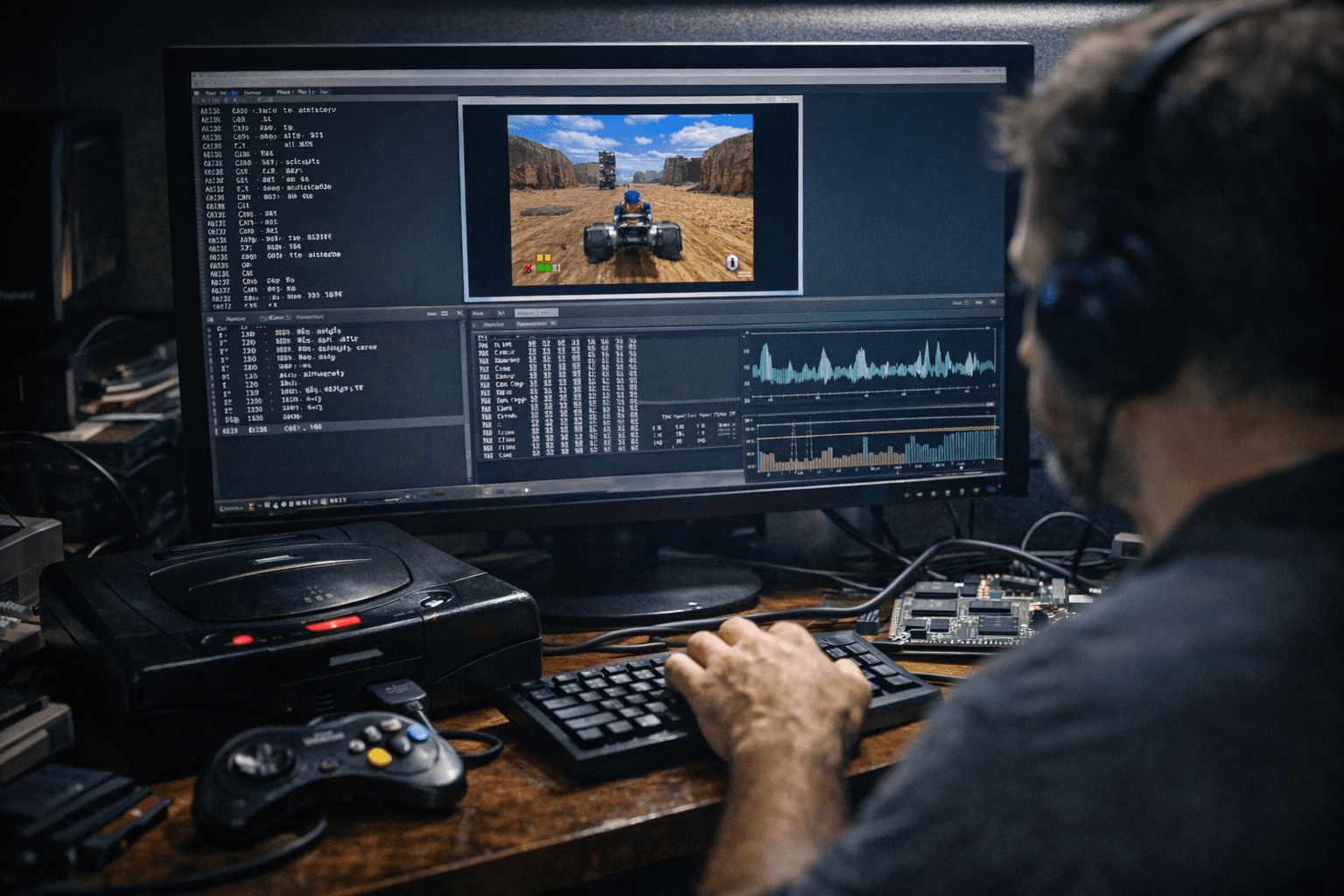
StrikerX3's Ymir pushed a tightly focused development snapshot on April 3 that targets five specific correctness failures in the Saturn's most unforgiving subsystems: the SCU timer, the VDP1 sprite processor, and the dual SH2 CPUs at the heart of Sega's notoriously complex 1994 console.
The most immediately practical fix corrected the SCU's Timer 0 counter, which failed to wrap at the 0x1FF boundary. On the Saturn, SCU timers drive interrupt-based synchronization across the system's multiple processors, so a wrap bug can manifest as frame timing drift, audio desync, or outright freezes in games that depend on precise timer intervals for scene transitions or streaming. If a title has been stalling mid-level without any apparent trigger, a misfiring SCU timer is a plausible culprit.
The VDP1 command list check also received a fix. Ymir was declaring the sprite command list empty before checking several still-valid draw commands, quietly dropping sprites before they rendered. The symptom is subtler than a hard crash: expect missing UI elements, vanishing enemies, or incomplete backgrounds in games that pack their command lists tightly.
The three SH2 fixes, all credited to contributor @celeriyacon, addressed interrupt prioritization and triggering, interrupt blocking on the instruction immediately following LDC/LDS/STC/STS operations, and cache emulation correctness. The second of those is an architectural detail specific to the SH2 specification: the CPU is supposed to suppress interrupts on the instruction immediately after any load or store to a control or system register, a rule that games relying on critical sections around those instructions depend on absolutely. The cache fix affects any title that banks on the SH2's instruction cache behaving correctly under pressure. Together, these three changes most directly benefit games with intermittent input failures or audio glitches tied to interrupt ordering, symptoms consistent with the issues that previously affected Rayman in earlier Ymir builds.
Ymir already cleared 90% compatibility across the Saturn's full library as of version 0.2.0, with the majority of titles running flawlessly or with minor issues. This nightly does not move that number dramatically, but players dealing with hang-on-boot problems, sprite pop-in on heavily layered VDP1 scenes, or timing-sensitive racers and shooters showing erratic behavior now have a targeted reason to test the April 3 snapshot. If none of those symptoms match what you're seeing, the current stable build remains the safer choice.
The April 3 commit log also showed the team working through a GitHub Actions pipeline regression traced to the softprops/action-gh-release action, with a rollback and retry in the same push. That detail is invisible to players but worth monitoring for downstream packagers and automated build mirrors that pull directly from Ymir's release artifacts.
HOW TO TRY IT SAFELY
The nightly build for Windows, Linux, and macOS lives under the "latest-nightly" tag on Ymir's GitHub releases page. To keep a working stable build alongside it, use Ymir's -p flag to point each binary at a separate profile directory, for example ymir-sdl3 -p ~/ymir-nightly for the test install. This isolates configuration and, critically, save states.
Back up your save state files before launching any new nightly. Ymir's release notes are explicit that save states are only guaranteed compatible within the same build and evolve constantly between nightlies. When reporting a regression, attach the log file from the profile directory and note the exact build hash from the About dialog; the project's GitHub issue tracker and Discord are the fastest routes to the development team.
This article was produced by Prism’s automated news system from verified source data, official records, and press releases, then run through automated quality and moderation checks before publishing. The system is built and supervised by the people who set the standards it runs under. Read our full AI policy.
Did this article answer your question?

