Cargo-codesign Replaces Shell Scripts for Signing Rust macOS Apps
Sven Kanoldt's cargo-codesign collapses the entire macOS notarization pipeline into one command, replacing the brittle shell scripts Rust GUI developers have been patching together for years.
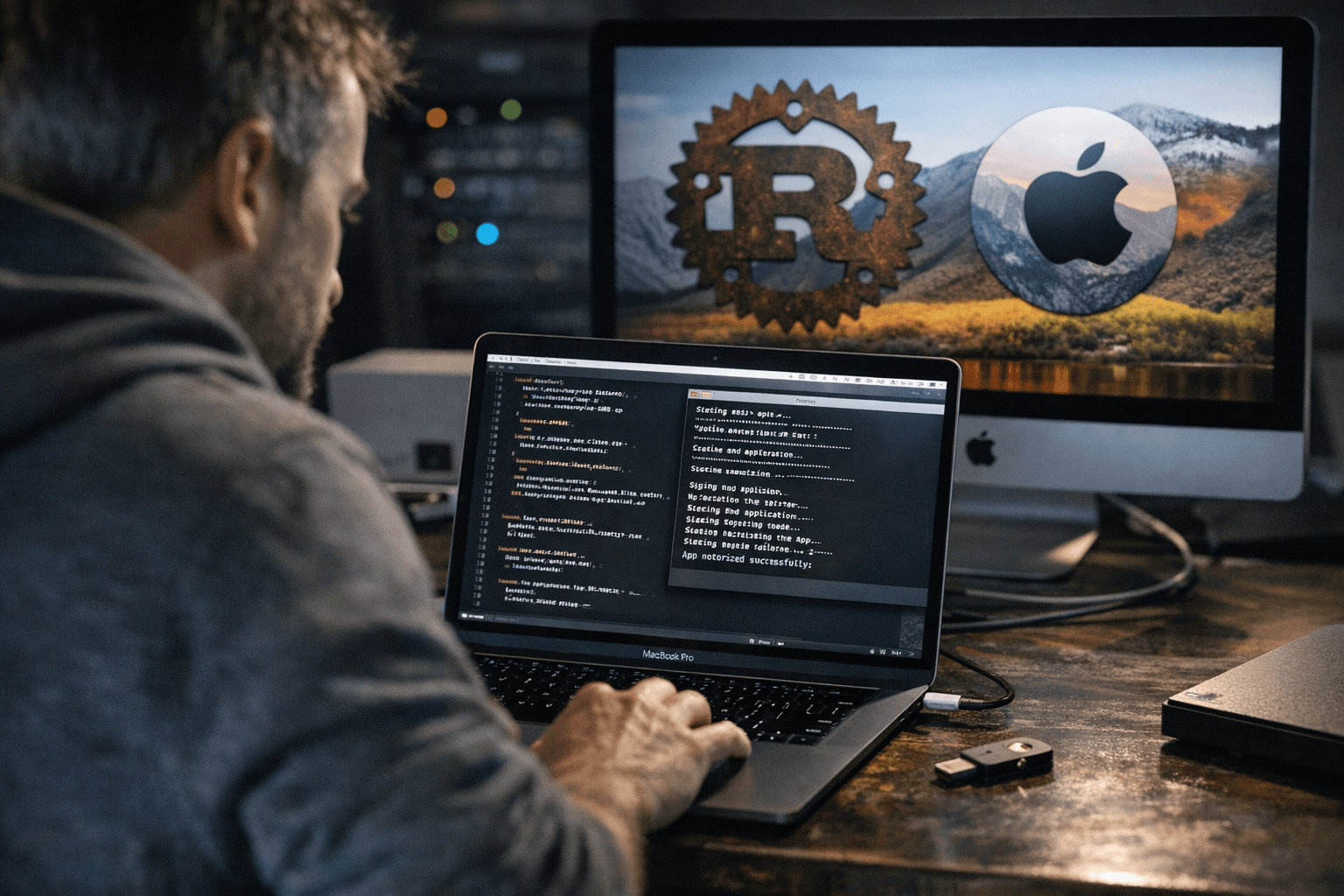
Signing a Rust GUI app for macOS has long meant maintaining a tangle of shell scripts that handle codesigning, DMG creation, notarization, and stapling in sequence, with any misconfigured credential capable of surfacing only after an eight-minute wait. Sven Kanoldt published a write-up and announcement on March 9, 2026 for cargo-codesign, a cargo subcommand that consolidates that entire pipeline into a single, repeatable command.
The full chain cargo-codesign executes is: sign inner binaries, sign the `.app` bundle, create a DMG, sign the DMG, notarize, and staple. Running it against a project produces output that walks through each stage explicitly:
[1/5] Codesigning .app bundle... ✓ App signed [2/5] Creating DMG... ✓ DMG created: target/release/bundle/My App.dmg [3/5] Codesigning DMG... ✓ DMG signed [4/5] Notarizing DMG... ✓ Notarized [5/5] Stapling... ✓ Stapled ✓ Done: target/release/bundle/My App.dmg
Five steps, one command.
Before kicking off any of that, running `cargo codesign status` validates that all required tools and credentials are present. As Kanoldt describes it, "this fails fast with an actionable message instead of letting you wait 8 minutes for notarization to tell you a secret is missing." The tool discovers workspace binaries through `cargo metadata`, signs each one, and copies the results to `target/signed/`. Projects without a `.app` bundle, such as CLI tools, can simply omit the ` app` flag.
CI integration ships through `cargo codesign ci`, which generates a ready-made GitHub Actions workflow directly from a project's `sign.toml` configuration file. The generated workflow expects three GitHub Actions secrets: `APPLE_ID`, `APPLE_TEAM_ID`, and `APPLE_APP_PASSWORD`, eliminating the need to manually wire those environment variables into a custom workflow.
Getting started requires only `cargo install cargo-codesign`.
The macOS pipeline is the most mature path. Kanoldt cites JPEG Locker as a project already shipping with cargo-codesign in production. Windows support is present via Azure Trusted Signing through `signtool.exe`, and Linux signing works through cosign, minisign, or gpg, but Kanoldt is direct about those paths: "These are earlier in development than the macOS pipeline — there will be rough edges, and the developer experience is not where I want it yet."
Beyond OS-level signing, cargo-codesign also includes an Ed25519 update signing feature accessed through `cargo codesign keygen` and `cargo codesign update`. It targets projects that need in-app update verification independent of OS trust chains, is implemented in pure Rust, and works across all platforms.
For Rust GUI projects already using frameworks that produce `.app` bundles, cargo-codesign offers a concrete path away from the kind of signing scripts that quietly break when a certificate renews or a secret rotates in CI.
This article was produced by Prism’s automated news system from verified source data, official records, and press releases, then run through automated quality and moderation checks before publishing. The system is built and supervised by the people who set the standards it runs under. Read our full AI policy.
Did this article answer your question?