MC Command Center 2026.2.0 Stable Release Adds Royalty and Legacy Support
Deaderpool's MCCC 2026.2.0 hits CurseForge with Royalty & Legacy support, but staying on older builds risks corrupted save files.
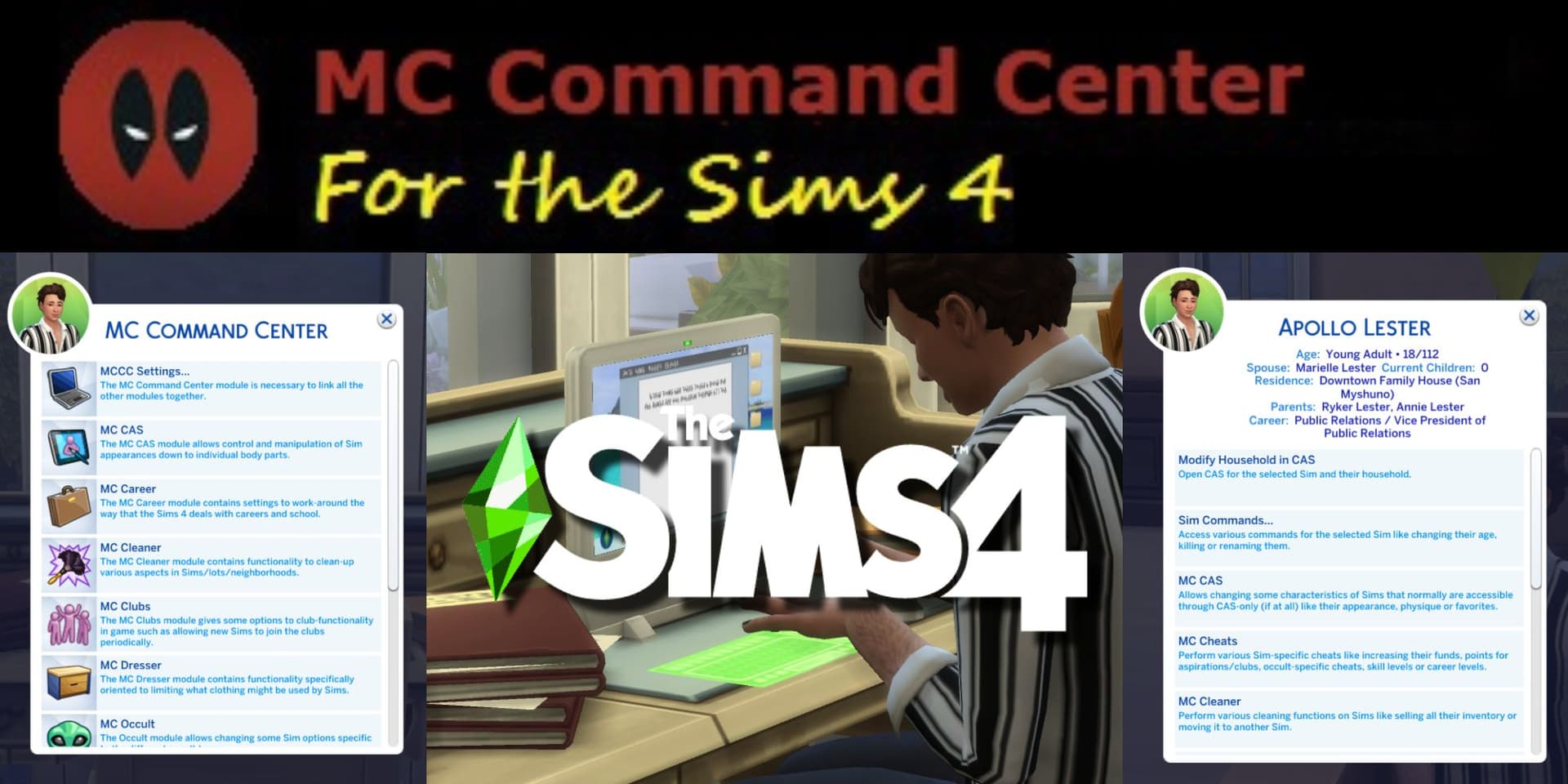
Deaderpool dropped the stable 2026.2.0 build of MC Command Center on March 29, confirming compatibility with game patch 1.122.218, the version EA released across the March 23 and March 29 update window. The full-suite bundle, McCmdCenter_AllModules_2026_2_0.zip, is available on CurseForge and replaces all prior pre-release snapshots as the new stable baseline.
The headlining addition is region support for the Royalty & Legacy expansion, bringing MCCC's population and story-progression systems fully in line with the new content. But the more consequential changes are defensive. Deaderpool removed the "Delete Relationship" option entirely from the MCCC Relationships menu after receiving a direct warning from EA's own developers. Per the changelog: "I was told by their developers that deleting family relationships could result in the save file being corrupted as it is no longer supported, so I am doing the safe thing and removing the option."
The family-relation bit command, which previously let players manually assign family connections between Sims, is also gone. Those bits are now dynamically applied and cleared each time a zone loads from family tree data, making manual edits both redundant and potentially destabilizing.
The Add Relationship tool survives but operates under new constraints matching the game's family tree rules. A Sim with two existing parents cannot receive additional parents. A Sim with an existing significant other cannot be assigned another. Sims can no longer hold contradictory relationship states, such as being simultaneously a family member and a significant other to the same Sim.

Players still running a build older than 2026.2.0 against game version 1.122.218 face three immediate friction points: the removed Delete Relationship command will throw errors if any scripted workflows depend on it, Add Relationship calls that violate the new tree constraints will silently fail rather than execute, and MCCC-driven relationship edits touching family bits may produce unexpected results on zone transitions. Updating to 2026.2.0 resolves all three.
To upgrade, download McCmdCenter_AllModules_2026_2_0.zip from the CurseForge file page and replace all existing MCCC module files in your Mods folder. The running version number is visible in-game under Computer > MC Command Center > MCCC Settings. Deaderpool's changelog and Patreon posts carry full installation notes and a module-by-module breakdown for partial installs. For last-exception troubleshooting, Deaderpool directs users to the dedicated support Discord channels listed on those pages. Back up saves before updating, particularly on long-running legacy households.
With 12.7 million CurseForge downloads behind it, MCCC sits at the center of how a significant share of the playerbase actually plays The Sims 4. The conservative choices in 2026.2.0, removing tools rather than risking save corruption, set the tone for what players should expect from major script mod authors across the next several patch cycles as EA continues reworking its family tree and relationship engine.
This article was produced by Prism’s automated news system from verified source data, official records, and press releases, then run through automated quality and moderation checks before publishing. The system is built and supervised by the people who set the standards it runs under. Read our full AI policy.
Did this article answer your question?