Sim Control Hub Lets Players Control Sims From Other Households
Sim Control Hub turns off-household Sims and pets into selectable Sims, making legacy and rotational saves far less clunky, with 176,500+ downloads and a fast-growing feature set.
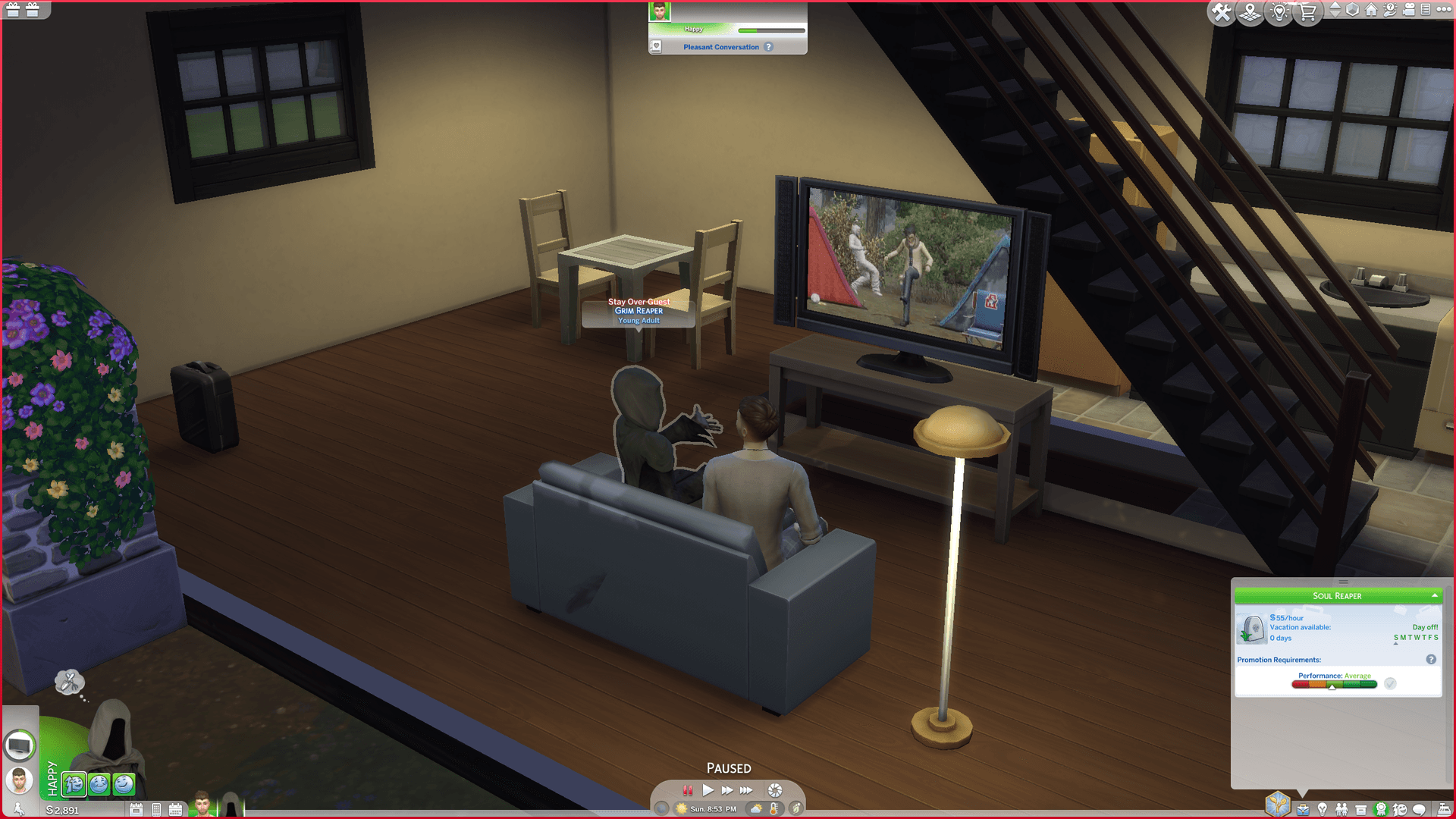
Sim Control Hub is built for the exact moment rotational saves start to feel messy
If you have ever bounced between households just to keep a cousin employed, a neighbor fed, or a storyline from collapsing off-screen, Sim Control Hub solves a very specific kind of Sims 4 pain. The mod, created by DQuiet and surfaced on CurseForge in early May 2026, expands the Selectable Sims list so you can control Sims and pets from other households without permanently folding them into your active family.
That simple shift changes the feel of a save. Instead of treating every off-household Sim as someone you can only watch from a distance, Sim Control Hub lets you step in, direct their day, and then move back to your main household without losing the thread of what they were doing.
How it works in play
The core interaction is refreshingly direct. Click a non-playable Sim, open the Sim Control Hub pie-menu category, and choose Add to Selectable Sims. Once they are added, they behave like any other playable Sim, which means you can manage outfits, monitor needs, send them to work, and issue ordinary day-to-day commands.
The mod also plugs into places longtime players already use. Its page notes optional access through the Relationship Panel or the Shift-click menu, so it does not force you into a clumsy new workflow. Under the hood, it uses the skewer system at the bottom of the screen and Python scripts to change how selectable characters are handled, but in practice the payoff is simple: fewer barriers between you and the Sim you want to steer.
Why this matters for rotational and story-heavy saves
This is the kind of utility that lands hardest in saves where the story spans more than one household. Legacy players can temporarily take charge of relatives who live elsewhere, which makes inheritance drama, family cleanup, and branching story beats much easier to manage. Challenge players who run sprawling neighborhood narratives get the same benefit, because off-household autonomy no longer means complete hands-off guesswork.
It is especially useful when continuity matters. If a teen ages up in one home, a sibling moves out, or a romance thread depends on two households staying synchronized, Sim Control Hub gives you more direct control without forcing you to abandon the structure of a rotational save. That is the real appeal here: you are not rebuilding the save around a new system, you are getting better control over the one you already use.
What it fixes better than the usual workarounds
Players have long used household switching, temporary moves, and selective micromanagement to keep story saves from drifting. Those methods work, but they are clunky, and they often interrupt the rhythm of play. Sim Control Hub narrows that gap by letting you pull in exactly the Sim you need, when you need them, while leaving the rest of the household structure intact.
It also helps with relationship management in a way the usual workarounds do not. Instead of hoping off-screen Sims behave the way your story needs, you can directly guide their schedules, keep their needs from derailing plans, and maintain more consistent relationship beats across different homes. For anyone running a family tree, a neighborhood drama, or a save built around staggered households, that is a meaningful upgrade in control.
The version history shows a mod that keeps getting more practical
Sim Control Hub is not a one-off trick. Its latest listed file version is v1.3.6, updated on May 3, 2026, and that page showed more than 176,500 downloads when it was crawled. That download count matters because it signals how quickly this kind of utility has caught on with players who care about save management, not just flashy new gameplay systems.
The update trail shows the mod maturing in useful ways. Version 1.2.0 added the ability to save the state of multiple households, so you do not need to re-add selectable Sims every time you switch households. Version 1.3.1 fixed exceptions caused by Sim death in households with no other member capable of living independently. Version 1.3.2 resolved a follow-camera issue tied to locking the camera onto a selectable Sim. Those are the kinds of fixes that tell you the mod is being shaped around real play, not just a neat concept.
Who gets the most out of it
Sim Control Hub will make the biggest difference in saves where households are supposed to matter to one another. That includes legacy runs, rotational saves, dynasty-style storytelling, and neighborhood-based challenge play where you want multiple family branches to stay active at once. It is also a strong fit if you build stories around work schedules, relationship timing, or households that need to stay synchronized without constant manual reset.
It is less about adding new systems and more about preserving the ones you already care about. If your save lives or dies on whether a Sim across town keeps their job, shows up for an event, or stays emotionally connected to the family web, this mod gives you a cleaner way to keep the story moving.
Why players can use it without feeling locked in
Another part of the appeal is how lightweight it sounds. The mod explicitly adds no buffs, traits, or hidden afflictions, and it is described as safe to remove without leaving traces. That matters for players who are cautious about utility mods that reach deep into the game, because it lowers the risk of feeling stuck with a permanent overhaul.
That also makes it easier to treat Sim Control Hub as a practical tool rather than a commitment. You can use it to solve a save-management problem, then remove it later if your playstyle changes. For a lot of Sims players, that flexibility is the difference between trying a mod and keeping it in a heavily used save.
What EA’s mod guidance means here
EA’s own support materials say it makes mods easy to install and use in The Sims 4, but players should still follow its mod policy. Its troubleshooting guidance also advises clearing localthumbcache.package when changing mods. That is standard maintenance, but it is especially relevant with utility mods like Sim Control Hub, where you want to keep your setup clean as you add or remove tools.
Taken together, that official context helps explain why a mod like this has found such a clear audience. Sim Control Hub does not try to replace The Sims 4’s core loop. It gives players a sharper grip on households that would otherwise drift out of reach, and for story-driven saves, that control is the whole point.
Know something we missed? Have a correction or additional information?
Submit a Tip