How Parents and Streamers Can Spot Loot Boxes and Protect Kids
Eight practical checks parents and streamers can use right now to spot loot boxes and stop gambling-like purchases from reaching kids.
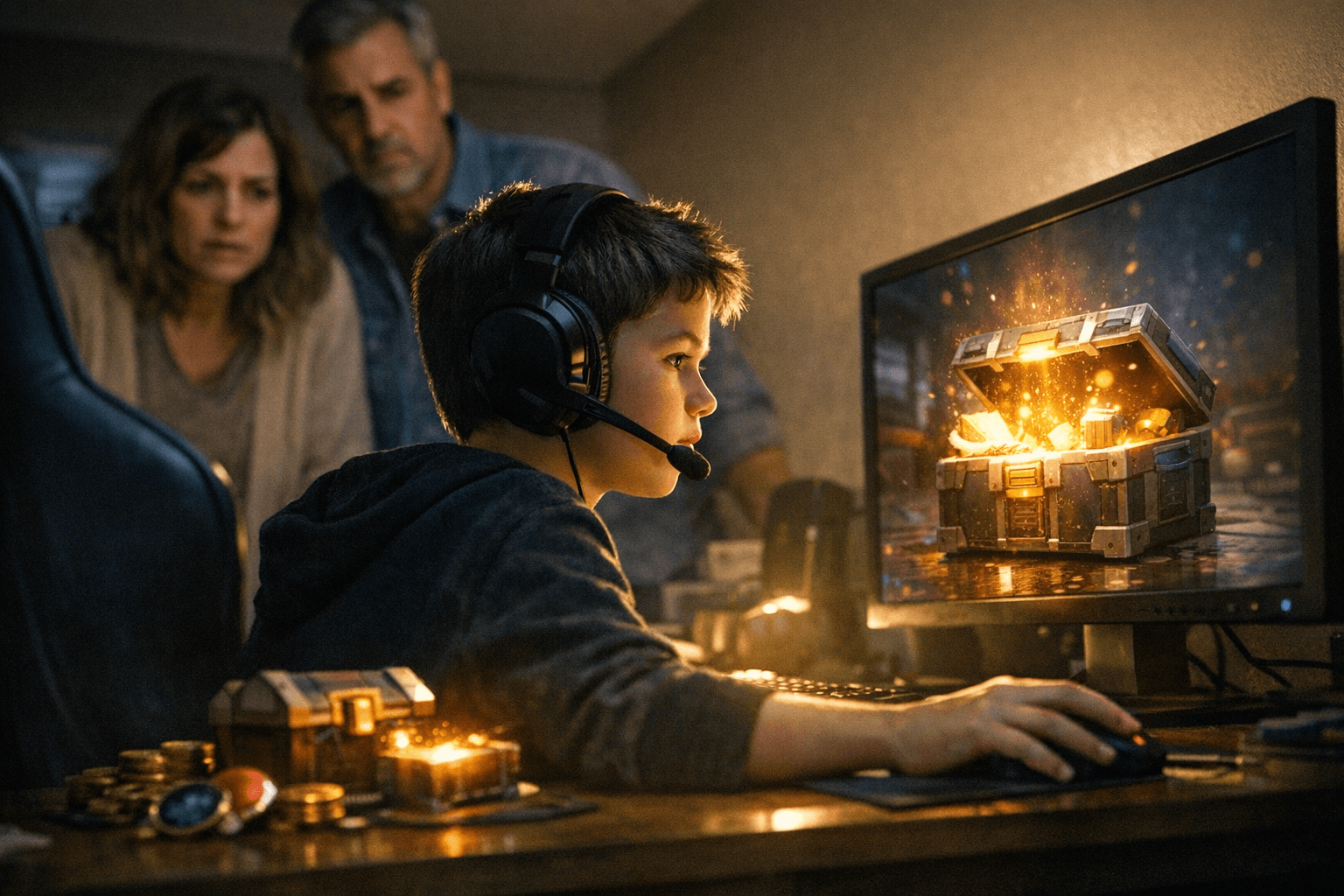
Use these eight checks to identify loot boxes, judge when randomized in‑game purchases cross into gambling territory, and take immediate steps to protect kids on consoles, PC stores, and mobile apps. Given that 100% of readers only view without sharing, these actionable steps are designed to be copied, saved, or forwarded to caretakers and stream teams.
1. Recognize the core mechanics that make a purchase a loot box
Look for purchases where you pay real money or in‑game currency for a randomized reward. Randomized in‑game purchases that deliver items by chance, whether it’s a single draw, a “crate,” or a bundle with unknown contents, are the mechanic you’re watching for. Those mechanics become most risky for kids when the purchase loop encourages repeated spending to chase rare outcomes.
2. Decide when a randomized purchase veers into gambling territory
A randomized purchase moves toward gambling territory when the outcome is chance-based, involves real-world money, and the reward has perceived or transferable value outside simple cosmetic enjoyment. If an item can be gifted, traded, sold, or clearly affects competitive progression, that alters the balance toward gambling-like risk. Keep language simple for kids: if you can spend money hoping to get something valuable rather than buying a known item, treat it like gambling.
3. Check for odds, disclosures, and opaque economy signals
Look at the game’s store pages, in‑game purchase screens, and help sections for explicit odds disclosures or the lack of them. Some regulators require odds to be shown, but many games still hide chances behind animations or buried menus, a red flag is when you must dig through multiple screens to find drop rates. If the odds aren’t visible, contact the developer or publisher directly; try a demo or community FAQ first and then ask the devs for clarity if needed.
4. Inspect the UI/UX and the monetization loop for psychological hooks
Watch for flashy reveal animations, “near-miss” language, pity timers that reset spending, or currency funnels that require multiple purchases to convert to a desired draw. These UI tactics are designed to encourage repeated buys; when the interface centers on the thrill of the unknown rather than a clear purchase, that’s a cue to step in. For streamers, don’t stage live unboxing sessions where chat or minors in view can mimic spending behavior.
5. Lock down accounts and payment methods with platform controls
Use platform parental controls and payment settings on consoles, PC storefronts, and mobile app stores to require a PIN or password for all purchases and to remove saved payment methods from accounts kids use. Set strict purchase approvals and turn off one‑click buys. Where possible, use gift cards or prepaid balances instead of a linked credit card, that caps spending to an allowance kids can’t exceed.
6. Set streamer-specific rules and disclose practices on stream
If you stream to audiences that include minors or have kids watching at home, change how you and your community interact with randomized purchases. Avoid live paid loot box openings on camera, disable tipping or donation calls that reward gambling behavior, and make moderation rules that discourage minors from asking for purchases. Be explicit about what you show: if you’re demonstrating a game’s microtransactions, say why you’re doing it and that purchases are optional and adult‑supervised.
7. Teach kids clear money rules and use practical limits
Have concrete, age‑appropriate conversations about what randomized purchases are and why they’re risky. Set rules such as “no buying randomized items with real money without permission,” use allowance systems tied to prepaid cards, and require parental approval for any in‑game purchase. Keep receipts and check purchase histories weekly; a visible, simple rule (for example, one paid purchase per month) is easier for children to follow than vague rules.
8. Use demos, contact developers, and escalate when necessary
Try demos, trial modes, or free content to see whether a game’s core play is compelling without spending, that’s a direct, player‑facing opportunity to assess risk. If the game’s structure still worries you, contact the developer or store support to ask about odds, refund policies, and any child‑safety options; chat with devs can produce quick fixes or at least documentation you can show your child. If refunds or platform policies don’t resolve harmful purchases, escalate through platform support and local consumer protection channels; keep records of transactions, screenshots of UI, and the developer replies.
- Screenshot any purchase screens and odds disclosures so you can show them to store support.
- Remove saved payment methods, enable purchase approvals, and set PINs for every device children use.
- Use prepaid cards or gift balances to give kids controlled spending power.
- Avoid streaming or posting content that glamorizes repeated loot box openings, it normalizes the behavior for viewers.
Quick tips and checklist (use alongside the eight checks)
Final word Protecting kids from gambling-like loot boxes is a practical mix of recognition, technical controls, and clear household rules. Apply these eight checks across the games your kids play, ask developers for transparency, and use platform tools to stop surprise bills before they happen. As industry and regulation continue to change, parents and streamers who use these steps will be ready to keep young players safe and in control.
This article was produced by Prism’s automated news system from verified source data, official records, and press releases, then run through automated quality and moderation checks before publishing. The system is built and supervised by the people who set the standards it runs under. Read our full AI policy.
Did this article answer your question?