Maxis explains longer Sims 4 loading screens after memory changes
Maxis says The Sims 4’s longer initial loads come from a memory tradeoff, not a broken patch, and the hit is felt most in big, modded saves.
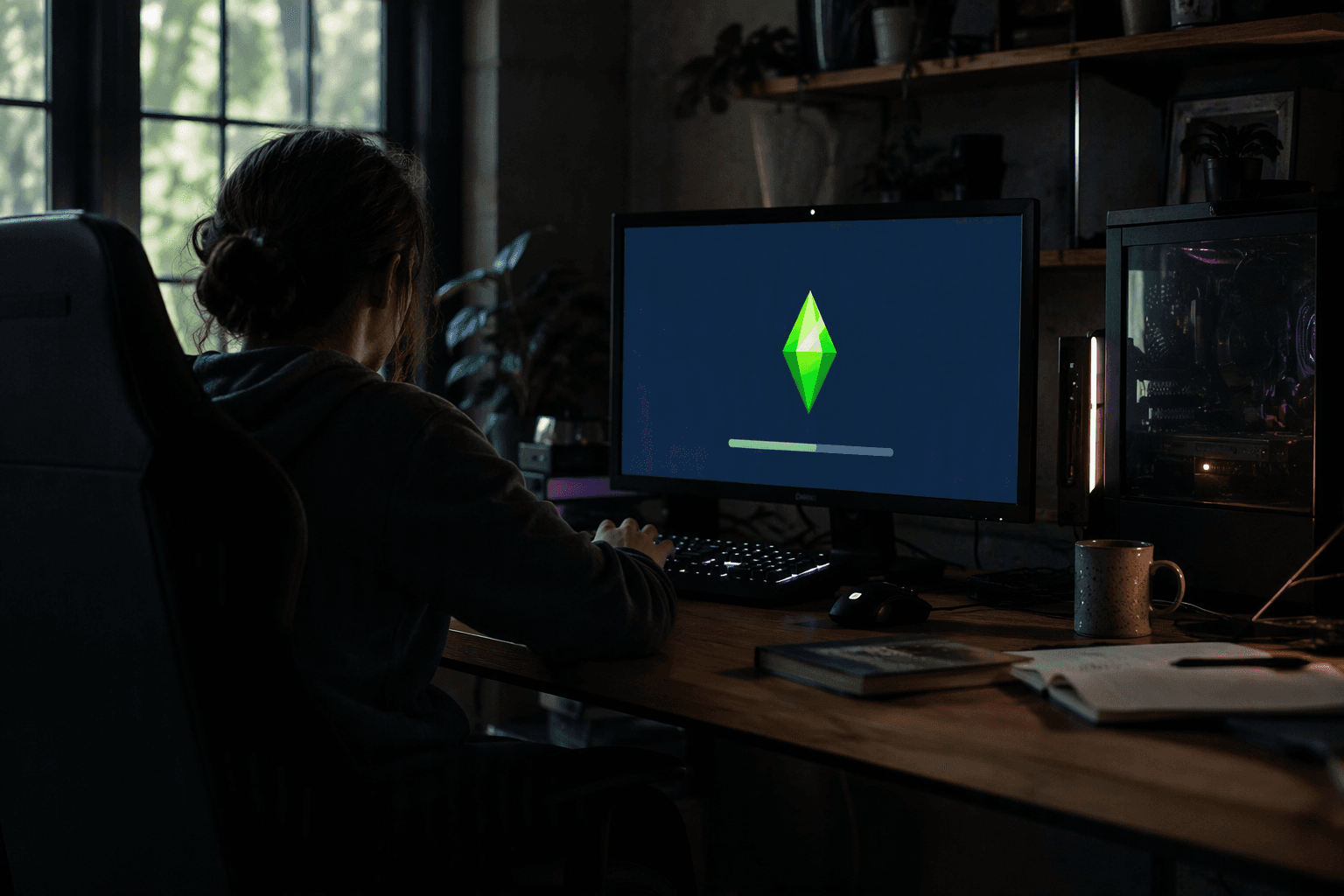
Maxis has tied The Sims 4’s longer initial loading screens to a memory change, turning a frustrating slowdown into a deliberate tradeoff rather than a simple bug. The clearest explanation is that the game is borrowing memory up front, so players pay some of the cost at startup before they reach live mode, build mode, or their save files.
That matters most for players running large households, packed lots, custom content, or heavily modded saves, the kind of setups that already push the game harder than a clean vanilla install. In practical terms, the wait before the main experience opens is longer because more work is happening at the beginning of the session, not because the game is randomly stalling on a broken patch.
EA’s August 6 patch notes for Update 8/6/2026 help pin down the change. The notes list PC version 1.126.78.1020, Mac version 1.126.78.1220, and Console version 2.37, and say the update covers Autosave and Marketplace alongside other fixes from community reports. That same patch sits on top of a broader rollout that began with the July 21 update, when EA introduced autosave, save reminders, and Memory Boost as part of a larger push around stability and quality-of-life changes.
The key detail is that the loading-screen hit does not look accidental. Maxis’ explanation lines up with EA’s earlier June 23 Laundry List, which promised more than 10 fixes for the most-voted issues on EA Forums, plus improvements to Live Mode notifications and phone calls and a move of scratch files to AppData for Mac users. Taken together, those updates show a live service tuning around memory management, save protection, and platform-specific cleanup rather than a one-off hotfix gone wrong.
That also makes the question less about whether The Sims 4 is broken and more about whether the payoff is worth the front-loaded wait. If the memory work does its job, players should see the benefit later in steadier play, fewer hiccups, and safer saves. If not, the longer boot becomes pure friction, especially for the people already spending the most time inside sprawling households and cluttered mod folders.
This is not the first time loading screens have drawn attention in The Sims 4. Sims Community also noted in October 2024 that the game’s loading screens were getting a visual refresh, which makes the startup flow feel like a recurring design concern for Maxis, not a side detail. The difference now is that the slowdown has a technical reason players can actually understand: the game is paying more of the memory bill before the session begins.
This article was produced by Prism’s automated news system from verified source data, official records, and press releases, then run through automated quality and moderation checks before publishing. The system is built and supervised by the people who set the standards it runs under. Read our full AI policy.
Did this article answer your question?