Bamberg County Guide to Accessing Essential Services Online and by Phone
Learn how to access Bamberg County services online or by phone, find forms and pay bills, report issues, and speed up requests using county contacts and portals.

1. Official website and primary entry point
The Bamberg County official website (bambergcounty.sc.gov) is your single hub for departments, news, forms, and contact details. Use the top navigation sections, Government, Departments, Projects, Citizens & Visitors, and News & Announcements, to orient yourself quickly. The homepage links to portals, calendars, and quick links so you can reduce phone holds and unnecessary trips to county offices.
2. County Treasurer and paying bills
Property tax payments and many county fees are processed through the County Treasurer portal, linked from the county site. Check the Treasurer’s pages for payment deadlines, accepted payment methods, and any online receipts or confirmation numbers you should save. Using the online pay-bill portal is the fastest way to avoid late penalties and get immediate electronic records for your taxes or accounts.
3. Agendas, minutes, and livestreams for meetings
Agendas, meeting minutes, and livestream links for County Council and other public meetings are posted under the County Council or Meetings section. Check the Calendar/Meeting Information pages to see meeting dates, agenda items, and instructions for submitting public comment. Watching meetings remotely and noting agenda items in advance gives you better footing when engaging with local decisions or raising concerns.
4. Public works and reporting non-emergency issues
Report potholes, downed trees, or other non-emergency public-works problems through the county’s Report an Issue form found in the Public Works section. For matters that require a human touch, use the county’s non-emergency phone number listed on the site; only call 911 for true emergencies. Timely reporting through the correct channel shortens repair cycles and helps prioritize road and drainage work across the county.
5. Permits and building inspections
Before starting construction or significant renovations, consult Building & Planning pages for permit applications, submission requirements, and inspection scheduling. The site lists required supporting documents, fees, and contact points for planning and zoning questions, PDF-ready, legible documents speed the review process. Following the online checklist helps you avoid costly re-submissions and keeps projects moving without surprise violations.
6. Office on Aging and social services
The Office on Aging and other social service programs have contact pages with program descriptions, eligibility details, and phone or email contacts for appointments or enrollments. Many programs allow initial intake or appointment scheduling by phone or e-mail, reducing travel for seniors and caregivers. Using the online information helps you compare programs and prepare the documentation needed to qualify.

7. Sheriff’s alerts and public safety communication
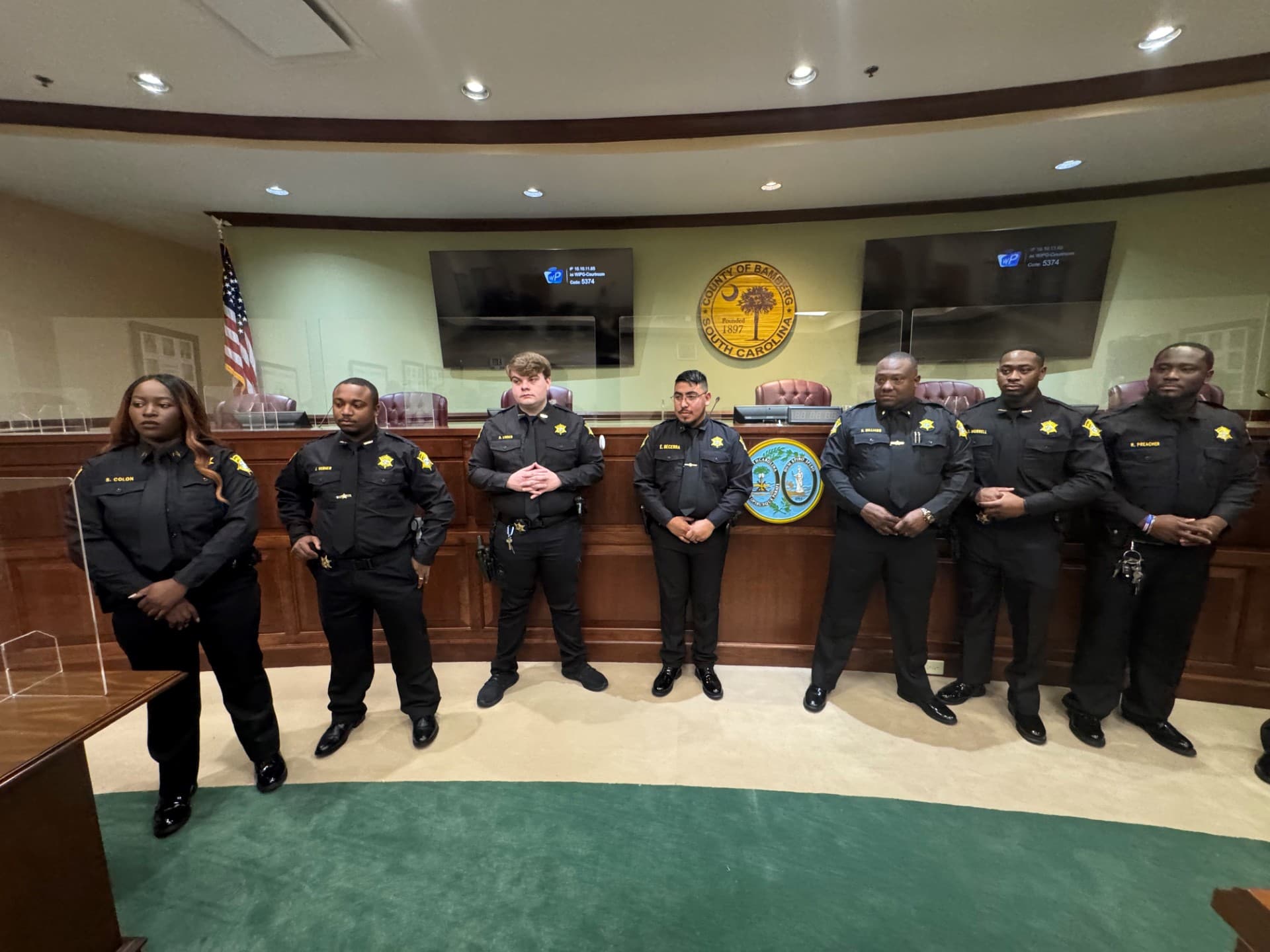
Sheriff’s Alerts and the Sheriff’s Office pages provide up-to-date safety notices, wanted-person posts, and local law-enforcement communications, some alerts use a third-party SheriffAlerts service. For emergencies call 911; for non-emergency law-enforcement matters use the county non-emergency number listed on the website. Subscribing to alerts and checking the sheriff’s page keeps you informed about crime patterns and public-safety community meetings.
8. Coroner, vital records, and public records requests
The Coroner’s Office and the Clerk’s pages explain records release procedures and any applicable fees for copies of records. For Freedom of Information Act (FOIA) or public-records requests, follow the county’s instructions and contact points under the FOIA Requests section to ensure your request is routed correctly. Expect specific fee schedules or ID requirements, and plan for processing time when records are needed for legal or personal matters.
9. Library services and broadband help
Bamberg County Library pages list hours, public-computer access, and any digital literacy or broadband assistance programs. Libraries frequently host free internet access and can help you with basic online tasks like filling out forms or printing documents required by county offices. If you lack home internet, the library is often the most practical place to complete online applications or to get help with the county website.
10. How to find forms and applications
If you need a form, start at the county homepage and use the Departments / Forms / Quick Links navigation to locate it. • Use the site search box with keywords such as "building permit", "pay taxes", "veterans affairs", or "office on aging". • If you cannot find a form online, call the departmental phone number listed in the directory or email the Public Information Office at info@bambergcounty.sc.gov. Following these steps avoids unnecessary calls and ensures you use the right version of any application.
11. Payments, fines, and fee details
The Treasurer’s page and online payment portal handle property tax payments and many county fees, while some offices, such as the Coroner, may charge fees for copies of records. Always check the specific office page for the current fee schedule and acceptable payment types before you start an application or request. Keeping digital or printed payment confirmations helps resolve any later disputes about fees or due dates.
12. How to report problems or ask for help
For immediate danger or life-threatening situations call 911; do not use online forms for emergencies. For non-emergency public-safety, road issues, or downed trees use the county non-emergency number listed on the site or the Report an Issue form. For website help, email info@bambergcounty.sc.gov or call the main administrative phone number on the site, having parcel IDs, account numbers, or case numbers ready will speed any request.
- Have parcel ID, account, or case numbers ready when calling or submitting forms. • Use clear, PDF-ready supporting documents and label files before uploading. • Check meeting calendars and sign-up requirements if you plan to attend or speak at public meetings. These small steps cut processing time and reduce back-and-forth with county staff.
13. Tips for faster service
14. Accessibility and language assistance
Bamberg County provides basic accessibility links in the website footer and posts contact details for translators or accessibility requests when available. If you need help reading materials or require an accommodation, contact the Public Information Office so the county can direct you to available services. Libraries and social-service offices also often provide on-the-ground language or accessibility assistance.
15. Why this matters and practical next steps
Centralizing services online and by phone reduces in-person trips, speeds permit and payment processing, and strengthens county communication during emergencies and meetings, practical benefits for residents and local businesses. Start by bookmarking bambergcounty.sc.gov, saving the Treasurer portal link, and storing info@bambergcounty.sc.gov and the county’s non-emergency number in your phone; those small moves make county business less of a chore and more of a civic collaboration.
This article was produced by Prism’s automated news system from verified source data, official records, and press releases, then run through automated quality and moderation checks before publishing. The system is built and supervised by the people who set the standards it runs under. Read our full AI policy.
Did this article answer your question?