UNCG Disables ID and PIN for Banner Jan. 28; SSO Plus MFA
UNCG will disable the ID & PIN Banner login at 7:00 a.m. Jan. 28, requiring UNCG Single Sign-On with multi-factor authentication for access.
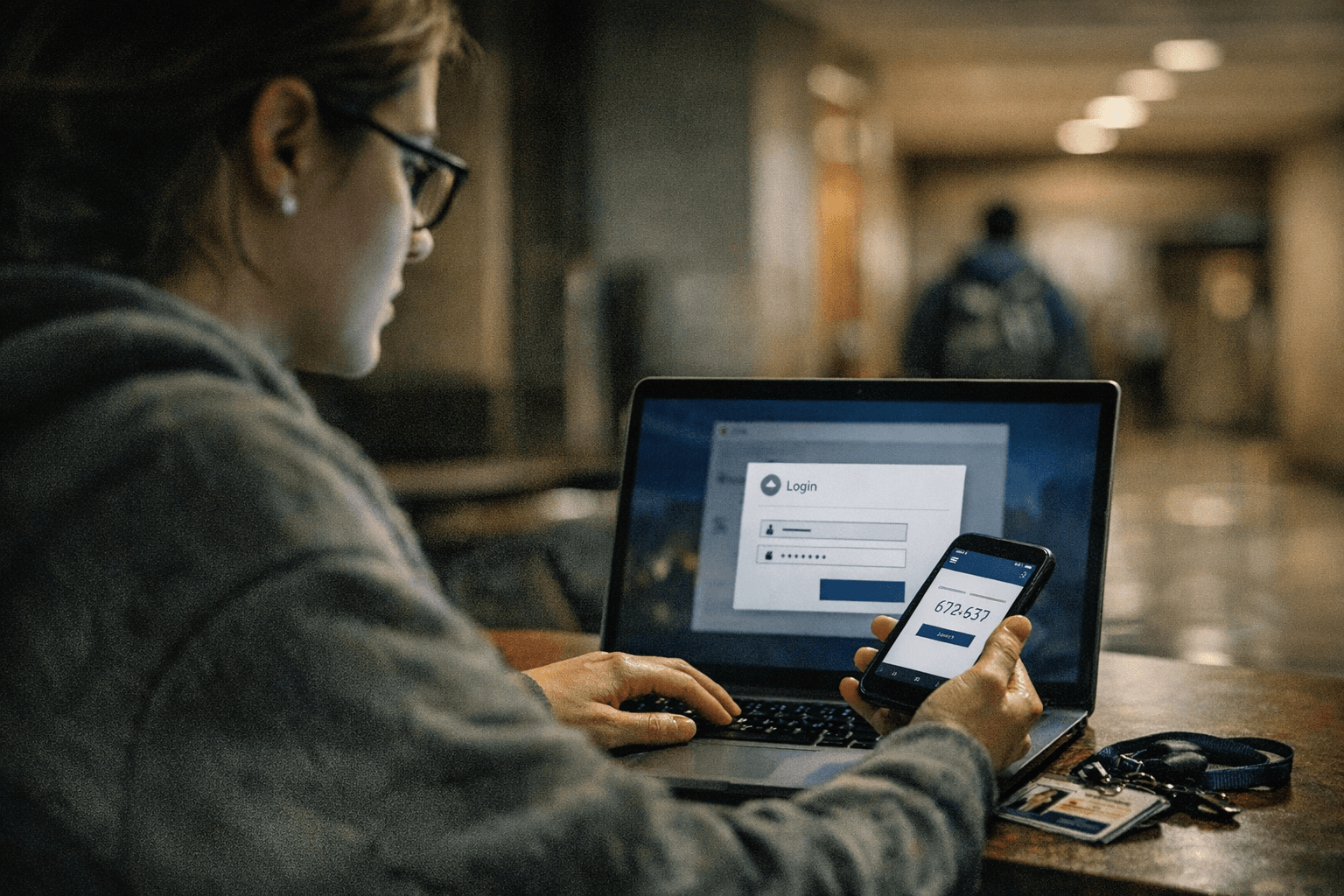
UNCG will permanently disable the ID & PIN option for UNCGenie and Banner access at 7:00 a.m. on Wednesday, Jan. 28, 2026. After that time, Banner-related services will require the UNCG Single Sign-On (SSO) username and password plus multi-factor authentication (MFA) - the same access method Spartans already use for Canvas and Microsoft 365.
Students, faculty, staff, and former students who still rely on ID & PIN will be affected. If you have an active UNCG computing account and already use SSO, no action is needed. If you currently log in with ID & PIN, make sure you can access UNCGenie using UNCG SSO before Jan. 28 to avoid losing access to Banner services. Former students who access records with ID & PIN are advised to download unofficial transcripts now; UNCG also recommends considering an Authorized User account for ongoing access. Ongoing access options for former students will be determined as part of the Identity Management Modernization effort scheduled to begin in Spring 2026.

UNCG says the change responds to security and vendor support concerns. ID & PIN does not provide multi-factor authentication and is at greater risk of attack, and Ellucian stopped supporting Banner versions that allow ID & PIN as of Dec. 31, 2025. Moving Banner to UNCG SSO with MFA aligns Banner access with campus security requirements and reduces the university's exposure to credential-based attacks.
Local implications are practical and immediate. Students handling registration, financial aid information, or records through UNCGenie should confirm SSO access ahead of the cutoff to prevent disruptions. Staff who perform Banner-related administrative tasks should verify their SSO and MFA setups so payroll, HR, and academic workflows continue uninterrupted. Former students who may need transcripts for employment, graduate applications, or licensing should download documents before losing ID & PIN access and track updates from UNCG about Authorized User options.
For assistance, search 6tech.uncg.edu or contact 6-TECH at (336) 256-TECH (8324) or 6-TECH@uncg.edu. UNCG’s Identity Management Modernization beginning in Spring 2026 will shape longer-term access policies and may offer alternate solutions for alumni and other users who no longer have active computing accounts.
This change tightens campus security and standardizes how Spartans log in, but it also creates a short window for action. Confirm your UNCG SSO and MFA now to avoid service interruptions on Jan. 28 and watch for further details as Identity Management Modernization unfolds.
This article was produced by Prism’s automated news system from verified source data, official records, and press releases, then run through automated quality and moderation checks before publishing. The system is built and supervised by the people who set the standards it runs under. Read our full AI policy.
Did this article answer your question?

