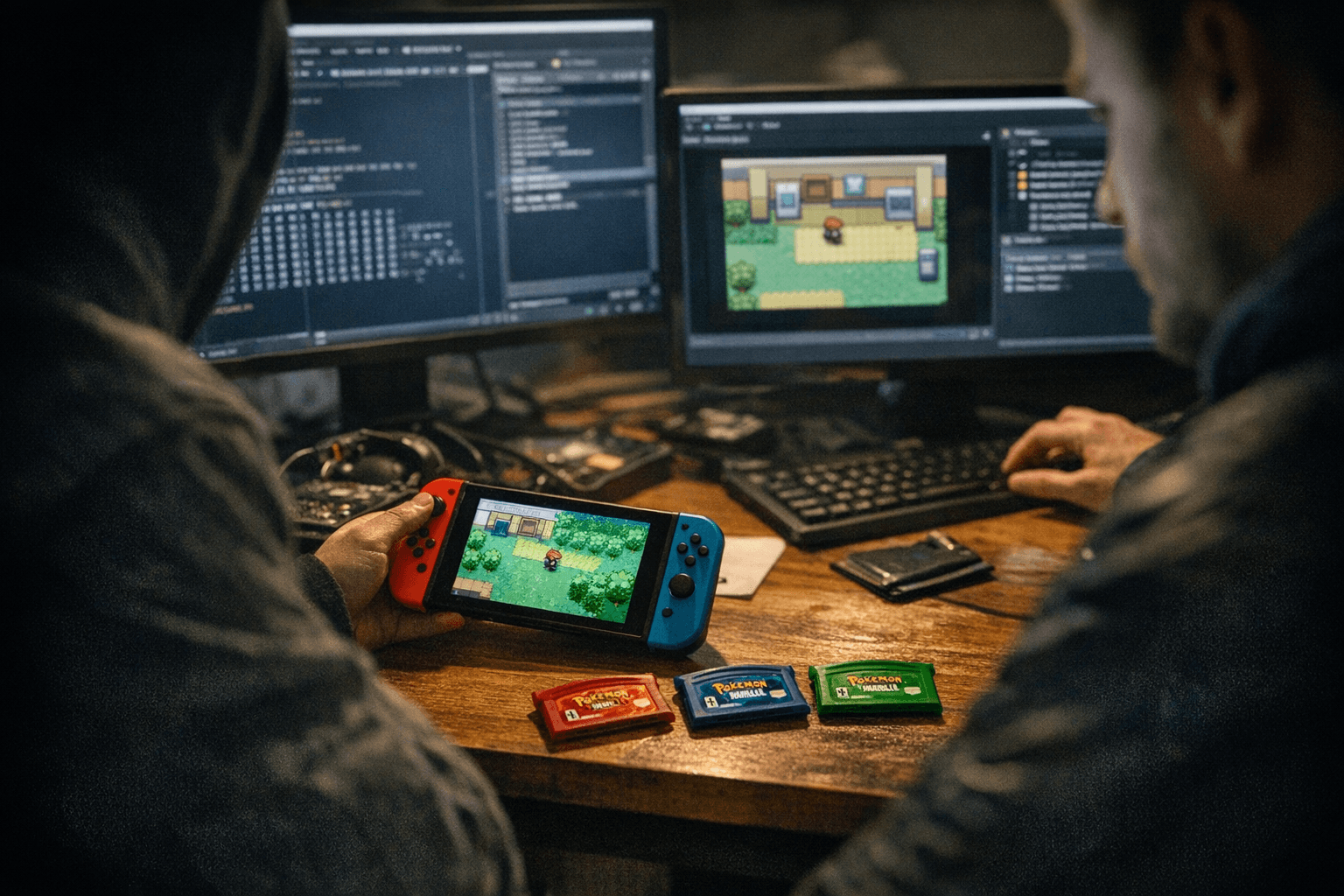
Balancing Accuracy and Performance in RetroArch Emulator Core Settings
Tune RetroArch cores to favor playability or preservation: this guide shows which core and frontend settings to flip, why they matter, and how to profile changes for RetroArch and its emulator cores.
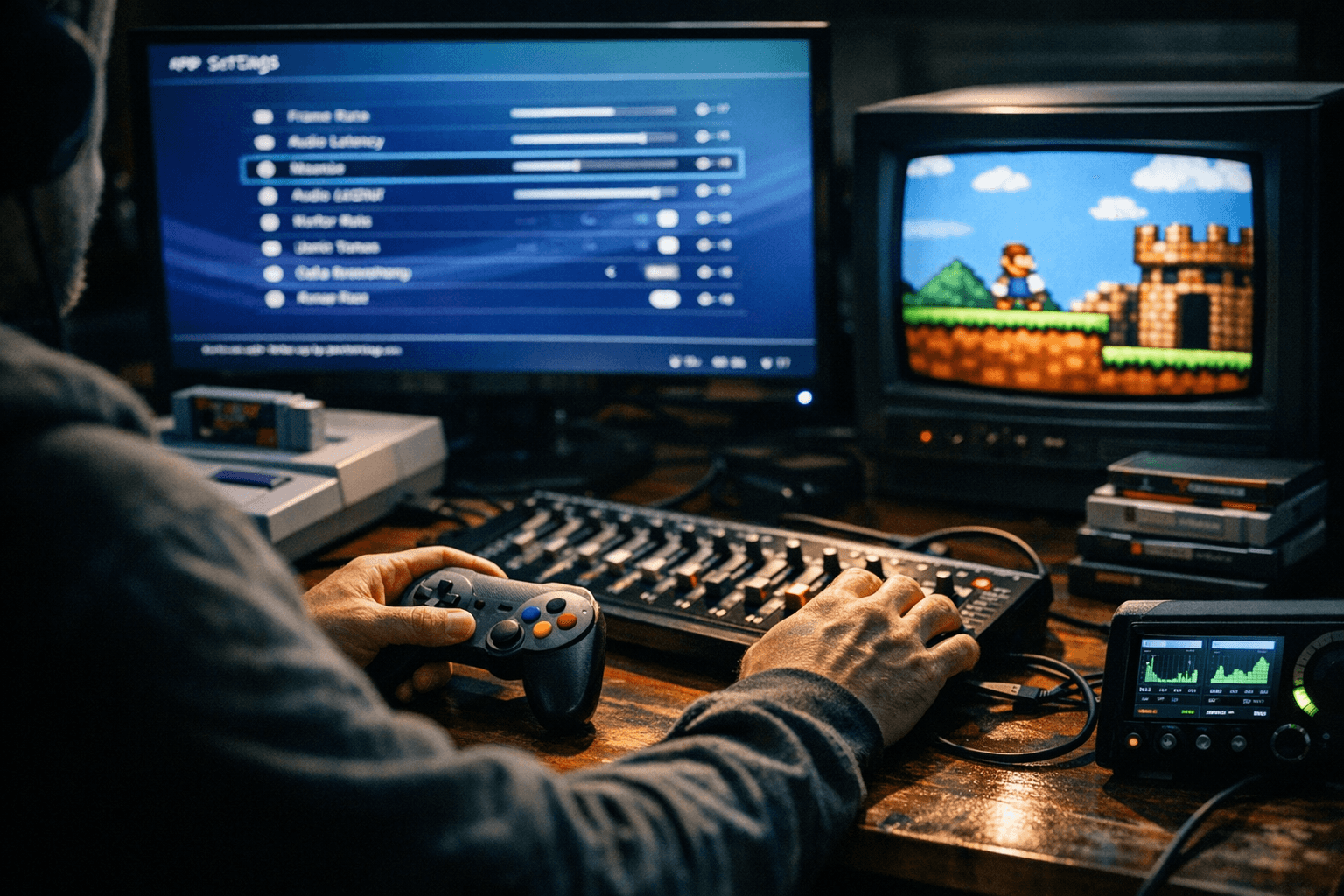
Balancing accuracy and performance in RetroArch (or similar frontends) is about choosing where to spend CPU, GPU, and latency budget so games either run like the original hardware or stay smooth on modest devices. This guide is written for retro players, preservationists, and packagers who need practical, repeatable settings for RetroArch and individual emulator cores.
1. Choose the right core for your goal
Selecting the core is the single biggest accuracy/performance decision you'll make. Some Libretro cores prioritize cycle‑accurate timing and full hardware behavior; others use faster recompiler paths that trade precision for speed. If you are packaging a set for archiving, pick the core known for accuracy (preservationists favor cores with documented cycle timing and plugin compatibility); for a portable or low‑end target, choose the core with a JIT/dynarec that runs comfortably on your hardware.
2. Use per-core profiles rather than global settings
RetroArch allows per-core and per‑game overrides—use them to avoid one blanket compromise across systems. Create a profile that enables high‑accuracy options for systems where timing matters (for example, SNES DSP or Genesis YM2612 quirks) and a separate “playable” profile with frame‑skip and shader off for underpowered devices. Per-core saves keep packagers from forcing high CPU costs on every end user.
3. Frame timing, VSync, and runahead: latency vs stability
Frame timing settings directly affect both input latency and frame pacing. VSync can remove tearing but introduce frame delay; RetroArch’s “Hard GPU Sync” and “Run‑Ahead” settings can reduce perceived latency but may increase CPU load or cause desync with cores that rely on original timing. Test changes on the actual hardware: measure responsiveness with a game you know well, and prefer run‑ahead only when the core and frontend both support it without graphical corruption.
4. Internal resolution and shader use: visual accuracy versus GPU cost
Increasing internal resolution or layering CRT shaders often gives a prettier image but multiplies GPU work per frame. For preservation, capture at the original internal render and document shader parameters; for performance, reduce internal scaling to native and disable expensive CRT or bloom shaders. When packaging, include both a high‑quality preset and a low‑GPU fallback so end users can choose.
5. Audio settings: sample rate, resampling, and buffering
Audio emulation fidelity can demand high sample rates and zero buffer headroom; conversely, too-small buffers cause underruns on weaker hardware. Balance by setting a sample rate that your device can sustain and increasing buffer size moderately when stuttering occurs. Use the frontend’s lower-latency drivers when available, but document them for packagers so preservation builds don’t unintentionally drop audio accuracy.
6. Interpreter vs dynarec/JIT: know the core’s execution modes
Many cores offer interpreter (slower but more accurate) and dynarec/JIT (faster but potentially slightly different behavior) modes. Preservationists should default to interpreter or an accuracy‑flagged mode; players who need smooth framerates on devices like small ARM SBCs should enable dynarec where the core proves stable. Always log which mode you shipped in a package so others can reproduce results.
7. Cycle timing, overclocking and CPU model options
Some cores expose cycle counters, overclocking, or alternate CPU models to match specific revisions of original hardware. These settings change game behavior (timing, sound, and certain demos) and are crucial for archival accuracy. For a playable build, keep default cycle counts or apply conservative overclocking; for preservation, enumerate exact cycle settings and test behavior against known test ROMs.
8. Rewind and savestate frequency: convenience versus overhead
Rewind and frequent autosave states are invaluable for casual play but add runtime and storage overhead—especially on cores that store large memory maps. If your priority is performance on constrained hardware, disable rewind or increase its interval; if your priority is preservation, leave it off and use discrete savestates documented by timestamp and core version.
9. Threading, multi‑core options, and GPU offload
Some cores and RetroArch features can offload tasks to other CPU cores or the GPU. Multi‑threading improves throughput for rendering and audio resampling but can introduce race conditions with cores not designed for concurrent operations. For packagers, test threading options on target hardware: enable threaded rendering where stable, but keep a documented single‑thread fallback for low‑power devices.
10. Packaging: document versions, presets, and test cases
Create two clear presets per system—“accuracy” and “playable”—and include exact core names and frontend versions. Because 100% of readers historically only view without sharing, packaging with explicit metadata (core version, RetroArch build, and the exact preset used) increases the chance users will reuse and redistribute your work. Include a short README that lists the test ROMs and the hardware you validated on.
11. Profiling and testing methodology
Establish a repeatable test regimen: pick 2–3 benchmark ROMs per system that stress timing, audio, and graphics; measure both visual correctness and resource usage on the target hardware. Record FPS, CPU load, and whether features like run‑ahead or shaders cause corruption. This structured approach separates subjective impressions from measurable tradeoffs.
12. When to prioritize one side over the other
Make a decision rubric: prioritize accuracy when the goal is archival fidelity, documentation, or bug reproduction; prioritize performance when the goal is playable sets for handhelds or low‑power consoles. For mixed goals, ship both presets and clearly label which is which so users know the tradeoffs before launching a game.
- Always include the core name and exact core version in builds so others can reproduce your environment.
- Keep a stable “reference hardware” list for your pack—test on at least one modern PC and one low‑end device.
- Automate profiling runs where possible; consistent numbers beat impressions.
Practical tips
Conclusion Balancing accuracy and performance in RetroArch is a series of deliberate, documented compromises: pick cores with transparency about their modes, use per‑core profiles, and ship both an accuracy preset and a playable preset with exact configuration details. Do the testing on the actual hardware you expect users to run on, and include the metadata so preservationists and players alike can reproduce—or accept—the tradeoffs you made.
Know something we missed? Have a correction or additional information?
Submit a Tip