Dollar General Publishes Updated Employee Guide for 30% Discount Enrollment and Troubleshooting
Dollar General updated employee instructions for enrolling in the 30% associate discount and troubleshooting point-of-sale issues, clarifying DGme and Workvivo steps.

Dollar General has circulated updated employee instructions that spell out how store associates enroll in and troubleshoot the retailer’s typical 30% store-level discount on eligible purchases. The company’s guidance aims to reduce confusion at the register and give associates and managers a clear path to validate discount access through DGme and Workvivo.
The instructions begin with enrollment and validation steps. Associates must confirm their eligibility in DGme or Workvivo and complete any required profile verification to enable the discount flag on their employee record. The guide reiterates that the 30% discount applies to eligible items at the store level and that access is tied to active employment and accurate store assignment in the system.
When discounts fail to apply at the point-of-sale, the guidance directs associates to immediate troubleshooting actions. Cashiers should first check that the discount has been activated at the register by a manager. If the discount does not appear, associates are told to ask the assistant store manager (ASM) or store manager (SM) to verify the discount code or activation status in the POS. For questions about benefit eligibility or employment status that prevent discount access, employees are advised to contact payroll or HR to confirm their records.
The company guidance also lists where associates can turn for help within the corporate structure. Store Support Center contacts and references in the employee handbook are cited as escalation points for issues managers cannot resolve at the store level. The document encourages managers to keep Store Support Center contact information readily available and to familiarize themselves with handbook sections that cover associate benefits and discount policies.
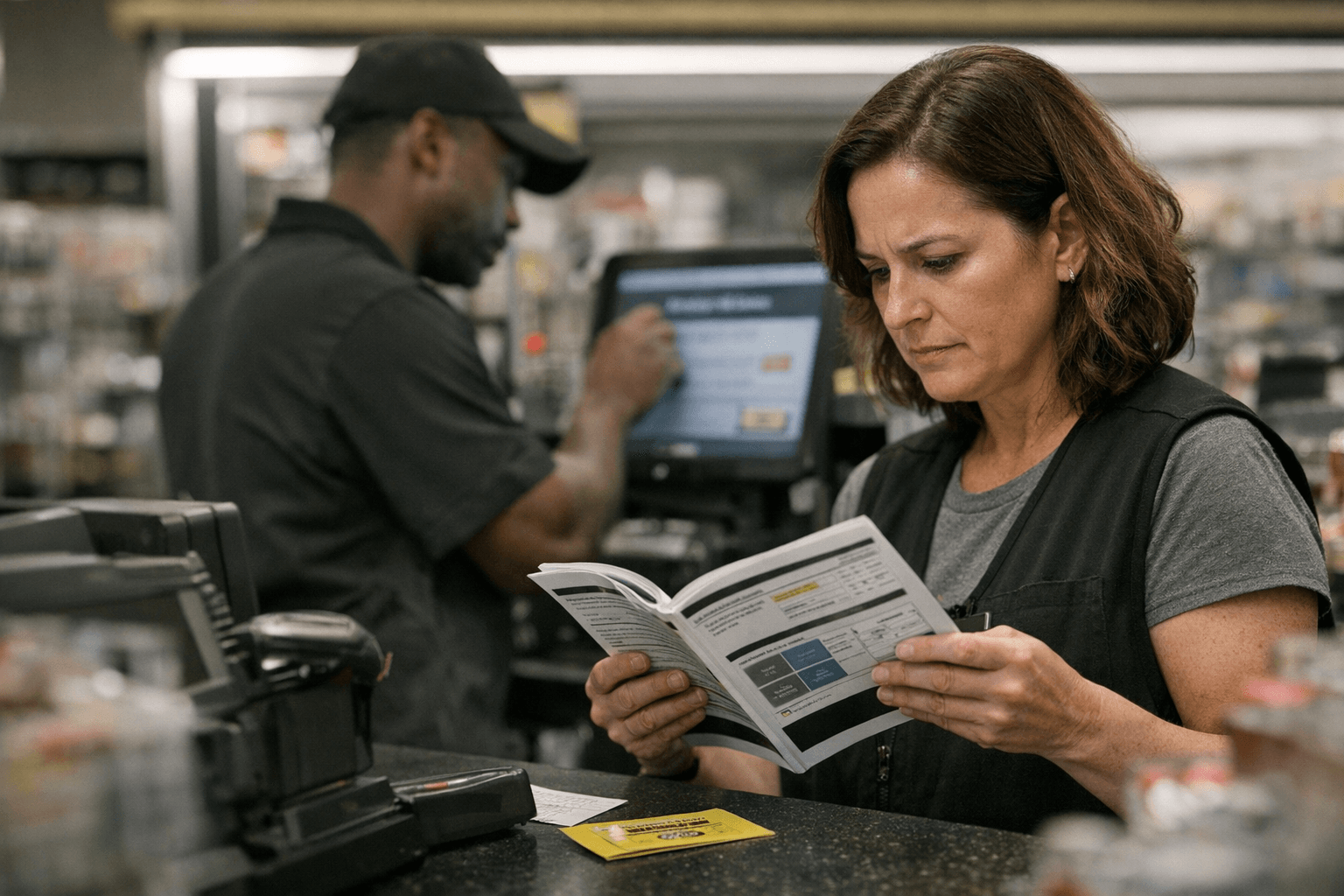
Practical tips aimed at frontline staff are included to streamline fixes during busy shifts. Associates are advised to carry proof of employment if needed, ensure the correct store ID is entered at the register, and keep DGme and Workvivo logins up to date to avoid timing or authentication errors. Managers are reminded to proactively activate discount codes when staffing changes or new hires occur, which can prevent customer-facing delays and reduce workload at peak times.
Because company procedures can change on an annual cycle, the update stresses that associates should verify the current DGme and Workvivo instructions and check the benefits hub for the latest language. For workers, the update should cut down on lost discounts and register disputes, and for managers it clarifies steps needed to keep the associate discount functioning day to day. Expect routine reminders and periodic refreshes so associates and managers stay in sync with system changes and eligibility rules.
Know something we missed? Have a correction or additional information?
Submit a Tip