Essential Singleplayer GTA V Mods and Safe Installation Guide
This roundup lists widely used singleplayer GTA V mods and practical steps to install them safely as of late 2025. Follow the tools, compatibility checks, and safety practices below to get visual upgrades, realism overhauls, roleplay features, and add-on vehicles without compromising your game or online account.
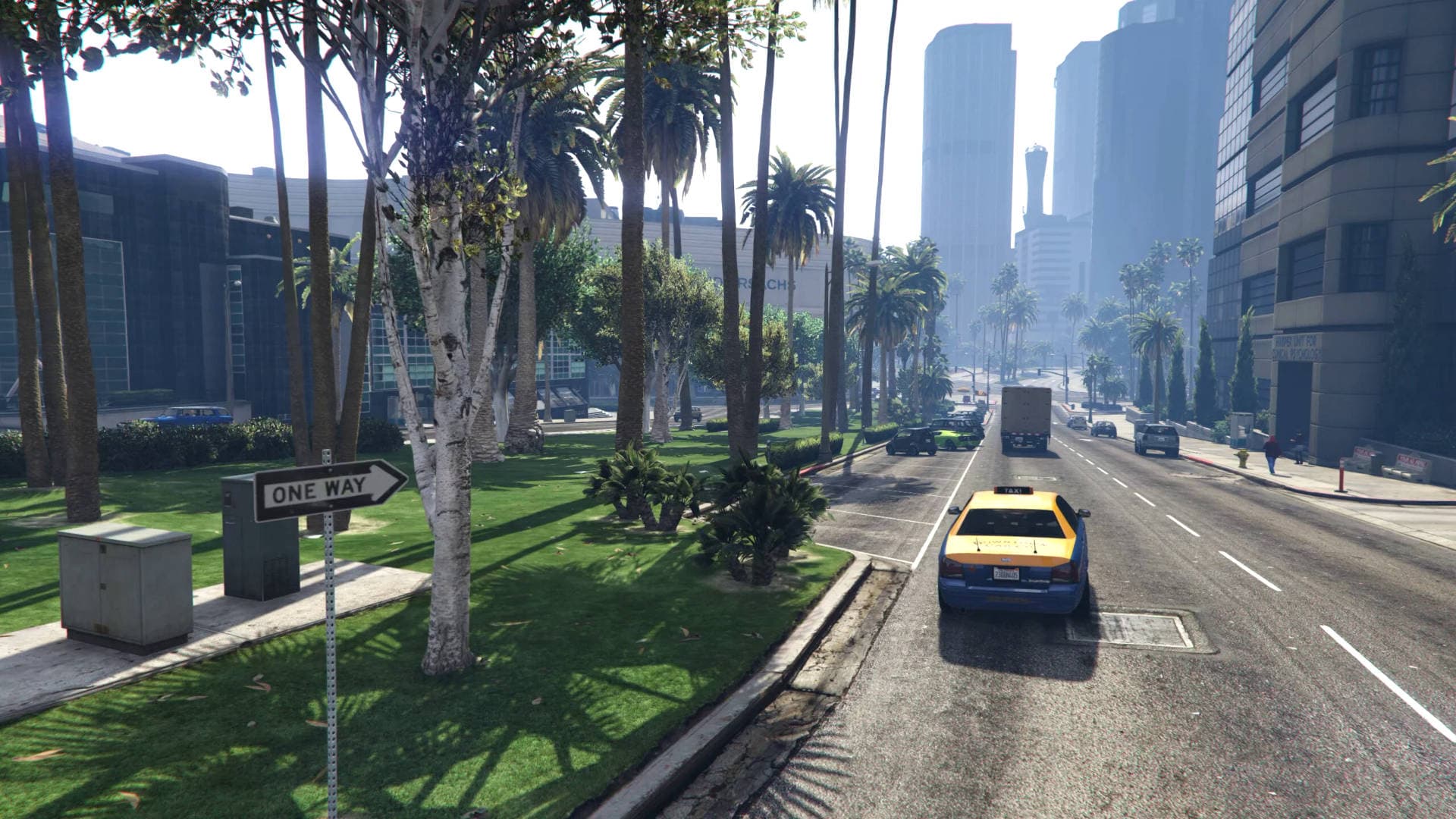
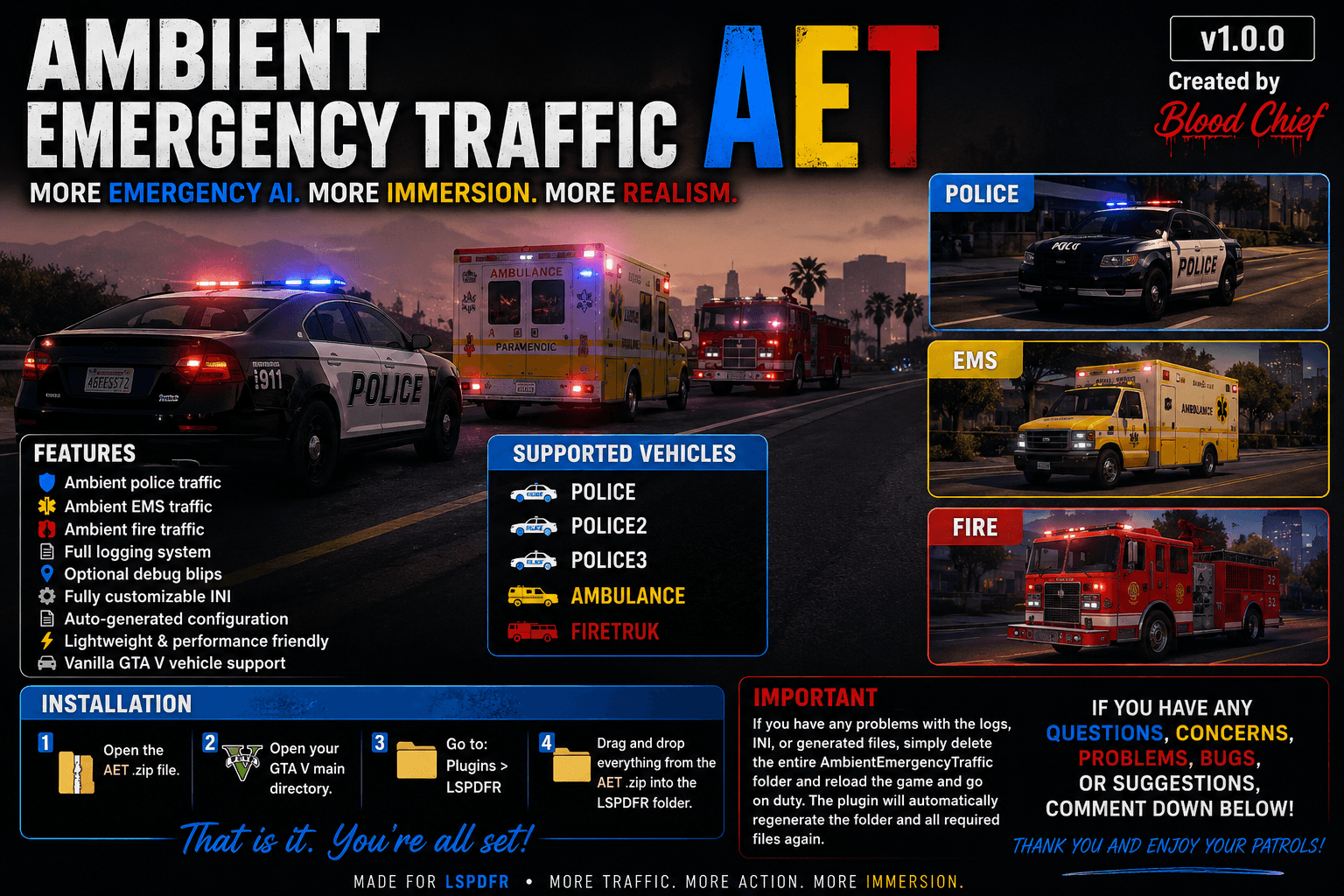
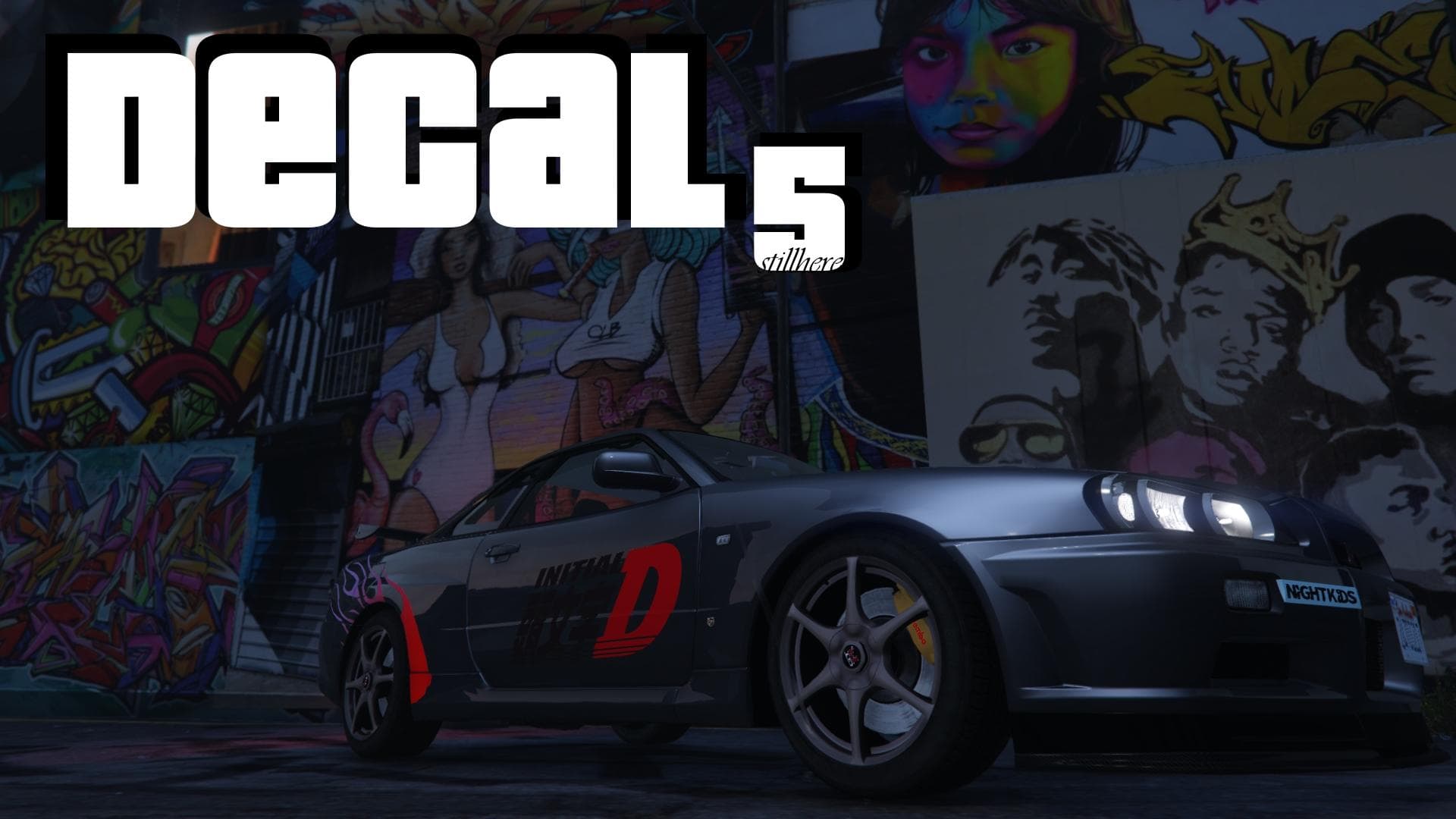
Singleplayer GTA V remains one of the most modded PC experiences, and a handful of mod types deliver the biggest impact: graphics and weather packs, realism and handling overhauls, gameplay expansions for singleplayer roleplay, law enforcement roleplay suites, and high-quality add-on vehicles. As of late 2025, users still rely on ENB and ReShade presets plus lighting packs such as NVE and NLA for improved visuals; Realistic Driving V, handling overhauls, and traffic diversification mods to sharpen immersion; inventory systems and vocation job packs for singleplayer roleplay; LSPDFR for police roleplay when kept strictly offline; and carefully built model-conversion add-on cars with proper install scripts.
Start with compatibility: prefer mods that explicitly state support for the current enhanced/updated GTA V edition and check community changelogs or mod pages for recent updates. Read installation instructions thoroughly. Many popular mods require ScriptHookV, ScriptHookVDotNet, or ASI loaders; missing one will cause errors or crashes. Use OpenIV in edit mode when modifying .rpf files and always back up any file you change. Where available, use Mod Manager utilities to isolate add-ons and simplify toggling mods on and off.
Practical installation habits reduce headaches after patches. Keep a plain-text mod log file listing installed mods, exact versions, installation dates, and any special steps performed. That log speeds rollback if a Rockstar update breaks a mod. Back up the entire game folder or maintain a clean vanilla installation you can swap to if needed.
Security and account safety matter. Never run trainer or mod-menu features while connected to GTA Online; that risks bans. Avoid downloading mods from unverified mirrors; prefer original mod pages or trusted community hubs. Scan downloaded archives for unexpected executables or installers before running them. If a mod package contains an installer with questionable permissions, treat it as suspicious and seek community confirmation.

Community relevance is straightforward: visuals and handling mods make singleplayer feel modern; roleplay and vocation packs extend replay value; LSPDFR and emergency services mods let players explore law enforcement narratives offline. Vehicles converted as add-ons with proper scripts expand garages without overwriting base content.
These recommendations are starting points. Verify each mod’s last-update date, read recent community feedback, and maintain backups so you can enjoy enhanced singleplayer GTA V with minimal risk.
This article was produced by Prism’s automated news system from verified source data, official records, and press releases, then run through automated quality and moderation checks before publishing. The system is built and supervised by the people who set the standards it runs under. Read our full AI policy.
Know something we missed? Have a correction or additional information?
Submit a Tip