GTA startup crashes: update Script Hook V, remove dsound.dll or dinput8.dll
Update Script Hook V and remove dsound.dll or dinput8.dll to stop common GTA startup crashes and get your modded game running again.

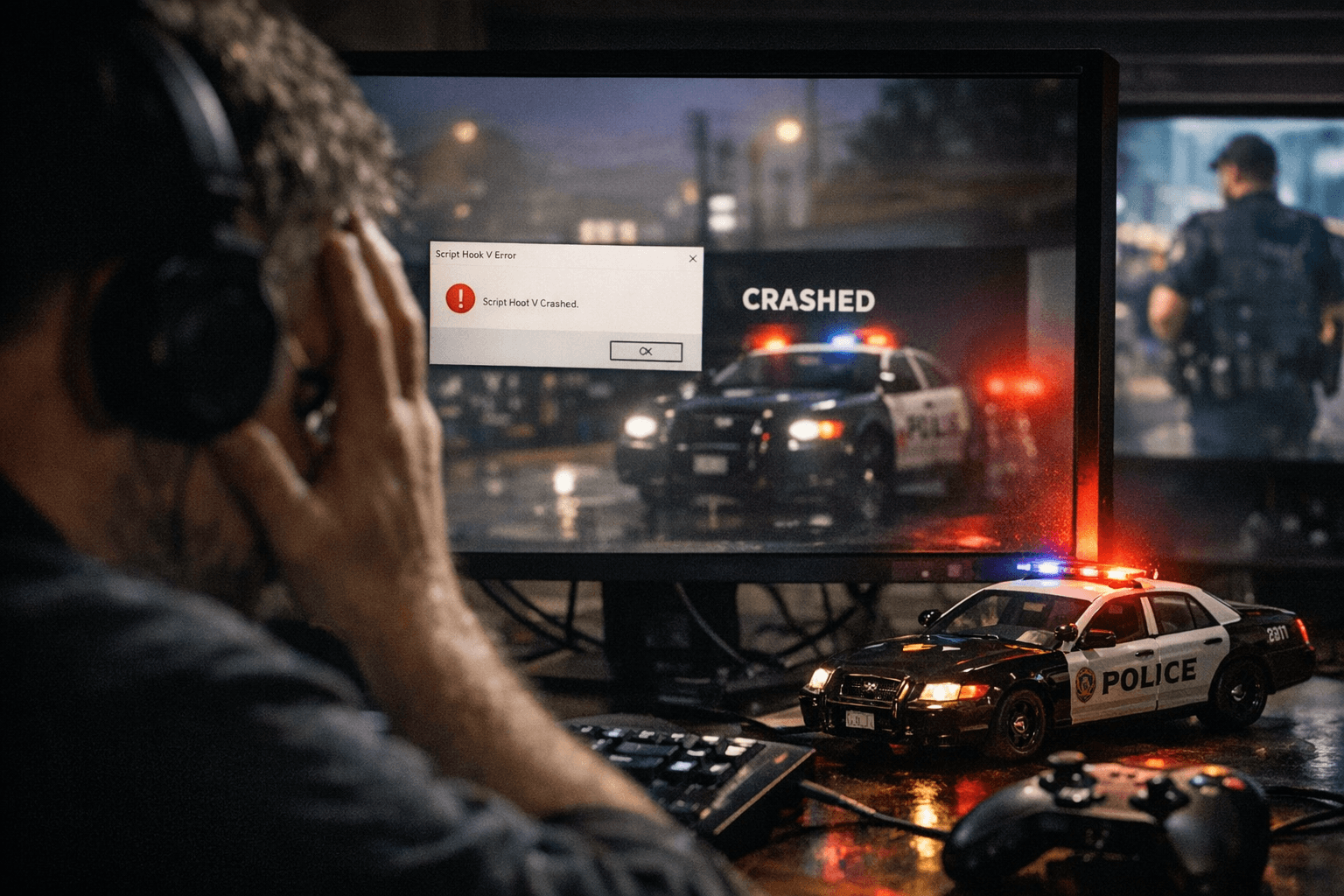
Many GTA players who run mods are seeing startup failures that leave the game closing instantly or reporting "Game version not supported" or "ScriptHookV.dll" errors. The most common causes are an out-of-date Script Hook V installation or an older ASI loader DLL left in the game folder - particularly files named dsound.dll or dinput8.dll. Fixing those two items gets most modded systems back on the road quickly.
Start by checking the root Grand Theft Auto V folder for ScriptHookV.dll. If the game reports ScriptHookV.dll errors or "Game version not supported" after a Rockstar update, install the latest Script Hook V build before doing anything else. An updated Script Hook V matches the current game executable and restores the API mods expect. After updating Script Hook V, look for legacy ASI loader files. Some mod setups use dsound.dll or dinput8.dll as an ASI loader; when those files linger they can conflict with the new loader and crash the game on launch.
If the game crashes instantly, remove or temporarily rename dsound.dll and dinput8.dll from the GTA folder and try launching. Renaming to dsound.dll.disabled or dinput8.dll.bak preserves the files for easy rollback while removing them from the mod chain. Backing up ScriptHookV.dll and any other mod DLLs before changes is a must; keep a copy of a working mod folder so you can restore if a change causes further issues.
After removing a conflicting ASI loader and updating Script Hook V, test the game without other mods active. If the game launches, reintroduce mods one at a time to isolate any lingering incompatibility. Pay particular attention to trainer plugins, menu ASI loaders, and any audio replacement DLLs that historically used dsound.dll names. Use the game console or mod logs where available to confirm which plugin is failing if crashes continue.
This matters because periodic Grand Theft Auto updates often break mod compatibility, and the symptoms are easy to misdiagnose. Verifying Script Hook V and stripping out old ASI loader DLLs is a low-effort, high-return troubleshooting step that saves hours of guessing and reinstalling. Keep a simple routine: update Script Hook V after each game update, remove or rename dsound.dll and dinput8.dll if crashes occur, and restore mods selectively.
For modders, this means quicker recovery after patches and fewer lost sessions. Expect to repeat this check whenever Rockstar ships a client update, and keep backups of your mod folder so you can get back online fast.
Know something we missed? Have a correction or additional information?
Submit a Tip