How McDonald's Crew and Former Employees Can Access Pay Stubs and W-2s
Many McDonald’s crew and former employees rely on a few predictable routes, store manager, employer payroll portal, or the payroll vendor, to retrieve pay stubs, W‑2s, and payroll records.
Accessing your McDonald’s pay stubs, W‑2s, and payroll records usually follows the same playbook: start at the restaurant, check any employee self‑service portal, then move to the payroll vendor or franchise owner if needed. Independent payroll help guides compile these typical steps and contact points, and this guide lays them out so you can get the documents you need quickly.
1. Start at your store: ask the manager or franchise owner
Many McDonald’s crew and former employees first get pay information from the restaurant level. Managers or franchise owners typically have access to payroll reports and can print or reissue pay stubs for current employees; independent guides consistently list the store as the first contact point. If you still work at the restaurant, ask your manager to print the exact pay stub range you need (specific pay dates or a run of recent paychecks) and confirm whether the franchise handles W‑2 distribution directly or through a payroll provider.
2. Check your employer’s payroll or employee self‑service portal
Independent guides identify employer portals and payroll self‑service sites as the next step for most employees. Current McDonald’s crew often can log in to an employee portal to view and download electronic pay stubs and year‑end W‑2s; the portal is usually the fastest route if you have active credentials. If you don’t remember your login, the guides recommend asking your manager or the payroll/contact desk at the restaurant for the portal name and password reset process before escalating.
3. Contact the payroll vendor or third‑party payroll provider
When the restaurant or portal can’t deliver a document, many guides advise contacting the payroll vendor that processes the restaurant’s payroll. Payroll providers are the parties that generate W‑2s and store electronic pay stub archives, so they can reissue forms or provide access details even after you’ve left. Prepare to verify your identity and employment dates when you call or email; if the payroll vendor is the source, they can tell you how W‑2s were mailed or how to retrieve digital copies.
4. If you’re a former employee: who to contact and what to request
Former McDonald’s crew frequently turn to the last restaurant they worked at and to the payroll vendor when they need older pay stubs or a missing W‑2. Independent guides recommend contacting the last store manager or franchise owner first to confirm the mailing address the employer has on file for year‑end tax forms and to ask whether W‑2s were issued electronically. If the employer says the form was already sent, ask the payroll vendor to reissue the W‑2 or provide an electronic copy and verify the address or email on file to avoid repeated mail problems.
5. Know the difference between pay stubs, W‑2s, and payroll records, and ask for the right thing
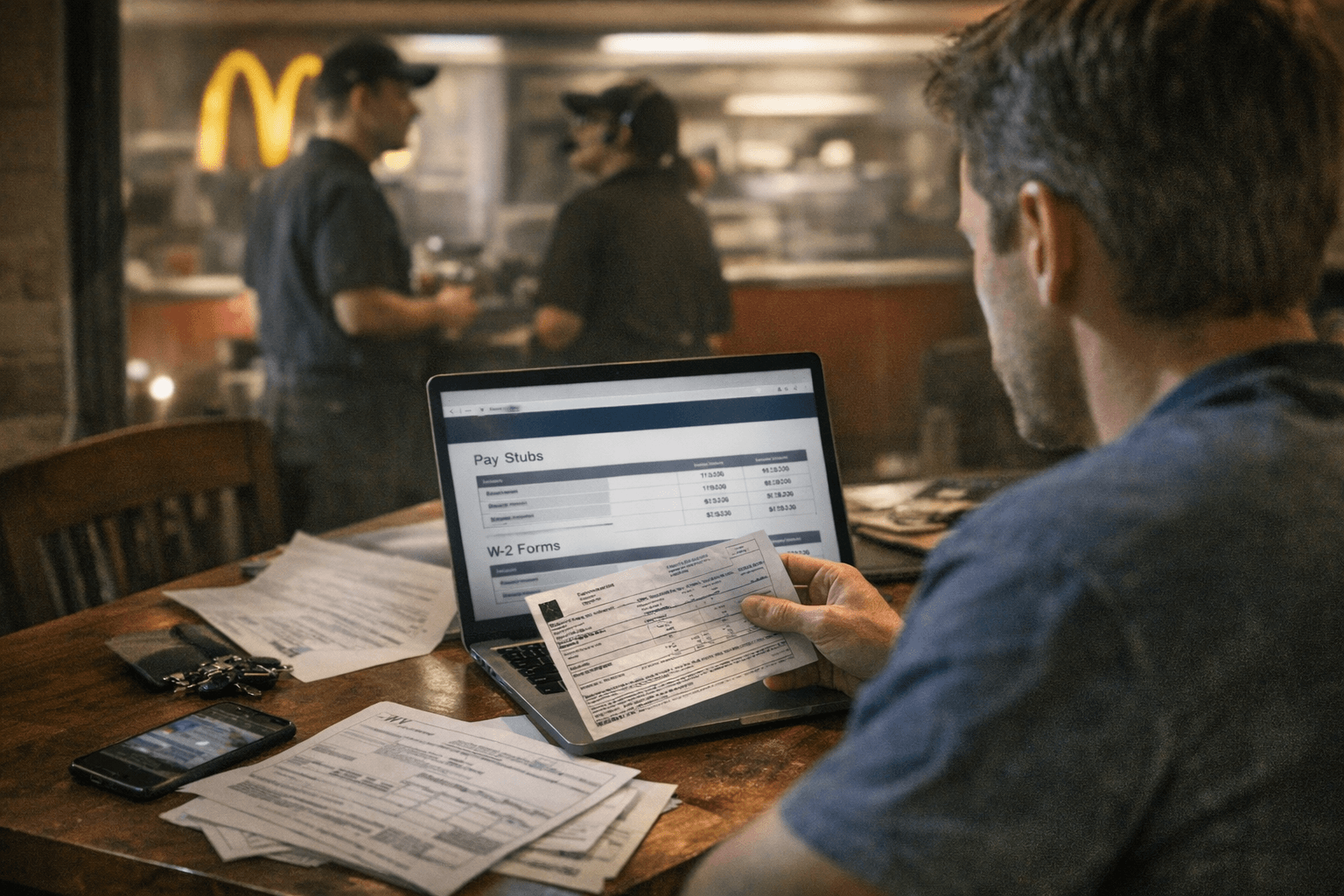
Payroll help guides emphasize that pay stubs, W‑2s, and payroll records serve different needs and may be stored in different places. Pay stubs show each paycheck’s detail (gross pay, taxes withheld, deductions) and are commonly available through a portal or manager; W‑2s are annual tax forms issued by payroll or employer and are distributed once per year; broader payroll records (employment dates, total gross paid in a year, garnishments) may require a formal request to the employer or payroll vendor. When you contact someone, be specific: state the pay dates, tax year, or the exact record type you need so they supply the correct document without back‑and‑forth.
6. Practical steps and information to have ready when you ask
Independent guides compiling typical steps recommend preparing basic employment details before you contact anyone to speed resolution. Have your full name as it appeared on payroll, the restaurant number or address if you know it, approximate dates of employment, and a method to receive documents (current address or email). Clear, specific requests reduce delays: say “I need my W‑2 for tax year 2025 sent to my current mailing address” or “I need pay stubs covering June through August 2025 for verification.”
7. Common troubleshooting moves if documents aren’t forthcoming
When store contacts, portals, and payroll vendors don’t resolve the problem, independent guides suggest escalating in predictable ways. Reconfirm contact info with the franchise owner or manager, ask the payroll vendor for date‑stamped delivery records for the W‑2, and request a reissue if mail was undelivered. Keep a written record of every request, dates, names, and the responses, so you have a paper trail if you need to pursue further remedies through external bodies.
8. Use payroll help guides as a checklist and to find vendor contact points
Many independent payroll help sites compile the typical steps and contact points employees use to retrieve pay: store manager → employer portal → payroll vendor → escalation. Those guides are useful checklists when you’re locked out of an account or when your employer says a form was sent but you never received it. Use them to organize your outreach and to ensure you’ve followed the standard sequence before escalating.
9. What to expect in timing and delivery
Pay stubs are usually available immediately to current employees via the portal or through a manager; W‑2s are issued once annually and often mailed or posted to an online account in the January‑February window. For former employees, reissuing a W‑2 or retrieving archived pay stubs can take several business days, depending on the payroll vendor’s processes, independent guides note delays are common when employers use an external processor and when employee contact information has changed.
10. Final practical advice and keeping records going forward
Because many McDonald’s hourly crew and former employees need reliable instructions for accessing pay documentation, build a simple habit: download and archive each pay stub and yearly W‑2 when you get them, and update your employer with any address or email changes before year‑end. Independent guides show that having a local copy eliminates the scramble later and reduces dependence on store staff or third‑party vendors when you need records for taxes, loan verification, or employment disputes.
As of February 25, 2026, these are the standard, practical routes payroll help guides assemble for crew members and former employees seeking pay stubs, W‑2s, and payroll records: start at the restaurant, move to any employee portal, contact the payroll processor, and escalate only after those steps are exhausted. Follow the sequence, document your requests, and ask for specific documents and dates to shorten the path to the records you need.
Know something we missed? Have a correction or additional information?
Submit a Tip