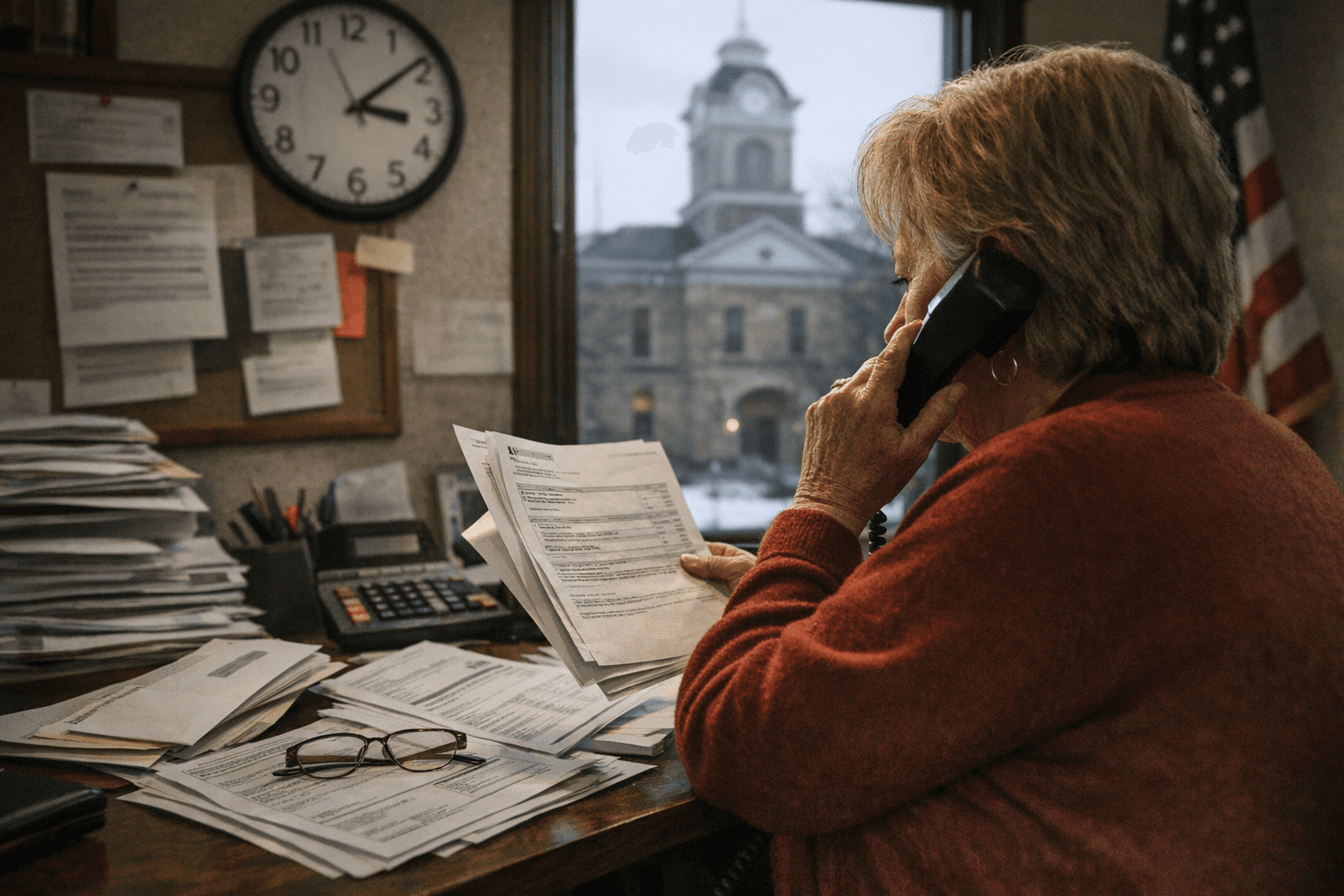
How to Access Vinton County Court Records, File Documents, Make Payments
Use Vinton County’s online Record Search and Online Payments to find cases and pay fees, but verify sensitive Probate/Juvenile filings and request certified records at the courthouse, 100 E. Main St., McArthur.
1. Where to begin on the Vinton County Court website
The Vinton County Court site organizes essential services in a clear navigation bar: Home (current), Information, Bond/Waiver Schedule, Court Fees, Online Payments, Record Search, Location. The internal search page is identified as “Vinton County Court - step_search-page,” and the site design and certain services are credited to Henschen & Associates. Start at the court website and confirm you are on the Record Search or Online Payments pages before proceeding.
2. How to search dockets and party records online
To look up a case, use the Record Search page. The site instructs: “Enter your search criteria above (last name is required), and click "Search".. Be as specific as possible to reduce the number of matches.” The search form includes fields labeled “Last Name” and “First Name” with required‑field indicators; last name is mandatory, so prepare the exact spelling to narrow results.
3. What the Record Search returns and how to interpret results
The site provides computer‑based retrieval of court record information but warns of technical limits; search results typically return party names and case summaries rather than certified documents. Be prepared to find multiple matches if you search only by last name; adding a first name or other identifiers will reduce matches. Because the online system can be amended, treat on‑screen summaries as a starting point and not a final legal record.
4. How to make court payments online
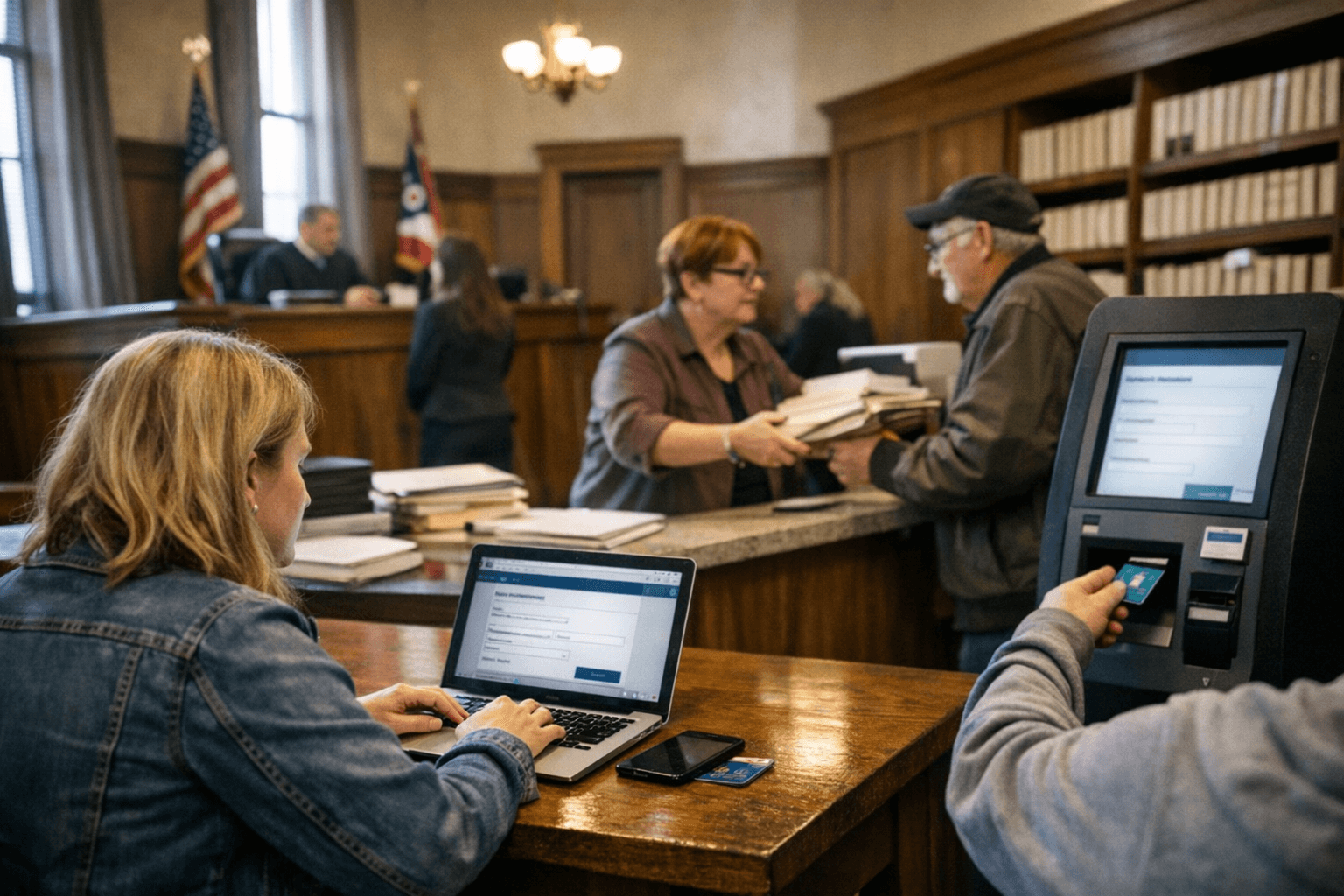
Use the Online Payments section on the site to pay fines, fees, or bond amounts where the court accepts electronic payments. The page carries the notice: “Payment Services provided by Henschen & Associates, Inc..” That indicates a third‑party processor handles transactions for the court; confirm accepted payment methods and any convenience fees before submitting a payment. Keep transaction records and screenshots and retain any confirmation number you receive from the processor.
5. Filing documents with the Vinton County Court of Common Pleas (including Probate and Juvenile divisions)
The court of Common Pleas handles general civil/criminal matters and includes the Probate and Juvenile divisions listed in the guide’s scope. The excerpts provided do not specify an e‑filing portal or attorney registration process; therefore, do not assume online filing is available without verification. If you are an attorney or party seeking to file, first check the court’s Information, Court Fees, and Location pages for updated filing instructions; if the site does not show an e‑file system, prepare to deliver pleadings in person or by mail per the clerk’s instructions at the courthouse address.
6. How to obtain verified or certified records
When you need authoritative, certified copies of dockets or documents, follow the court’s instruction: “If you require verified information as to the records of the Vinton County Court, you may send a written request to the Vinton County Court or visit the court, located at 100 E. Main St. McArthur, during regular business hours.” A written request or an in‑person visit is the route to certified records; include case numbers, party names, and exact document titles to speed processing.
7. Legal disclaimer and limits on relying on online results
The court displays a prominent legal notice that you should read before relying on online information. It states: “The Vinton County Court computer record information disclosed by the system is current only within the limitations of the Vinton County Court data retrieval system. The user of this system is hereby notified that any reliance on the data displayed on the screen is at your own risk and liability. Information on the system may be altered, amended, or modified without notice. If you require verified information as to the records of the Vinton County Court, you may send a written request to the Vinton County Court or visit the court, located at 100 E. Main St. McArthur, during regular business hours.” Treat this as a binding warning: for legal filings, news reporting, or court compliance, obtain certified documents or confirmation from the clerk’s office rather than relying solely on the web interface.
8. Address, site credits and copyright details to note
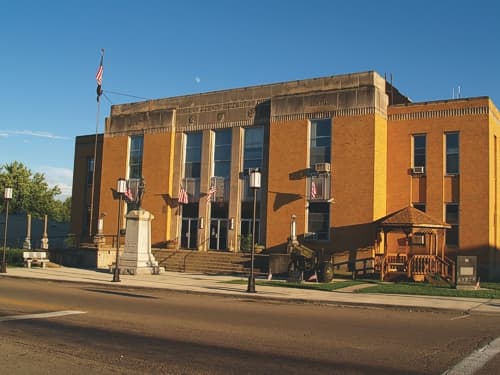
The courthouse physical location listed in the court’s notices is 100 E. Main St. McArthur — use that address for in‑person requests and mailed written requests for certified records. The site also includes design and service credits: “Site Designed by Henschen & Associates [...]” and the copyright line: “Copyright © 2026 Vinton County Court.” These credits clarify who manages the site and processes payments; if you need help or have transaction questions, mention the processor by name when contacting the clerk.
9. What the site does not disclose — items you must verify before acting
The excerpts do not list court business hours, clerk phone numbers or emails, e‑filing portal names, fee schedules, or whether Juvenile and Probate records are restricted or sealed. Before filing, paying, or quoting case information, verify: (a) current business hours and clerk contact details, (b) whether e‑filing exists and how attorneys register, (c) which document types are available online and which require a written request, and (d) whether any transaction fees apply through the payment processor. Contact the clerk directly or check the court’s Court Fees, Bond/Waiver Schedule, and Location pages for updates.
- Step 1: Go to the Vinton County Court website and open the Record Search page (look for the “Record Search” nav item).
- Step 2: Enter the exact Last Name (required) and First Name if available, then click "Search".. Be as specific as possible to reduce matches.
- Step 3: If you need to pay a fine or fee, go to “Online Payments”; note that “Payment Services provided by Henschen & Associates, Inc..” and keep any receipt information.
- Step 4: For certified records or uncertain results, send a written request or visit 100 E. Main St. McArthur during regular business hours to obtain verified documents.
- Step 5: If you plan to file documents, confirm e‑filing availability and formatting/fee rules with the clerk before submitting anything.
10. Practical step‑by‑step checklist you can use right now
Conclusion Vinton County’s online tools let you search cases and make electronic payments, but the court’s own notice makes clear that online data can change and is not a substitute for certified records. Use the Record Search for quick lookups (remember: last name is required), use Online Payments when available and note the Henschen & Associates payment processor, and always follow up with a written request or courthouse visit at 100 E. Main St. McArthur when you need verified, court‑certified documents or official filing instructions.
Sources:
Know something we missed? Have a correction or additional information?
Submit a Tip