How to build GTA Online missions without breaking moderation rules
Practical guidance for creators using GTA Online Mission Creator to avoid moderation violations and real-world harm.
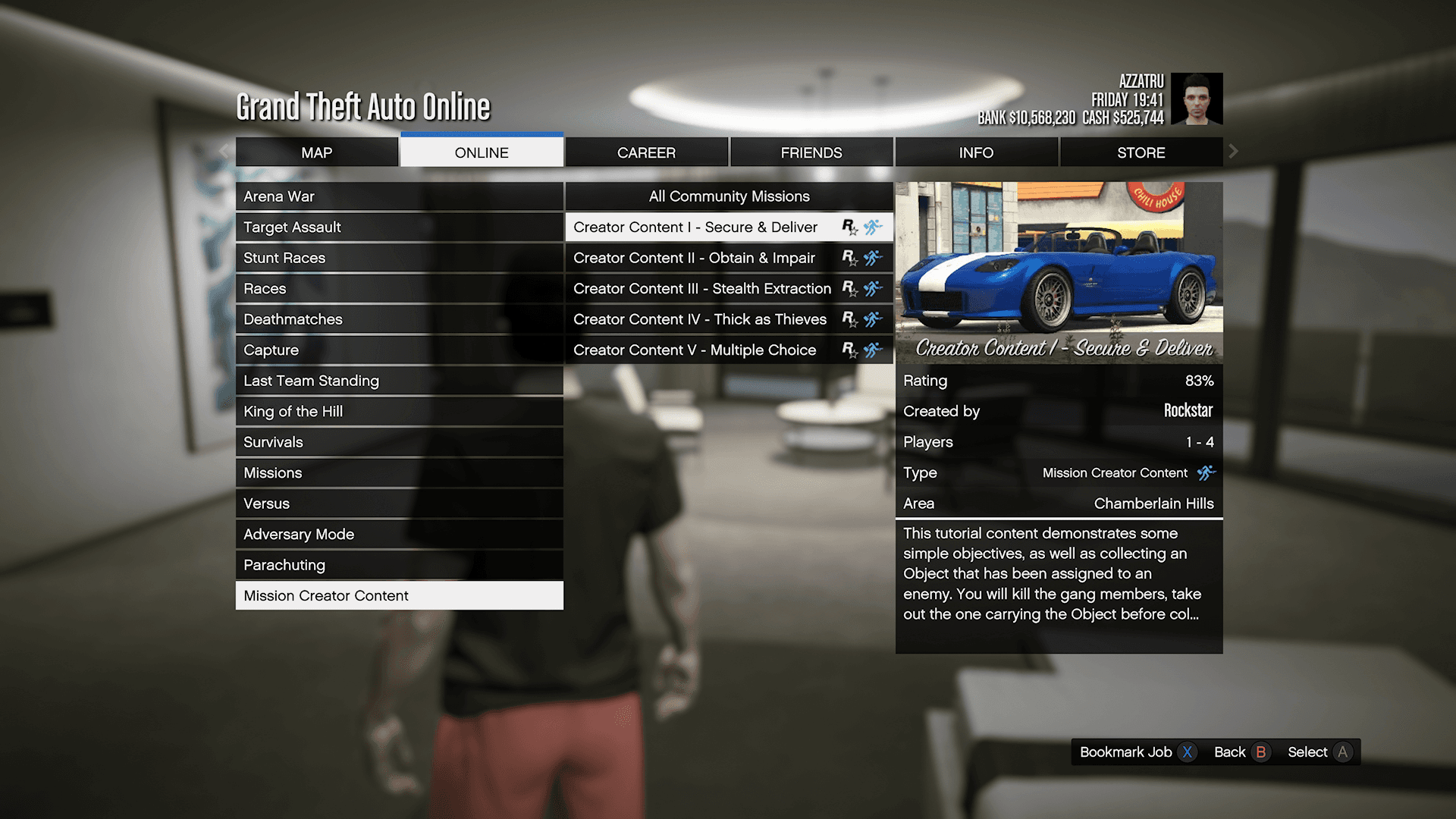
If you make jobs or missions in GTA Online, start by reading the rules. Consult the game's Community Guidelines and any Mission Creator-specific policies before you lay out a single spawn point or script trigger. Platforms that block references to real-world violent events or public figures will remove content that mirrors those incidents, so building with the rulebook in hand saves time and reputation.
Avoid basing a job on a recent violent incident, victims, or real public figures. Even when framed as fiction, close recreations of real tragedies attract removal, legal exposure, and community blowback. Keep violence clearly fictional and contextualized: use invented characters, neighborhoods, and plot hooks. Steer clear of graphic real-world detail and news-like framing that makes a mission read like a headline.
Design missions with player consent and safety in mind. Do not require players to share personal data, coordinate actions outside the game, or participate in harassment or doxxing. Jobs that encourage real-world threats are disallowed and can bring bans to creators and players alike. Use neutral naming conventions; avoid recently deceased people, active investigations, or direct emulation of public figures when naming characters, factions, or locations.
Plan for edge cases in moderation. Automated filters can be bypassed by misspellings or alternate alphabets, and motivated users will test those limits. Expect testers or moderators to encounter localization quirks and spelling workarounds, and build a manual-review workflow for borderline submissions. If your platform publishes user-created jobs publicly, require an approval flow and provide an easy-to-find report button for the community.

Moderators and creators both benefit from keeping logs and evidence. Retain snapshots of submissions, version histories, and any user reports so appeals are transparent and automated moderation can be tuned over time. Favor satire or clear fiction when aiming for humor, but avoid satire that targets real victims or tragedies. When a job is intended to provoke, add prominent disclaimers and keep the setting unmistakably fictional.
Testing matters. Play your mission through with a critical eye for how it might read to automated systems and human reviewers. If you are unsure whether a mission crosses a line, consult community moderators or delay publishing. Slow-and-safe is better than fast-and-removed.
Following these practices reduces the chance your work is taken down, keeps players safe, and helps you build credibility as a long-term creator in the GTA community. Treat the Mission Creator like any other platform: know the rules, design with consent, prepare for moderation, and when in doubt, hold the release until someone else has signed off.
Know something we missed? Have a correction or additional information?
Submit a Tip