How to delete unused apps on iPhone and Android
Unused apps can waste space, expose data, and clutter screens. iPhone and Android now offer different ways to delete, disable, or hide them, with limits every user should check first.
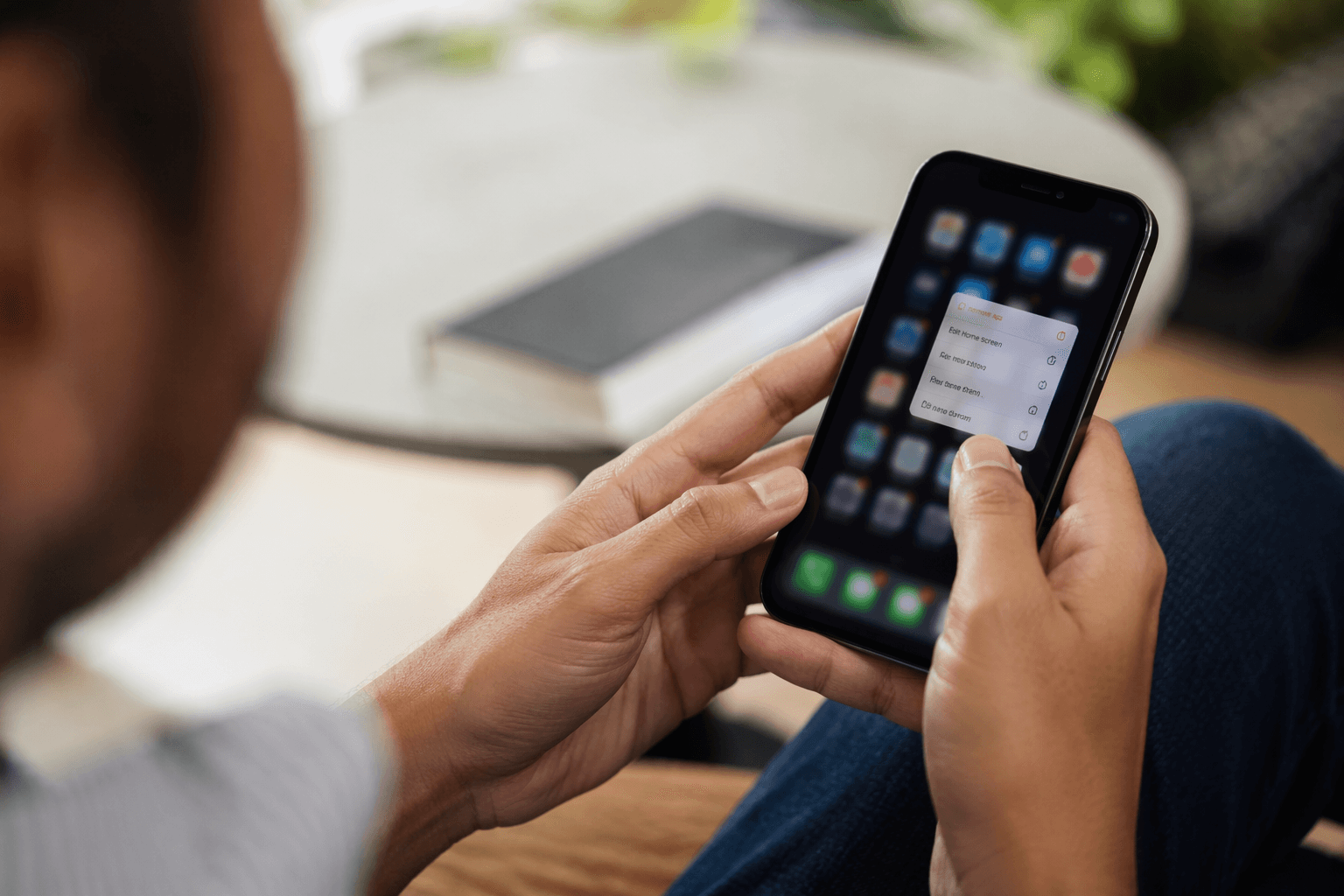
Unused apps do more than crowd a home screen. They can eat storage, keep old permissions alive, and make a device harder to navigate, especially on phones that already anchor work, communication, banking, and entertainment.
That matters because smartphones are now deeply woven into daily life in the United States. Pew Research Center says Americans are increasingly connected on the go via smartphones, while Business of Apps reports that the average U.S. smartphone user downloaded 43 apps in 2024 and the average U.S. smartphone owner spent over six hours on the device.
Why deleting apps changes more than storage
Removing an app is not just a cosmetic cleanup. On Apple devices, deleting a built-in app also removes related user data and configuration files, and Apple warns that deleting certain built-in apps can affect related system functions. That means the decision can affect how the phone behaves, not just how much room is left.
Android handles unused apps differently, but the impact is still practical. Google says the system may delete temporary files, revoke permissions, stop the app from running in the background, and stop notifications for apps you have not used for a long time. In other words, cleaning out digital clutter can also reduce distraction and limit what old apps can still do quietly in the background.
How app removal works on iPhone and iPad
Apple allows some built-in apps to be removed starting with iOS 14. That is an important limit, because not every Apple app is optional, and some built-in Apple apps cannot be deleted from an iPhone or iPad.
The tradeoff is straightforward: when you remove a built-in app, you also remove any related user data and configuration files. That can be useful if you want a cleaner device and do not plan to use the app again, but it also means you should check whether the app stores anything you still need before you delete it.
Apple also says deleted built-in apps can be restored later. That makes the process less permanent than it may seem, but restoration is not the same as preserving every setting or file exactly as it was. If the app matters to your workflow, it is smart to think through whether deleting it serves you better than simply moving it off the home screen.
How Android handles deletion, disabling, and archiving
Android gives you more than one way to reduce clutter. Google says you can delete apps you installed, disable some preinstalled apps, or archive unused apps. That flexibility matters because not every app on an Android device is handled the same way, especially when a manufacturer or carrier has placed it there ahead of time.
Some Android deletion steps work only on Android 13 and up, so the exact controls available on your device depend on the version you are running. That detail matters before you start clearing space, because older devices may not offer the same tools for archiving or automating app cleanup.
Google also says deleted or disabled apps can be added back later, and purchased apps can be reinstalled without paying again. That makes Android cleanup relatively low-risk for paid software, but it still pays to check whether an app contains local data, account access, or settings you want to keep.
What unused-app management can do automatically
Android goes beyond simple deletion by actively managing apps you have not opened in a while. Google says the system can delete temporary files to free up space, revoke app permissions, stop unused apps from running in the background, and stop unused apps from sending notifications.
That automatic cleanup can help with both storage and attention. It also reduces the chance that an old app keeps holding permissions it no longer needs, which matters for privacy-minded users who want less digital exposure without spending time on every individual setting.
Private Space adds another privacy layer
For people trying to keep sensitive apps out of sight, Android offers Private Space. Google describes it as a separate, isolated space on the device that can hide and organize apps away from prying eyes.
That makes Private Space different from deletion. Deleting removes an app from the device or disables it; Private Space keeps sensitive tools in place but separates them from everyday use. For apps tied to finance, health, messaging, or personal records, that distinction can matter more than simply removing icons from the main screen.
What to check before you remove anything
Before deleting any app, check whether it stores data you still need, whether it is built into the system, and whether it supports a core function on your device. Apple’s warning is especially important here: some built-in apps can be removed, but deleting the wrong one can affect related system functionality.
- Look for saved logins, local files, or app-specific settings.
- Confirm whether the app is built in or installed by you.
- Check whether the app is tied to other device features.
- On Android, verify whether your device is running Android 13 or later if you plan to use the newer cleanup tools.
A quick review can prevent avoidable problems:
The practical payoff of a cleaner phone
The value of app cleanup is not abstract. Fewer unused apps can mean more storage, fewer notifications, less background activity, and a simpler home screen. On iPhone, the most important limit is that some built-in apps can be removed but not all, and deleting them can carry data and system-function consequences. On Android, the payoff is broader: deletion, disabling, archiving, and Private Space give you different levels of control over space, privacy, and daily distraction.
Used carefully, app deletion is a small maintenance step with outsized effects. It can make a phone faster to navigate, easier to trust, and less crowded by software that no longer earns its place.
This article was produced by Prism’s automated news system from verified source data, official records, and press releases, then run through automated quality and moderation checks before publishing. The system is built and supervised by the people who set the standards it runs under. Read our full AI policy.
Did this article answer your question?