How to Mod GTA V Safely in 2025-2026 - Practical Steps to Avoid Bans
This practical guide lays out current best practices for modding Grand Theft Auto V while minimizing risk to your account, system, and legal standing. Follow these steps to separate singleplayer mods from online play, choose trusted sources, back up and sandbox changes, and avoid anti-cheat and copyright pitfalls.
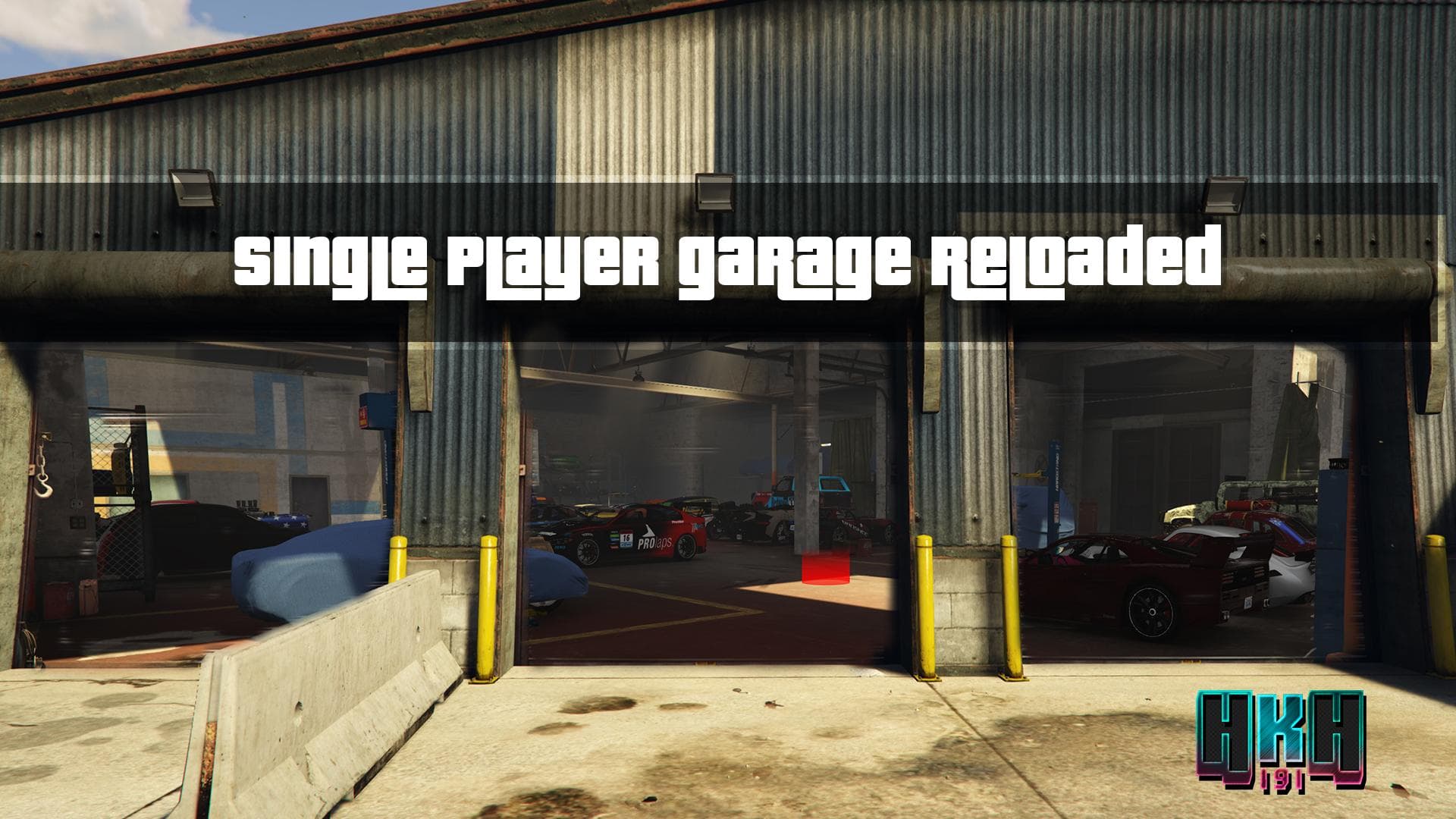
Modding GTA V remains one of the most active corners of the community in 2025 and 2026, but sloppy installs or mixing singleplayer mods with online play still leads to banned accounts, corrupted saves, and legal headaches. Keep GTA Online separate: never run singleplayer mods while connecting to GTA Online. Use a clean, unmodded install for online play or keep a separate game directory or profile to avoid detection and bans. A simple naming convention helps: maintain two installs called "GTA5_SP" and "GTA5_ONLINE" so you never accidentally launch the wrong copy.
Use trusted sources for downloads. Rely on established communities such as NexusMods, GTA Forums, and GTA5-Mods, and inspect changelogs, user comments, and recent update dates before installing. If a mod’s last update reads "last updated Dec 2025" or similar older timestamps, treat it with caution after a Rockstar update. Check community-maintained compatibility notes and patches where authors track the "last working game build".
Always back up original game files and saves before installing anything that alters assets or scripts. Test mods in an isolated copy of the game and use OpenIV’s edit mode carefully when working with archives. If you run several mods, use version control for mod collections: store mod archives, document installed scripts and plugins, and keep a simple changelog so you can restore a prior state if something breaks.
Understand anti-cheat and EULA implications. Mods that alter runtime behavior or inject code can trigger anti-cheat systems or violate the user agreement. Avoid any mod advertised for online advantage, including money spawns, global trainers, or menus designed for public GTA Online sessions. Never use mod menus in public sessions; reserve singleplayer experimentation for the modded "GTA5_SP" install.

Exercise legal caution with fan ports and redistributed content. Projects that distribute copyrighted assets such as game music, original art, or executable blobs expose hosts to DMCA requests and other takedowns. Prefer implementations that require user-provided game files rather than redistributed Take-Two assets, and avoid sharing packaged copies of the game.
When troubleshooting, consult community threads where mod authors and users report the last working build, and apply community patches where available. Following these practices reduces the chance of data loss, account action, or legal exposure while letting you enjoy singleplayer modding responsibly.
Know something we missed? Have a correction or additional information?
Submit a Tip