Minarium launch brings natural-language search to STL miniature hunting
Minarium launched January 8, 2026, offering an AI-powered natural-language search for print-ready STL miniatures. It helps painters and kitbashers find focused, compatible files faster while urging slicer checks.
A natural-language, AI-driven search engine for print-ready STL miniature files, Minarium, went live on January 8, 2026, promising to cut down the tag-hunt and surface models that match a painter’s intent rather than exact keyword strings. The service indexes files across multiple marketplaces and repositories and uses semantic matching to compare search intent to file metadata and file content descriptors.
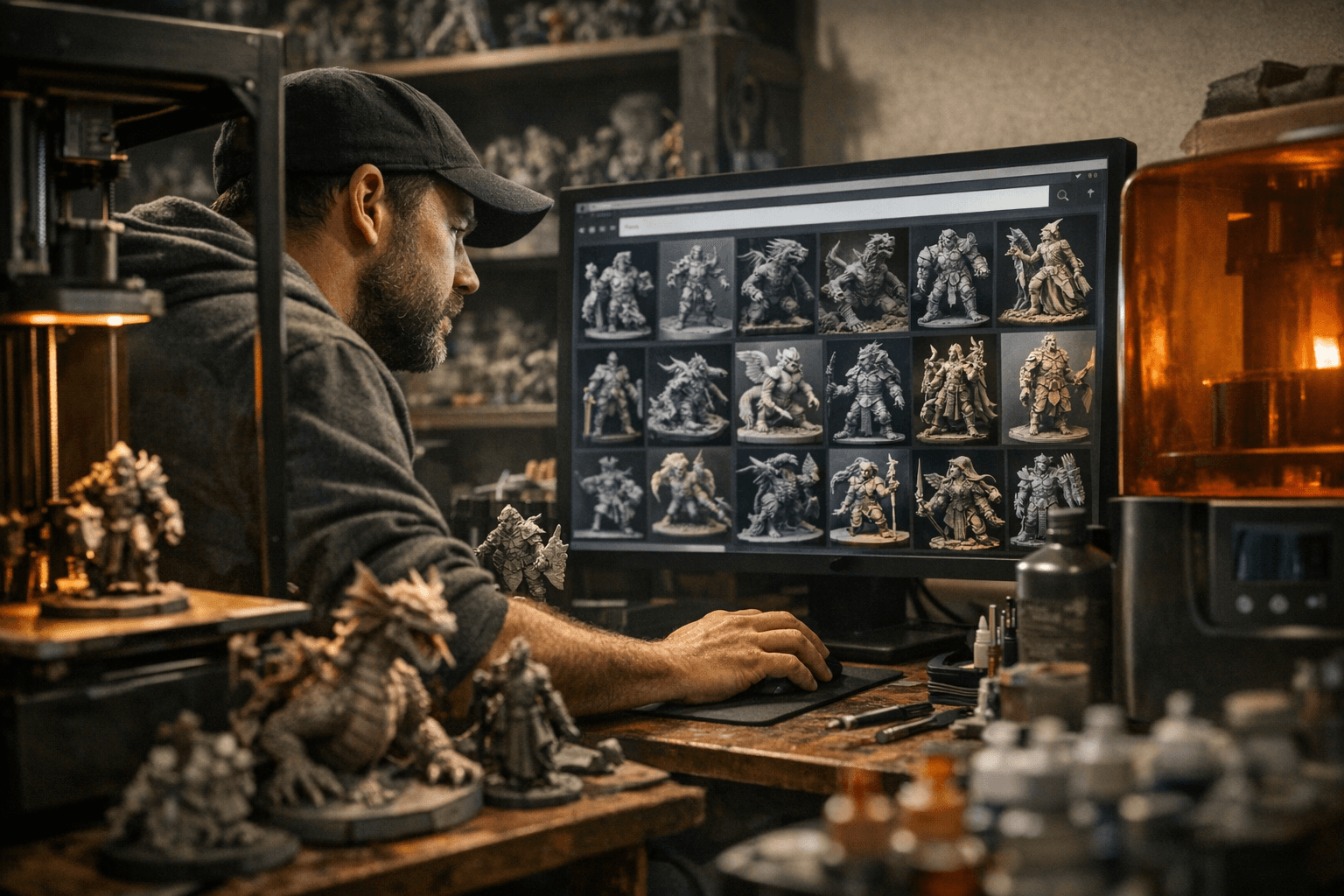
That semantic approach means you can type descriptive phrases like "32mm running archer, quiver visible, small base" and get results that match the concept instead of relying on fragile tags. For painters and kitbashers who print their own miniatures, faster, more precise discovery reduces time spent scrolling through irrelevant results and helps assemble focused practice prints or compatible sets for consistent basing and diorama composition.
Minarium targets practical workflows. Use it to pull a batch of practice prints for testing a new color palette, trialing metallic finishes, or dialing in contrast and edge highlights across similar sculpts. Kitbashers can search for parts that share a base footprint to streamline batch painting, ensure display cohesion, and cut down on trimming and re-basing during assembly. The search engine’s cross-marketplace reach also makes it easier to hunt obscure components without jumping between half a dozen storefronts.
The site emphasizes that AI matching is only as good as the underlying data. Search accuracy depends on the quality of file descriptions and marketplace metadata, so expect variability across repositories and creators. Minarium recommends always verifying mesh suitability in your slicer before committing resin or filament. Check supports, scale, wall thickness, and any overhangs that might need reinforcement, and run a quick test print if the file’s metadata is sparse.
For practical adoption, start by defining the crispest descriptive phrase possible for what you want to practice or build. Pull a small set of prints that share a common base diameter or pose family, then use them for rapid paint tests or a one-evening batch session to evaluate how a palette, wash, or varnish behaves across similar geometries. When building kitbash sets for display, prioritize parts with matching base footprints to save time during pinning and flocking.
Our two cents? Treat Minarium like a smarter search bench; it speeds discovery but doesn’t replace dicey eyeballing in the slicer. Use it to gather targeted practice prints and kitbash components, then always confirm scale, supports, and wall thickness before burning resin or filament. Happy printing and cleaner basing ahead.
Know something we missed? Have a correction or additional information?
Submit a Tip