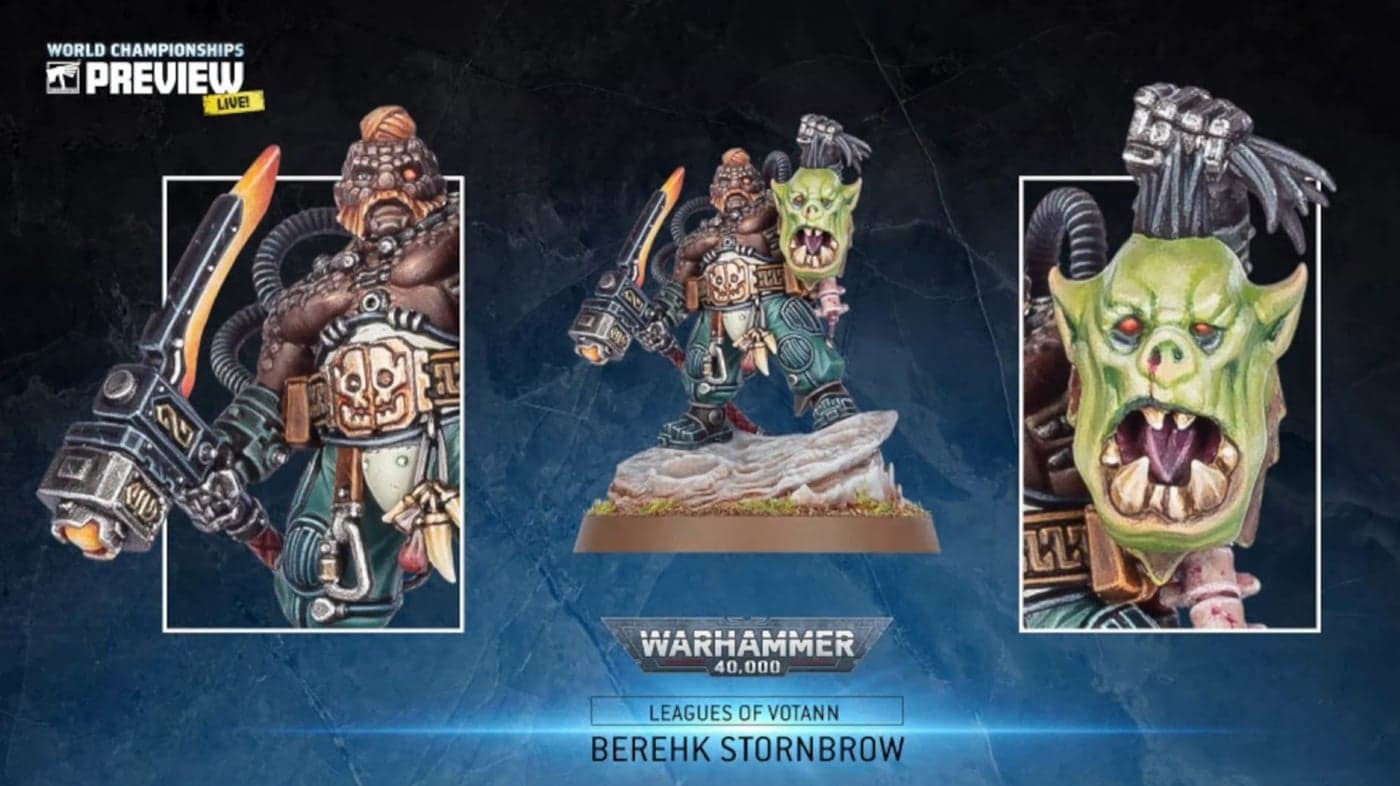
Minarium launch simplifies finding print-ready STL miniatures online
Minarium launched a natural-language search for 3D STL miniatures on January 8, 2026, cutting time hunting for printable sculpts and improving workflow for painters and modelers.
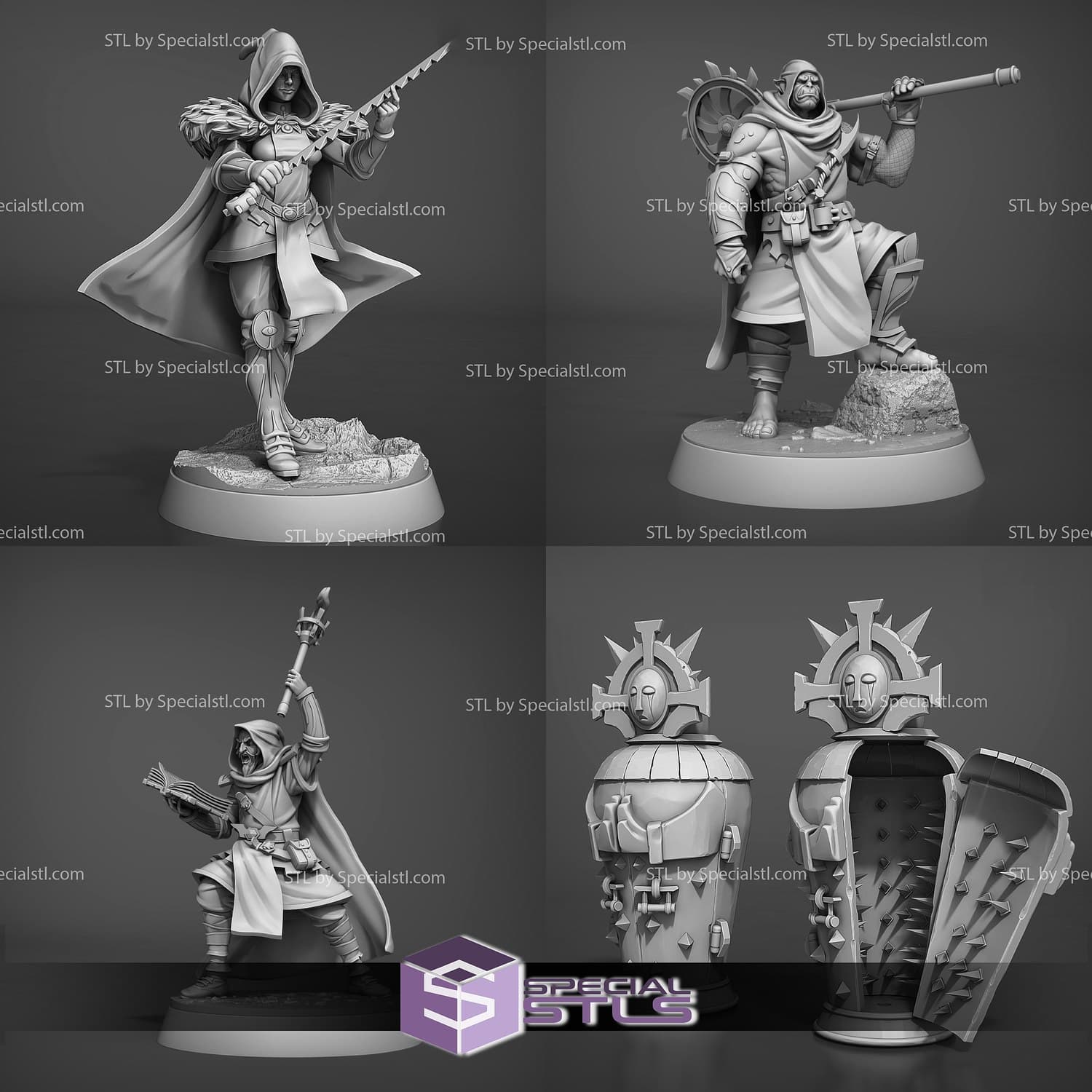
Minarium launched on January 8, 2026 as a search and discovery tool aimed at painters and modelers who print their own miniatures. The service accepts natural-language queries and searches across marketplaces and individual files to return print-ready STL results, addressing a common pain point: guessing the right keywords and wading through irrelevant or low-quality files.
The core value is practical and immediate. Instead of trying multiple keyword combos or scrolling through pages of nonprintable exports, you can type descriptive phrases that include pose, scale, or kitbash intent and get results that match those descriptions. That reduces time wasted on bad results and helps painters assemble targeted test kits for practice, conversions, or display work.
For painters who use printing as part of their pipeline, Minarium plugs in at the very start: print → clean → prime → paint. Faster discovery means quicker cycles of pose practice, edge highlighting, or color tests. If you need a dynamic running pose in 32mm for an eye-shadow practice session, or a back-facing archer to test quiver weathering in 28mm, descriptive searches surface likely matches faster than catalog browsing. Kitbashers benefit too; Minarium makes it easier to locate compatible STL sets for consistent basing, matching scale across sculpts, or finding complementary pieces for dioramas.
Technically, Minarium focuses on print-ready STL files and evaluates matches based on descriptive metadata and file content. Search accuracy will depend on how detailed the descriptions are in the source files and how well marketplaces annotate uploads, so expect better results when you specify scale, pose, and desired parts. The system searches across multiple storefronts and file repositories to broaden the catchment, which helps when a sculpt exists in varied formats or bundled sets.
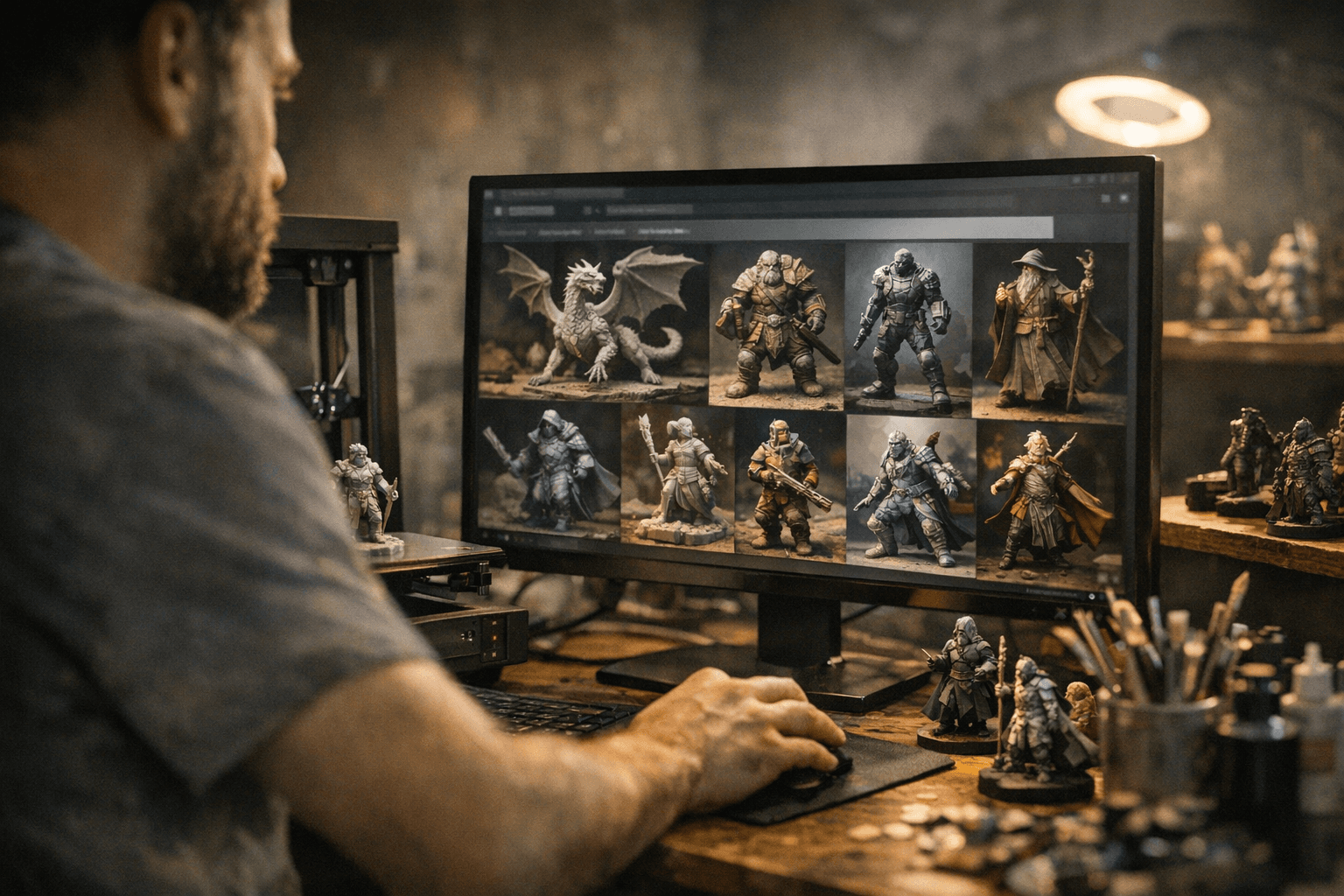
Practical habits make the most of the tool. Verify mesh suitability in your slicer before committing resin or filament, check for required supports and overhangs, and confirm scale or base size to maintain consistency across a project. Use Minarium to assemble a small stack of practice prints targeted at a single technique, or to source a consistent set of figures that share base footprints for cohesive basing and diorama composition.
The takeaway? Minarium shrinks the discovery step, so you spend more time painting and less time hunting. Our two cents? Give it a focused search test for one short-term project, specify pose and scale, load the STL into your slicer, and see how many useful prints you can turn into real practice before your next bottle of primer runs out.
Know something we missed? Have a correction or additional information?
Submit a Tip