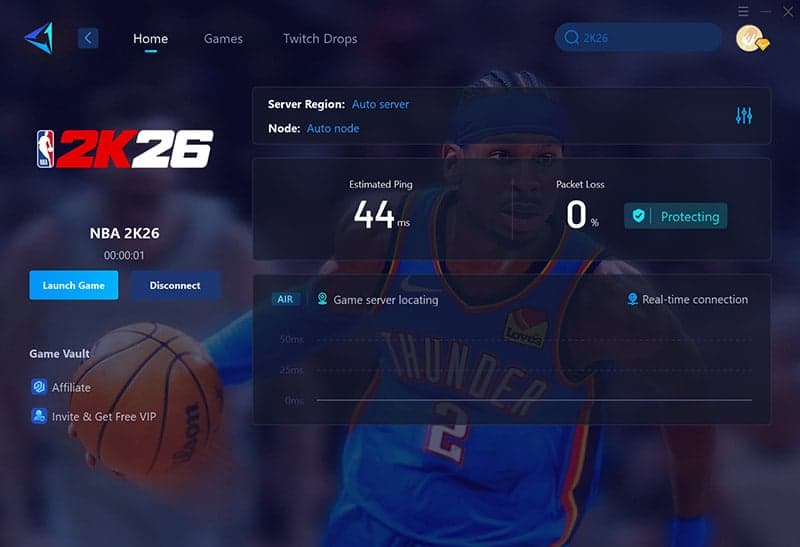
NBA 2K26 Adds PS5-Xbox Series Crossplay But Limited Progression
NBA 2K26 now supports crossplay between PlayStation 5 and Xbox Series X|S for online multiplayer including matchmaking and City/park modes, expanding who you can play with across next-gen consoles. The catch: full cross-platform progression is not available, and save data and some modes remain tied to a single platform or console family, so verify entitlements and wallet settings before buying.
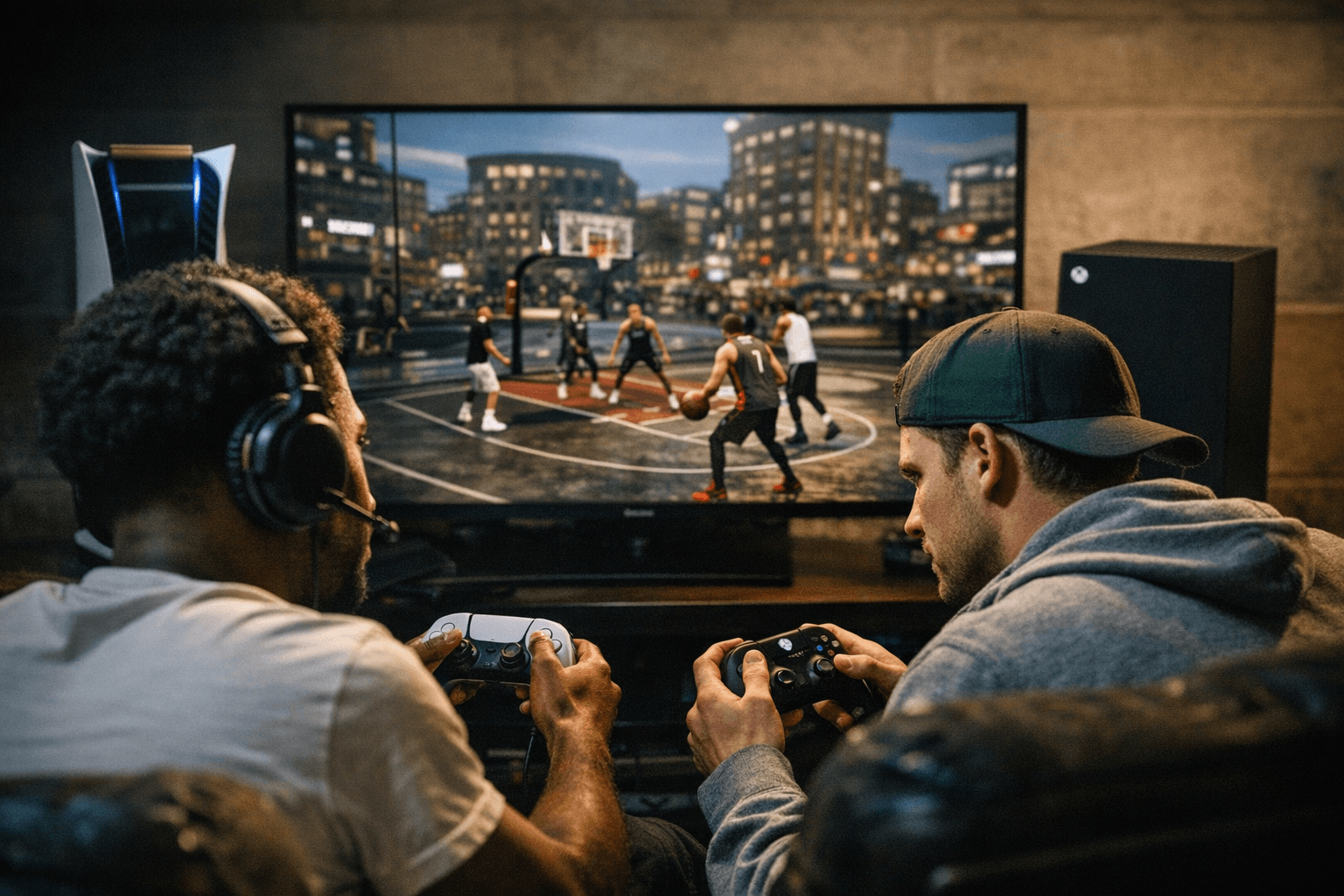
NBA 2K26’s latest crossplay setup widens the pool of opponents and teammates by allowing PlayStation 5 and Xbox Series X|S players to meet in matchmaking and City/park online modes. That connectivity means friends split between those next-gen consoles can squad up and play together without the barrier of platform separation, an important change for community pickup games and organized events.
Progression remains the limiting factor. Profiles and save data stay platform-specific, so your MyCAREER and other profile-based progression does not travel freely between PS5 and Xbox Series or to PC. MyTEAM receives more flexible treatment within console families: MyTEAM cross-progression and a shared VC wallet operate across generations inside the same family, meaning PS4 and PS5 players share MyTEAM cards, MyTEAM points (MTP) and VC; the same applies for Xbox One and Xbox Series X|S. In short, cross-gen continuity exists within PlayStation generations and within Xbox generations, but not across the PlayStation-Xbox divide or to PC.
For players balancing multiple platforms, practical implications are clear. If you play on PS5 and your friend is on Xbox Series X, you can match together online, but your MyCAREER/MyTEAM advancement will not move between PS5 and PC or between console families. Digital Standard Edition buyers who own dual or legacy entitlements can access both generation versions within a console family, so purchasing choices affect where progress and purchases land.
Before spending real money or moving between platforms, verify your setup. Use the official NBA 2K26 Crossplay and Cross-Gen FAQ and the settings on your 2K Account to confirm which items, wallets, and entitlements transfer with you. That verification step prevents surprises with VC access, MyTEAM collections and duplicate purchases.
The change is a net win for multiplayer accessibility: it reduces matchmaking friction and keeps communities together online. The remaining caveat is persistence and progression, which still require platform-aware planning. Verify account links and entitlements, coordinate platform choices with teammates, and treat VC and MyTEAM purchases with care when you play across generations or families.
Know something we missed? Have a correction or additional information?
Submit a Tip