PC players report severe frame drops and DLSS instability in GTA Online
Several PC players experienced major frame-rate collapse and DLSS/Frame Generation instability in GTA Online Enhanced Edition after recent updates, making some missions nearly unplayable.
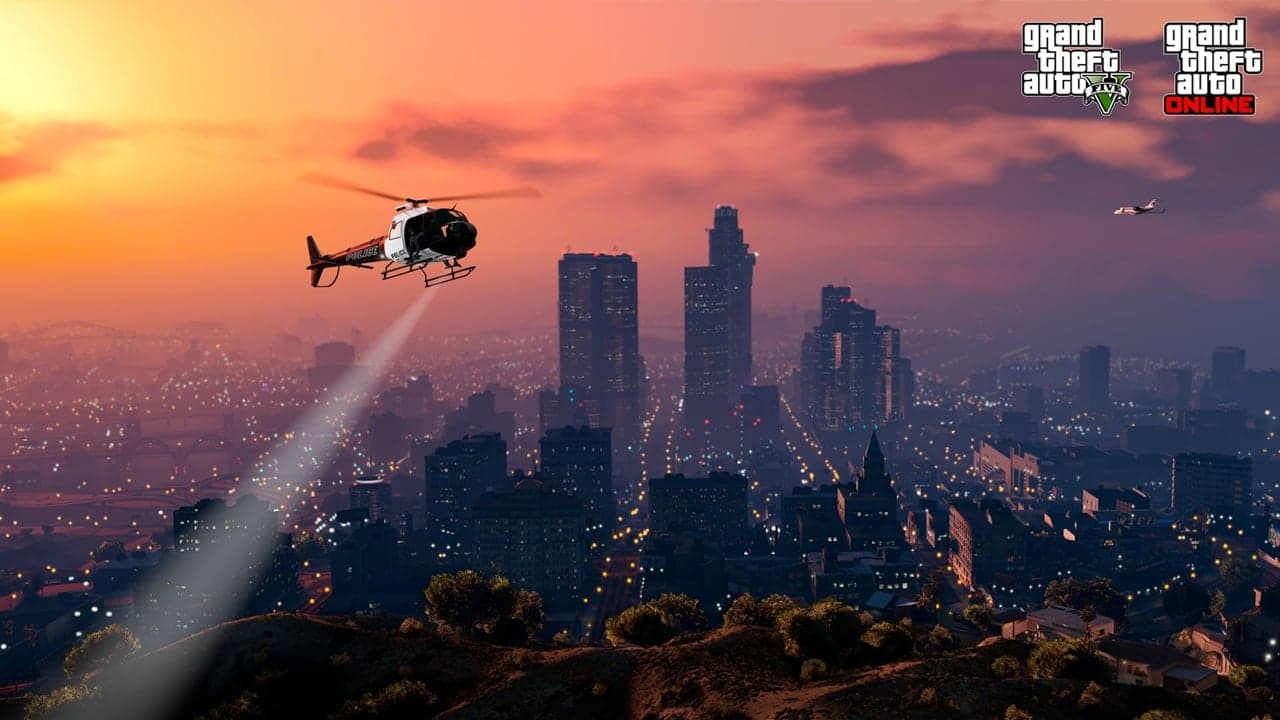
PC players reported widespread frame-rate collapses and instability with DLSS and frame generation in GTA Online Enhanced Edition following recent updates, with gameplay and mission flow affected across multiple hardware setups. Reports described long sessions that started fluid at high refresh rates but then sank dramatically, sometimes from 165Hz down to roughly 50fps after extended play. Many users also flagged crashes or hard exits tied to interior transitions and specific contact missions, rendering those activities nearly unplayable for some.
The problem did not appear limited to a single GPU or driver; system specs and troubleshooting logs shared by players showed occurrences on different combinations of NVIDIA and AMD hardware. Attempts to fix the issue produced mixed results. Some players found temporary relief after reinstalling the game or rolling back GPU drivers, while others saw no sustained improvement. Switching off NVIDIA DLSS/Frame Generation and trying AMD FSR or AMD frame generation was commonly suggested by the community as a temporary workaround, but it did not reliably fix the underlying instability for everyone.
For players experiencing these symptoms, practical immediate steps to diagnose and reduce impact include verifying current GPU drivers and trying a clean rollback to an earlier driver known to be stable for you, testing with DLSS or NVIDIA frame generation disabled and switching to FSR or AMD frame generation where available, and performing a clean reinstall of the Enhanced Edition if other measures fail. The community also recommended reproducing the issue consistently by spending time in interiors and the contact missions that triggered crashes for them, then saving detailed logs and system specifications. Those logs help pinpoint whether the issue is tied to rendering passes during interior loads, Frame Generation handoffs, or mission-specific scripts.
The instability hits common pain points for GTA Online players: mission grinding, interior-based activities like apartment or facility transitions, and long play sessions intended for cash runs or heists. When frame-rate tanks or the game hard-crashes during a mission, productivity and enjoyment drop off fast. That has practical consequences for players who schedule sessions around double-money events or time-limited challenges.
Rockstar and GPU driver vendors regularly iterate on performance fixes, so keep an eye on official updates and driver releases. Collecting crash dumps, frame logs, and exact reproduction steps will speed troubleshooting and increase the odds of a targeted patch. The shared user reports included detailed logs and specs that can be used to reproduce problems and prioritize fixes.
The takeaway? Try driver rollbacks, switch off DLSS/frame generation and test FSR if available, and capture logs when a frame collapse or crash happens. Share exact repro steps with support so the problem moves from anecdote to actionable data. Our two cents? Don’t grind through a mission when framerate tanks; pause, collect the logs, and test the switch to FSR before wasting time on runs that may be lost to sudden crashes.
Know something we missed? Have a correction or additional information?
Submit a Tip