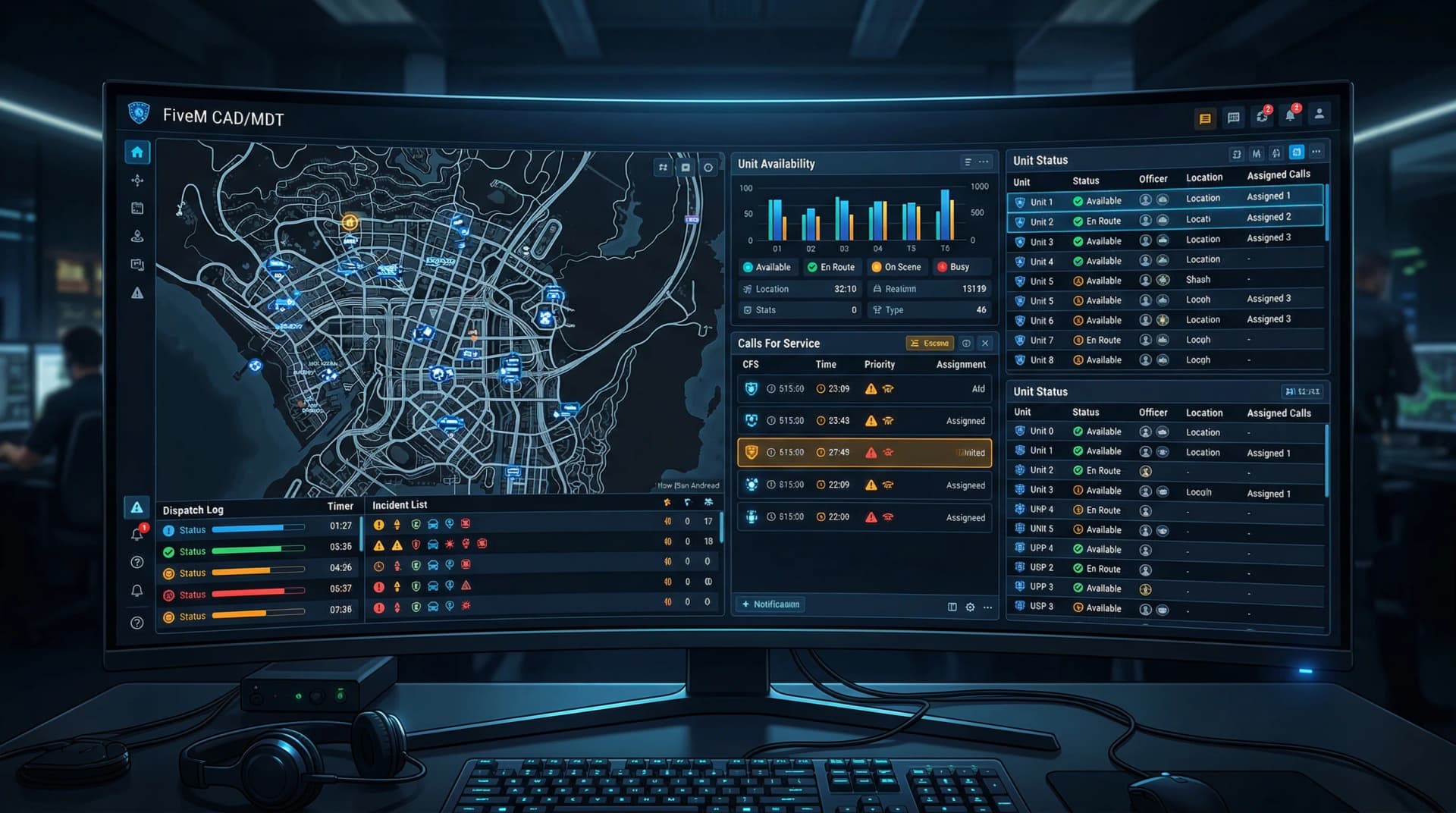
Practical Guide to Setting Up a FiveM GTA V Roleplay Server
Learn the practical steps to get a FiveM GTA V roleplay server online, from hardware and hosting through resources, security, and community setup.

1. Prerequisites
Make sure you own a legitimate copy of GTA V on the host machine and understand whether you'll run FiveM locally or on a VPS, server-side requirements will differ. For a mid-size RP server plan for at least 8–16 GB of RAM, SSD storage and a fast CPU to handle resource streaming and physics. A static IP or a reverse proxy plus a domain is essential if you intend to advertise the server publicly and avoid NAT headaches.
2. Choose hosting & OS
Pick a host that offers preconfigured FiveM templates if you want a fast start, otherwise choose Ubuntu 22.04 LTS or a comparable stable Linux distro for predictable performance and support. Verify the provider includes DDoS protection and regular backups, DDoS mitigation is non-negotiable for public RP servers. Also compare bandwidth caps and I/O performance; SSDs and generous data transfer make a noticeable difference during population spikes.
3. Install basic dependencies
Update the OS and install utilities like screen or tmux so you can run the server detached and recover sessions easily. Install git, build-essential, curl and other libraries your chosen distro needs, these are required to fetch artifacts and compile any native modules. Keeping dependencies lean reduces attack surface and makes troubleshooting simpler when a resource misbehaves.
4. Install FiveM server
Follow the official Cfx.re documentation to download the recommended server artifacts and verify checksum if provided to avoid corrupted files. Create a dedicated server-data folder and place the latest server artifact inside; this isolates configs, resources, and logs for easier backups and rollbacks. Use systemd or a supervised process to ensure the server auto-restarts after crashes or reboots.
5. Configure server.cfg
Edit server.cfg to set sv_hostname, rcon_password and sv_maxclients; these are your public identity, emergency access, and capacity controls. Ensure endpoint_add_tcp and endpoint_add_udp entries reflect your host's IP and ports, and configure OneSync/FXServer runtime options to match the scale you want (e.g., OneSync Infinity for larger player counts). Include a clear start-up order for resources and document any custom variables so staff can reproduce the environment.
6. Add resources (scripts & mods)
Start with a stable RP framework such as ESX or QBCore to provide player persistence, jobs, inventories and basic RPC hooks, these frameworks reduce the time to playable. Add essential resources like player management, vehicle spawners, an economy system, job scripts, admin tools, and logging; each should be installed per its documentation. Avoid mixing incompatible framework versions: mismatch is the leading cause of silent errors and broken user states, so test each resource in isolation and read install docs carefully.
7. Asset management
Large maps, custom vehicles and textures can bloat your server if not handled properly; host heavy assets on the server or leverage a CDN to reduce load and speed up downloads for clients. Tune resource streaming limits so clients don’t choke on simultaneous asset requests, proper streaming settings improve FPS and reduce rubberbanding. Keep a clean manifest and segregate community content to control who can upload or update assets.
8. Permissions, anti-cheat & backups
Implement role-based admin groups so permissions are auditable and escalation is controlled; avoid sharing root RCON credentials as a convenience. Run server-side anti-cheat scripts and monitor logs for suspicious patterns, automation catches many issues before players notice them. Schedule automated daily backups of server-data and asset packs, and store snapshots offsite so you can restore quickly after a bad update or exploit.
9. Testing & launch
Use a staging environment to test updates, new resources, and major config changes with a small group before touching the live server; this prevents regressions during peak hours. Gradually increase player slots and monitor CPU, memory, socket and disk I/O for spikes, benchmarks during testing inform what limits you can safely set. Keep a rollback snapshot ready for every major release so you can revert to a known-good state if the patch goes sideways.
10. Community & moderation
Build a Discord for onboarding, role assignment, staff coordination, and appeals; it centralizes communication and creates a transparent history for moderation decisions. Enforce clear rules, post them in a visible channel, and keep logs of actions and reports so staff can follow through consistently. Active, fair moderation and a welcoming onboarding flow retain players, roleplay communities thrive on predictability and respectful enforcement.
- Tip: Keep everything updated but always test changes on a staging server before pushing to live.
- Tip: For large custom-asset servers, plan capacity for spikes and maintain a rollback snapshot for each major update.
Final thoughts Treat your server like a living town: routine maintenance, staged testing and clear community systems keep life flowing and drama manageable. Start small, iterate with player feedback, and prioritize backups and moderation, those three things will save you more time and reputation than chasing the latest flashy script.
Know something we missed? Have a correction or additional information?
Submit a Tip