Practical Primer to Join GTA Roleplay Servers and Stay Safe
GTA roleplay (RP) moves gameplay from free-form GTA Online into character-driven, rule-governed experiences across platforms like FiveM, NoPixel-style whitelist servers, and official partner offerings. This primer explains how to get started, what tools and safety steps to use, and practical tips to succeed and avoid common pitfalls.

GTA roleplay replaces sandbox roaming with character play, scene-setting, and adherence to server rules. Players adopt identities, follow roleplay etiquette, and engage through in-character interactions rather than standard GTA Online free-play. That shift makes server choice, technical setup, and community habits central to a satisfying experience.
Platform choice shapes the experience. FiveM hosts community-run servers with broad customization and varied rule sets, making it the most flexible option for modded gameplay. NoPixel-style servers use invite and whitelist systems with curated, stricter rules and higher entry standards; expect an application and examples of roleplay. Official and partnered offerings are platform-specific and often stricter about client-side modifications. Decide which environment fits your goals before investing time in an application or build.
Getting started requires a few concrete steps. Create a separate account profile and in-game identity to keep roleplay distinct from your everyday GTA presence. Set up Discord and configure voice with push-to-talk; many servers require Discord for out-of-character channels, registration, and admin contact. Read server rules and roleplay guides thoroughly. Complete whitelist or registration steps by applying with a short bio and roleplay examples where required. Practice basic scripting and roleplay etiquette, consistency, listening, and scene framing are more valuable than elaborate character backstories at first.
Security and moderation matter. Use two-factor authentication on accounts, never share personal information in-game or in Discord, and follow server anti-harassment rules. Observe administrators’ guidance and use provided reporting channels to record and report toxicity. Properly documented reports and preserved chat or video clips speed moderator response and protect your account.
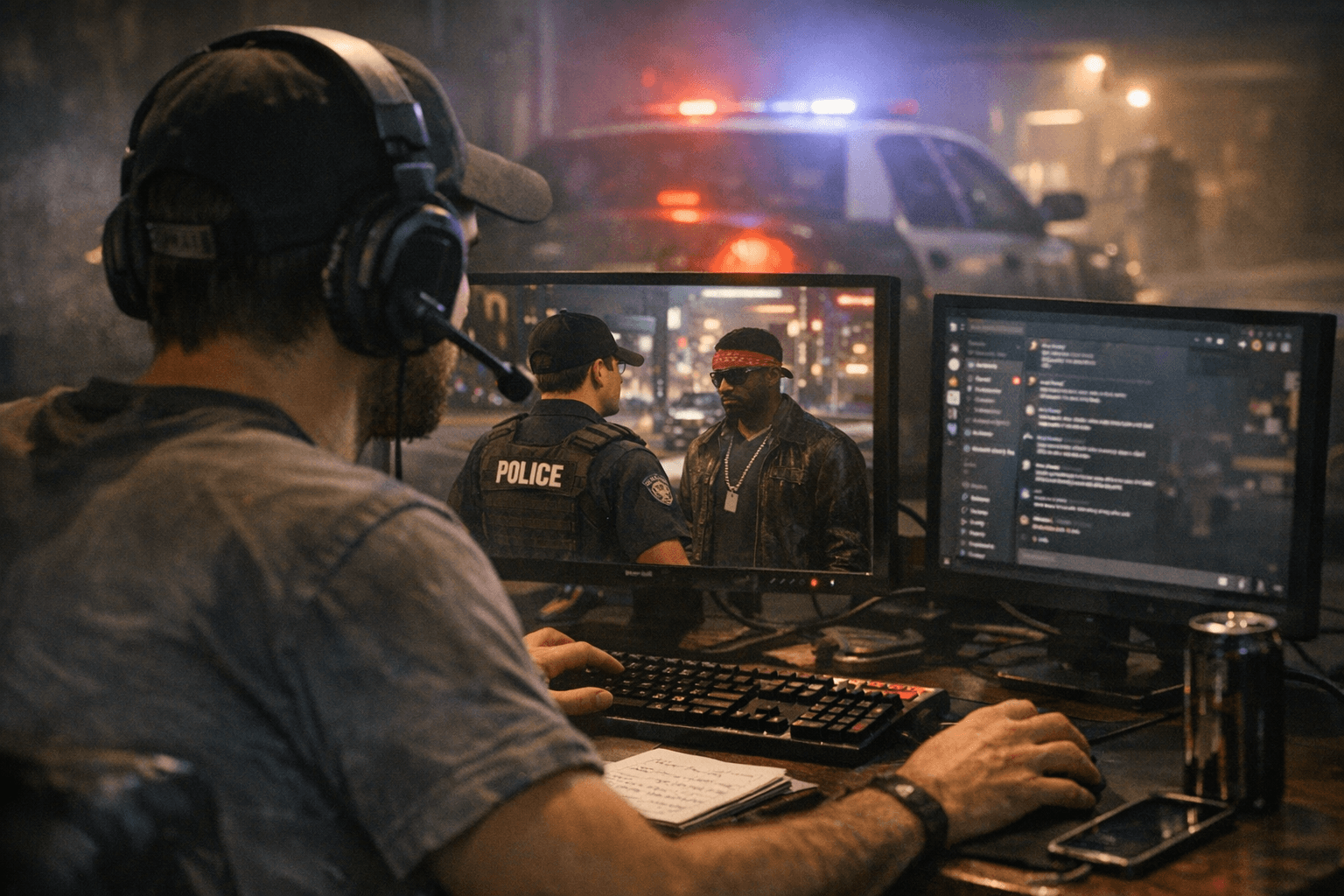
Tech and tools influence the smoothness of play. Prioritize mic quality, noise suppression, and reliable push-to-talk to reduce misunderstandings. Check latency and hardware against a simple checklist: stable internet, current GPU drivers, adequate CPU, and headset or mic that doesn’t distort at loud volumes. Review server-specific mod policies before installing client-side tools; some common mods are allowed on community servers but forbidden on whitelist or official servers.
To build into a roleplay community, watch streams to learn pacing, start in a secondary or lower-responsibility role to understand norms, avoid major out-of-character disclosures during scenes, and focus on building relationships and learning server economies and job systems. That approach reduces early mistakes, increases immersion, and leads to more memorable sessions.
Know something we missed? Have a correction or additional information?
Submit a Tip