Protect Sims 4 Saves and Mods Before Major System Patches
A short maintainer checklist helps protect Sims 4 saves, households, and mods before major core-system patches - back up, test with mods off, clear cache, and re-enable carefully.

A short maintainer checklist to reduce breakage when The Sims 4 receives major core-system patches: 1) Export important households and lots (Sims 4 Tray Importer or Gallery exports). 2) Make a full copy of /Documents/Electronic Arts/The Sims 4 and your Mods folder. 3) Disable sc (truncated).
Major patches to The Sims 4 can break saves, corrupt custom content, and leave households in odd states. The most practical defense is simple: export and copy before the patch, then test the updated game with mods turned off. Export important households and lots using Sims 4 Tray Importer or Gallery exports, and make a full copy of /Documents/Electronic Arts/The Sims 4 and your Mods folder so you can revert quickly if something goes wrong. Keep your working Mods folder path organized at Documents\Electronic Arts\The Sims 4\Mods.
Organization makes recovery faster. One experienced maintainer recommends: “Organize your Sims 4 mods in a spreadsheet, including mod names, version numbers, download/source links, and authors. This document is invaluable for checking which mods are outdated or compatible with the newest Sims 4 patch.” That spreadsheet becomes a map for returning mods to service in the correct order.
After a patch, follow a cautious workflow. “First, launch Sims 4 with mods disabled (the game will usually turn them off after major updates).” Load a save and “Check if your saves load and the game works on the new version.” If the game runs clean with no mod errors, “Exit the game without saving.” The instruction “Exit the game without saving.” appears repeatedly for a reason: “This is important if you play with mods. If you save the game, all mod settings will disappear, and your characters will be left bald and without clothes.”
Before turning mods back on, remove stale thumbnails and cached data. Remove the localthumbcache.package file from Documents\Electronic Arts\The Sims 4 before enabling mods again (See our guide: “Clear Sims 4 Cache: Fix Lags & Slow Loading (Windows & macOS).html”). Then re-enable custom content and scripts exactly as follows: “Open Game Options > Other, then check “Enable Custom Content and Mods” and “Allow Script Mods”. Restart Sims 4.”
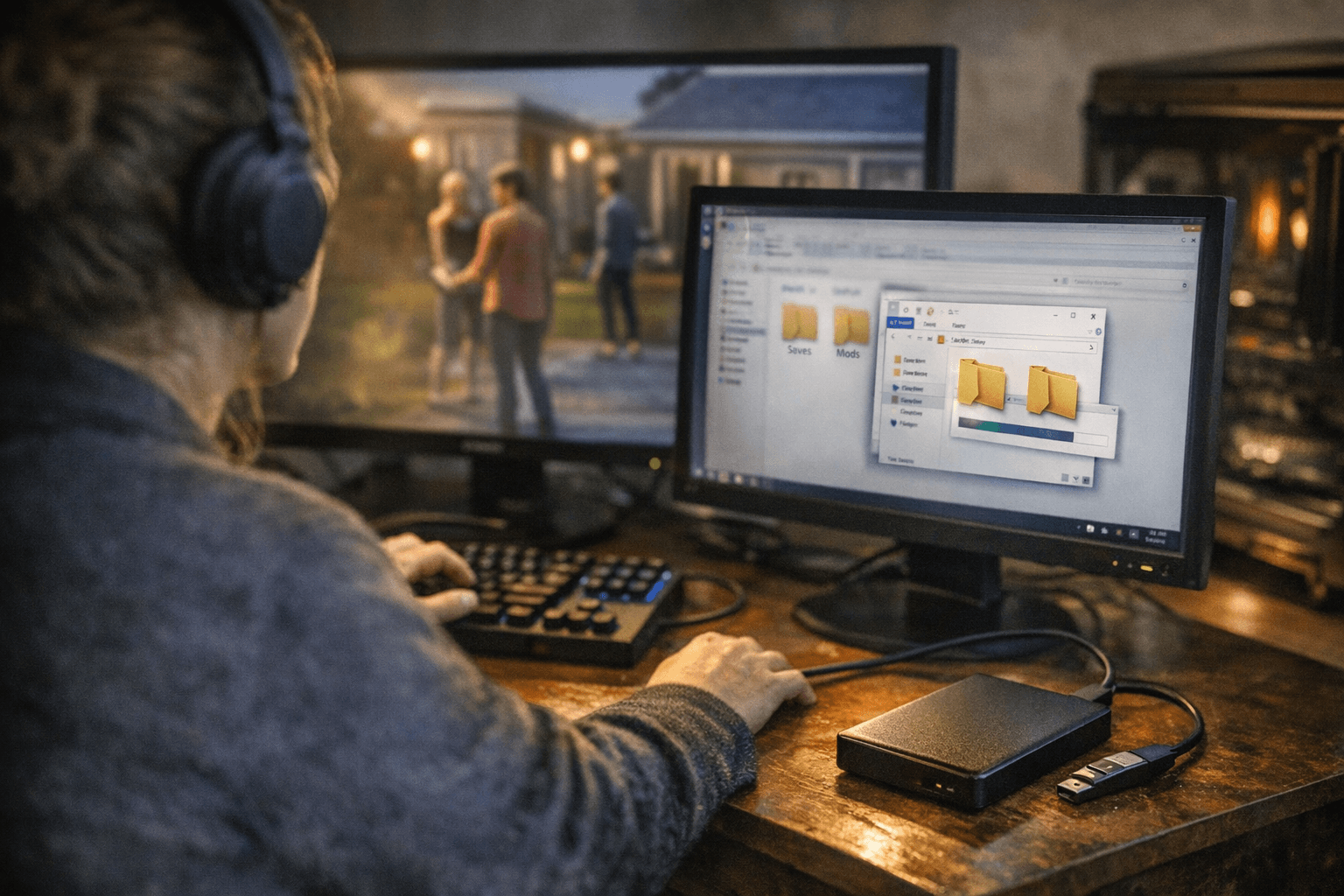
Rebuild your Mods folder slowly. “First and foremost, add to your folder mods whose authors have already given information about their functionality. Popular mods are usually updated within the first hours after a new patch comes out.” Remember: “Don't forget that some mods depend on others, which may take longer to update. In that case, even an updated mod might not work correctly if the supporting files aren't updated.” Add a couple or a few mods at a time, test the game, and only then add more. “Give priority when checking to mods related to gameplay and user interface. They're most likely to work incorrectly after patches are installed – check them first. These could be mods for CAS columns, UI Cheats, and others.”
Players protect more than mechanics; they preserve creations. On r/Sims4 and sister communities players share builds like a scouts center that “has everything your sim needs to get all their badges and do activities with other scouts,” an archeology museum with “dig sites in the basement,” and a carnival with a functional Ferris wheel and popcorn stalls. Others cite personal projects: “I like to recreate my house 😂” and creative eccentricities such as “hidden portals to the magic realm behind basement bookcases.”
What this means for you: back up exports and the Documents\Electronic Arts\The Sims 4 folder, keep a mods spreadsheet with “mod names, version numbers, download/source links, and authors,” test with mods disabled, clear localthumbcache.package, then re-enable and add mods slowly. That workflow protects your deepest saves and your favorite community lots while authors and the modding scene update for the new patch.
Know something we missed? Have a correction or additional information?
Submit a Tip