SimsVIP Publishes Broken and Updated Mods List After Patch 1.121
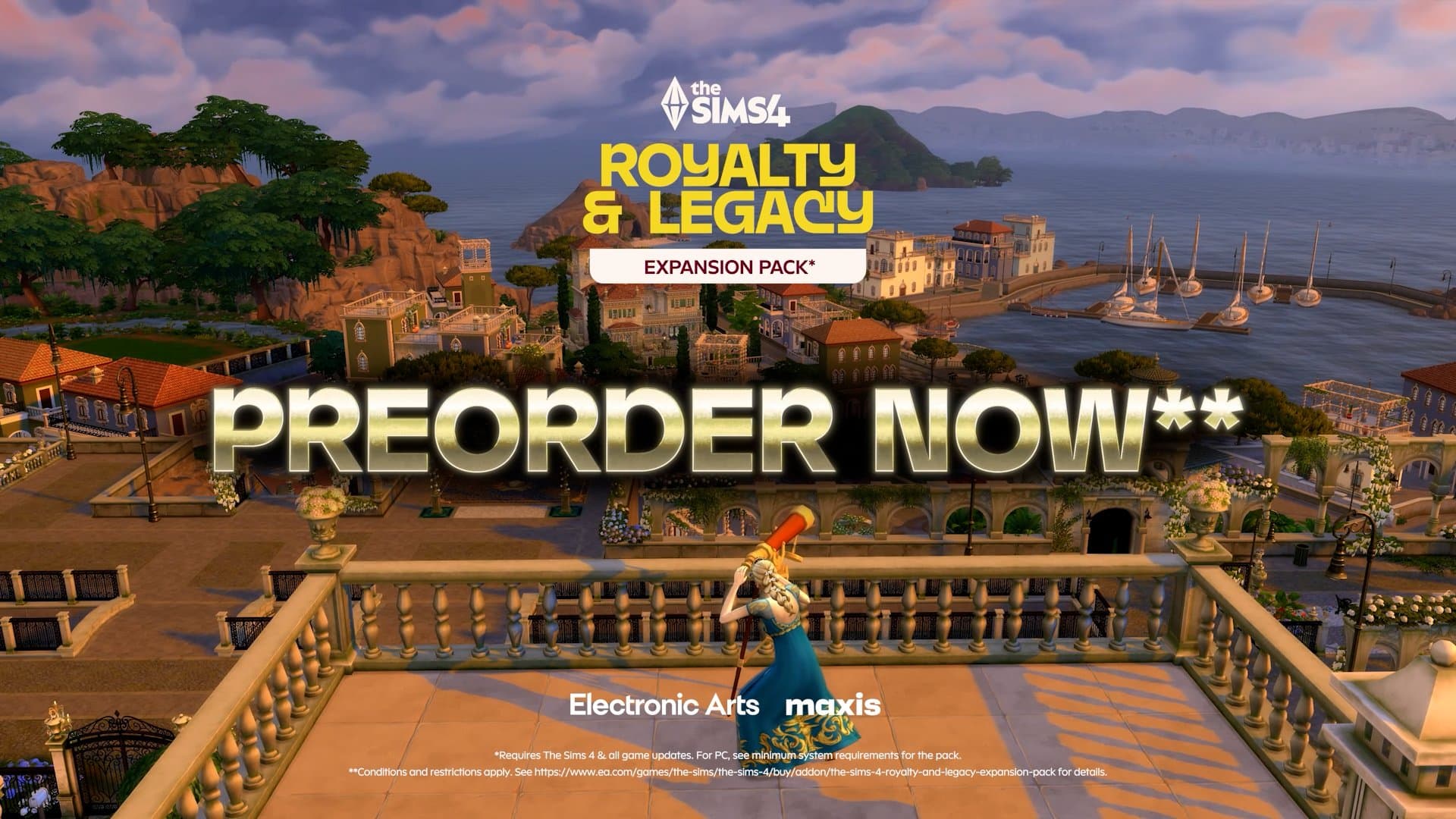
SimsVIP published a patch-day Broken/Updated Mods post tied to patch 1.121 for Royalty & Legacy, warning players to back up saves and check mod statuses after the update.
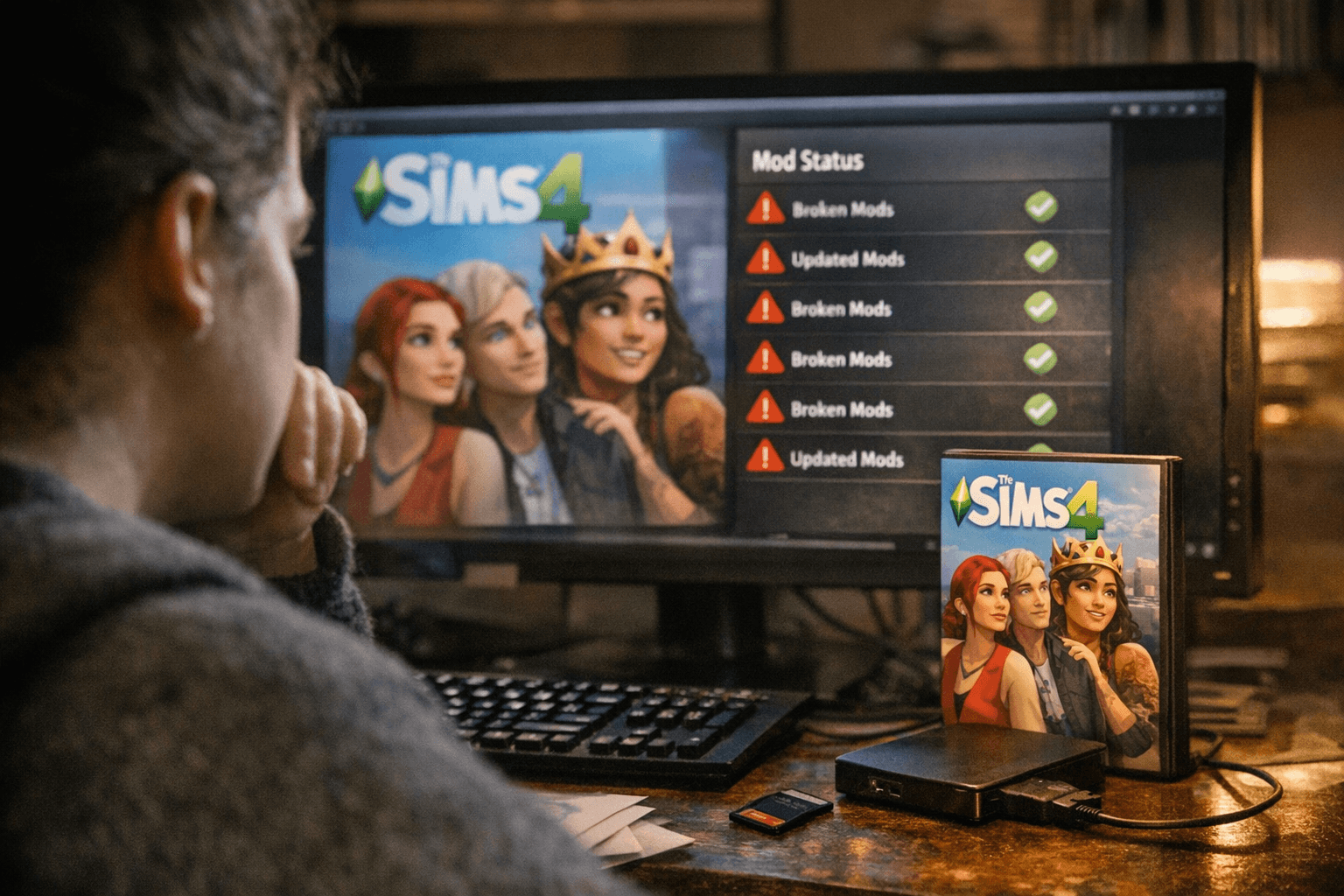
SimsVIP posted an updated Broken/Updated Mods resource following the game update that prepares for the Royalty & Legacy expansion, flagging mod compatibility as an immediate concern for players. The post coincides with Patch 1.121, which Scarlet’s tracking calls "New Patch 1.121 (Patch Notes) is out! Please backup saves and files before using any untested mod. This patch is for the upcoming Royalty & Legacy Expansion Pack plus some bug fixes. → WARNING: This is a major EP patch,..." Players running custom content or mods should expect checks and possible status changes before jumping back into long-running saves.
The resource on SimsVIP aggregates Scarlet’s ongoing Mod List, and Scarlet identifies the list as: "The Mod List (aka Broken/Updated Mod List) is a status list for ALL currently supported mods (including NSFW 18+) around the community that I track. It’s updated daily, so be sure to check back often!" Scarlet also notes that "These lists are also hosted on SimsVIP (where they originated from)." That means the community can find daily updates about mod compatibility and status resets in one place while the patch cycle unfolds.
Scarlet’s tracker distinguishes between major expansion or version bumps and smaller hotfixes. For example, the tracker records that "Mod statuses are now reset to Unknown for Patch 1.120! See the latest updates/changes as they happen…" while noting that minor increments do not always clear compatibility data: "New Patch 1.120.140 (Patch Notes) is out! This patch is for numerous bugfixes. NOTE - Since this patch is still 1.120 and mods weren’t disabled, all mod statuses will remain the same. However, make sure to keep an eye out…" and "New Patch 1.118.257 (Patch Notes) is out! Don’t worry though, this patch didn’t disable mods. NOTE - Since this patch is still 1.118 and mods weren’t disabled, mod statuses will NOT reset. All mods previously listed as No Known Issues/Updated…"
Practical steps are clear and repeated across the posts: "Please backup saves and files before using any untested mod." That instruction is the immediate takeaway for anyone with a modded game. Expect mod statuses to appear as Unknown after a major patch until mod authors test and update their files, and check Scarlet’s daily updates on the Mod List for progress. The SimsVIP page also bundles related Royalty & Legacy coverage for context, listing items such as The Sims Previews Next Game Update Freebies, The Sims 4 Royalty & Legacy Gets Two New Teasers, Watch: The Sims 4 Royalty & Legacy Dynasty Gameplay Trailer, The Sims 4 Royalty & Legacy: New Dev Drop In Is All About Dynasties, and The Sims 4 Lost Legacies Event Is Now Available, plus video content and other site guides.
What this means for players is straightforward: backup your saves now, disable or test mods in a controlled install if you rely on long-term households, and monitor the daily Mod List for updates. Scarlet updates the tracker every day and SimsVIP hosts the aggregated pages, so compatibility reports and Unknown-status resolutions should appear over the coming days as authors confirm fixes or mark their mods Updated.
Know something we missed? Have a correction or additional information?
Submit a Tip