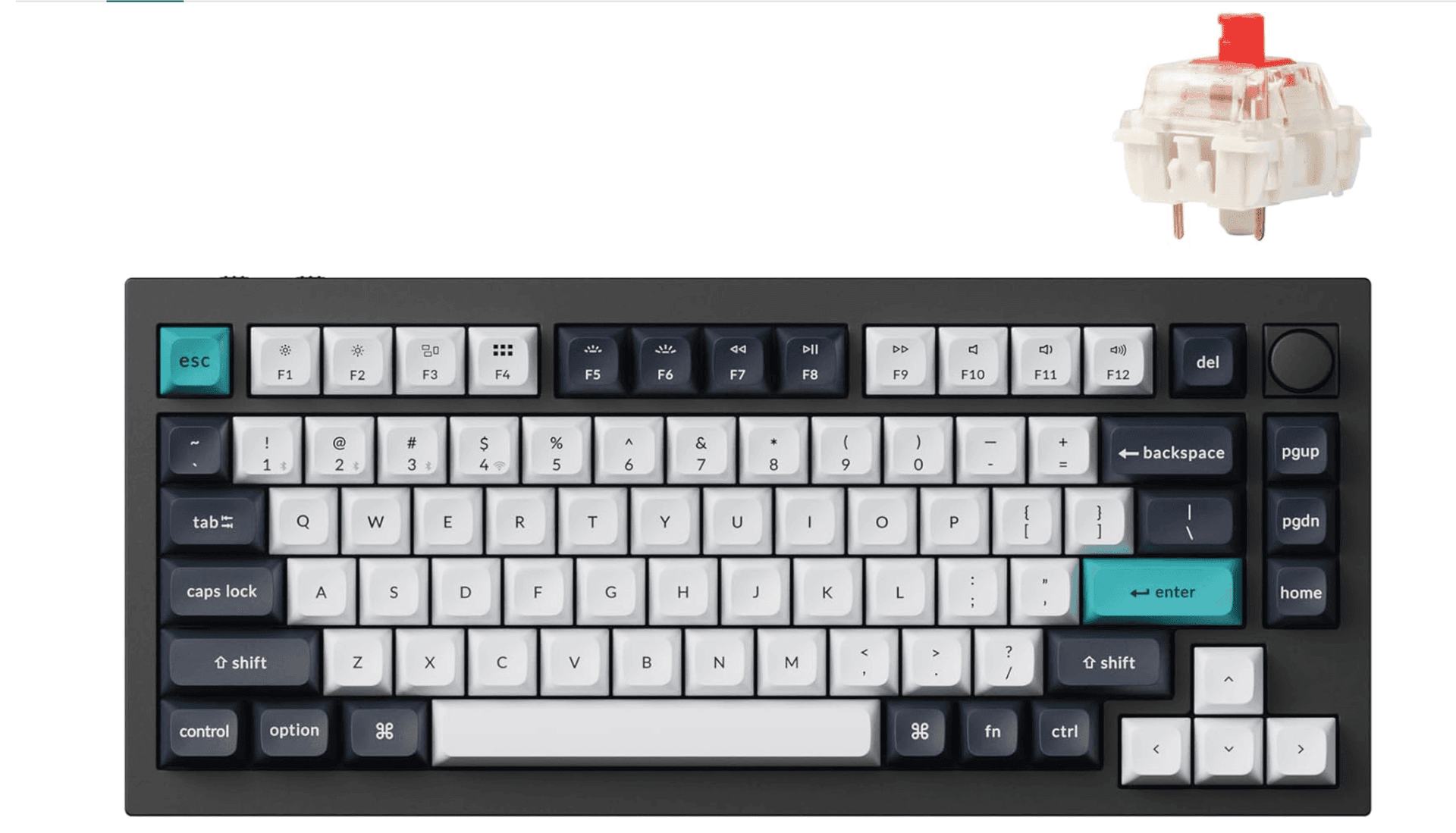
Tailored Design and Expert Fabrication Techniques for Durable Custom Keyboard PCBs
JLCPCB's how‑to walks through a maker workflow where EasyEDA, a Raspberry Pi RP2040, and matrix scanning deliver a durable custom keyboard PCB manufactured by JLCPCB.
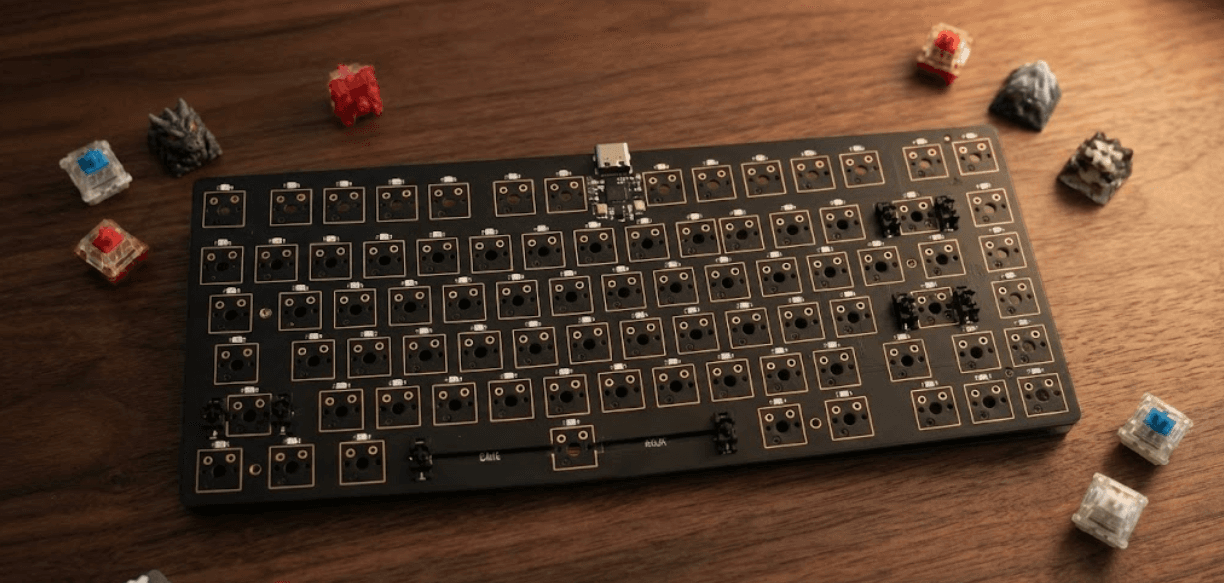
JLCPCB published a hands‑on guide titled “Designing Durable Custom Keyboard PCBs: Tailored Solutions and Expert Fabrication.” that traces a maker‑level path from schematic to finished board and highlights one engineering trick that keeps ambitious builds practical: matrix scanning to tame limited microcontroller pins. The featured case shows how a free tool, a compact RP2040, and careful fabrication choices let a builder exceed 50 switches without exotic hardware, then send the finished Gerbers to JLCPCB for manufacture.
What a keyboard PCB does (and why design matters)
“So what's a keyboard PCB? In simple terms, it is the printed circuit board that is contained in the center of any keyboard, connecting the key switches to the controller, which communicates with your computer. Hitting a key closes a circuit on the PCB, which the controller records what key it was and transmits that keycode back to your host device. The mechanical-keyboard community is a subculture that has developed out of a niche hobby to become a successful subculture in the mechanical-keyboard worl......” That truncated definition from the JLCPCB material reminds builders that the PCB is both the electrical skeleton and the user interface: every design choice—matrix topology, component placement, and fabrication quality—directly affects the typing and functional experience.
Case study: Robert Feranec’s customized keyboard
“To improve video editing efficiency in DaVinci Resolve, Robert decided to build a fully customizable keyboard from scratch, combining innovation and practicality.” Robert Feranec’s project is the backbone of the guide, and it reads like a practical recipe for makers balancing complexity with manufacturability. “Robert used the free online tool EasyEDA to design the PCB,” choosing a cloud‑accessible workflow that keeps iteration fast and shareable among collaborators. For intelligence and responsiveness, “the PCB was fitted with a Raspberry Pi RP2040 microcontroller soldered directly onto the board.” Faced with the RP2040’s limited pin count, Robert solved scale with a classic technique: “To accommodate more than 50 switches on the microcontroller's limited pins, Robert implemented a matrix scanning system.” “This efficient method allows the software to detect keys by identifying the rows and columns connected in the matrix.” After those design choices, “After finalizing the design, the PCB was manufactured by JLCPCB.” Robert’s practical take on the vendor experience is blunt and useful: “the ordering process on the JLCPCB website is very simple and the price is affordable for both professionals and hobbyists.”
- Hot‑swappable switch system for easy experimentation
- RGB lighting for visual feedback and aesthetics
- Rotary encoder for jog/shuttle controls ideal for video editing
- Tactile feedback tuned to the editor’s workflow
Robert’s build highlights feature choices builders often prioritize:
Those features show how a PCB isn’t just signal routing—it’s the integration point for ergonomics and workflow optimization.
Design tools, workflows, and site resources
JLCPCB positions the article under a broader “Design Tools & Best Practices” category and invites makers to “Get design tutorials, tips, and customization guides for your specific project needs.” The site pairs practical engineering cases—“Engineering cases demonstrating PCB design, manufacturing, and assembly.”—with posts on adjacent topics like “PCB Routers: Essential Tools for Modern Circuit Design,” “Key Notes on PCB Via Design,” and “Custom PCB Layout Services in Modern Electronics,” giving builders reference points for layout decisions and fabrication constraints. For makers also shaping enclosures or keyboards with 3D parts, the JLC3DP content adds post‑processing, modeling techniques, and troubleshooting resources that complement board design.
Step‑by‑step pathway used in the featured build
The guide’s narrative makes a teachable sequence clear; it’s worth following as a checklist when you’re planning a durable custom PCB:
1. Design in EasyEDA to build schematics and export production files. The article underscores EasyEDA’s accessibility as a reason Robert chose it.
2. Architect a key matrix when switch counts exceed available GPIOs—the featured fix for more than 50 switches was matrix scanning. “This efficient method allows the software to detect keys by identifying the rows and columns connected in the matrix.”
3. Select and place a compact microcontroller; in this case the Raspberry Pi RP2040 was “soldered directly onto the board,” keeping the controller integrated and compact.
4. Include user‑facing features—hot‑swap footprints, RGB headers, rotary encoder pads—so the board supports iterative tuning without resoldering.
5. Finalize files and submit them for manufacture. “After finalizing the design, the PCB was manufactured by JLCPCB.” That single sentence captures the handoff every maker aims for: from working prototype to production board.
Each step is less about one correct spec and more about repeatable patterns Robert and JLCPCB demonstrate: choose accessible tools, plan the matrix early, integrate the controller in board space, and design footprints for later assembly choices.
Fabrication and assembly considerations
JLCPCB’s educational framing stresses practical assembly cases: “Real fabrication examples showcasing practical challenges and solutions.” For makers this translates to a few concrete takeaways grounded in the featured content. First, plan for manufacturability when placing the RP2040 footprint and hot‑swap sockets—soldering a module directly to the board changes thermal profiles and assembly sequencing. Second, document matrix wiring clearly in silkscreen and in your design files so firmware mapping is straightforward when testing. Finally, expect to iterate; the article and Robert’s experience imply that ordering a batch from a manufacturer like JLCPCB is part of the loop between prototype testing and durable final product.
JLCPCB’s mission statement in the material underscores that practical focus: “As one of the world’s leading PCB manufacturers, JLCPCB is committed to providing high-quality, low-cost PCB solutions for electronic designers and engineers, maintaining a long and strong cooperative relationship with Robert Feranec.” That continuity—maker, manufacturer, and shared examples—helps shorten the learning curve for builders who want to move beyond breadboard prototypes.
Why this approach matters for keyboard builders
The combination in the featured guide addresses two persistent problems in custom keyboards: scale and reliability. Matrix scanning lets builders exceed microcontroller I/O without adding many peripherals; choosing a modern, supported microcontroller like the RP2040 keeps firmware and tooling accessible; and relying on a manufacturer that publishes tutorials and case studies reduces surprises during fabrication. The guide’s emphasis on practical assembly—examples and video content created through JLCPCB/JLC3DP collaboration—means builders aren’t working blind when they try to reproduce or adapt Robert’s workflow. The material even notes that “the two parties have already produced several project videos together and have engaged in in-depth exchanges at electronics trade shows.” Fonte:
Closing
If your goal is a durable, feature‑rich custom keyboard that supports complex workflows—like a DaVinci Resolve control surface—this JLCPCB feature maps a replicable route: EasyEDA for iteration, matrix scanning for scale, a soldered RP2040 for compact control, and JLCPCB for fabrication. The practicality of that lineage—documented in an article titled “Designing Durable Custom Keyboard PCBs: Tailored Solutions and Expert Fabrication.” and published alongside a broader set of design tools and case studies—means makers have a concrete blueprint to move from idea to durable hardware without reinventing the wheel.
Know something we missed? Have a correction or additional information?
Submit a Tip