ZuluSCSI v2026.02.27 Fixes CD Audio, Adds Eject Image Swap Beta Features
ZuluSCSI tag v2026.02.27 adds experimental CD-audio and an eject/image-swap feature; this is an always-latest development build from GitHub CI and users are warned to back up.
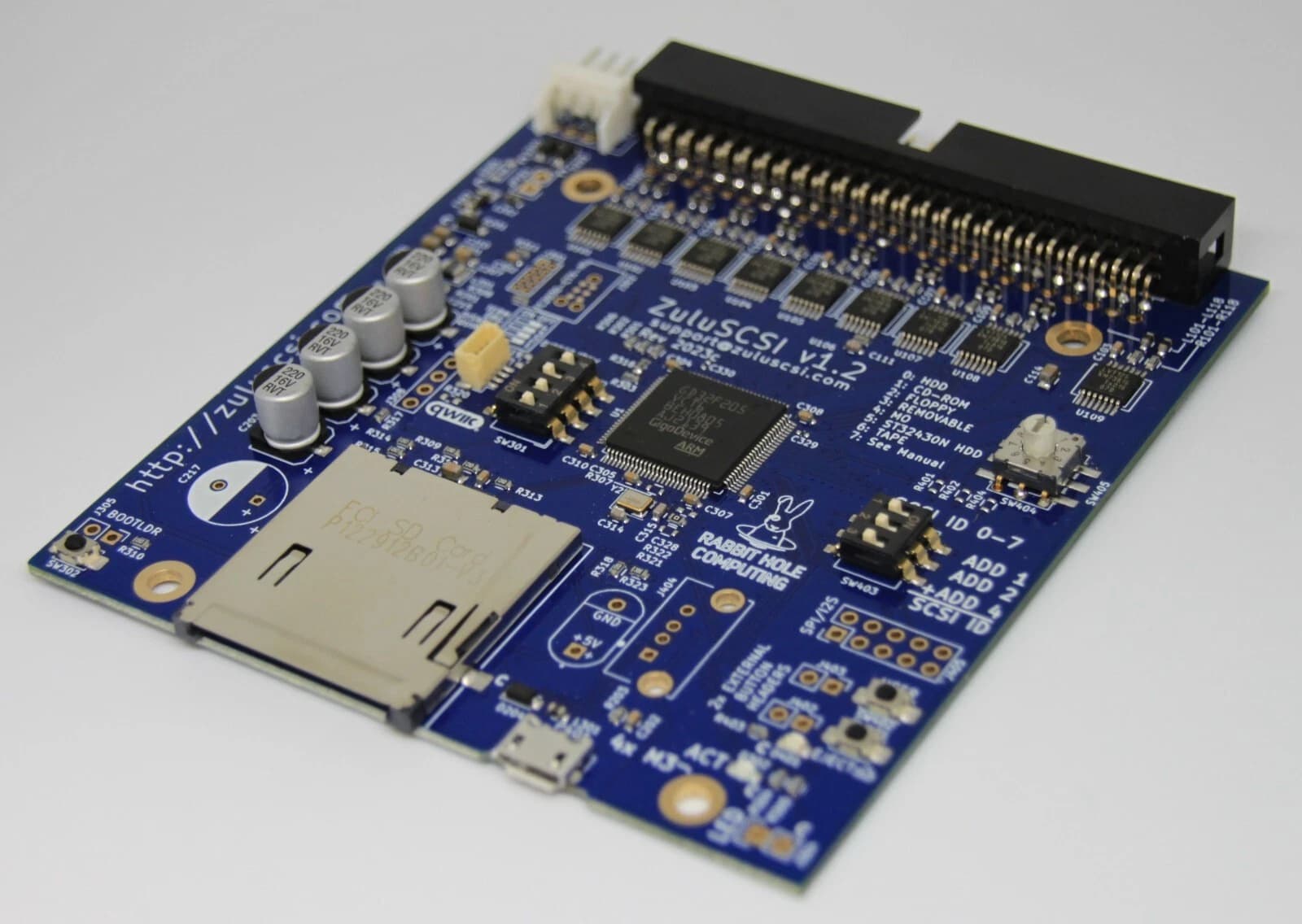
ZuluSCSI released firmware tag v2026.02.27 on 2026-02-27, introducing experimental CD-audio support and a new eject-driven image-swap workflow while the project cautions that this build is part of its always-latest development line. The repository text states, "The always-latest development release of ZuluSCSI firmware. These are built on-demand by GitHub CI, and should only be used for testing new features or functionality. Always remember to back up!"
The update expands image handling to support .iso and .bin/.cue formats on the most recent firmware and introduces behavior that mounts by alphabetical order by default. "By default the first image in alphabetical order will be mounted, but you can switch to other images by ejecting the disk," the forum fragments explain. ZuluSCSI "also has support for physical eject buttons," and community posts point to hardware like DAC Attack for users wanting a physical switch; one Vogons poster noted DAC Attack "has a place to install one if you'd like."
Community contributors described hands-on results. On 68kmla, saybur—who says they contributed audio code—wrote that the project "developed support for .bin/.cue files, to which experimental support for CD audio was added as well. This is definitely 'in development' code and is not an off-the-shelf solution, but if you're fine with tinkering this might be interesting to you." A Vogons user provided a small workflow example with ImgDir="cds", saying, "I copied the CDs into this directory. Both .iso and .bin/.cue images are supported on the most recent firmware. ... I got to enjoy some games with CD audio, all without a spinning optical drive, which was fun 😀"
Installation guidance in the release fragments is explicit about board-specific firmware images and the universal package. For boards labeled ZuluSCSI RP2040 (all red boards) and the ZuluSCSI Compact Homebrew (red or green boards), place ZuluSCSI_RP2040.bin on the SD card. ZuluSCSI Pico OSHW or Pico Slim users should use ZuluSCSI_Pico_2025.bin, and Pico W users requiring DaynaPORT/SC Ethernet or Wi‑Fi emulation should use ZuluSCSI_Pico_DaynaPORT.bin. If you own a ZuluSCSI Blaster, Wide, or Pico Slim, the instructions state to "simply copy the universal .zip file to your SD card and then power it on, without extracting the contents of the zip file. The ZuluSCSI firmware will take care of the rest."
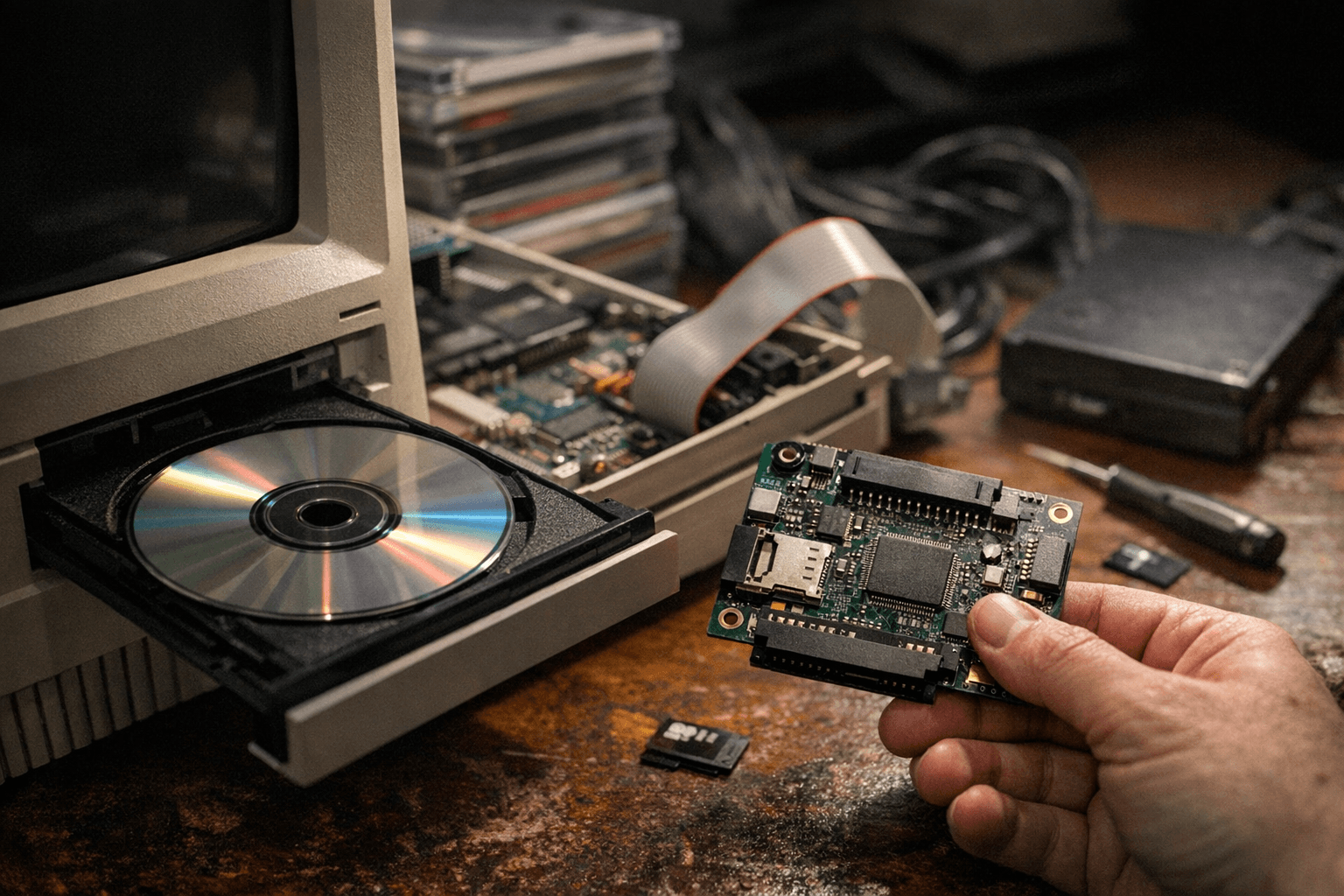
Repository metadata ties the tag to Rabbit Hole Computing and maintainer @aperezbios, with visible commit references to @aperezbios at hashes 4a861aa and 192ef0c. The release page lists contributors @morio, @PetteriAimonen, and @NT2MKU and references a changelog range "v2026.02.11...v2026.02.26," but the detailed "## What's Changed" content was not visible in the captured fragments due to repeated UI errors such as "Uh oh! There was an error while loading. Please reload this page." and "Sorry, something went wrong."
Because the release notes in the fragments show the sentence "The release includes several bug fixes addressing CD-" truncated, specific bug-fix entries for CD behavior remain unavailable in the current capture. With CD-audio explicitly called "in development" by contributors and commits tied to @aperezbios, the practical takeaway is clear: v2026.02.27 opens up CD-audio and image-swap testing for retro Mac, Amiga, and vintage PC workflows, but treat the features as experimental, back up SD cards, and await the full changelog and commit details for final verification.
Know something we missed? Have a correction or additional information?
Submit a Tip