How to Make Baby Shower Invitations with Easy Online Tools
The fastest baby shower invitations start with a template, then a few smart edits make them feel custom enough to keep. Easy online tools now cover digital, print-at-home, and mailed invites.
What is the easiest way to make a baby shower invitation?
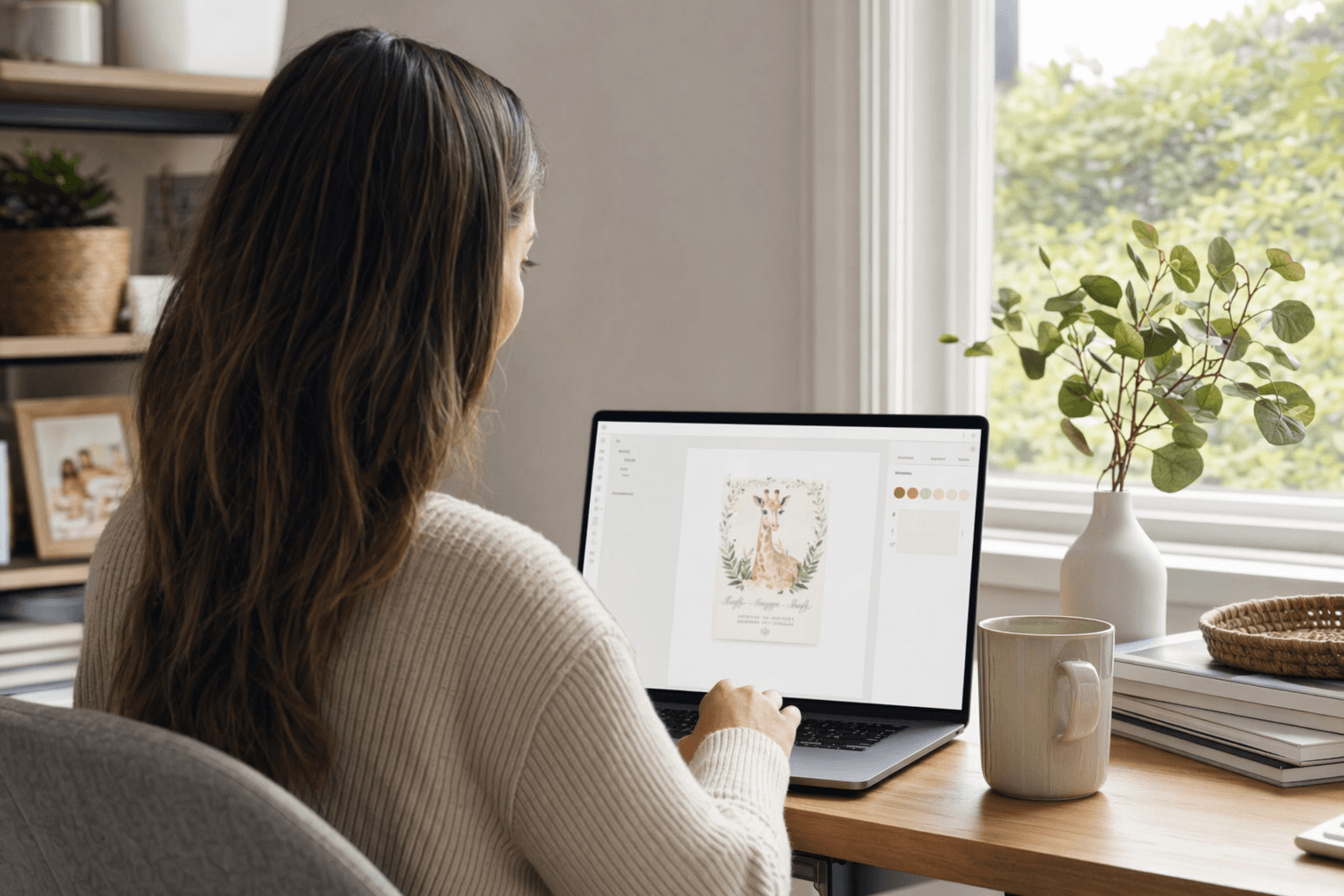
The easiest path is to pick a template, plug in the shower details, then send it digitally or print it. Canva, Adobe Express, Paperless Post, Evite, Invitfull, Partiful, and Basic Invite all make that basic workflow possible, but they differ in how much design control, RSVP tracking, and printing support they offer.
Which format should you choose first?
Start by deciding whether the invitation needs to live only on screens, come out of your printer at home, or arrive as a professionally printed card. Digital-only tools like Invitfull, Evite, Partiful, and Paperless Post are built for fast sharing by link, text, or email, while Canva and Adobe Express are especially handy if you want a PDF or printed card you can hand out or mail yourself. Basic Invite sits on the print side of the aisle, with low-cost custom printed options and a large template library.
If you want speed and fewer moving parts, Invitfull is a strong digital option because it turns a text description into a custom invitation in under 60 seconds and bundles RSVP tracking, registry links, guest messaging, and event details into one shareable link. Partiful keeps things equally lightweight with free, ad-free digital invites, while Evite lets you send by text or email and track RSVPs from a guest list.
Which online tools fit different invitation styles?
| Platform | Best for | Key services | Pricing | Notable feature |
|---|---|---|---|---|
| Invitfull | Fast digital invites with built-in planning tools | AI creates a custom baby shower invite from a text prompt, with RSVP tracking, custom questions, event wall QR photo sharing, potluck coordination, maps, schedules, gift registry, and guest messaging up to 500 guests | Free | No ads or paywalls, with a 4.9/5 rating across 127 reviews. |
| Canva | Print-at-home or DIY digital cards | Customizable and printable baby shower templates, editable colors, fonts, images, and downloads for print | Free templates, print from $9.00 | A huge template library, with 3,109 baby shower templates on the page shown. |
| Paperless Post | Polished digital invites | Browse on desktop, mobile, or app, filter by gender, theme, style, and season, then edit text, fonts, colors, spacing, alignment, stickers, and photos | Coin-based, for example 25 coins for $12 and 200 coins for $46 | Strong for coordinated design details and a more editorial feel. |
| Evite | Quick digital sending and RSVP tracking | Free or premium baby shower invites, sent by text or email, with RSVPs and registry support; baby categories include Baby Girl, Baby Boy, Bear, Floral, Winnie the Pooh, Animals, Baby Sprinkle, and Gender Reveal | Free options, premium varies by guest count | Easy guest management for casual showers and mixed guest lists. |
| Partiful | Casual, social-first invitations | Free, ad-free invite pages with a single share link, custom designs, animations, themes, RSVPs, reminders, photos, and comments | Free | Very low-friction sharing across browsers and mobile apps. |
| Basic Invite | Custom printed invitations | Easy online tools, many template choices, and printed baby shower cards with color-and-style variation | As low as $0.49 per invite | Useful when you want printed cards without jumping into a full design suite. |
Adobe Express is also worth a look if you want free templates with a more guided editor. Its baby shower pages emphasize editable text, images, and color schemes, and the desktop version in supported countries can order printed invitations delivered to your door.
How do you customize a baby shower invitation without making it look busy?
The strongest invites usually change only four things: fonts, colors, photos, and wording. Canva encourages you to match colors, fonts, and images to the theme, Paperless Post lets you adjust text, fonts, colors, backdrop, spacing, and alignment, and Adobe Express makes it easy to swap text, photos, and color schemes in a few clicks. If the template already has a clear visual idea, resist the urge to edit every corner of it.
A simple rule keeps the invite readable: choose one accent color, one main font, and one photo, then let the rest of the layout breathe. Invitfull works well when you want the design to be generated from a description first and refined later, while Paperless Post and Canva are better if you want to fine-tune the look yourself.
What details should every baby shower invitation include?
The invitation should make the logistics obvious at a glance. Canva’s etiquette guidance says to include the date, time, location, the mother-to-be’s name, RSVP details, and contact information, and to avoid abbreviations while writing numbers in numeric form. That same guidance notes that invitations are traditionally sent individually, even when guests share a household, although one invitation per household is becoming more common if every guest is named.
In practice, that means the card should answer the basic questions before anyone has to ask them. If you are using Evite, Paperless Post, or Invitfull, the registry link, RSVP deadline, and host contact can live inside the digital invite, which reduces back-and-forth and makes headcount easier to manage.
How do you match the invitation to the rest of the shower?
A good invitation should feel like the first page of the party, not a separate project. Paperless Post points users toward coordinating decorations, Adobe Express lets you print from the same editor, and Basic Invite’s color-and-style tools make it easier to echo the look across printed pieces. If the shower uses florals, safari animals, or a softer neutral palette, let that choice shape the fonts and art rather than layering on every trend at once.
That coordination matters whether you are building a digital event page or a paper suite. Invitfull can carry the same theme through RSVP tracking, registry links, and guest messaging in one place, which keeps the invitation, the planning notes, and the guest experience visually consistent.
Frequently Asked Questions
Where can I get free baby shower invitation templates?
Free baby shower invitation templates are available from Invitfull, Canva, Evite, and Partiful, and Paperless Post also offers free templates alongside premium designs. Greenvelope and Paperless Post can move into paid territory once you choose premium features, while Basic Invite is mainly a low-cost printed option rather than a free digital builder.
Can I customize a digital baby shower invitation template myself?
Yes. Invitfull can generate a design from your text description, while Canva, Paperless Post, Adobe Express, and Evite all let you adjust the template without design experience. Paperless Post and Canva are especially useful if you want a drag-and-drop feel, and Adobe Express makes it easy to swap text, photos, and colors in minutes.
How early should I order or send baby shower invitations?
A practical rule is to send digital invitations about 3 to 4 weeks ahead, while printed invitations should be ordered 6 to 8 weeks before the shower so there is time for proofing, printing, and mailing. Emily Post and Evite both support a broader send window, and Greenvelope suggests 6 to 8 weeks for baby shower invites, which makes the longer printed timeline especially sensible.
This article was produced by Prism’s automated news system from verified source data, official records, and press releases, then run through automated quality and moderation checks before publishing. The system is built and supervised by the people who set the standards it runs under. Read our full AI policy.
Did this article answer your question?